
YouType
Input method helper
The application adds a visual cue to the macOS cursor, displaying the active keyboard layout as a flag icon whenever the pointer hovers over a text field. By showing the language indicator directly at the point of entry, it helps users avoid typing errors caused by an unexpected layout, especially when the system’s layout status in hidden, such as in full‑screen mode.
It is targeted at macOS users who frequently switch between multiple input languages and need an immediate, on‑screen reminder of the current layout. The utility runs in the status bar and updates in real time, making it useful for anyone who types in multilingual environments or works with applications that do not expose layout information.
The program is distributed as a stable macOS‑only binary, installable via Homebrew or provided installation scripts, and includes an optional flag to suppress the Gatekeeper warning on first launch. Uninstallation can remove associated settings and cache if desired.
Reviews
Loading reviews…
Similar apps

Clipboard, Input & Automation
InputSourcePro
Tool for automatically switching input sources by app or website.
Clipboard, Input & Automation
SokIM
Korean-English Input Method Editor
Clipboard, Input & Automation
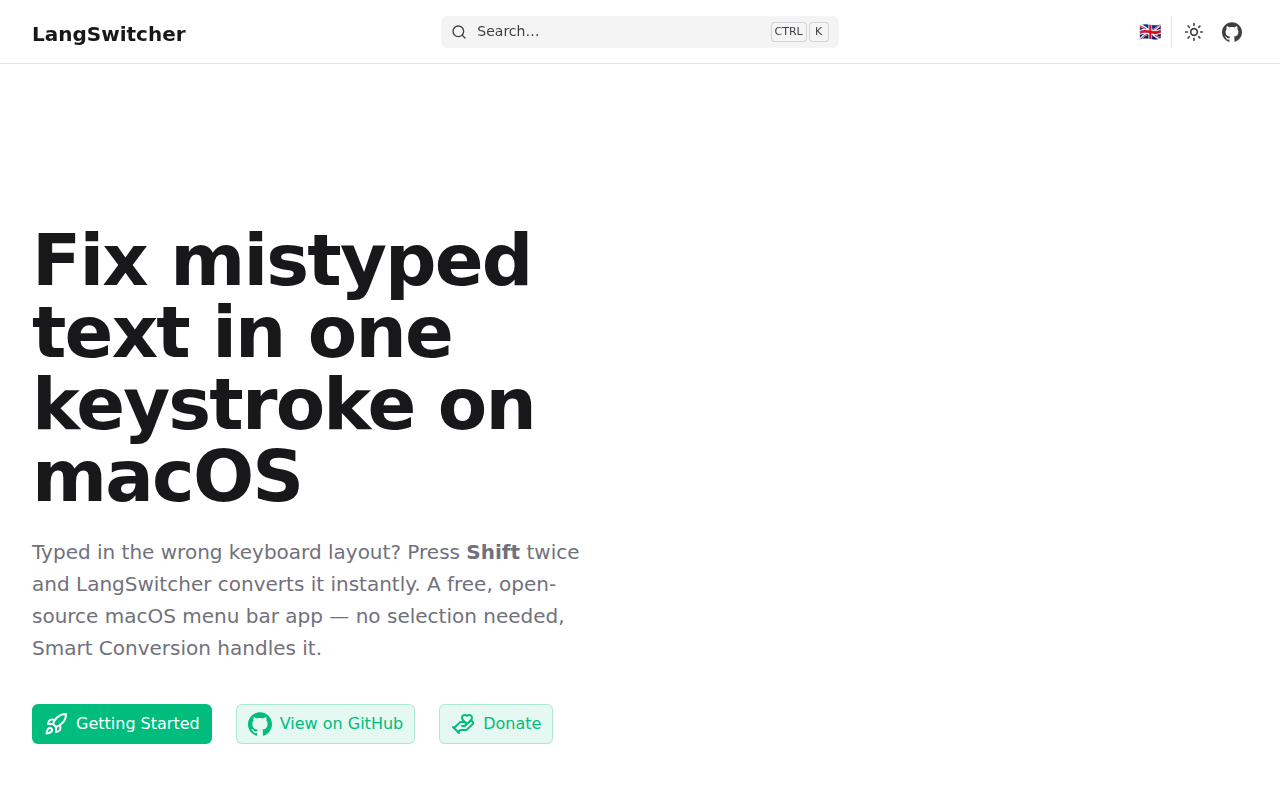
LangSwitcher
Keyboard layout converter for mistyped text.
Clipboard, Input & Automation
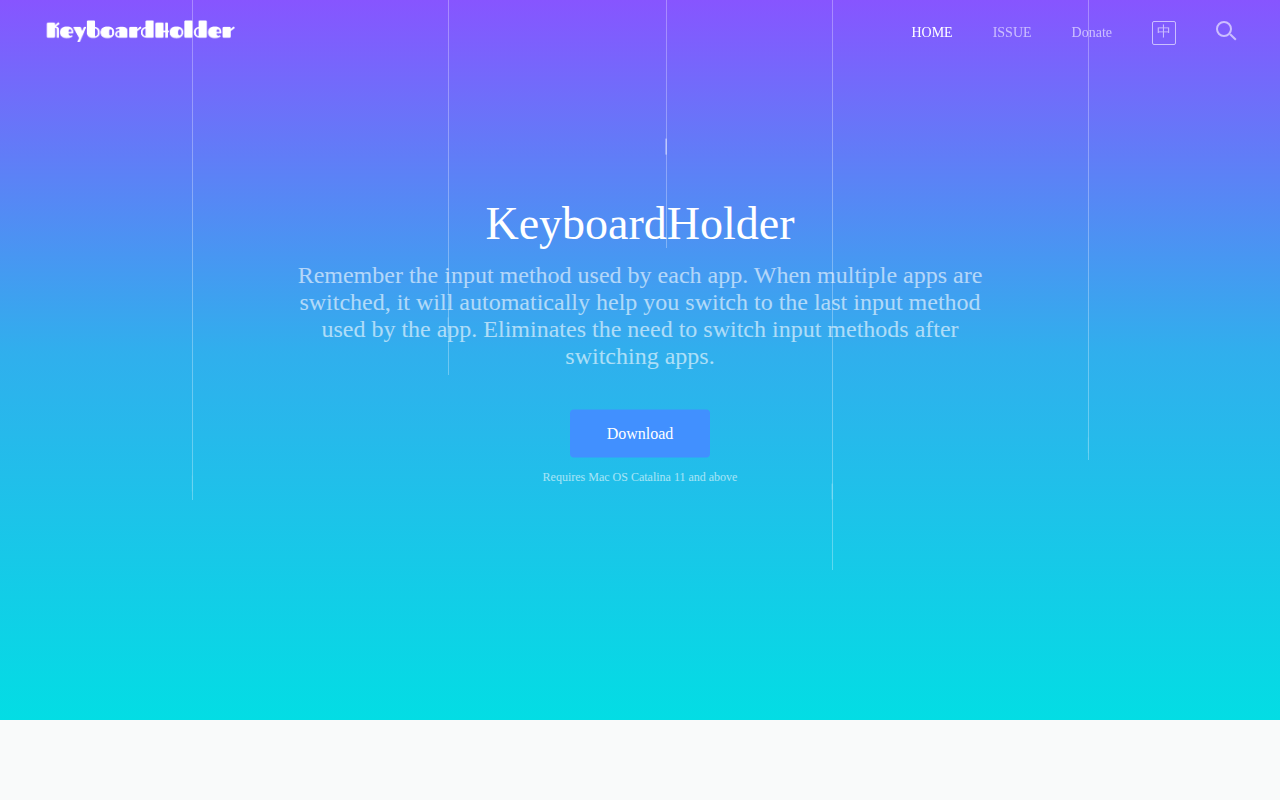
KeyboardHolder
Switch input method per application
Clipboard, Input & Automation
CapsLockNoDelay
Removes caps-lock key activation delay for fast typers.
Clipboard, Input & Automation
Kawa
Better input source switcher for OS X.