
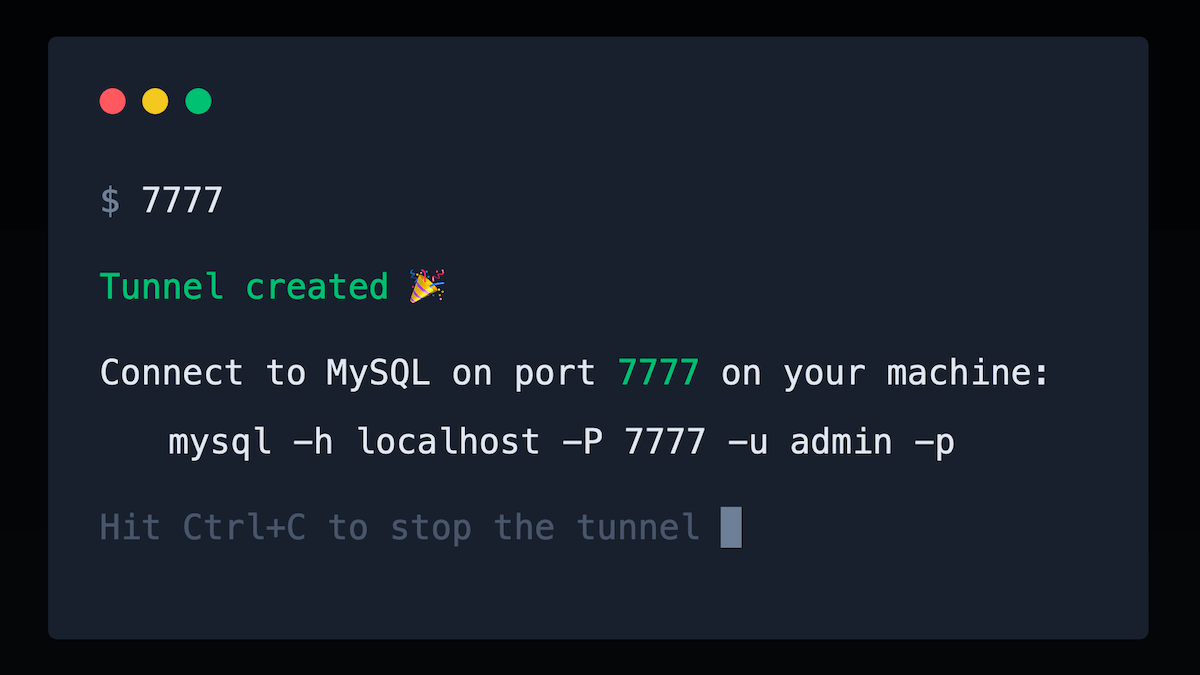
7777
Remote AWS database on local port 7777
It creates an SSH tunnel that forwards a remote Amazon RDS instance to a local port 7777, letting developers access MySQL, PostgreSQL, MariaDB, Aurora or Redis databases from standard client tools. The CLI automates the provisioning of a temporary jump server by launching an AWS Fargate container in the same VPC, establishing the tunnel, and deleting the container when the session ends, so no permanent bastion host or EC2 instance is required.
The tool runs on macOS, Linux and Windows and is distributed as a single binary, requiring only a download and execution of the “7777” command. Because the tunnel is created within the user’s own AWS account, no data passes through third‑party services, and the connection can be used with GUI clients such as MySQL Workbench, TablePlus or Sequel Pro, as well as in CI/CD pipelines.
It is aimed at developers who need quick, cost‑free access to private databases for debugging or testing, and it supports unlimited tunnels and databases per license, with solo and team editions available.
Reviews
Loading reviews…
Similar apps

Databases & Data Tools
Postgres.app
The easiest way to get started with PostgreSQL on the Mac.

Databases & Data Tools
TablePlus
Native GUI tool for relational databases

DevOps & Infrastructure
Cloudash
Monitoring and troubleshooting for serverless architectures
Security & Identity
AWS Vault
Securely stores and accesses AWS credentials in a development environment
Databases & Data Tools
TablePlus
Supports: PostgreSQL, MySQL, RedShift, MariaDB... High-end security ensured.
Databases & Data Tools
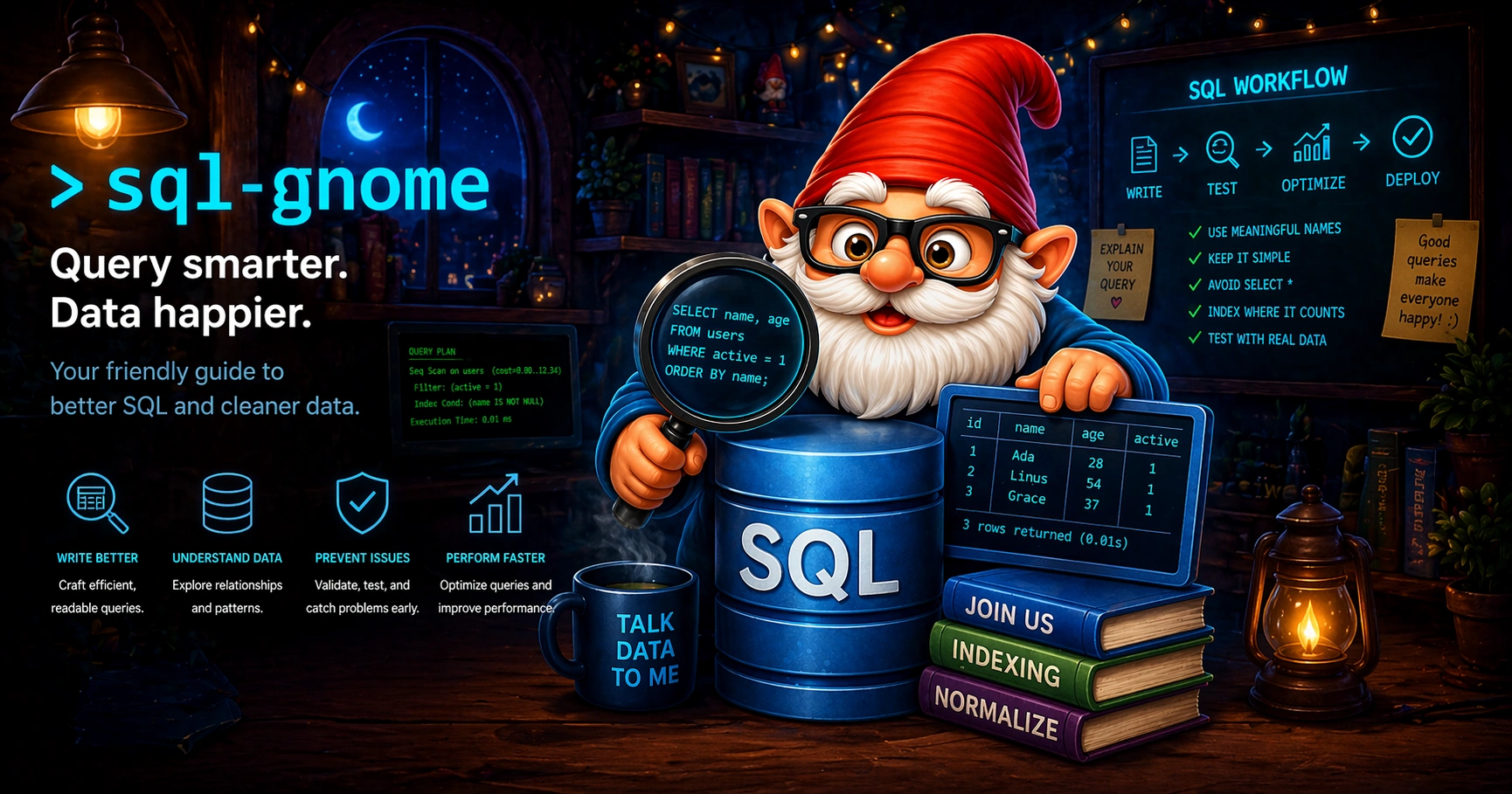
SQL Gnome
A lightweight MySQL client for macOS