
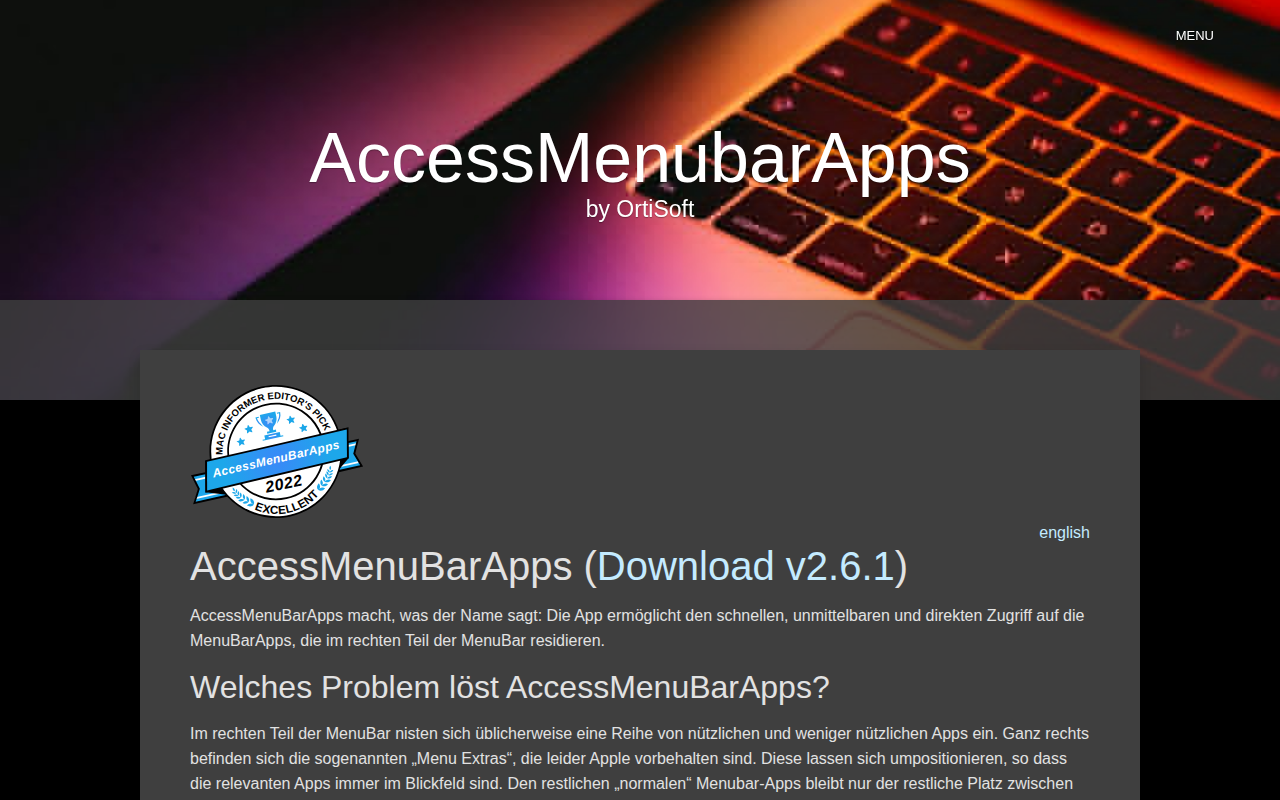
AccessMenuBarApps
Instant access for menubar apps
AccessMenuBarApps provides a way to keep menu‑bar applications that reside on the right side of the macOS menu bar readily reachable. By launching a minimal‑menu program, it maximises the space between the active application’s menu and the system “Menu Extras,” preventing other menu‑bar items from being obscured, especially on smaller screens such as MacBook Air or 13‑inch MacBook Pro displays.
The tool runs in the background and can be toggled on or off via a keyboard shortcut, mouse gesture, or its own menu‑bar icon, eliminating the need to repeatedly start or quit the helper program. This design lets users maintain a compact app menu while preserving immediate access to all desired menu‑bar utilities.
It is aimed at macOS users who rely on multiple menu‑bar apps but experience visibility issues on limited screen widths. The application is stable, core‑macOS, and distributed as a downloadable binary.
Reviews
Loading reviews…
Similar apps
Window & Desktop Management
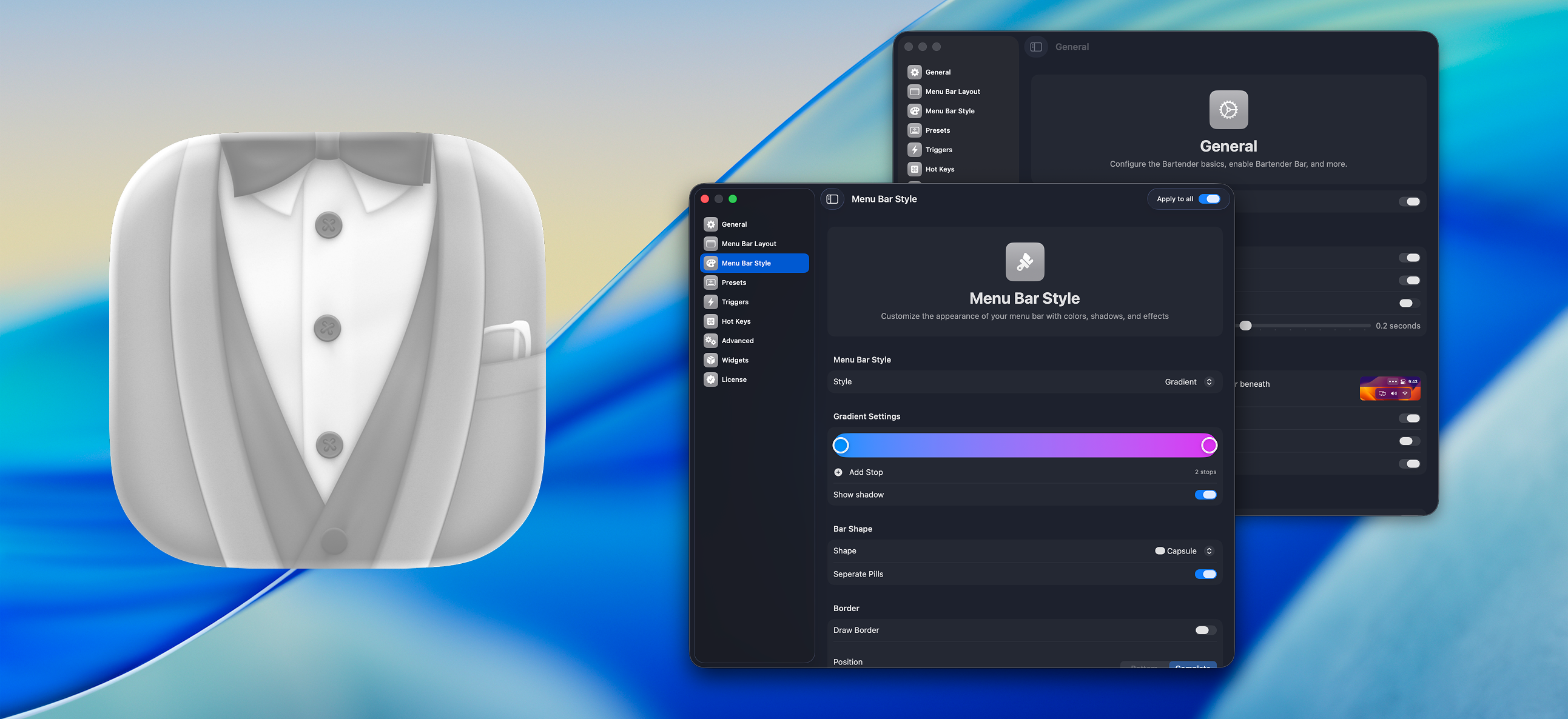
Bartender
Organize or hide menu bar icons on your Mac.
Window & Desktop Management
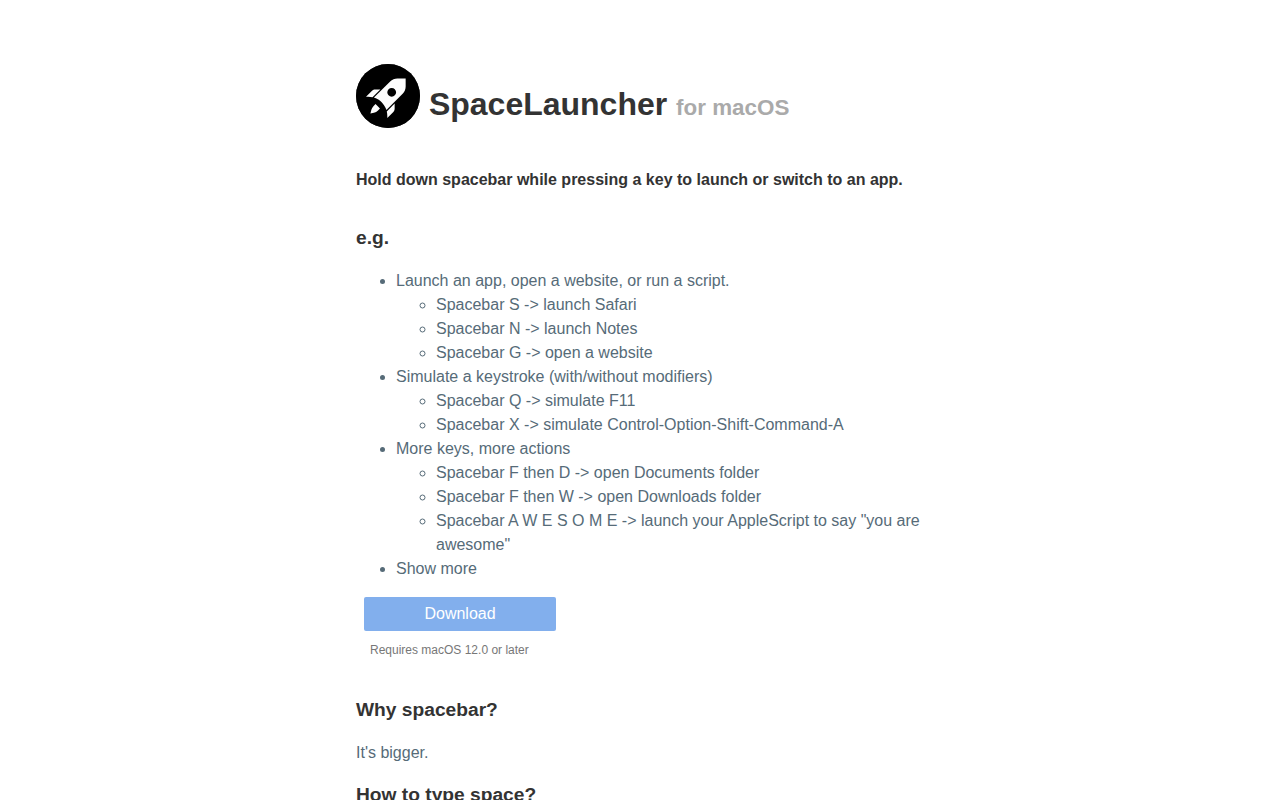
SpaceLauncher
App launcher/switcher
Window & Desktop Management
SaneBar
Privacy-first menu bar manager with hidden zones and automation rules.
Window & Desktop Management
Ice
Menu bar manager for hiding icons and organizing layouts.
Window & Desktop Management
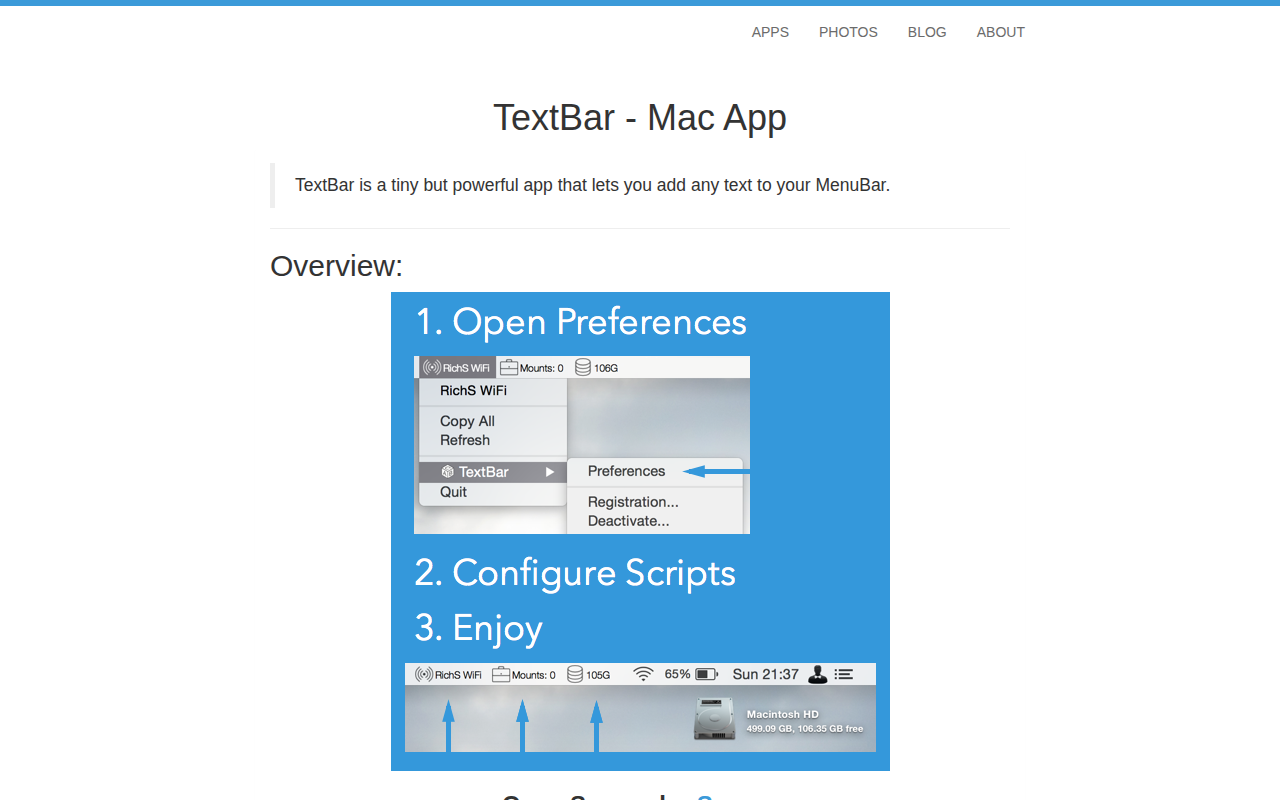
TextBar
Add any text to menu bar
Window & Desktop Management
ActiveDock
Customizable dock, application launcher, dock replacement