
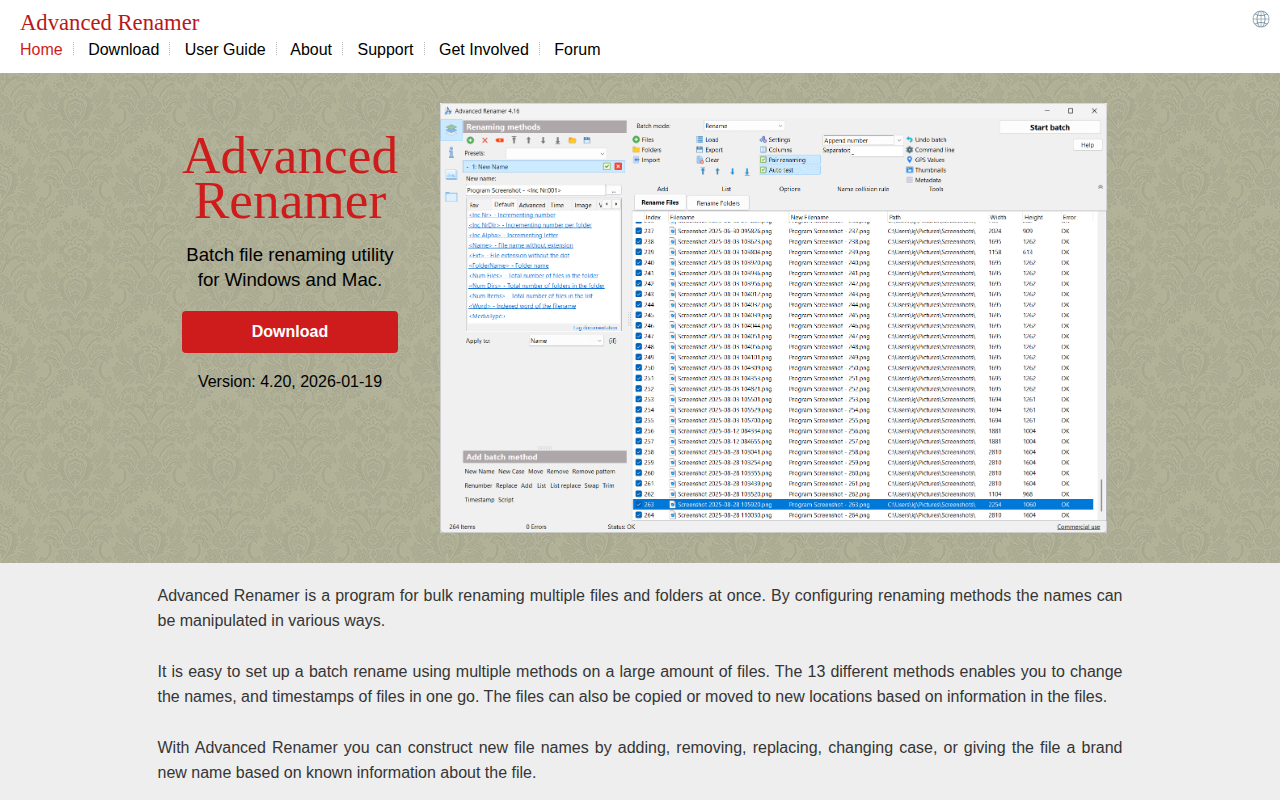
Advanced Renamer
Batch file renaming utility
The program provides bulk renaming of files and folders on Windows and macOS. Users define a sequence of renaming methods that can add, remove, replace text, change case, or assign entirely new names based on information extracted from each file. Up to 13 methods may be combined, and the tool can also copy or move items to new locations as part of the batch operation. A preview step shows the resulting names before changes are applied, and an undo function restores the original filenames if needed.
Specialized support is offered for images, music, and video files. For images, metadata such as date, time, dimensions, camera model, and embedded GPS coordinates can be used to generate descriptive names, including city or country names derived from a large geographic database. Music files can be renamed using tag information like artist, album, and genre, while video files can incorporate codec, resolution, frame rate, or audio bitrate into their names.
The utility targets users who need to organize large collections of digital media or documents quickly and reproducibly, offering a flexible, method‑driven approach without requiring manual renaming of individual items.
Reviews
Loading reviews…
Similar apps

File Management & Transfer
Renamer
Batch file renamer application

File Management & Transfer
Transnomino
Batch rename utility
File Management & Transfer
BetterRename
The most powerful and complete Mac file renaming application on the market.
Task & Project Management
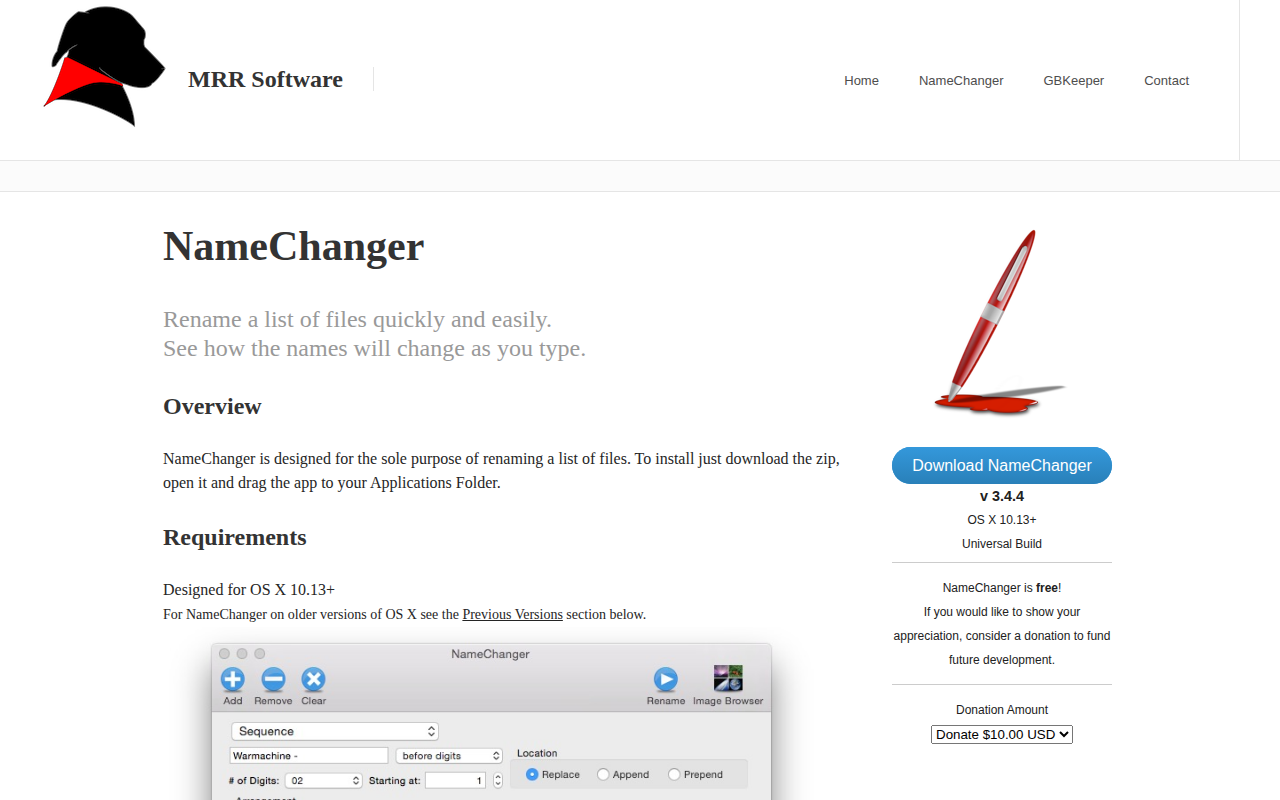
NameChanger
Rename a list of files quickly

File Management & Transfer
RenameClick
Local-first AI app for file renaming and organisation
File Management & Transfer
ExifRenamer
Tool to rename digital photos, movie- and audio-clips