
ATV Remote
Control Apple TV from your desktop
A lightweight menubar application lets users operate an Apple TV directly from a desktop computer. When the app is active, keyboard keys are mapped to remote functions—return or enter selects, delete opens the menu, and other keys correspond to navigation controls. Holding the Option (or Alt on Windows) key reveals the current key mappings, and long‑pressing a key simulates a remote long‑press action.
The program runs in the system tray, exposing a tiny remote icon that can be clicked or right‑clicked for additional options. Users can launch it from any window with a shortcut (Cmd + Shift + R on macOS, Win + Shift + R on Windows) and pair the app with one or more Apple TV devices during first use. Pairing information is retained for subsequent sessions.
Built with Electron and the pyatv library, the application is packaged for macOS and Windows via electron‑builder. Installation is possible through Homebrew on macOS or by downloading release binaries, and the source can be run locally with standard npm commands.
Reviews
Loading reviews…
Similar apps
Clipboard, Input & Automation
SiriMote
Control your computer with your Apple TV Siri Remote
Remote Access & VPN
Itsytv
Control your Apple TV from the menu bar.
Task & Project Management
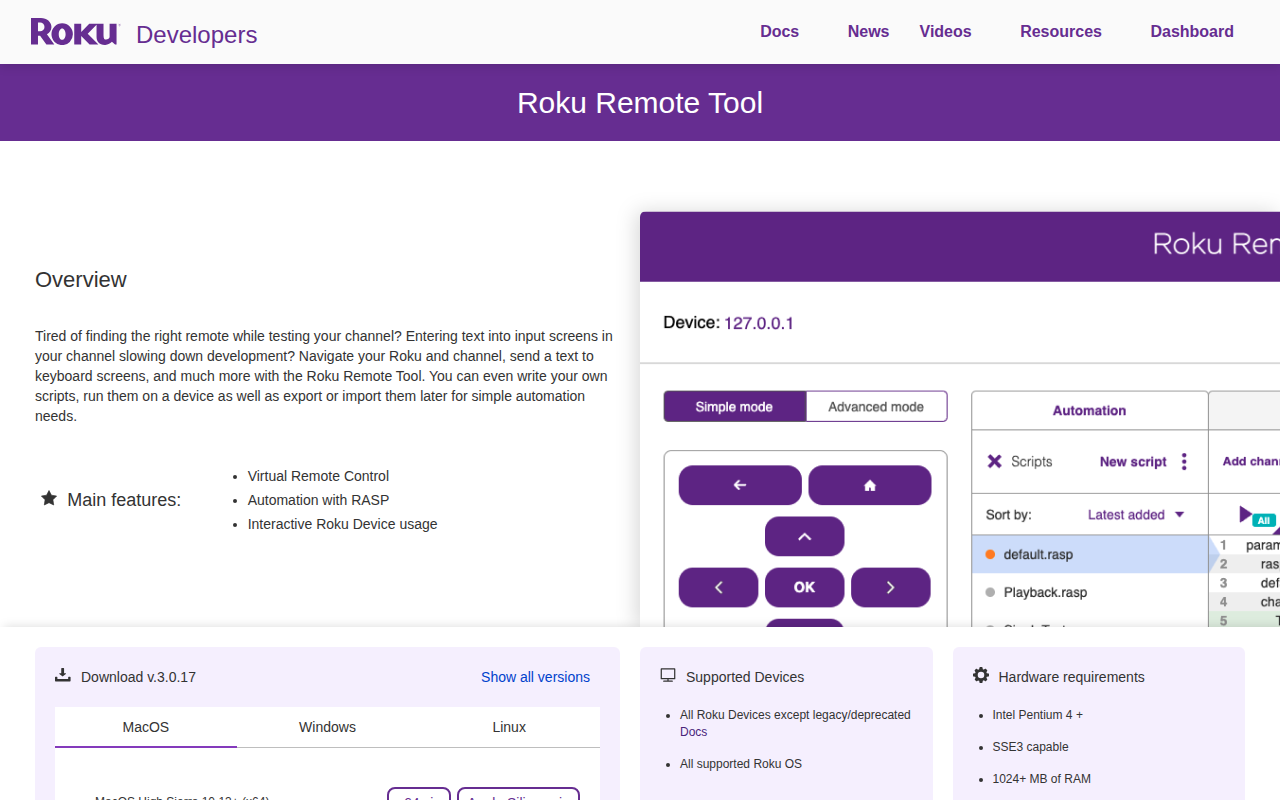
Roku Remote Tool
Configuration tool
HR & Business Ops
Bitfocus Buttons
Unified control and monitoring software
System Monitoring & Maintenance
HA Menu
Menu Bar app to perform common Home Assistant functions

HR & Business Ops
ASTRO Command Center
Full configuration of the adjustable settings for ASTRO devices