
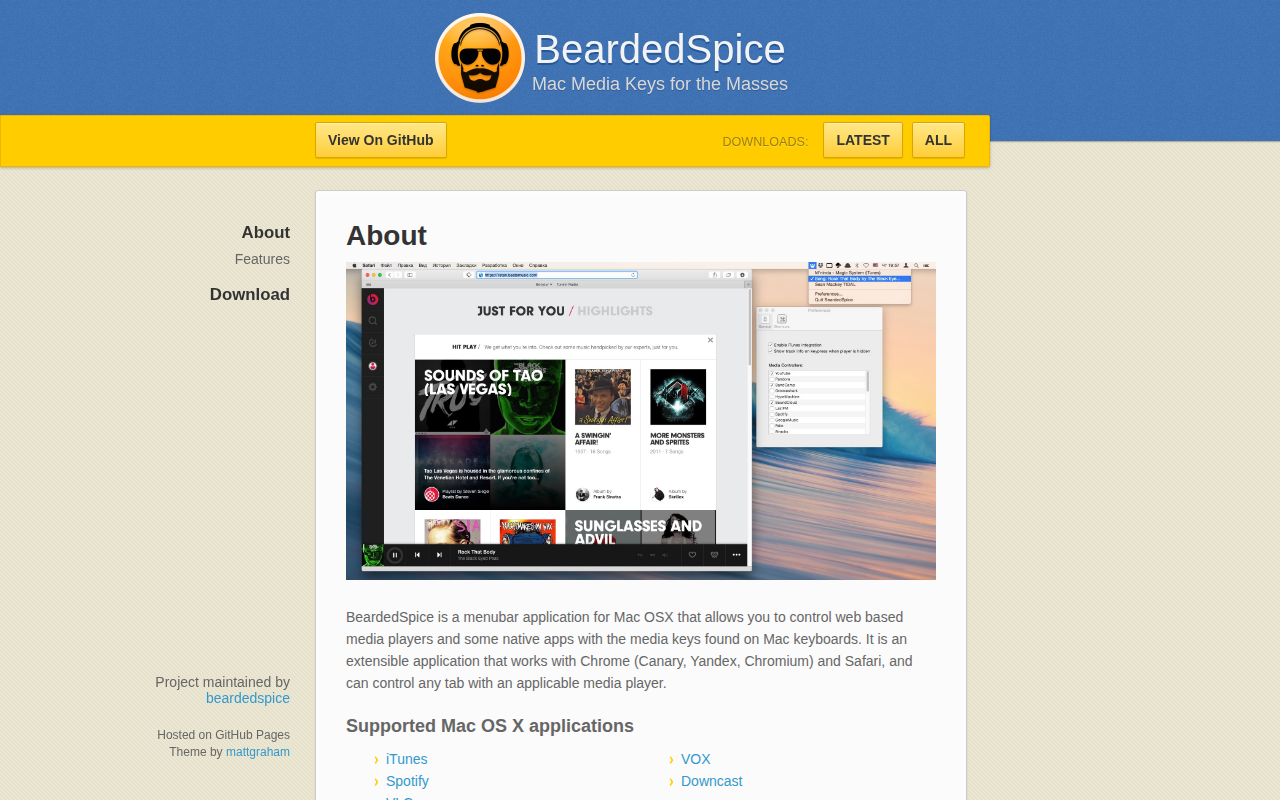
BeardedSpice
Control web players and supported apps with your keyboard media keys.
BeardedSpice lets macOS users control web‑based media players such as SoundCloud, YouTube and other supported sites, as well as native applications like iTunes, Spotify, VLC, VOX, Downcast and TIDAL Desktop, using the media keys on their keyboard. After opening a supported site in Chrome or Safari, the user selects the tab from the menubar icon and can then play, pause, skip, or adjust volume with the standard media keys or custom shortcuts defined in the preferences.
The application includes a “Smart” mode that attempts to identify the appropriate tab automatically, falling back to the focused tab or the first supported tab when no media is playing. It also provides automatic update notifications, a system for importing and exporting site‑specific JavaScript “media strategies,” and configurable keyboard shortcuts that work with non‑Apple keyboards.
Preferences allow users to enable or disable handlers for particular sites, view track information, and add tracks to a site’s favorites list, offering a unified way to manage media playback across multiple services from the macOS menu bar.
Reviews
Loading reviews…
Similar apps
Music Players & Streaming
Beardie
Control various media players with your keyboard
Music Players & Streaming
Mac Media Key Forwarder
Media key forwarder for iTunes and Spotify
Music Players & Streaming
MacMusicPlayer
A clean, lightweight music player for macOS users. ![Open-Source Software][OSS Icon] ![Freeware][Freeware Icon]

Music Players & Streaming
Kakapo
Open-source ambient sound mixer

Music Players & Streaming
YouTube Music
App wrapper for music.youtube.com
Clipboard, Input & Automation
Volume Control
Control the volume of Apple Music and Spotify using keyboard volume keys