
Briq (Beta)
Bug verification in 1 click
The extension records a browser session, capturing screen video, click events, console output, network traffic, and DOM snapshots in a single recording. After a bug is fixed, the same recording can be replayed with one click, automatically reproducing the original actions and showing whether the issue persists. The replay includes the full debugging context—device information, errors, and network requests—so reviewers can assess the fix without manual steps.
Users such as QA engineers, developers, and small product teams can start a recording directly in Chrome, generate a shareable link, and provide the exact same context to teammates. The workflow eliminates the need for written reproduction steps, separate test scripts, or additional automation setup.
Because the tool runs entirely inside the browser, it requires no external infrastructure. It is positioned for teams that need quick verification of bug resolutions, offering a free, experimental solution that integrates into existing web‑based development processes.
Reviews
Loading reviews…
Similar apps
DevOps & Infrastructure
Bugzy AI
Release faster with QA that keeps up
DevOps & Infrastructure
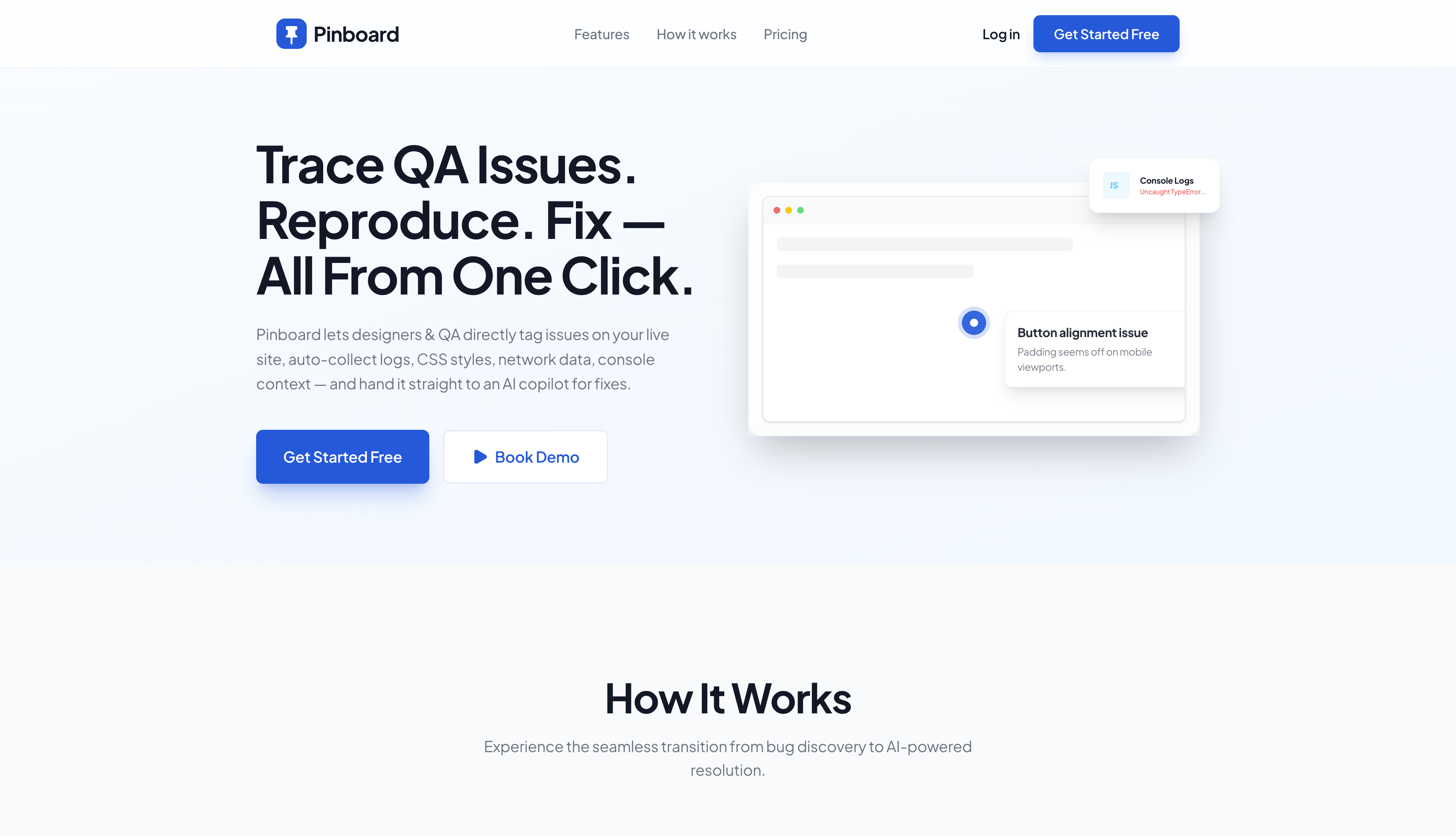
Pinboard
Turn visual UI feedback into actionable bug reports
DevOps & Infrastructure
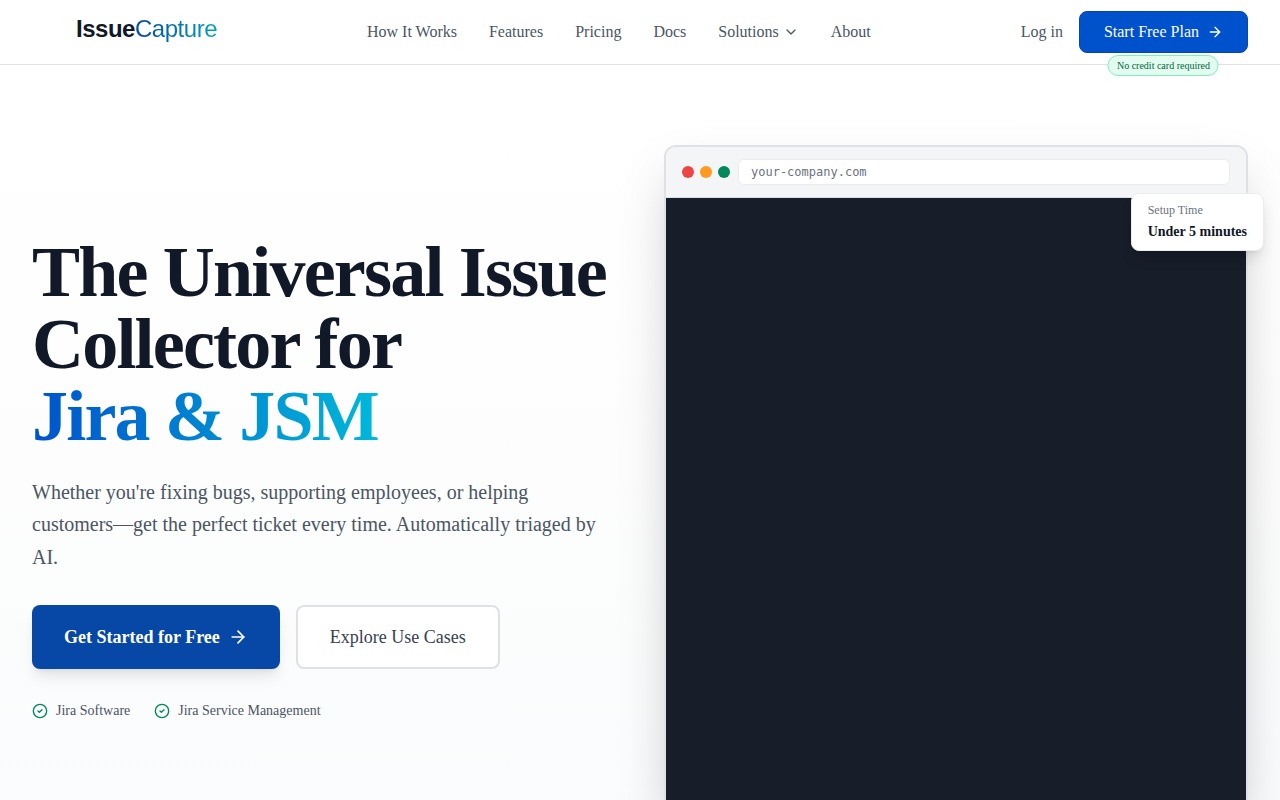
IssueCapture
Drop-in JavaScript widget for collecting bug reports into Jira with screenshots, console logs, and AI-powered triaging. Free plan available.
DevOps & Infrastructure
BugHerd
Visual bug tracking and feedback tool for web projects.
AI Coding Agents
qtrl
AI-powered test management and autonomous browser testing. Write tests in natural language, run them in real browsers, and scale QA without…

Task & Project Management
Ofeliqa
Write Less, Test More