
Capso
Open-source screenshot and screen recording tool with annotations, OCR, and webcam overlays.
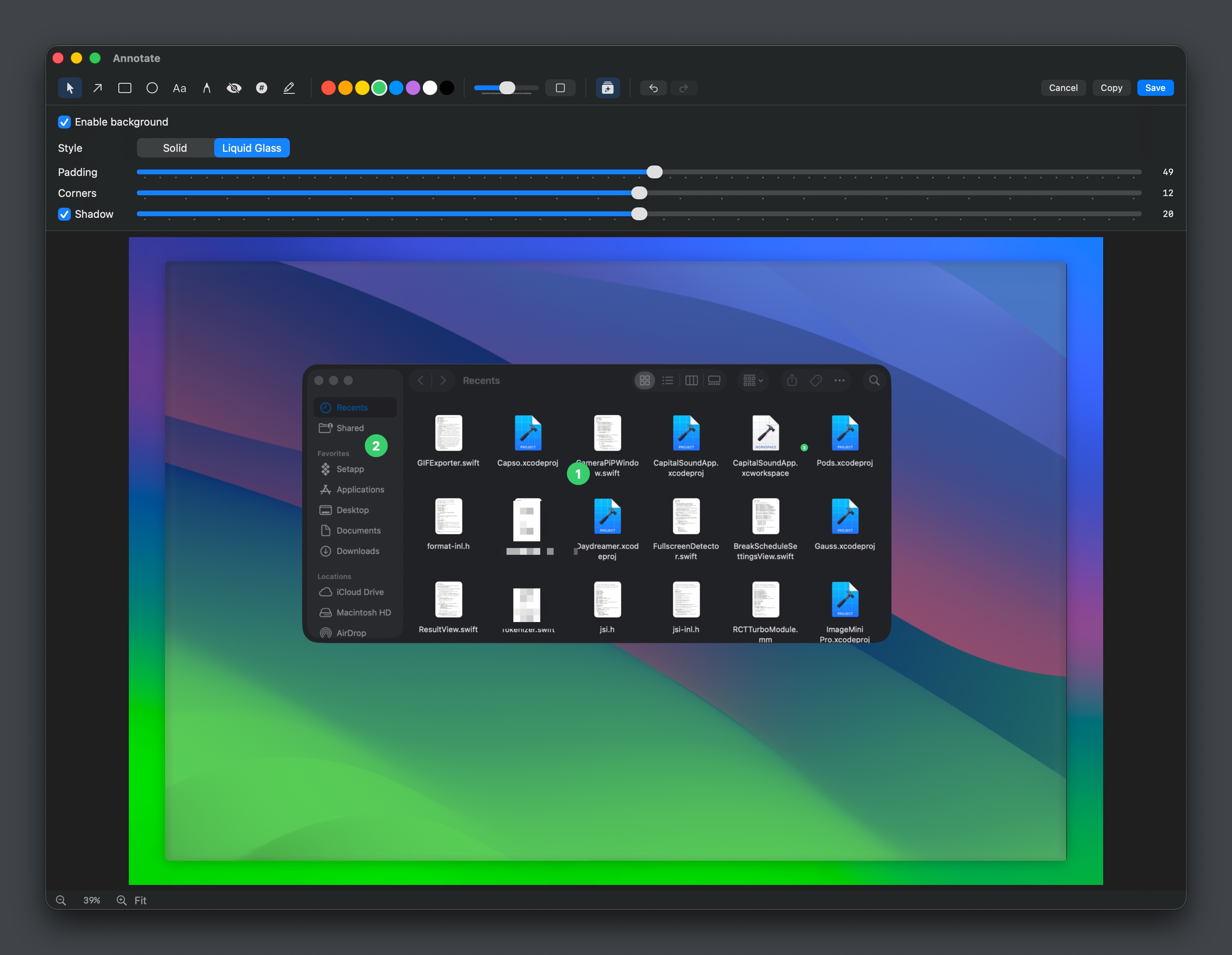
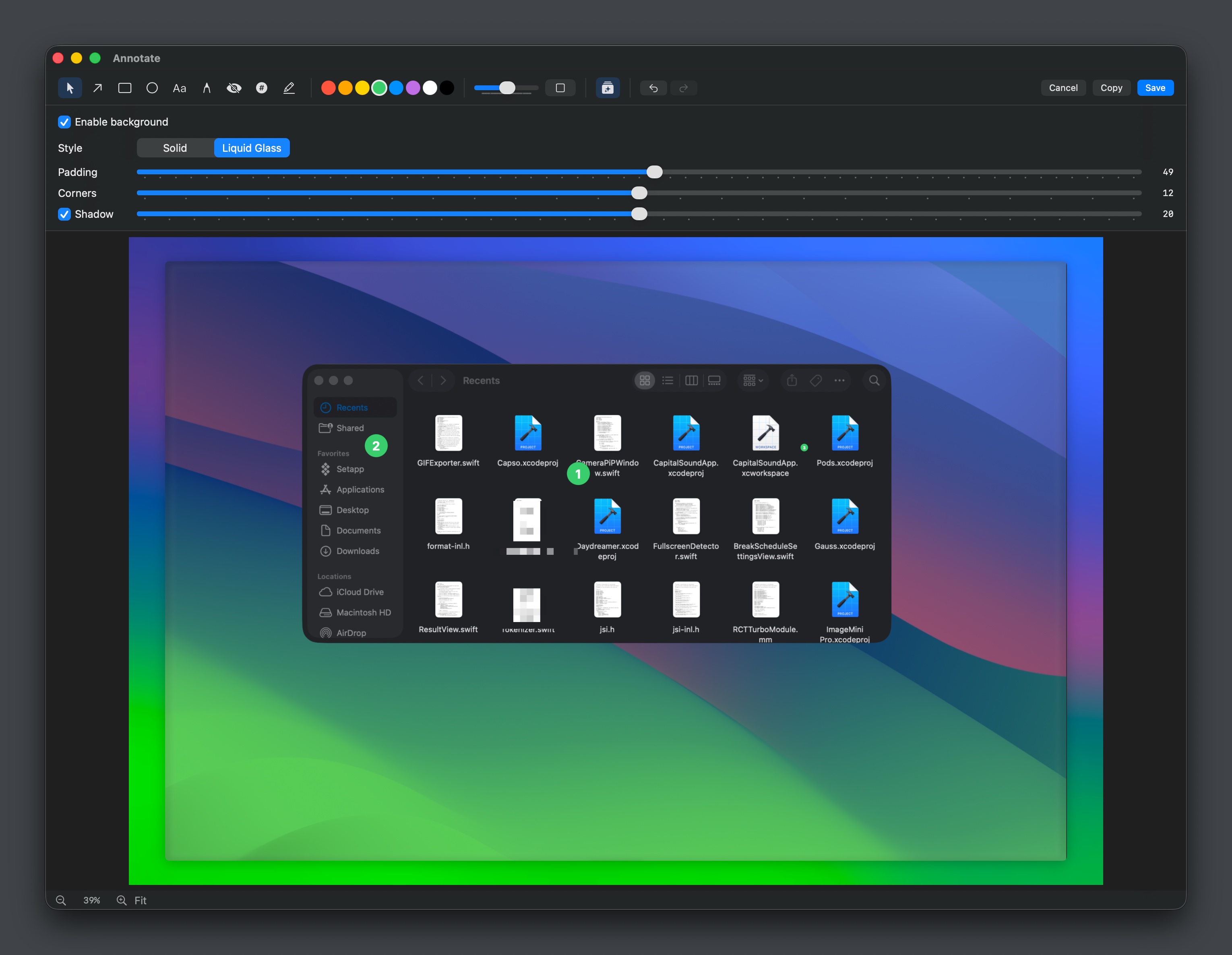
Capso provides native screenshot and screen‑recording capabilities on macOS, supporting area, fullscreen, window, and scrolling captures. Users can annotate images with shapes, text, freehand drawing, pixelation, blurring, and cropping, as well as adjust background styling such as color, padding, rounded corners, and shadows. An integrated OCR engine enables instant text extraction from selected regions and visual identification of text blocks.
For video, Capso records MP4 or GIF output, captures system audio and microphone input, and offers a picture‑in‑picture webcam overlay that can be resized, reshaped, or expanded to fullscreen. Recording controls include pause, restart, a countdown overlay, and quality presets, while an editor allows trimming, cursor smoothing, and background adjustments before export.
All captures are stored in a persistent library that can be filtered, copied, saved, or deleted, and users can configure retention policies. The application is open‑source, built with Swift 6.0 and SwiftUI for macOS 15+, and distributes as a free, notarized DMG or via Homebrew.
Reviews
Loading reviews…
Similar apps
Screenshot & Screen Recording
Capso
Free open-source screenshot & screen recorder for Mac
Screenshot & Screen Recording
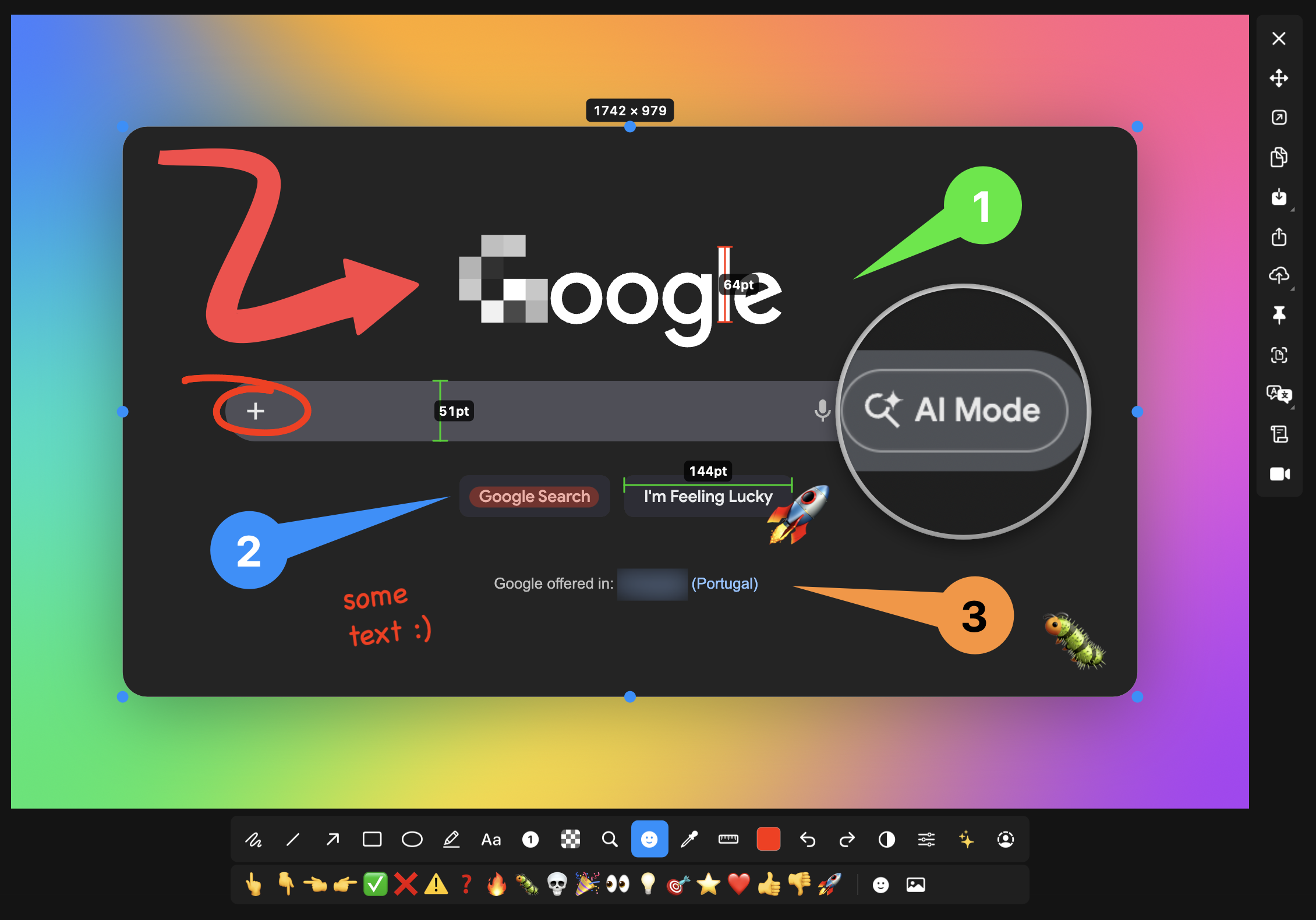
macshot
Screenshot and annotation tool with screen recording, scrolling capture, and OCR.
Screenshot & Screen Recording
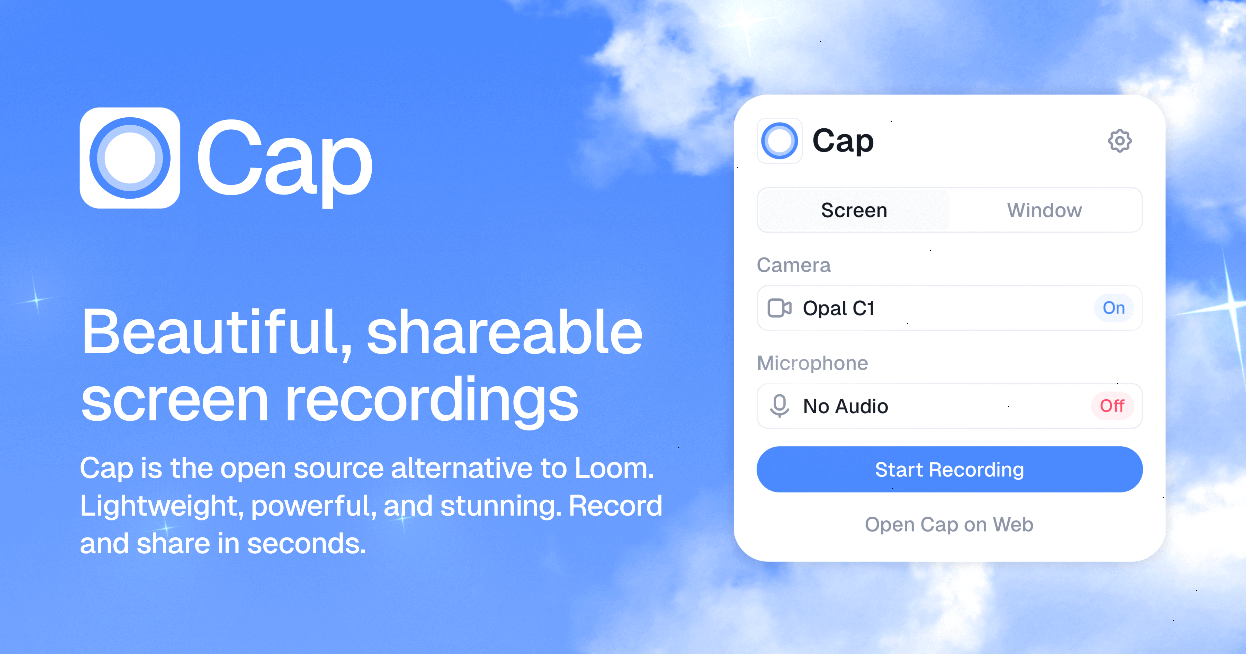
Cap
An open-source, lightweight Loom alternative for screen recording and video messages. Record, share a link, get the file back if you…
Screenshot & Screen Recording
CapSoftware
An open-source alternative to Loom. Beautiful, shareable screen recording tool.
Screenshot & Screen Recording
Capty
Screen capture and recording tool with built-in editing and annotations.
Screenshot & Screen Recording
BetterCapture
Free and open source screen recorder with professional encoding support.