
Captain's Deck
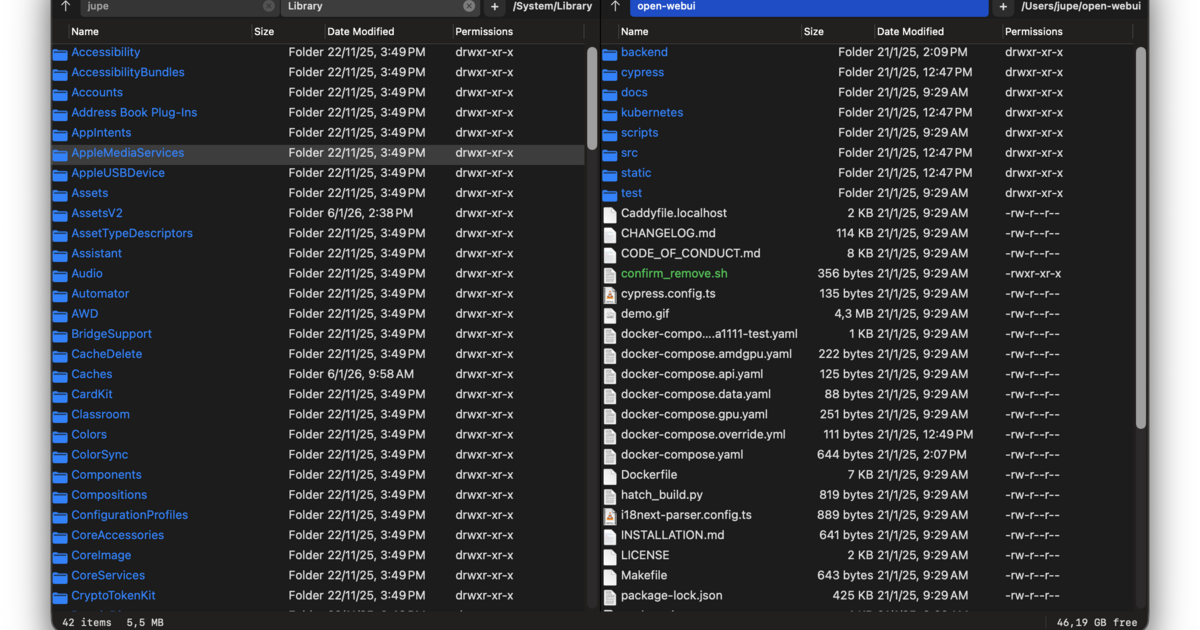
Dual-pane file manager inspired by Norton Commander
Captain’s Deck provides a dual‑pane file manager for macOS, offering side‑by‑side panes for copying, moving, and comparing files. It integrates a terminal that follows the active directory, allowing users to switch between graphical navigation and command‑line operations without leaving the application. The manager supports remote connections such as SFTP, FTP, and S3, treating cloud and server locations like local folders.
Designed for power users, the interface emphasizes keyboard navigation with Vim‑style shortcuts and traditional arrow keys, enabling rapid browsing of large directories. Search combines Spotlight‑style metadata lookup with content‑based grep, and Git integration displays file status via color‑coded badges while permitting staging, committing, and diff viewing directly from the manager.
Implemented in Swift with a C++ core, the app runs natively on macOS 14+ using AppKit, employing lazy‑loading and asynchronous operations to handle directories containing millions of items while keeping memory usage low and UI responsiveness high.
Reviews
Loading reviews…
Similar apps
File Management & Transfer
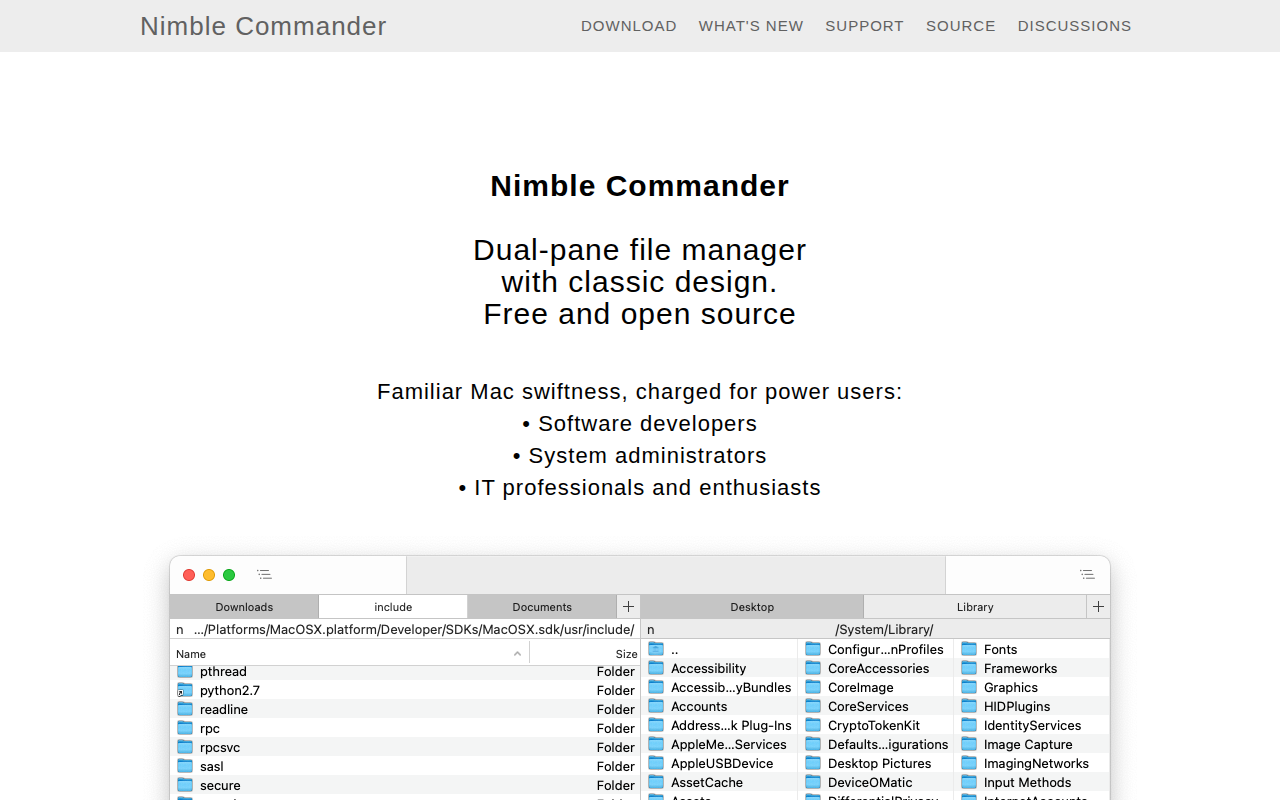
Nimble Commander
Dual-pane file manager
File Management & Transfer
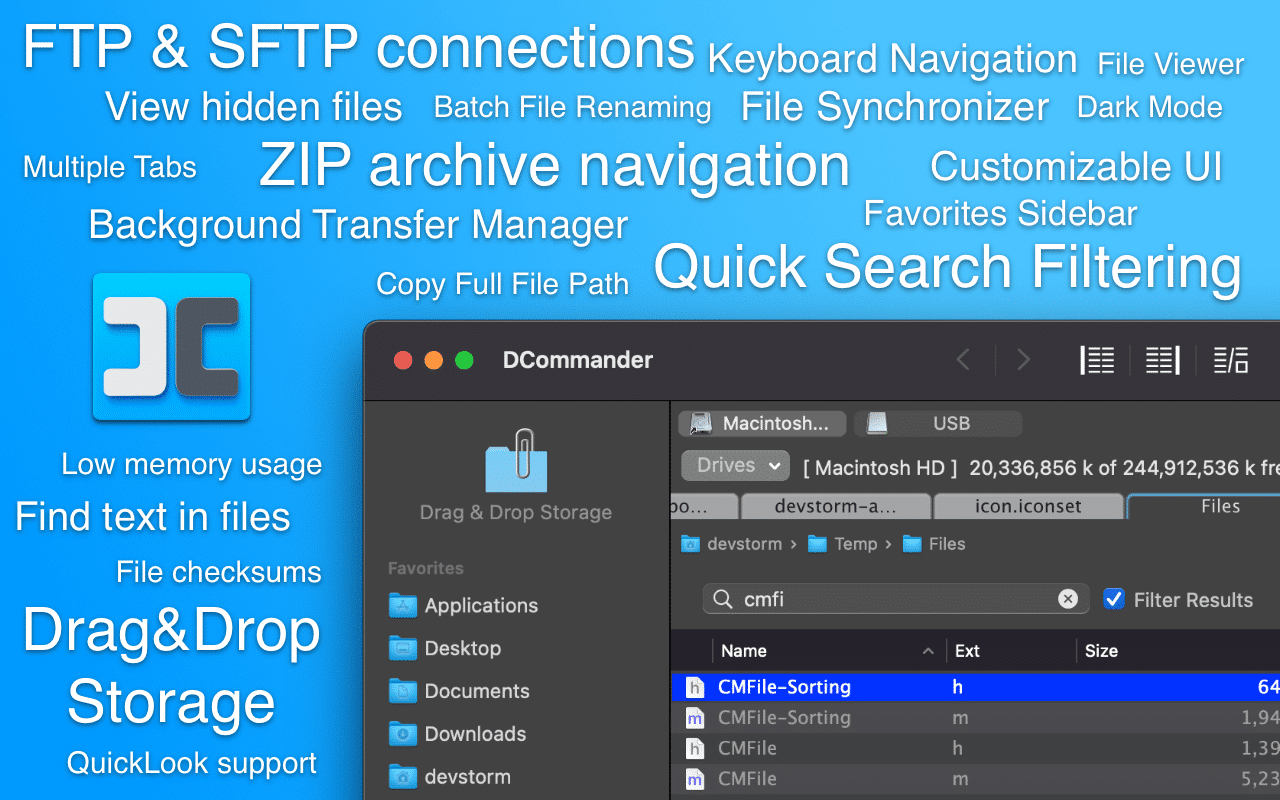
DCommander
Two-pane file manager
File Management & Transfer
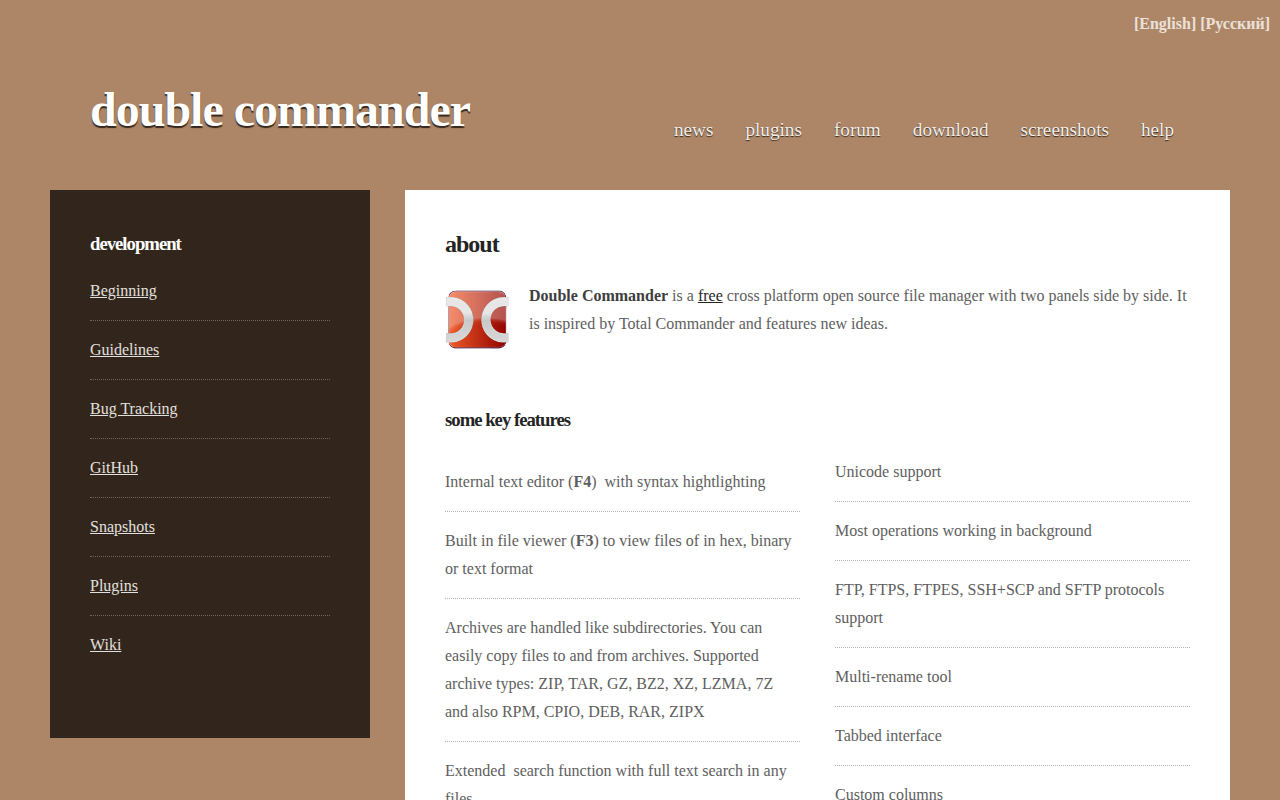
Double Commander
File manager with two panels
File Management & Transfer
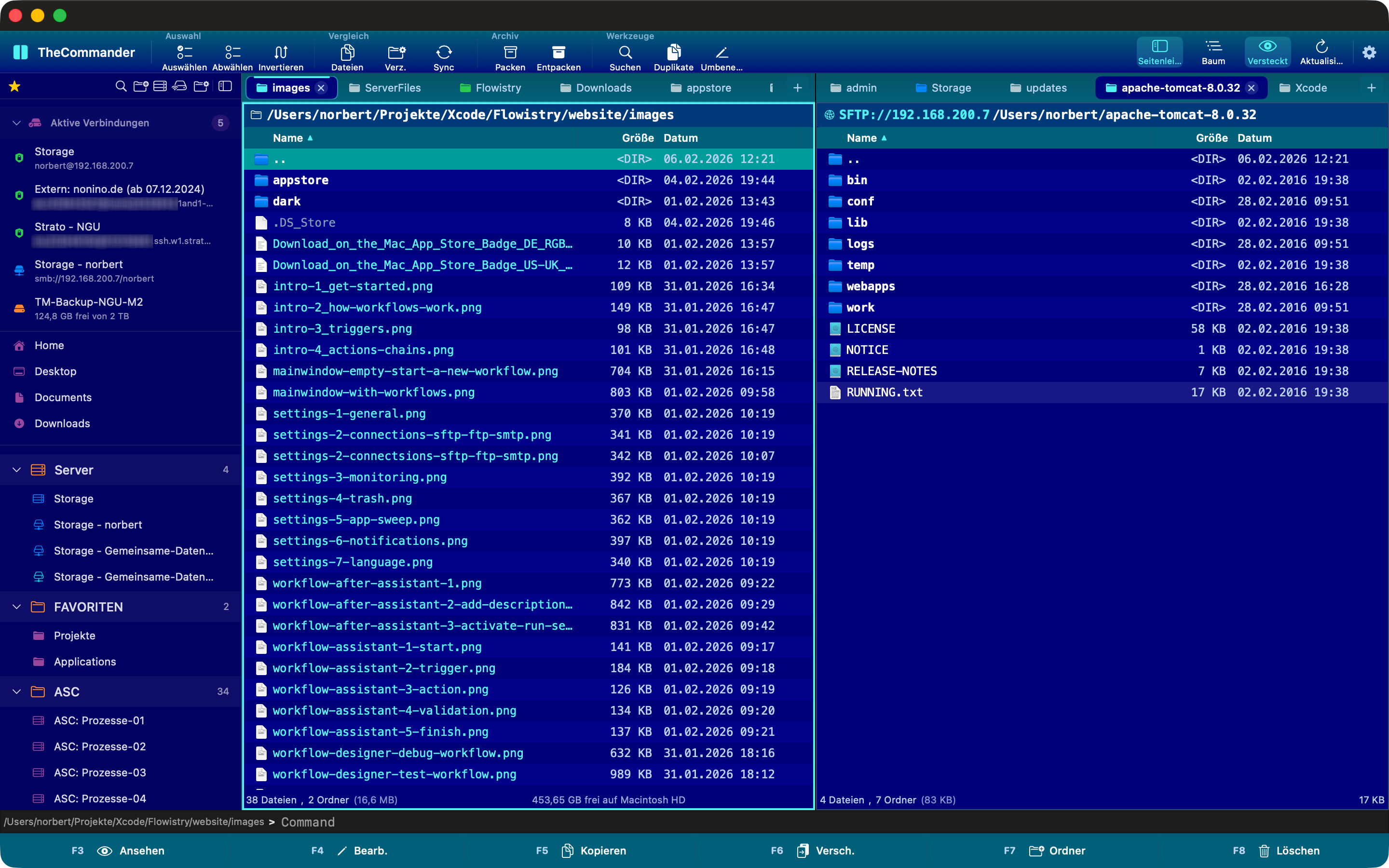
TheCommander
Dual-panel file manager inspired by Total Commander
File Management & Transfer
Path Finder
File manager

File Management & Transfer
Fileside
A modern, tiling file manager with unlimited panes.