
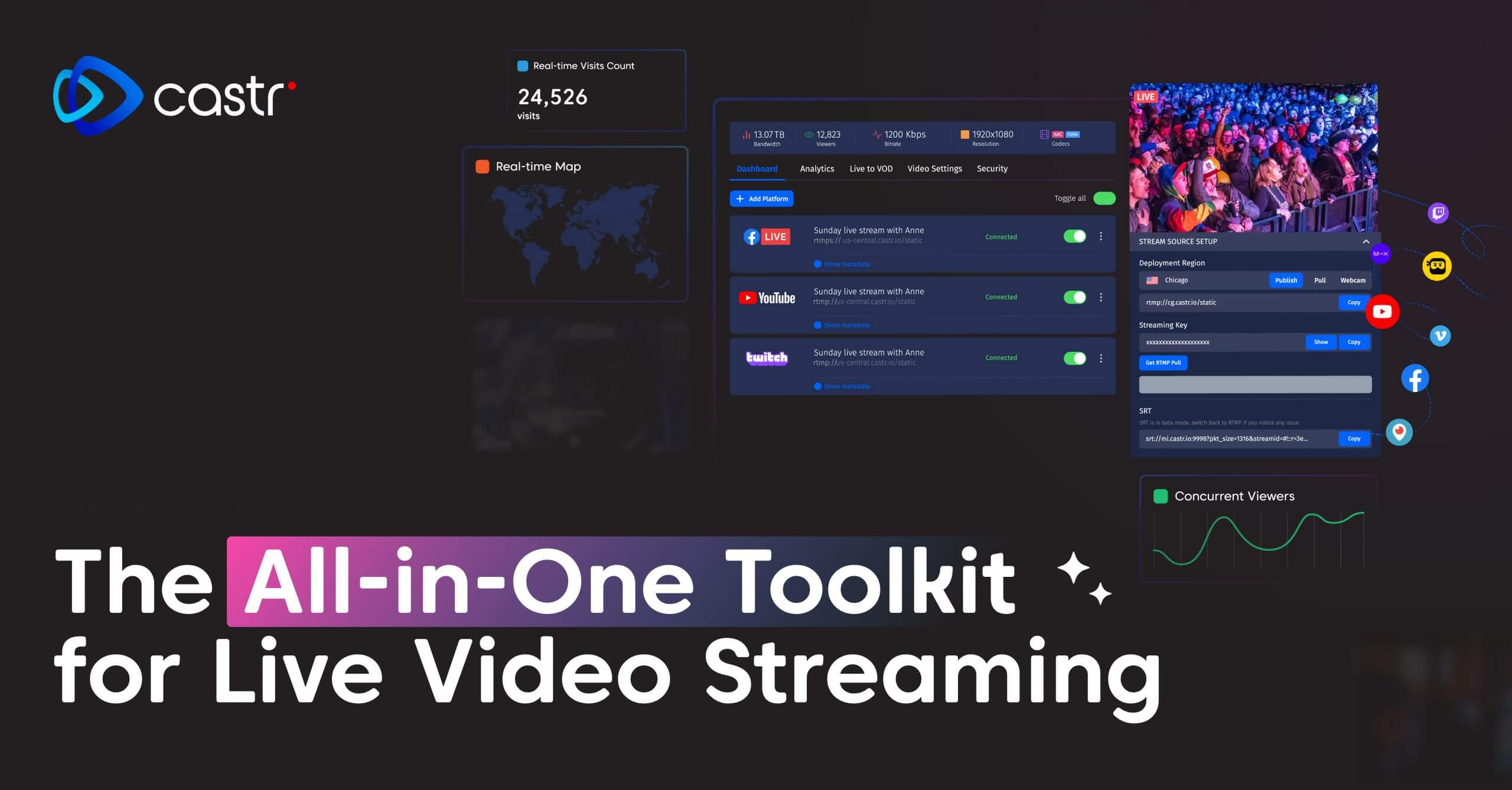
castr
Desktop application for controlling Castr streaming platform
The desktop client provides a graphical interface for managing live streams on the Castr platform. It runs on macOS and lets users start, stop, and monitor broadcasts, configure ingest settings, and switch between multiple output destinations without leaving the application. The tool also exposes controls for transcoding options, bitrate adjustments, and overlay management, enabling real‑time production adjustments directly from the desktop.
It is aimed at content creators, broadcasters, and enterprises that already use Castr’s cloud‑based streaming, hosting, and monetization services. By integrating with the platform’s API, the client stream the workflow of setting up live events, scheduling playout, and applying security or analytics features, all from a single local window.
What distinguishes this application is its focus on macOS users who need a native, stable environment for operating Castr’s multi‑CDN, adaptive‑bitrate streaming infrastructure. It consolidates the web‑based controls into a desktop experience, reducing the need to switch between browsers and external tools while preserving full access to Castr’s production and distribution capabilities.
Reviews
Loading reviews…
Similar apps
Team Chat & Messaging
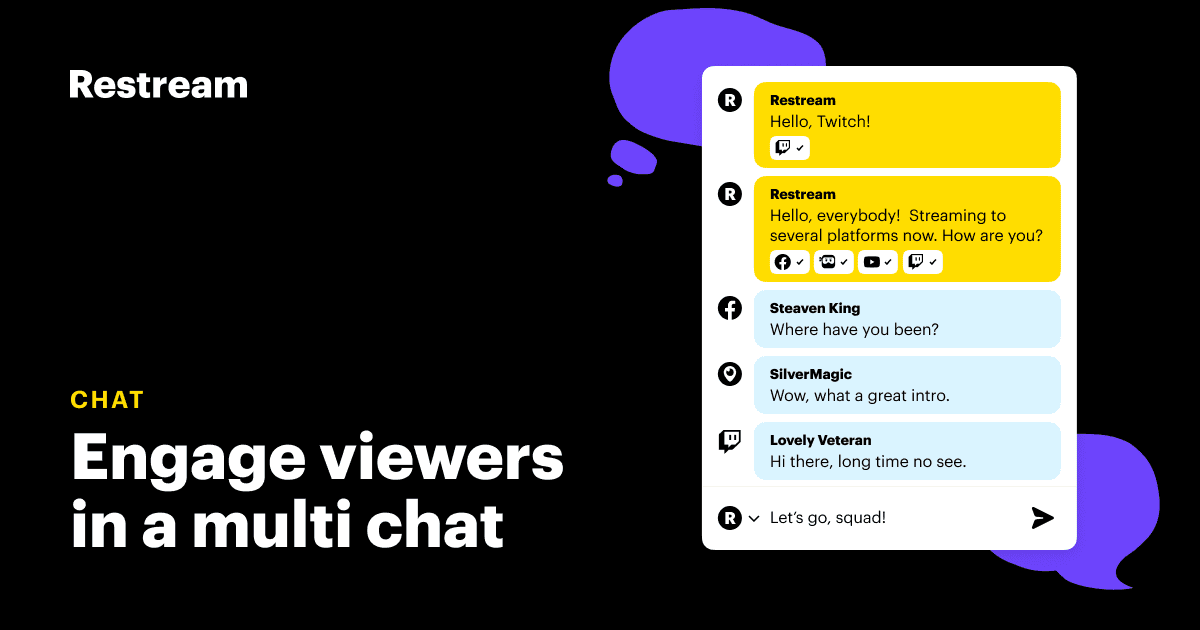
Restream Chat
Keep your streaming chats in one place

Video & Voice
Owncast
Decentralized single-user live video streaming and chat server for running your own live streams similar in style to the large mainstream…
Media Players & Streaming
Restreamer
Access H.264 real-time video streaming on your website without a streaming provider.

System Monitoring & Maintenance
Stremio
Open-source media center
Live Streaming & Broadcast
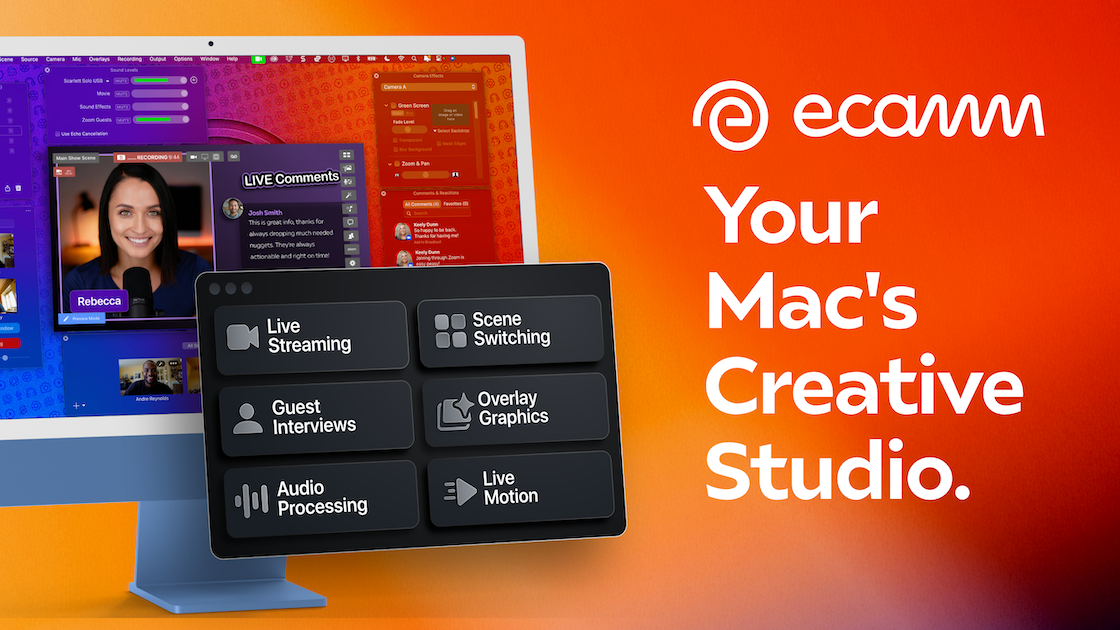
Ecamm Live
Live streaming & video production studio

Network & Connectivity
Crowdcast 3.0
Run every type of event without switching tools