
ClipBook
Clipboard history app
ClipBook runs in the background on macOS and records every item you copy—text, images, files, links, colors, and emails—so you never lose previously copied content. The history is unlimited and persists across days, weeks, or months, and each entry can be previewed in full with a toggleable pane to verify its contents before pasting.
The app emphasizes keyboard‑centric workflows: a global shortcut (Shift + ⌘ + V) opens the history, and the first nine items are reachable via ⌘ 1‑9 shortcuts. You can paste without formatting, merge text items, edit or favorite entries, and even paste multiple selected items in order, with optional automatic navigation after each paste. The interface is resizable, with optional preview and details panes, and can be customized in appearance.
ClipBook is targeted at macOS users who need a reliable, feature‑rich clipboard manager for frequent copy‑and‑paste tasks, especially those who prefer staying on the keyboard and require fine‑grained control over pasted content.
Reviews
Loading reviews…
Similar apps
Clipboard, Input & Automation
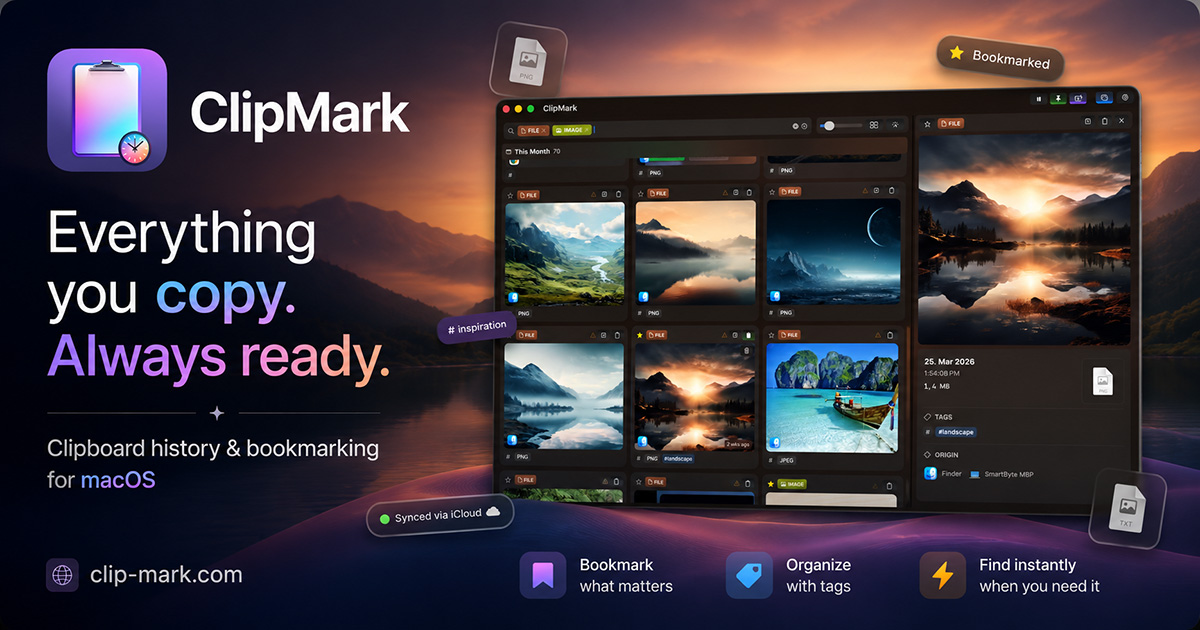
ClipMark
Never lose anything you copy again
Clipboard, Input & Automation
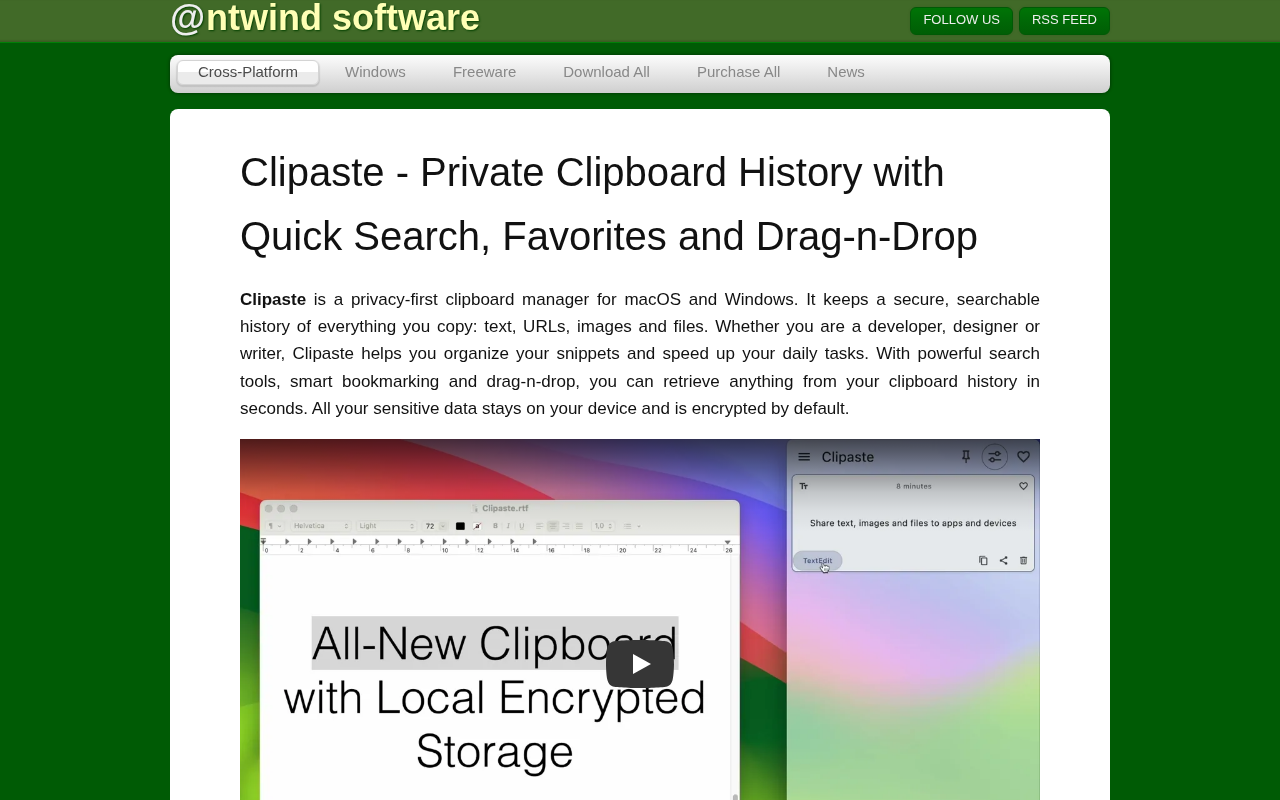
Clipaste
Clipboard history manager
Clipboard, Input & Automation
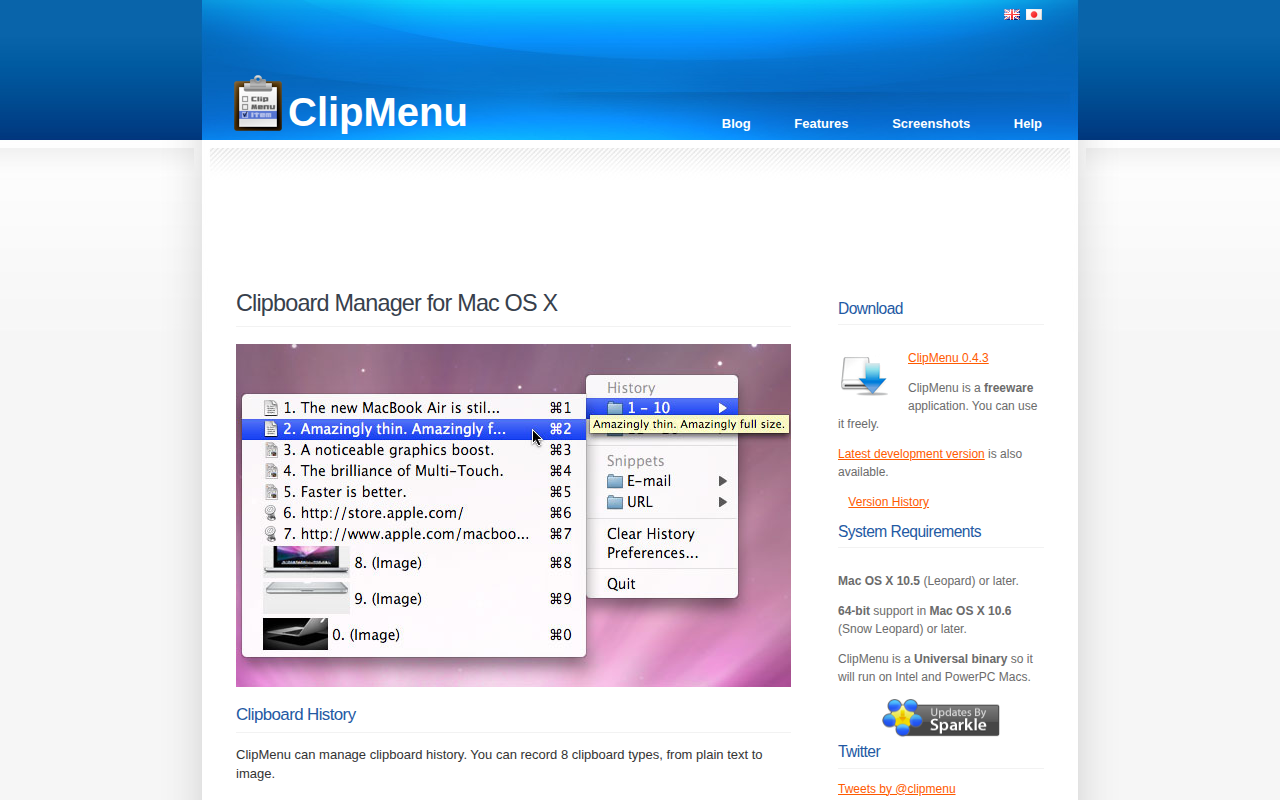
ClipMenu
Clipboard manager for Mac OS X.
Clipboard, Input & Automation
Clipy
Clipy is a Clipboard extension app for macOS. Based on ClipMenu.
Clipboard, Input & Automation
ClipFlow
Free clipboard history manager with terminal-style navigation.
Clipboard, Input & Automation
Clibor for Mac
Clipboard manager