
Clock Bar
Macbook | Clock, right on the touch bar
Clock Bar places a digital clock directly on the MacBook Touch Bar, giving users immediate access to the current time without moving the cursor to the menu bar. The app runs as a macOS core component and can be installed via Homebrew cask. Users can open a preferences panel with a long press on the Touch Bar icon, enable launch at login, and switch between 24‑hour and 12‑hour displays by tapping the clock itself. Color options let users match the clock to their visual preferences.
The utility targets macOS users who want to reduce the effort of locating the system clock, especially when the Touch Bar is already used for other shortcuts. By integrating the time display into the Touch Bar’s upper‑right area, it aims to make checking the hour quicker and more convenient.
Clock Bar is released as a stable version and invites community contributions through GitHub, offering a straightforward development workflow with Xcode and pull requests. Future enhancements are tracked in a public project board, and users can submit ideas via GitHub issues.
Reviews
Loading reviews…
Similar apps
Window & Desktop Management
CornerCal
Clock app
Window & Desktop Management
UTCMenuClock
Menu bar clock
Time Tracking & Focus
TomatoBar
World's neatest Pomodoro timer for macOS menu bar.
Window & Desktop Management
LunarBar
Lunar calendar for menu bar
Window & Desktop Management
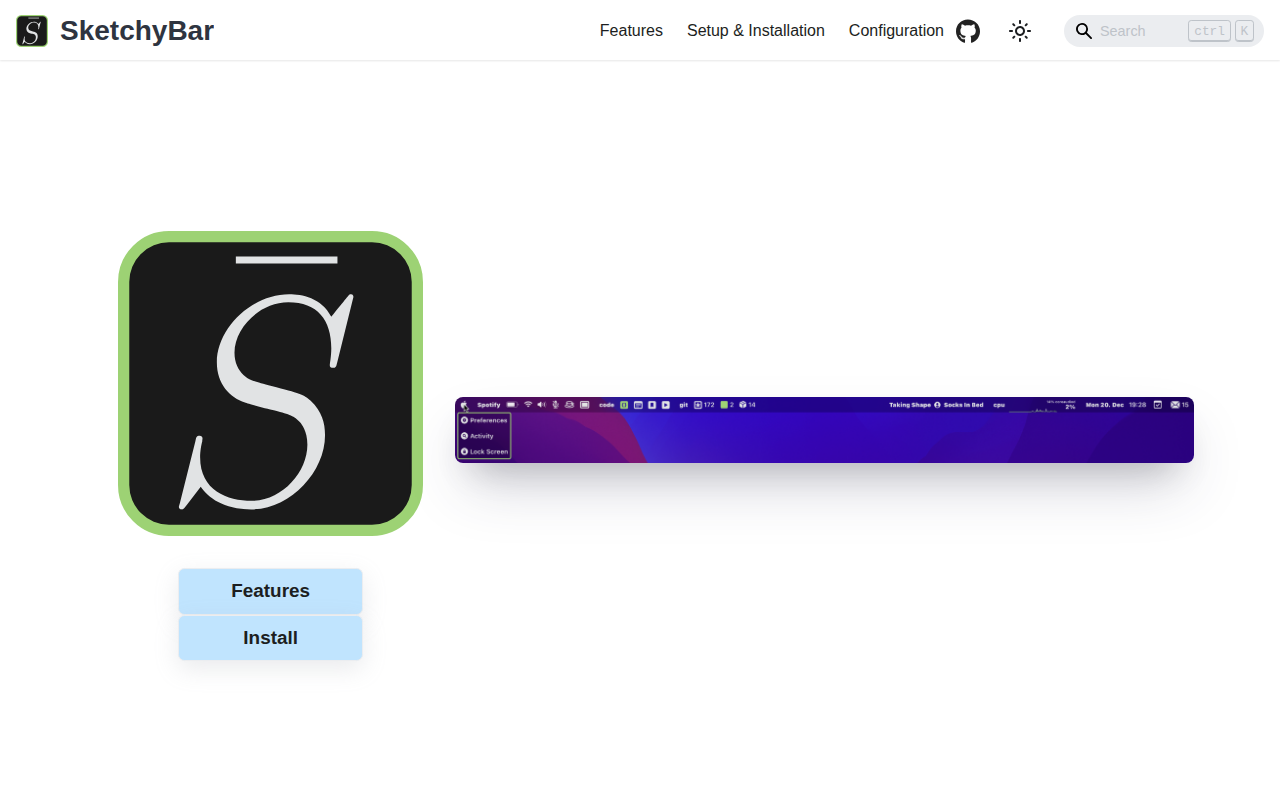
SketchyBar
A highly customizable macOS status bar replacement.
Window & Desktop Management
Clocker
Menu bar timezone tracker and compact calendar