
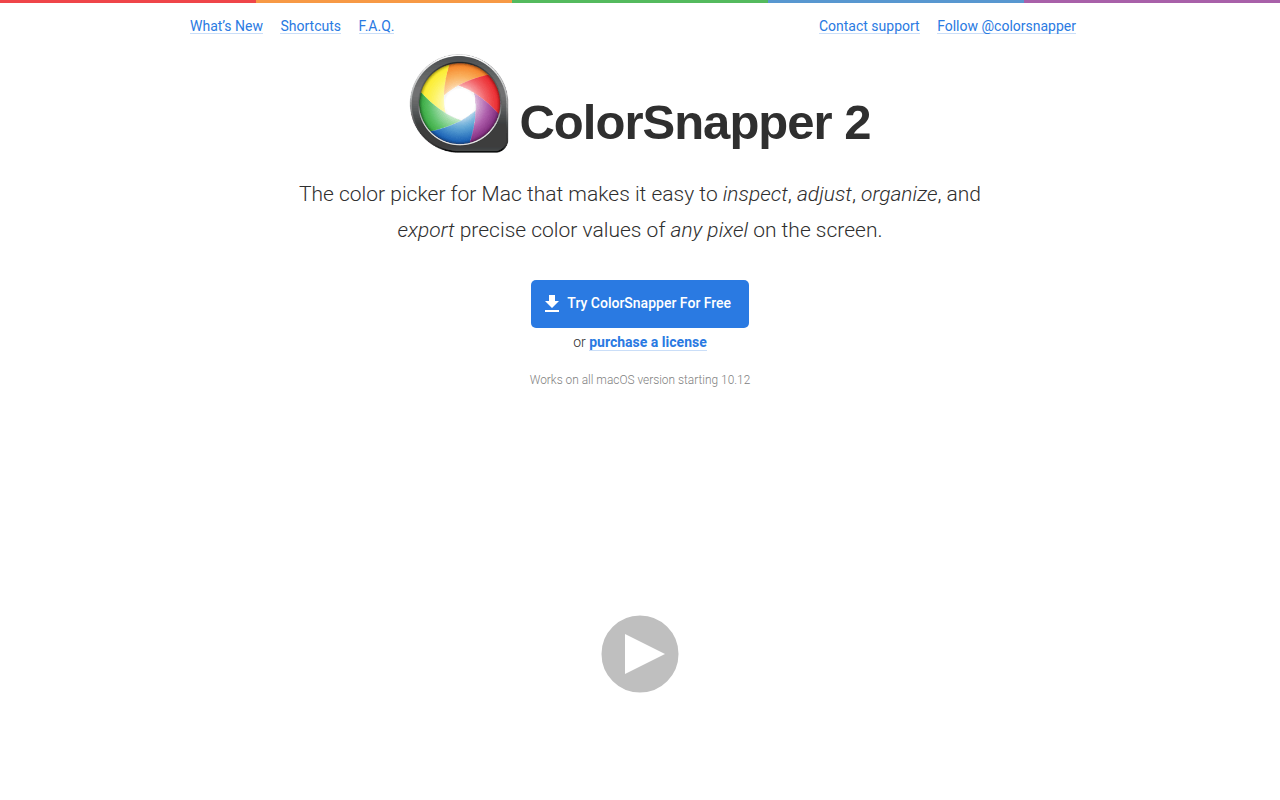
ColorSnapper 2
Colour picker
The app lets macOS users pick the exact color of any pixel on the screen, showing a magnified view that works across multiple displays, resolutions and pixel densities. A Hi‑Precision mode increases mouse sensitivity and magnification for selecting individual physical pixels, while gestures and keyboard shortcuts enable zooming, diameter changes and format cycling without leaving the tool.
Picked colors can be edited through macOS’s built‑in Color Panel before being exported in more than thirty formats, such as CSS, Swift, Android, Java, .NET and OpenGL. Users can paste the result directly into code editors in a style that matches their project, and the picker automatically converts native OS colors to sRGB for consistent values.
The interface includes a favorites list and a history of previously selected colors, supporting both light and dark macOS appearances. Integration points are provided for Photoshop, Illustrator and a forthcoming API, and the software runs on all macOS versions from 10.12 onward.
Reviews
Loading reviews…
Similar apps
Fonts, Colors & Assets
Couleurs
Simple app for grabbing and tweaking the colors you see on your screen. ![Freeware][Freeware Icon]
Fonts, Colors & Assets
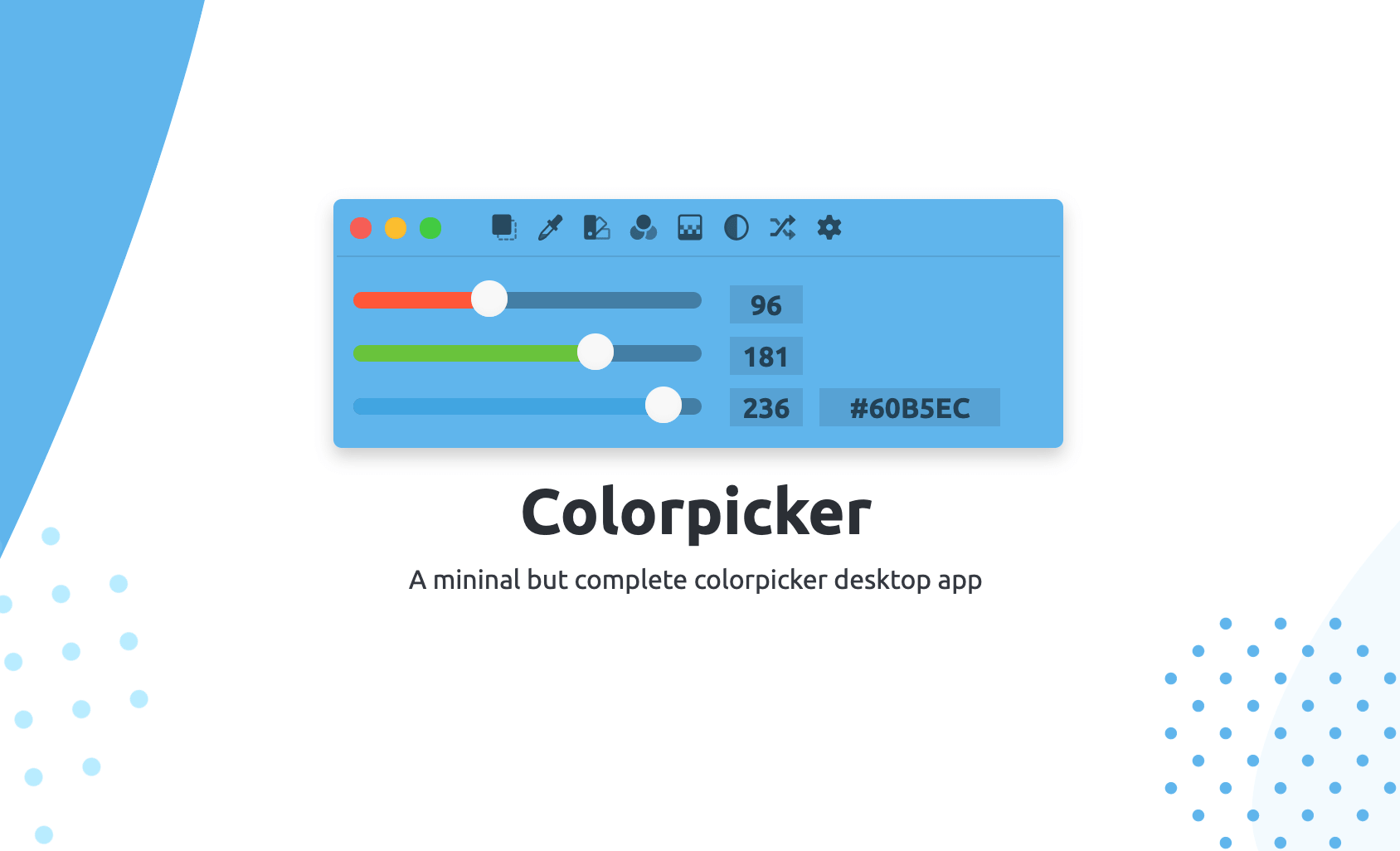
Colorpicker
Colorpicker is a complete open-source colors manipulation tool with picking!

Fonts, Colors & Assets
Pro Picker
Colour picker
Fonts, Colors & Assets
System Color Picker
The macOS color picker as an app with more features.
Task & Project Management
PixelSnap
Screen measuring tool
Display & Accessibility
Pixel Picker
Menu bar application to pick colours from your screen