
System Color Picker
The macOS color picker as an app with more features.
System Color Picker provides the macOS color picker as a standalone application, extending the familiar interface with additional capabilities such as user‑customizable global keyboard shortcuts, optional launch‑at‑login, and persistence of preferences through modern UserDefaults handling. It is aimed at users who need quick access to color selection outside of other apps, including designers, developers, and anyone who works regularly with color values. The software is distributed as a free‑tier, open‑source‑origin macOS app, though the source code is no longer publicly available; development continues with issue tracking on GitHub.
The app leverages several supporting libraries: a wrapper for Swift‑based UserDefaults, a framework for defining global shortcuts, and a utility for enabling automatic launch on login. These components enable a lightweight, native macOS experience while keeping configuration simple. The project is maintained actively, with bug reports and feature requests managed through the repository’s issue tracker.
Reviews
Loading reviews…
Similar apps
Code Editors & IDEs
MacSystemColors
Mac app that shows all system colors in light and dark mode for Cocoa developers.
Fonts, Colors & Assets
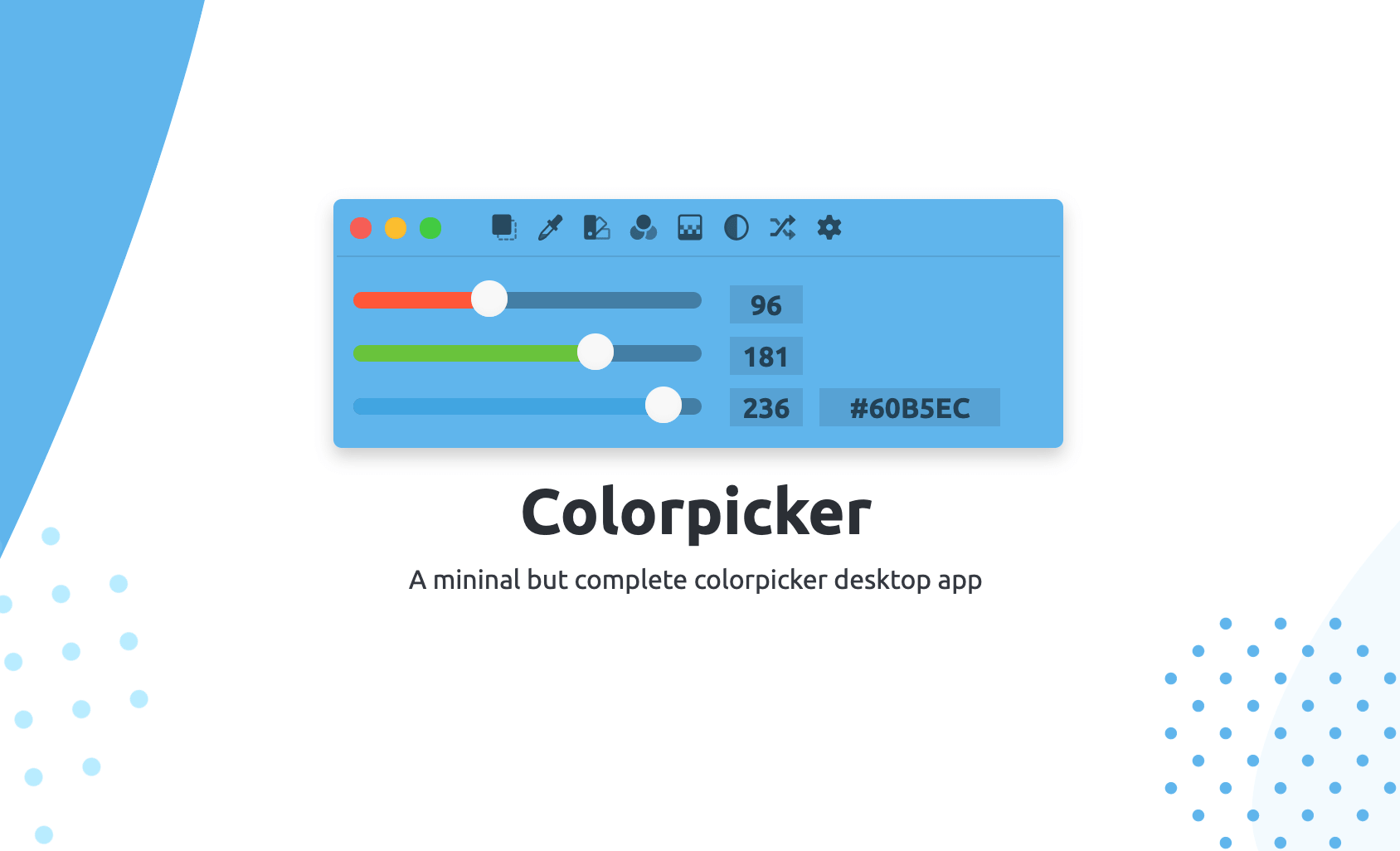
Colorpicker
Colorpicker is a complete open-source colors manipulation tool with picking!
Fonts, Colors & Assets
Couleurs
Simple app for grabbing and tweaking the colors you see on your screen. ![Freeware][Freeware Icon]
Display & Accessibility
Menubar Colors
Menu bar app for convenient access to the system colour panel
Fonts, Colors & Assets
Material Design
Colour picker
Fonts, Colors & Assets
ColorSnapper 2
Colour picker