
Container PS
App to show all docker images
Container PS is a macOS‑only graphical utility that lists Docker containers on the local machine. It runs Docker commands through Node.js’s child_process module, so the Docker daemon must be active for the app to function. The interface shows each container with a status icon: a filled circle for running, an empty circle for stopped, and a circle with a wave for restarting.
Hovering over a container reveals details and provides controls to start, stop, restart, open a shell (bash or sh), or delete the container. The visual layout is a simple list with a screenshot illustrating the status symbols and interaction elements.
The application can be installed via Homebrew Cask or downloaded from the GitHub releases page, and its source can be built with Yarn. It is marked as stable and targets developers who need a quick visual overview and basic management of Docker containers on macOS.
Reviews
Loading reviews…
Similar apps
DevOps & Infrastructure
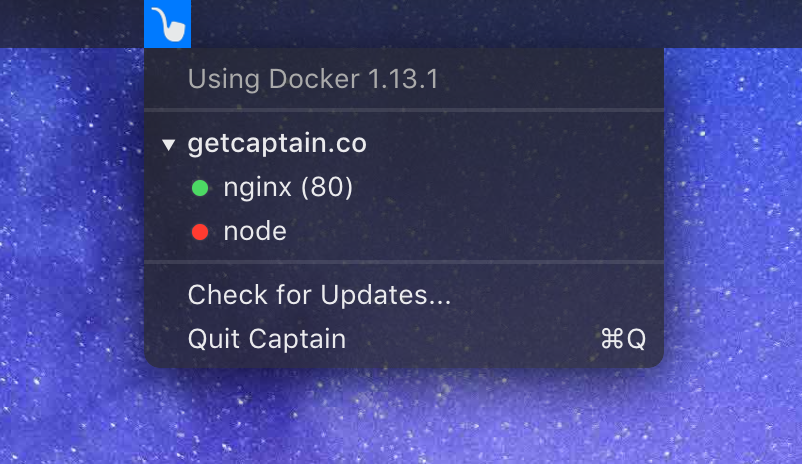
Captain
Manage Docker containers from the menu bar
DevOps & Infrastructure
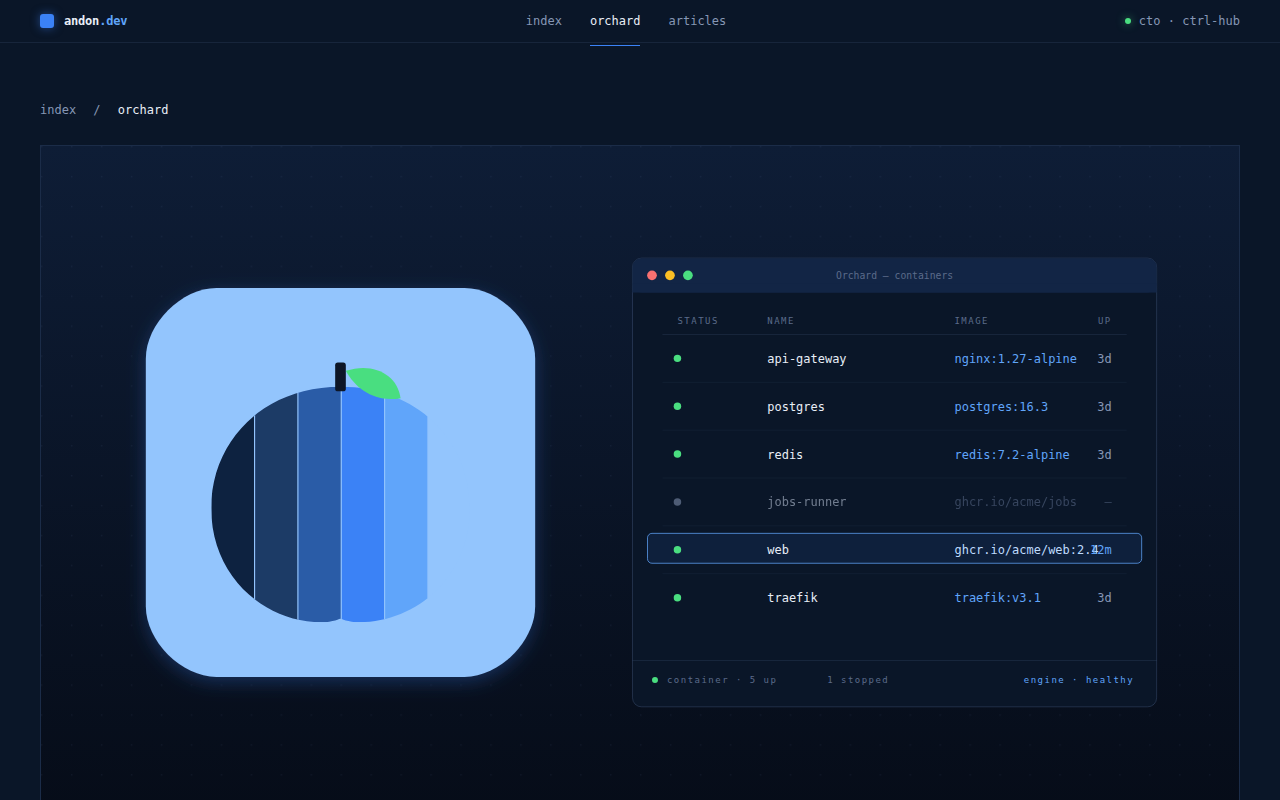
Orchard
Native GUI for Apple Containers
DevOps & Infrastructure
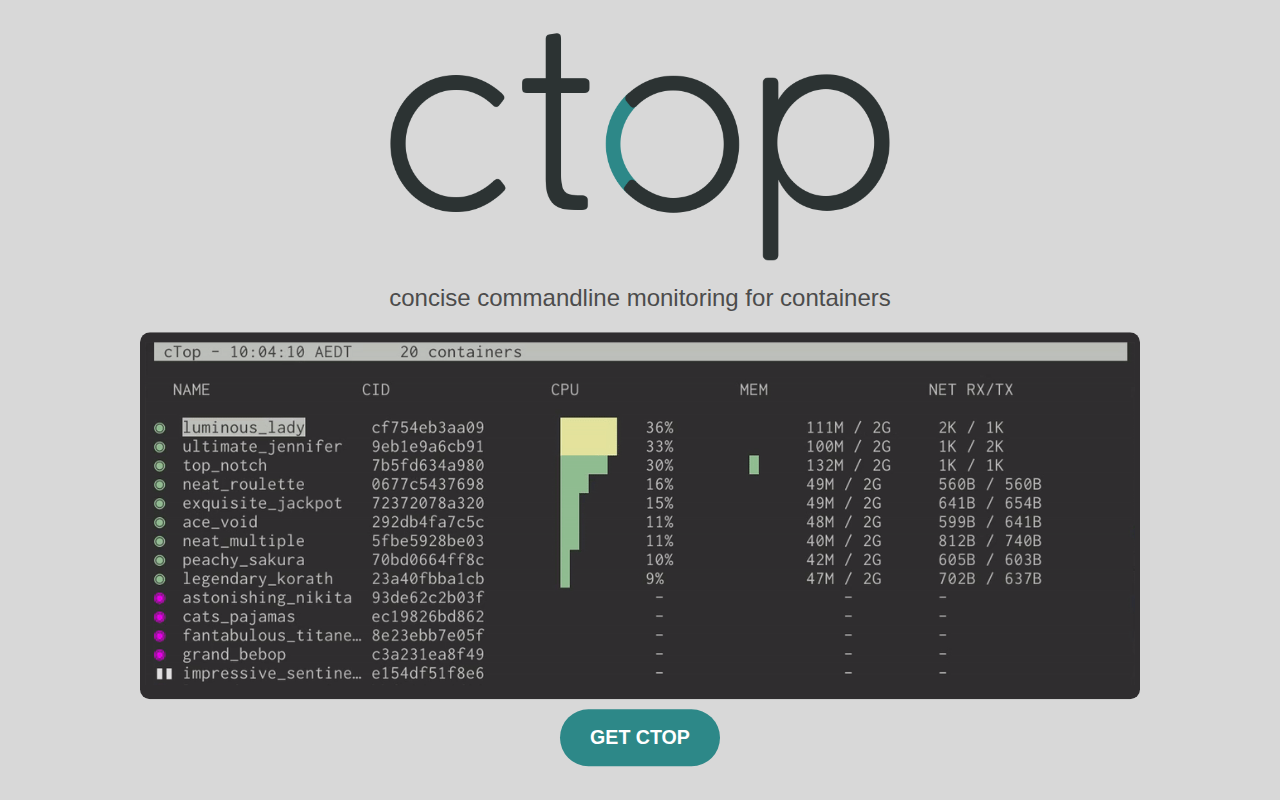
ctop
Top like interface for container metrics.
DevOps & Infrastructure
dockly
Interactively manage containers.
System Monitoring & Maintenance
ServPane
Launchd menu bar app
DevOps & Infrastructure
Podman Desktop
Open-source graphical tool for managing containers and Kubernetes.