
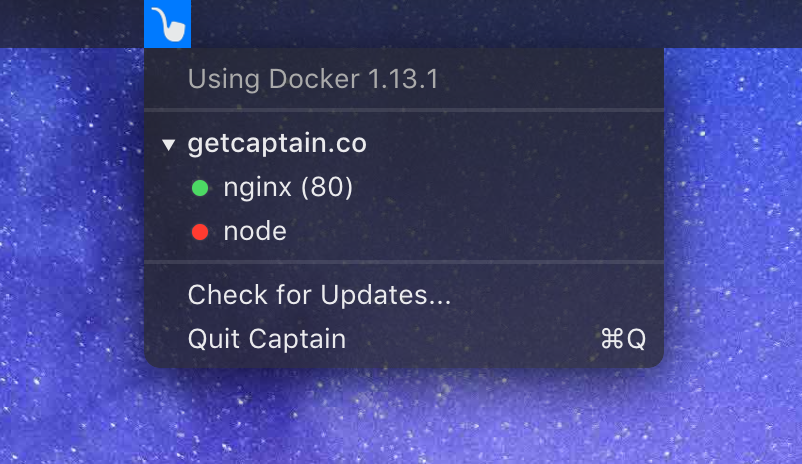
Captain
Manage Docker containers from the menu bar
It provides a menu‑bar interface on macOS for interacting with Docker containers. Users can start, stop, pause, unpause, or kill containers directly from the bar, as well as open a container’s service in a browser with a shortcut. The tool also groups containers automatically based on naming patterns, which is helpful for docker‑compose projects, and offers quick actions such as copying container IDs or removing stopped containers.
The application is built with Electron and works with Docker version 20.10.16. It supports keyboard modifiers to perform actions like instant kill, opening URLs, pausing, or bulk removal of unused containers, aiming to streamline common development workflows without leaving the terminal.
Designed for macOS developers who need frequent container management, it presents a lightweight, always‑available control surface that reduces the need to remember commands or URLs, and helps keep disk usage in check by facilitating removal of stopped resources.
Reviews
Loading reviews…
Similar apps
DevOps & Infrastructure
Container PS
App to show all docker images
File Management & Transfer
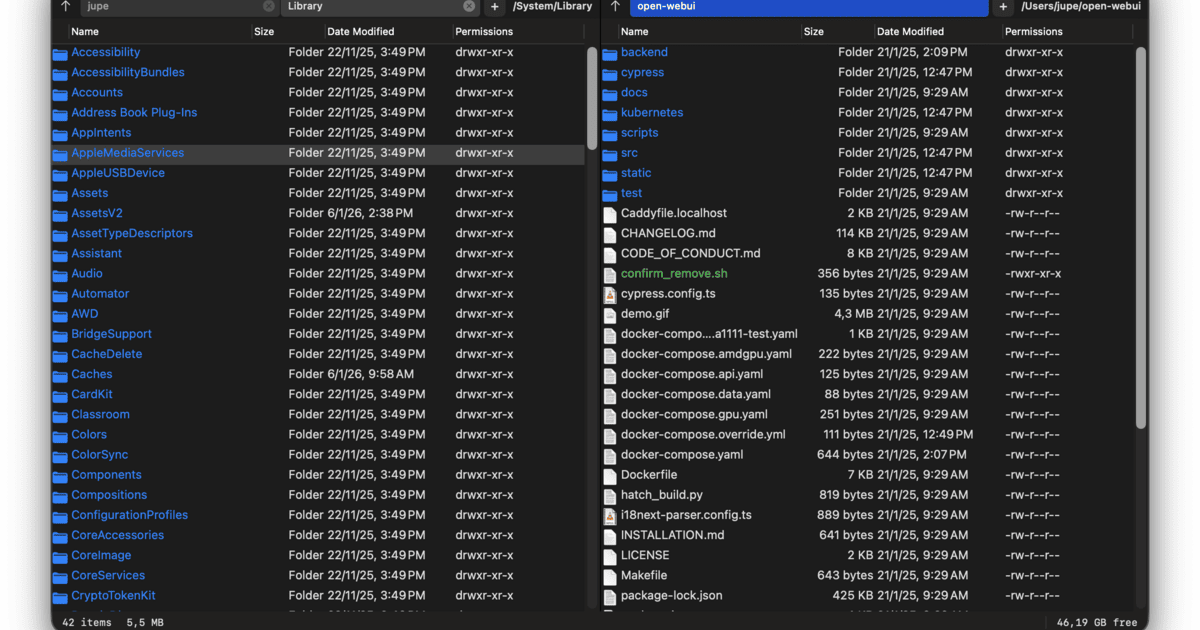
Captain's Deck
Dual-pane file manager inspired by Norton Commander
DevOps & Infrastructure
Docker Desktop
Desktop app for building, running, and managing Docker containers on Windows and macOS.
DevOps & Infrastructure
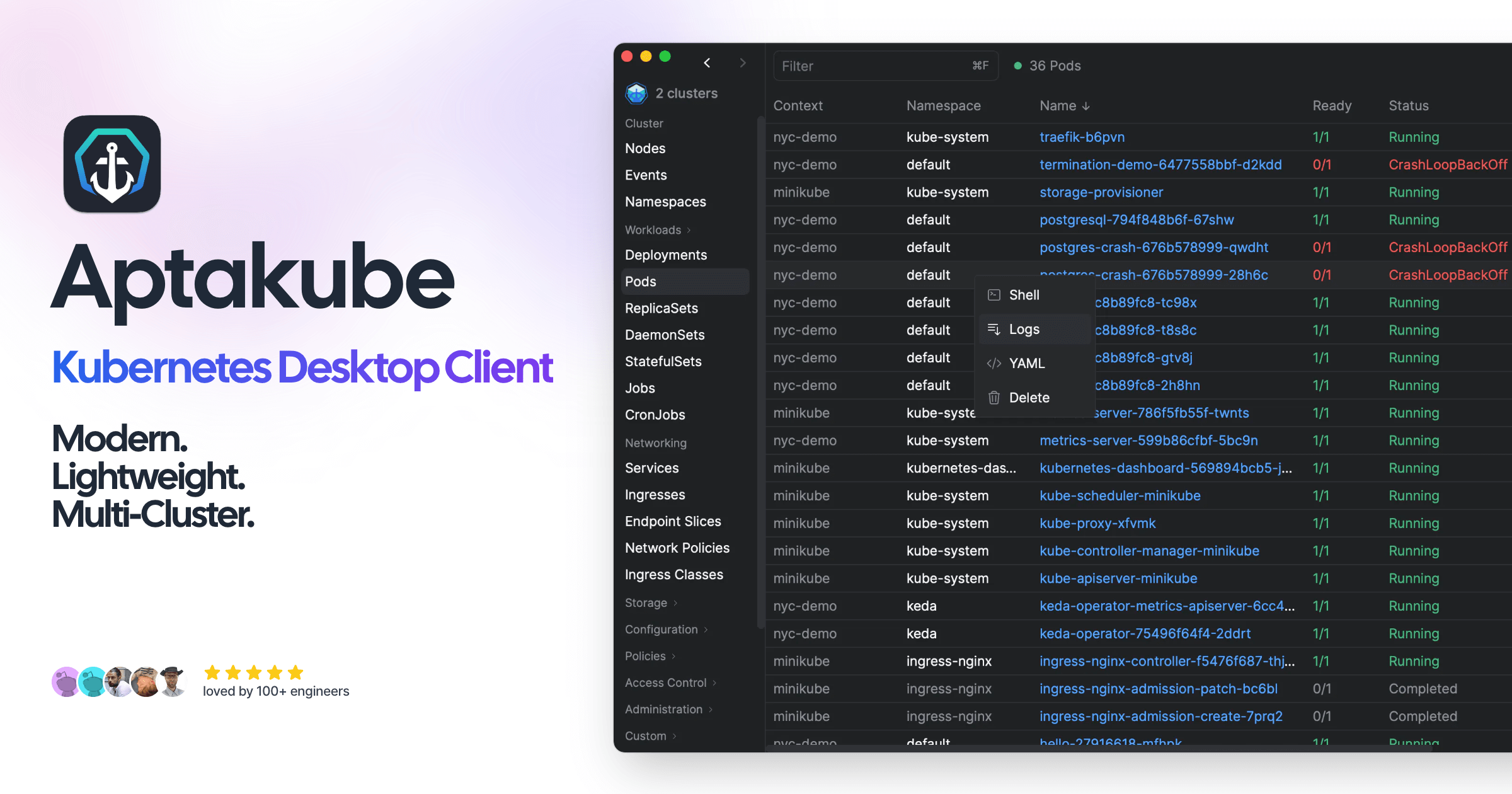
Aptakube
Kubernetes desktop client
DevOps & Infrastructure
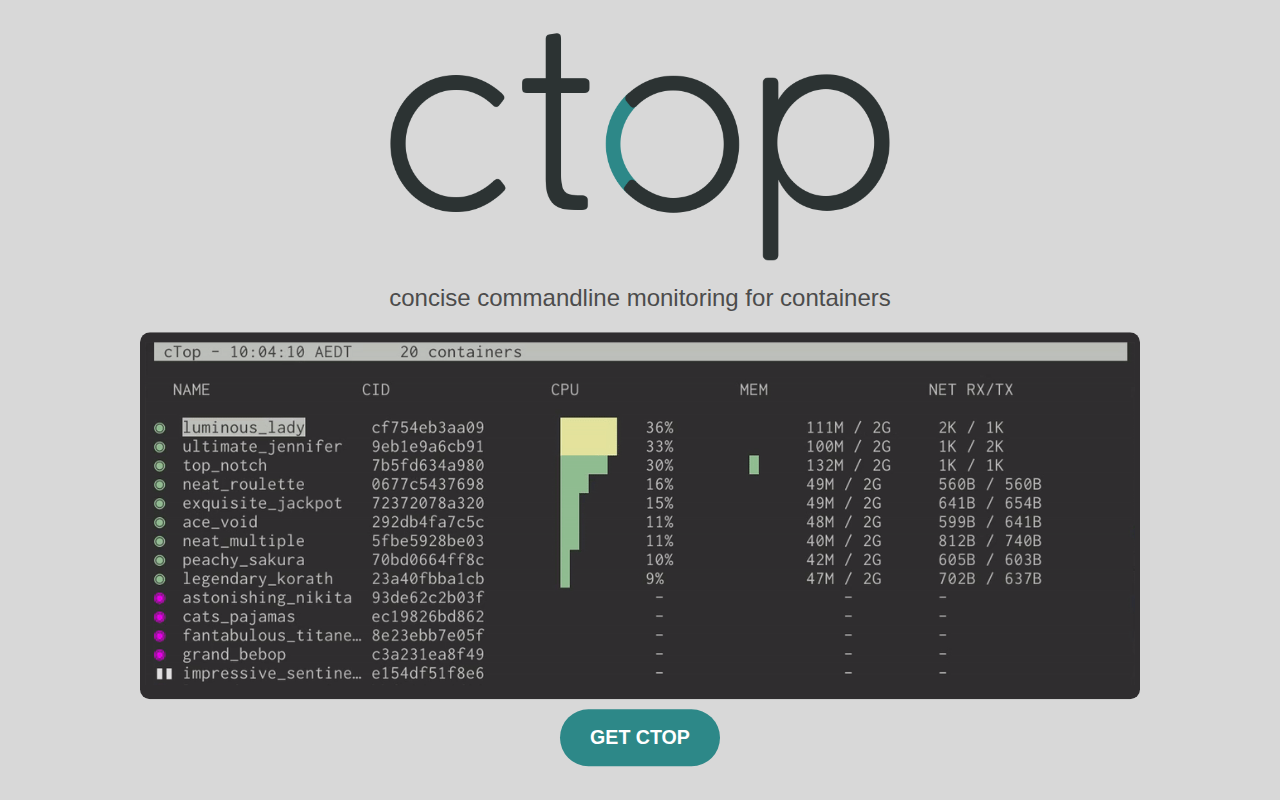
ctop
Top like interface for container metrics.
DevOps & Infrastructure
Rancher Desktop
Container management and Kubernetes on the desktop.