
contexts
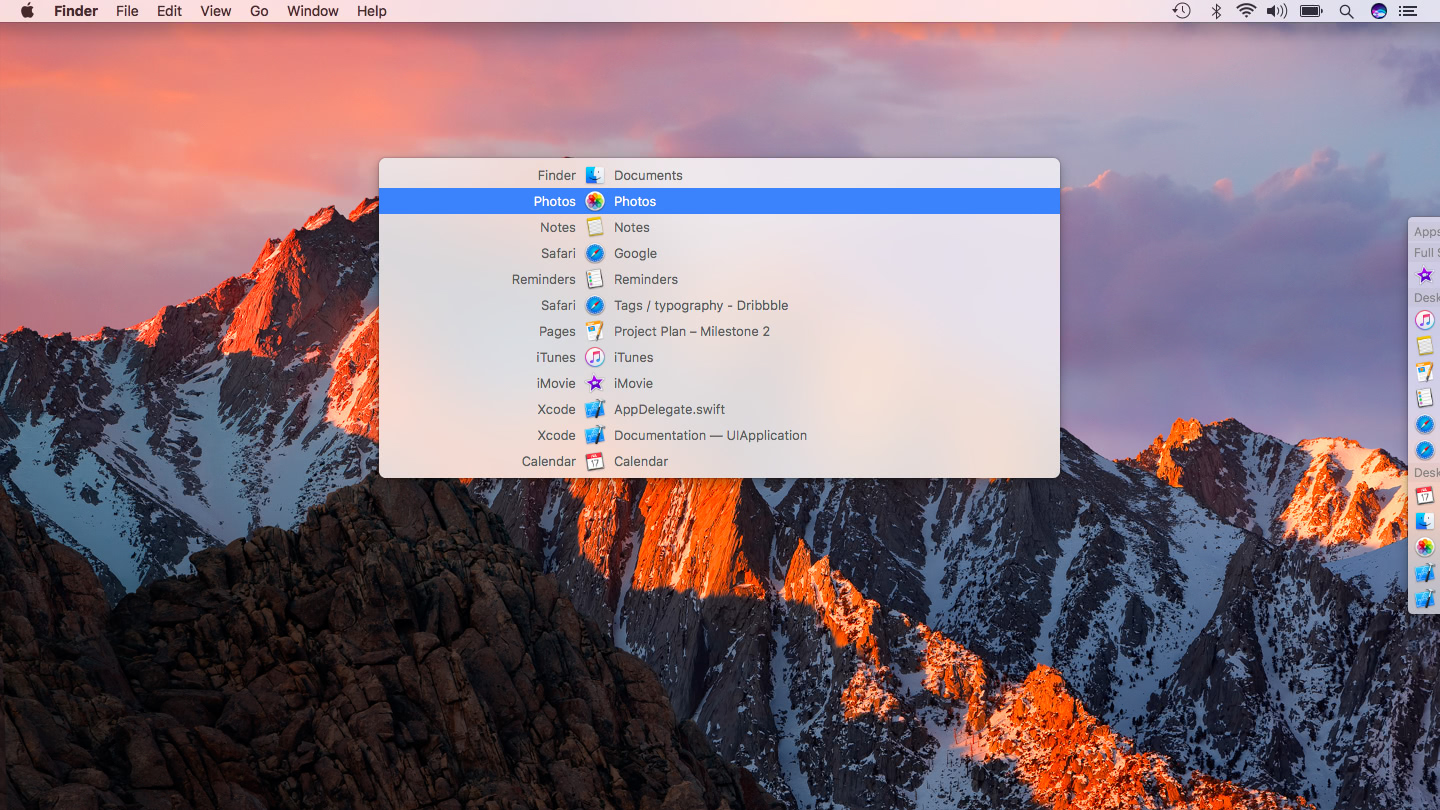
App switcher for faster window and app switching across multiple screens.
Contexts provides a keyboard‑driven way to change focus between open application windows on macOS, especially when using multiple displays. By pressing a configurable shortcut (default Control‑Space) a search panel appears, allowing the user to type a few characters from an app name or window title; the list is filtered in real time and the chosen window is activated with Return. The search algorithm matches non‑consecutive characters, gives higher priority to acronym and word‑initial matches, and learns shortcuts so that repeated queries bring the same window to the top of the list.
Additional interaction modes include a sidebar that can be clicked, a scroll‑gesture switcher, and a “Fast Search” mode where holding a modifier key (e.g., Fn) lets the user type a one‑ or two‑character query and release the key to switch instantly. A dark theme is also available. The tool is aimed at users who frequently change windows—potentially hundreds of times per day—and who want to reduce the number of keystrokes and mouse actions required to stay in a.
Reviews
Loading reviews…
Similar apps
Window & Desktop Management
Command-Tab Plus
Keyboard-centric application and window switcher
Window & Desktop Management
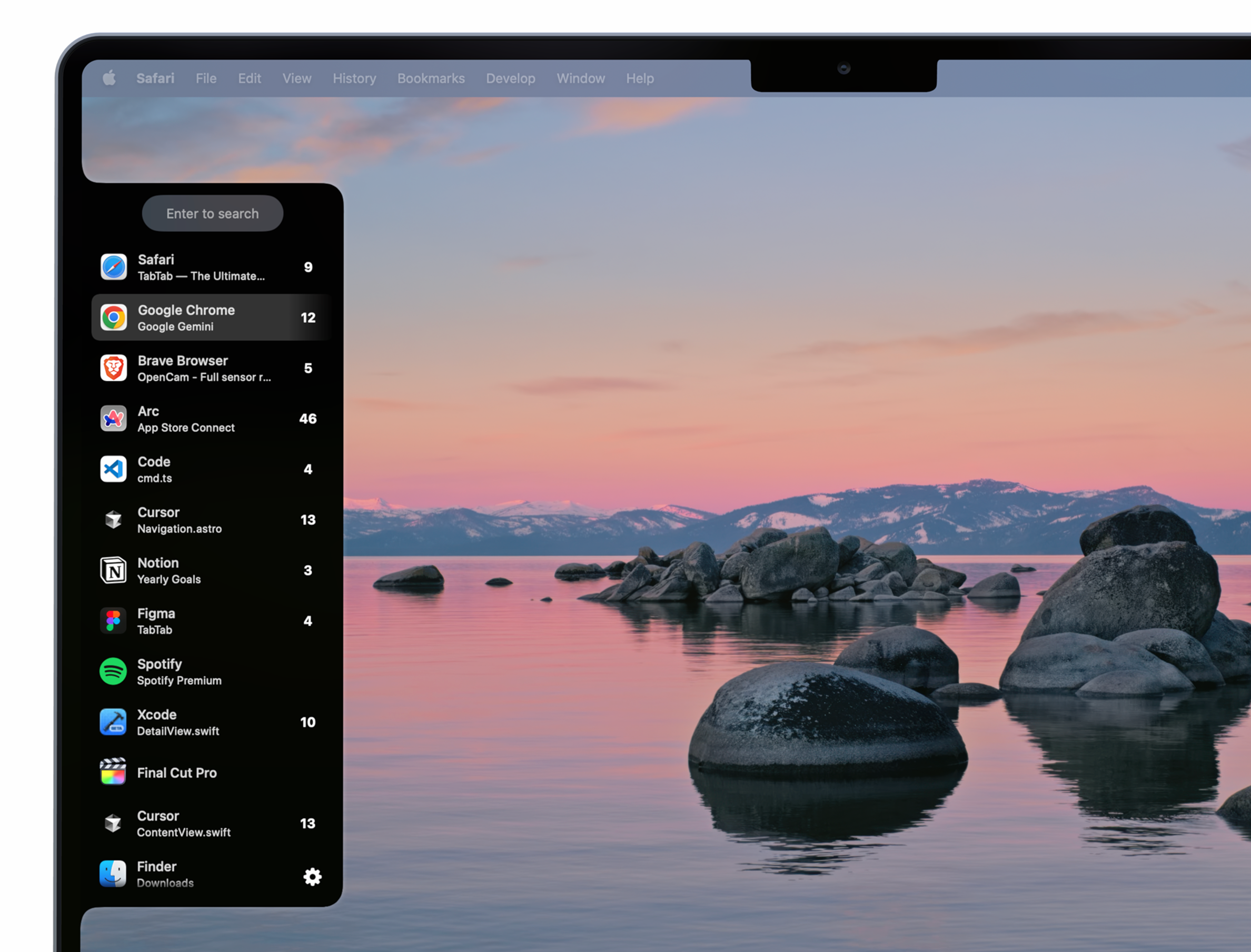
TabTab
Window and tab manager

Clipboard, Input & Automation
ShortcutCycle
Switch between context-based app groups with a single hotkey.
Window & Desktop Management
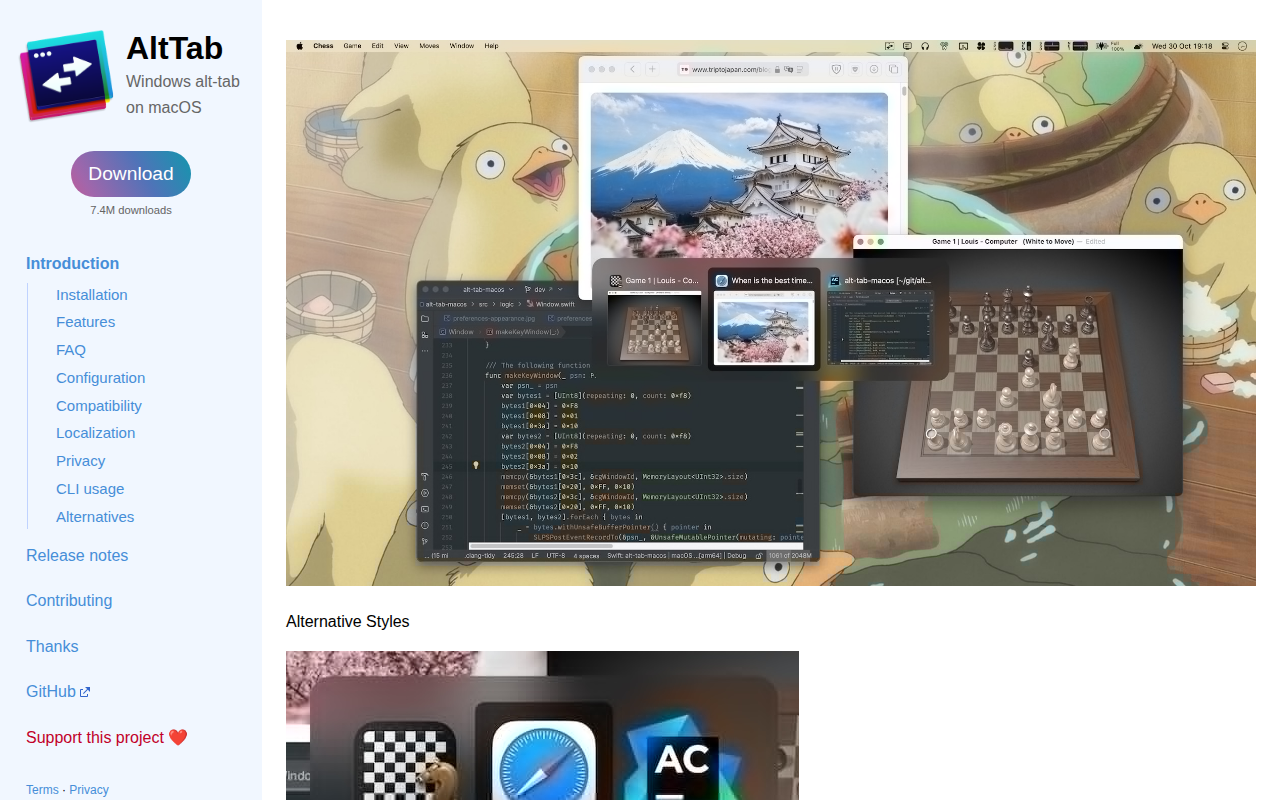
AltTab
Enable Windows-like alt-tab

Window & Desktop Management
Assignee
Simple, instant app switcher.
Window & Desktop Management
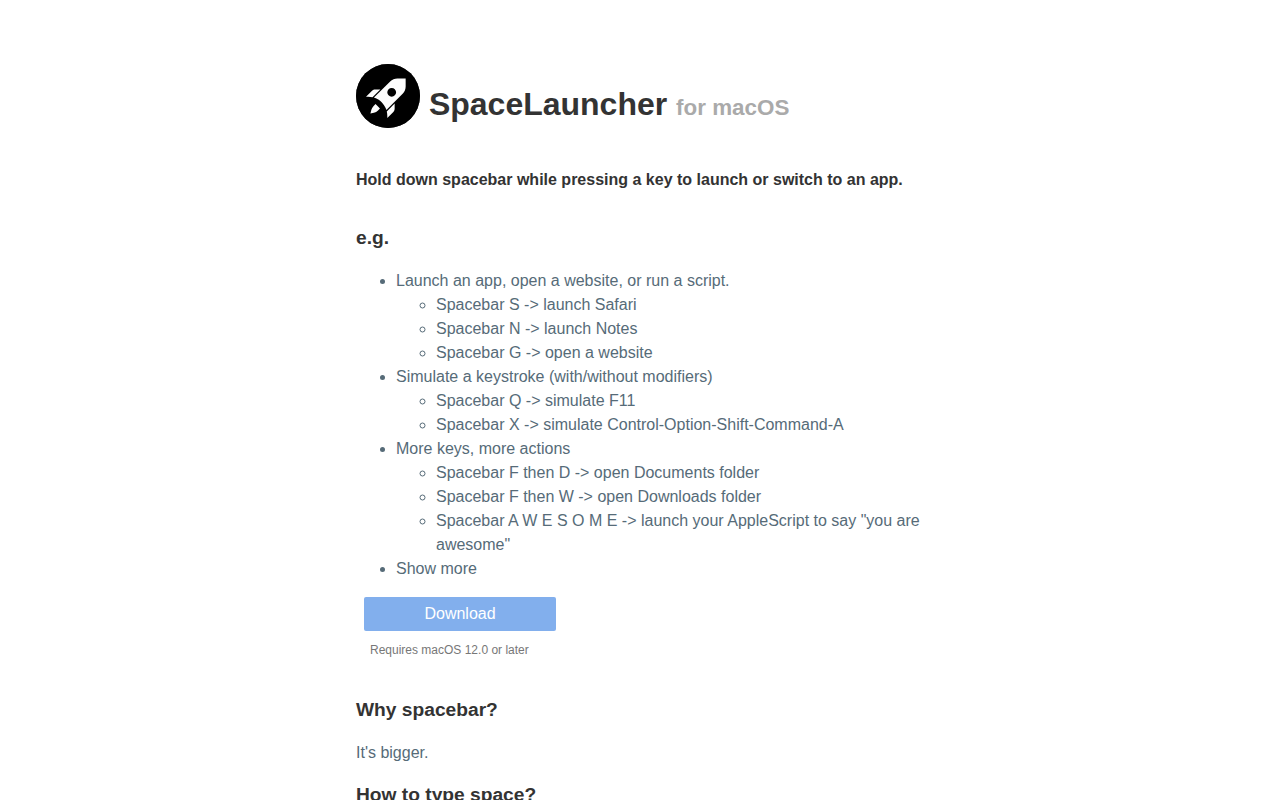
SpaceLauncher
App launcher/switcher