

DirEqual
Advanced directory compare utility
DirEqual provides a visual side‑by‑side comparison of two directories on macOS, presenting each item in expandable tree views with size and modification date information. Differences are highlighted with colors and icons that indicate whether they stem from size, date, or content changes, allowing users to quickly identify discrepancies between folders.
The interface lets users assign actions such as copy or delete to individual items by clicking a dot button and selecting the appropriate colored arrow. After marking the desired changes, a single “Execute” command applies them, and a “Synchronize” button can be used to bring the two directories into alignment while preserving full control over which files are copied, replaced, or removed.
Designed for developers, designers, and anyone handling large file structures, DirEqual focuses on precise detection of even minor variations and offers an intuitive workflow for synchronizing and managing directory contents on macOS.
Reviews
Loading reviews…
Similar apps
Code Editors & IDEs
VisualDiffer
Visually compare folders and files

File Management & Transfer
FreeFileSync
Folder comparison and synchronization software

File Management & Transfer
DeltaWalker
Tool to compare and synchronise files and folders
File Management & Transfer
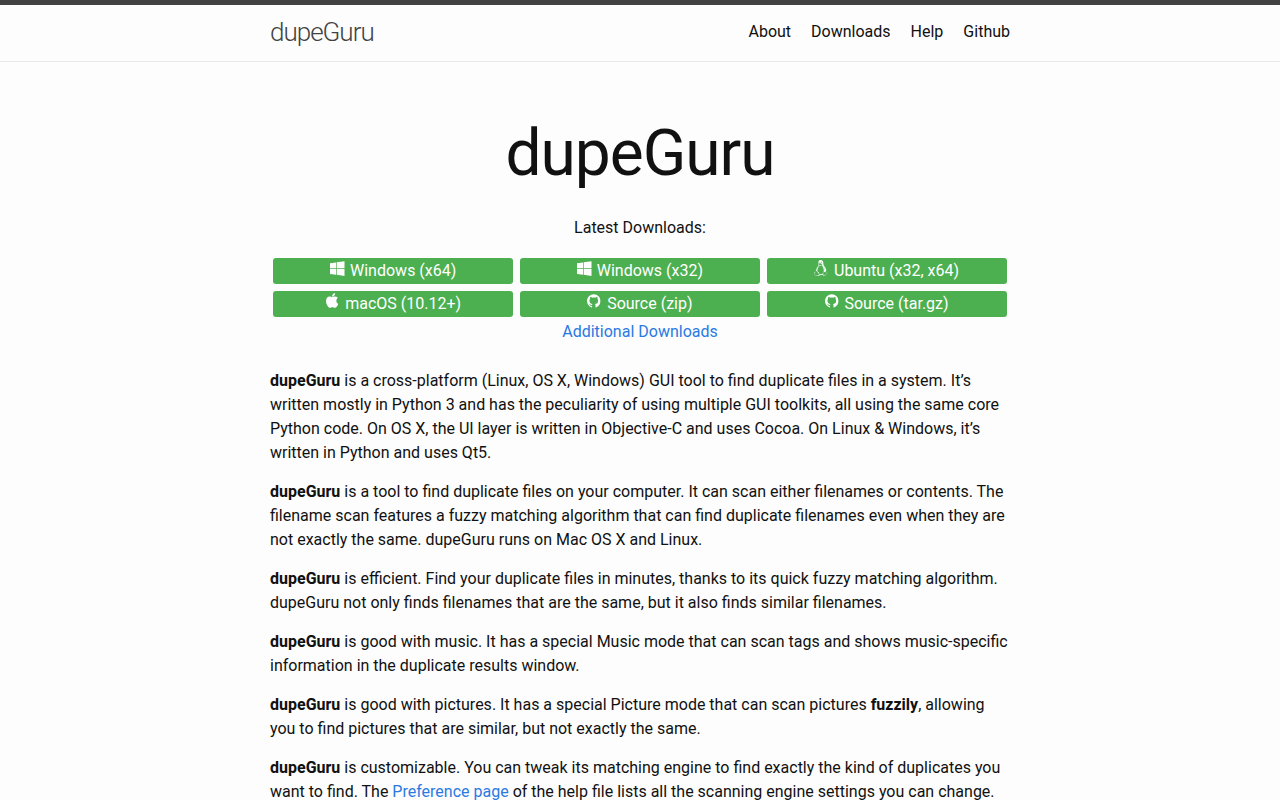
dupeGuru
Finds duplicate files in a computer system
File Management & Transfer
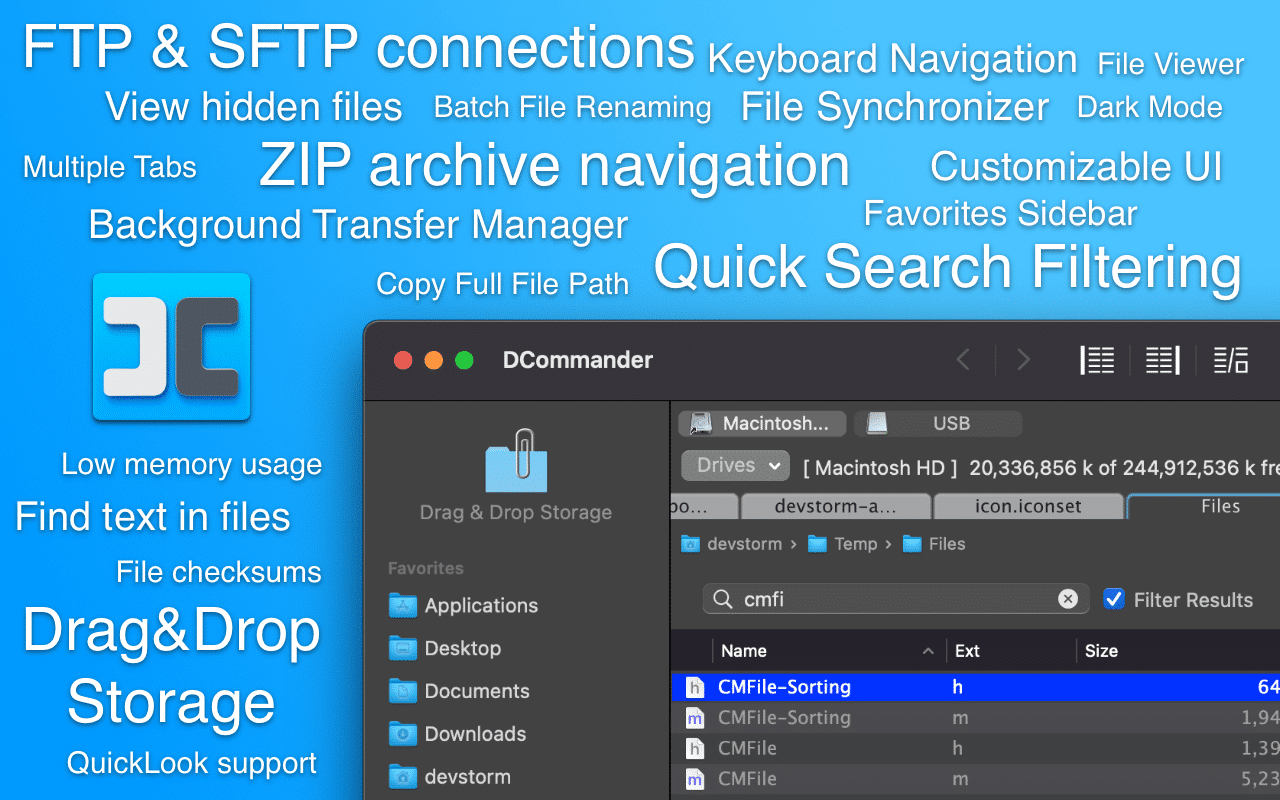
DCommander
Two-pane file manager
File Management & Transfer
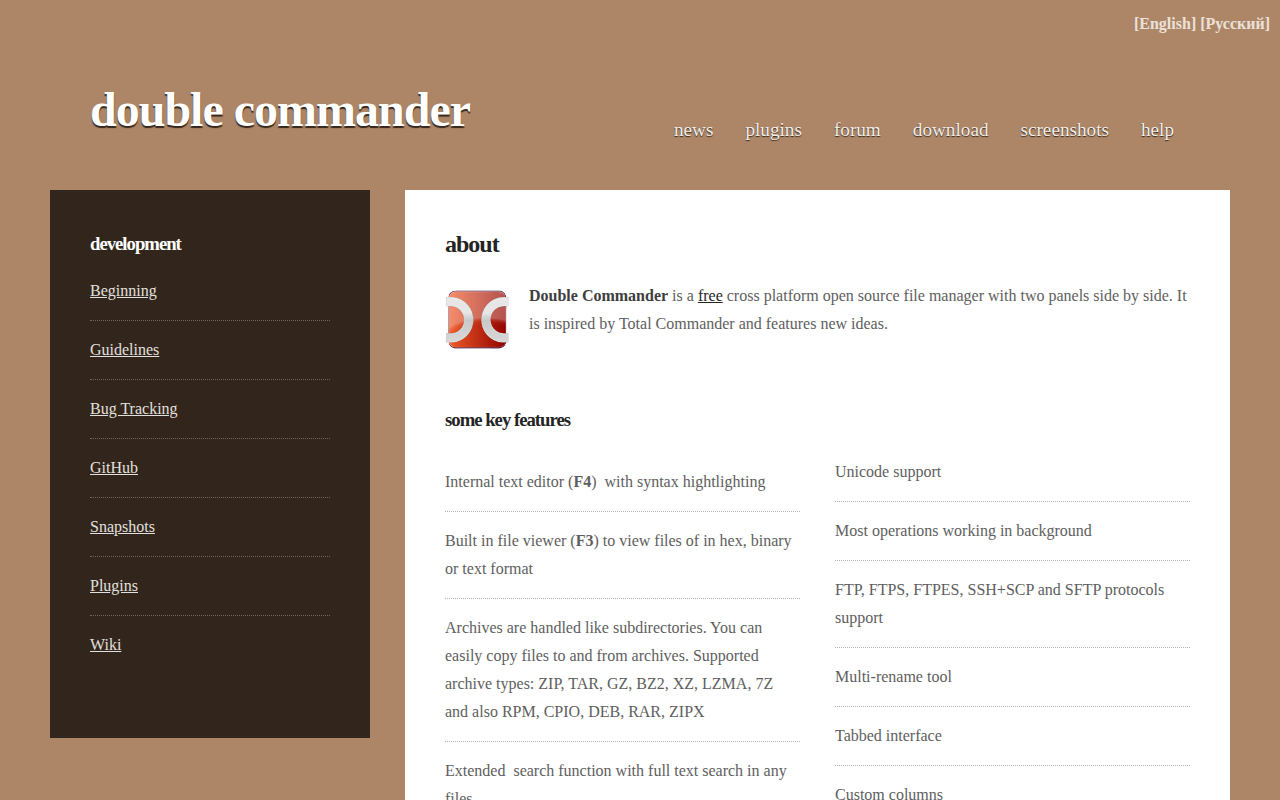
Double Commander
File manager with two panels