
DiscreteScroll
Utility to fix a common scroll wheel problem
The utility runs in the background on macOS and removes the default scroll‑wheel acceleration, making each notch of the mouse wheel move a fixed number of lines. By default it scrolls three lines per notch, but the amount can be changed through a system preference command, and negative values reverse the scrolling direction. The program works on macOS versions 10.9 through 15.0 and requires accessibility permission, which it requests on first launch.
Users who prefer consistent, predictable scrolling—such as developers, designers, or anyone who experiences excessive acceleration with standard mouse wheels—can install the binary, add it to login items for automatic start, and adjust the line count as needed. The application can be stopped via Activity Monitor or a command‑line kill, and uninstallation involves quitting, trashing the app, and clearing its preferences.
Distinctive aspects include its lightweight design, direct handling of scroll events without acceleration, and the ability to configure scroll distance per notch via macOS defaults. It also monitors accessibility access continuously and provides guidance for handling unsigned binaries and permission issues on recent macOS releases.
Reviews
Loading reviews…
Similar apps
Clipboard, Input & Automation
UnnaturalScrollWheels
Tool to invert scroll direction for physical scroll wheels

Clipboard, Input & Automation
AirScroll
Smooth mouse scrolling utility
Display & Accessibility
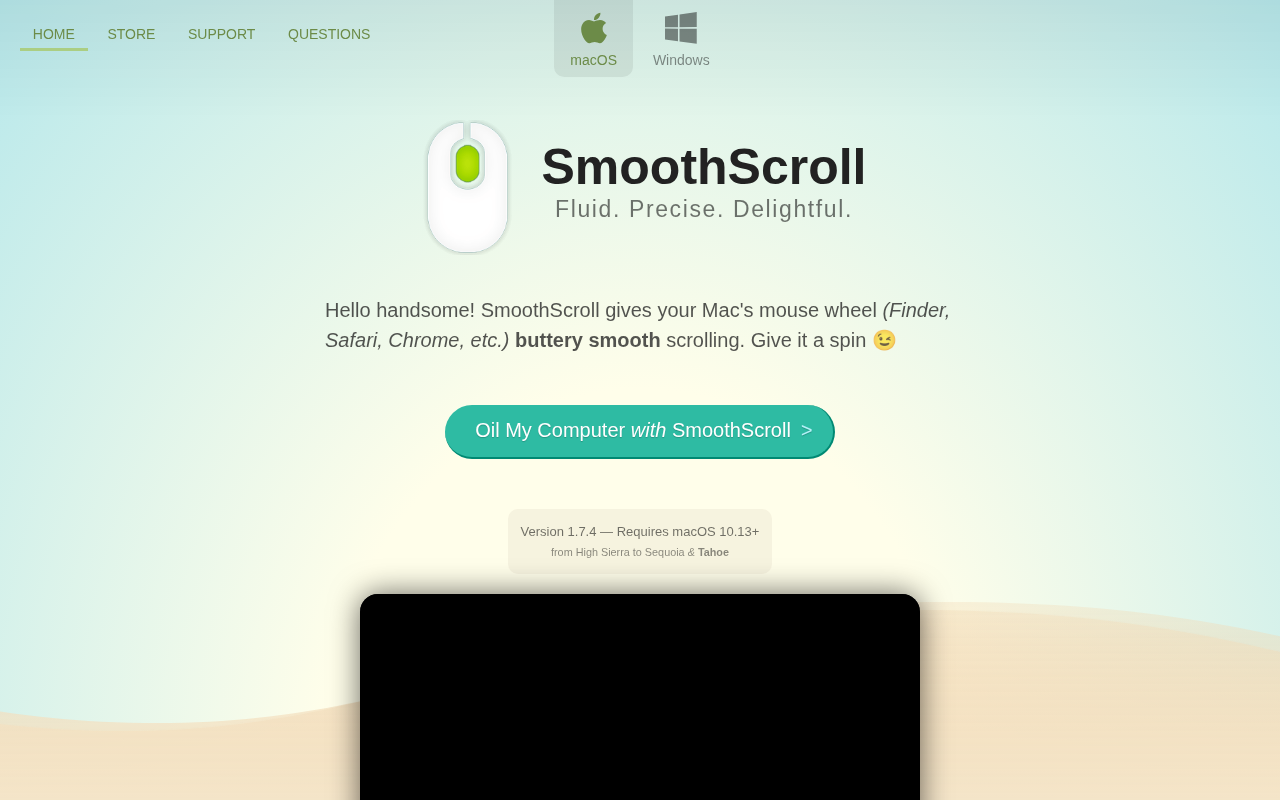
SmoothScroll
Smooth mouse scrolling utility
Clipboard, Input & Automation
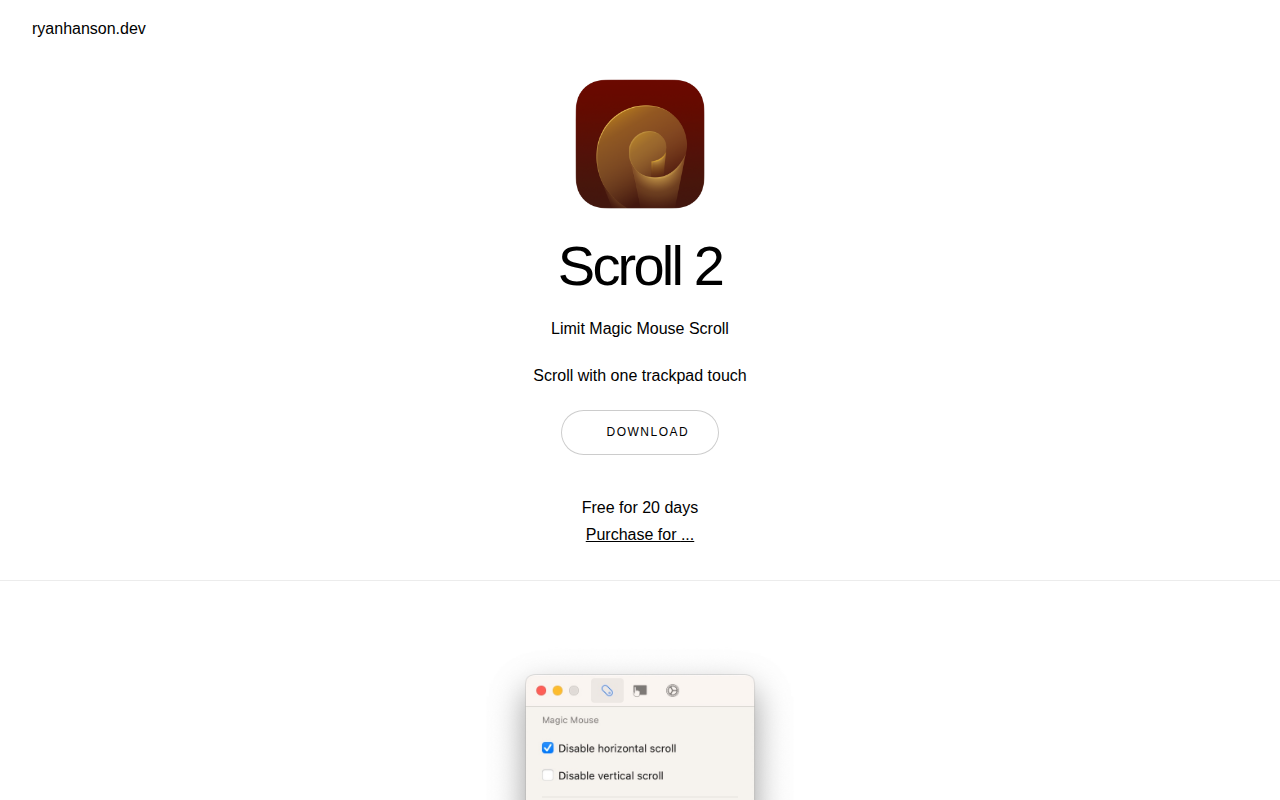
Scroll
Configure scrolling on Trackpad and Magic Mouse

Clipboard, Input & Automation
LinearMouse
Customise mouse behavior
Clipboard, Input & Automation
MiddleClick
Utility to extend trackpad functionality