
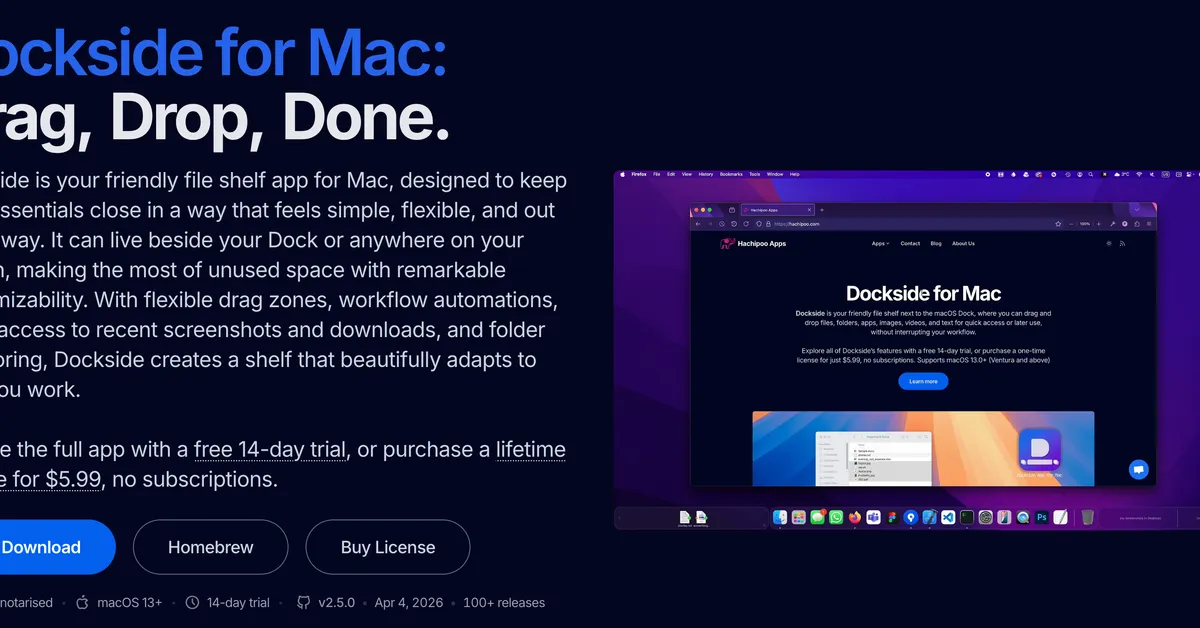
Dockside
Dock utility
Dockside adds a native file shelf that lives beside the macOS Dock or anywhere along the screen edge, offering a simple drag‑and‑drop workspace for files, folders, links, applications, and text. It presents recent screenshots, downloads, and monitored folder contents, while also providing quick‑note creation, clipboard history, media previews, and a system‑monitor view. Users can define up to four drop zones and subfolders, enabling custom workflow automations and scriptable actions.
The utility is built for macOS 13 and later, notarized by Apple, and can be installed via Homebrew. It operates offline, with a 14‑day trial and a one‑time lifetime license, and includes keyboard shortcuts and trackpad gestures for fast interaction. Its design focuses on minimal intrusion, allowing the shelf to adapt to the user’s Dock placement and screen layout.
Dockside targets macOS users who want a lightweight, always‑available place to stage and access items without leaving the desktop environment. Its combination of drag‑and‑drop convenience, folder watching, and customizable drop zones distinguishes it from generic file‑launcher tools.
Reviews
Loading reviews…
Similar apps
Window & Desktop Management
ExtraDock
Add fully customizable extra docks
Window & Desktop Management
DockFlow
Manage Dock presets and switch between them instantly
Window & Desktop Management
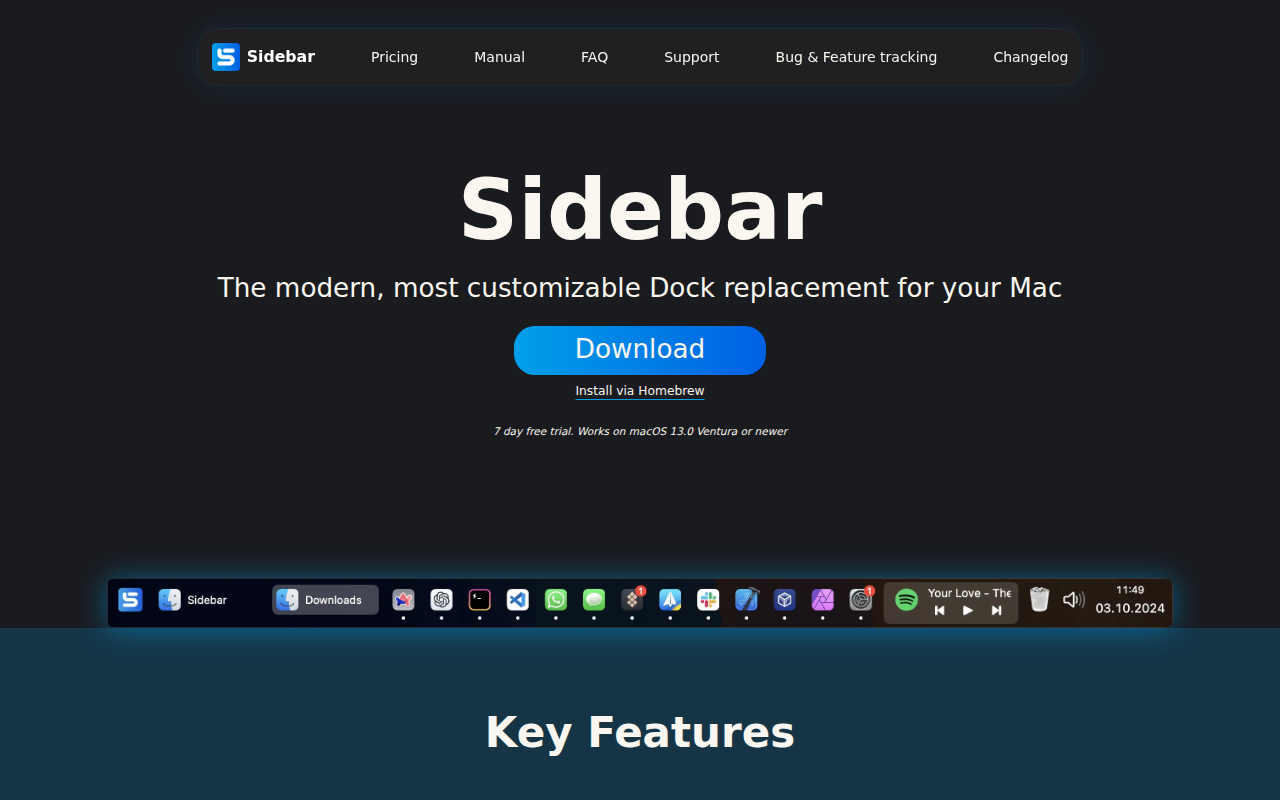
Sidebar
The modern Dock replacement for your Mac.
Window & Desktop Management
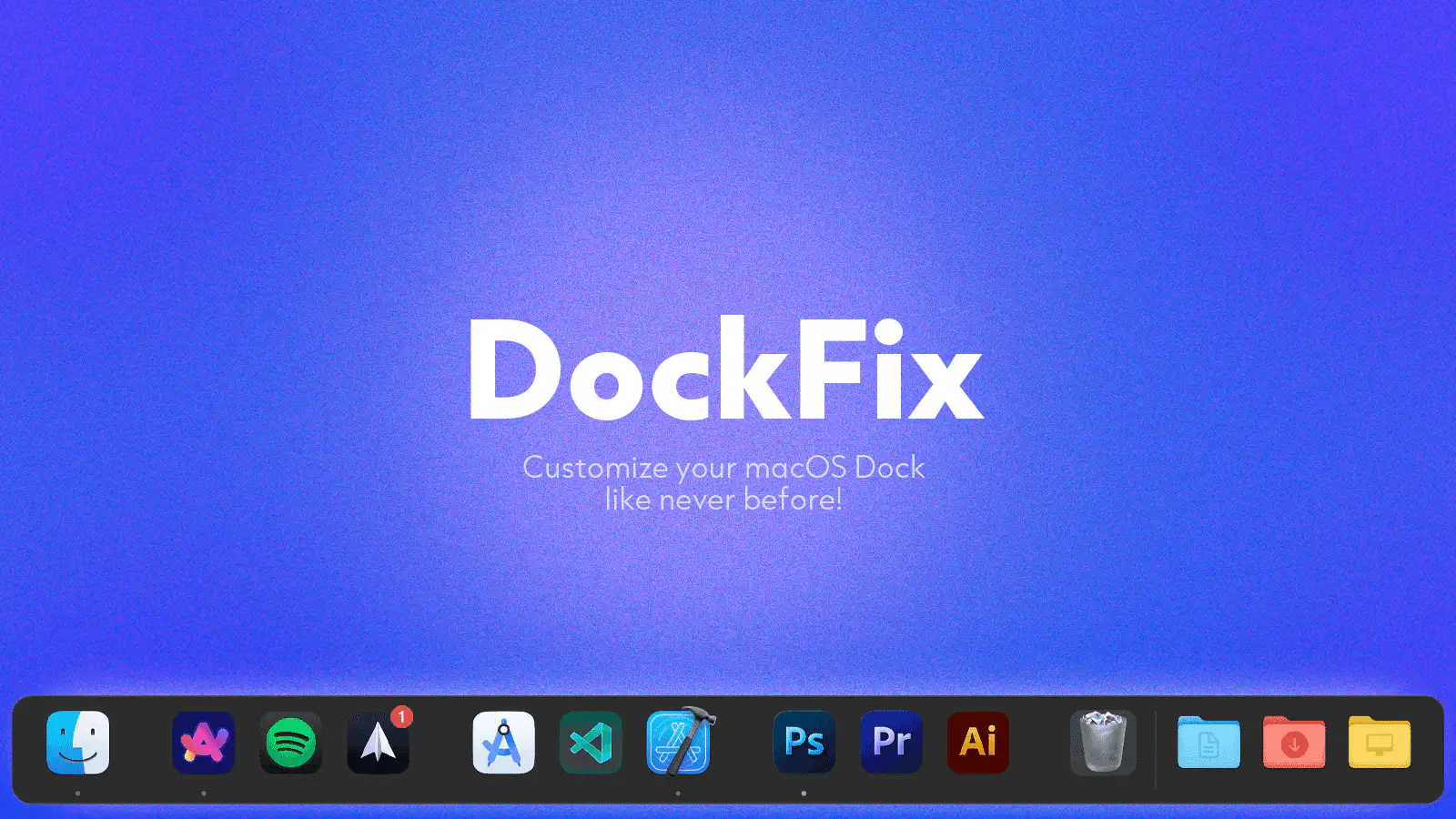
DockFix
Dock replacement
Window & Desktop Management
DockAnchor
Lock the macOS Dock to a single screen in a multi-monitor setup.
Window & Desktop Management
ActiveDock
Customizable dock, application launcher, dock replacement