
DockAnchor
Lock the macOS Dock to a single screen in a multi-monitor setup.
DockAnchor is a macOS utility that stops the system Dock from automatically moving to a different monitor when the cursor reaches the bottom edge of a secondary display. It works by intercepting mouse‑movement events and blocking the Dock’s relocation at the system level, rather than repeatedly restarting the Dock process. The app runs in the background, can launch at login, and provides a menu‑bar icon for quick status checks and control.
Users can select a specific display to anchor the Dock, and the program updates in real time as monitors are added, removed, or rearranged. Profiles allow different anchor configurations, and the app can automatically fall back to the primary or built‑in display if the chosen anchor is disconnected. A visual representation of connected monitors is shown in the interface, and the app supports light, dark, and system themes.
DockAnchor is open‑source and distributed free of charge. It requires accessibility permissions to monitor mouse events and enforce the Dock lock, and it can be installed via a pre‑built release or through Homebrew. The software is marked as stable and includes automatic update checks.
Reviews
Loading reviews…
Similar apps
Window & Desktop Management
HiDock
Set custom Dock settings for when on different displays
Window & Desktop Management
DockFlow
Manage Dock presets and switch between them instantly

Window & Desktop Management
Dockit
An application that can dock any window to the edge of the screen.
Window & Desktop Management
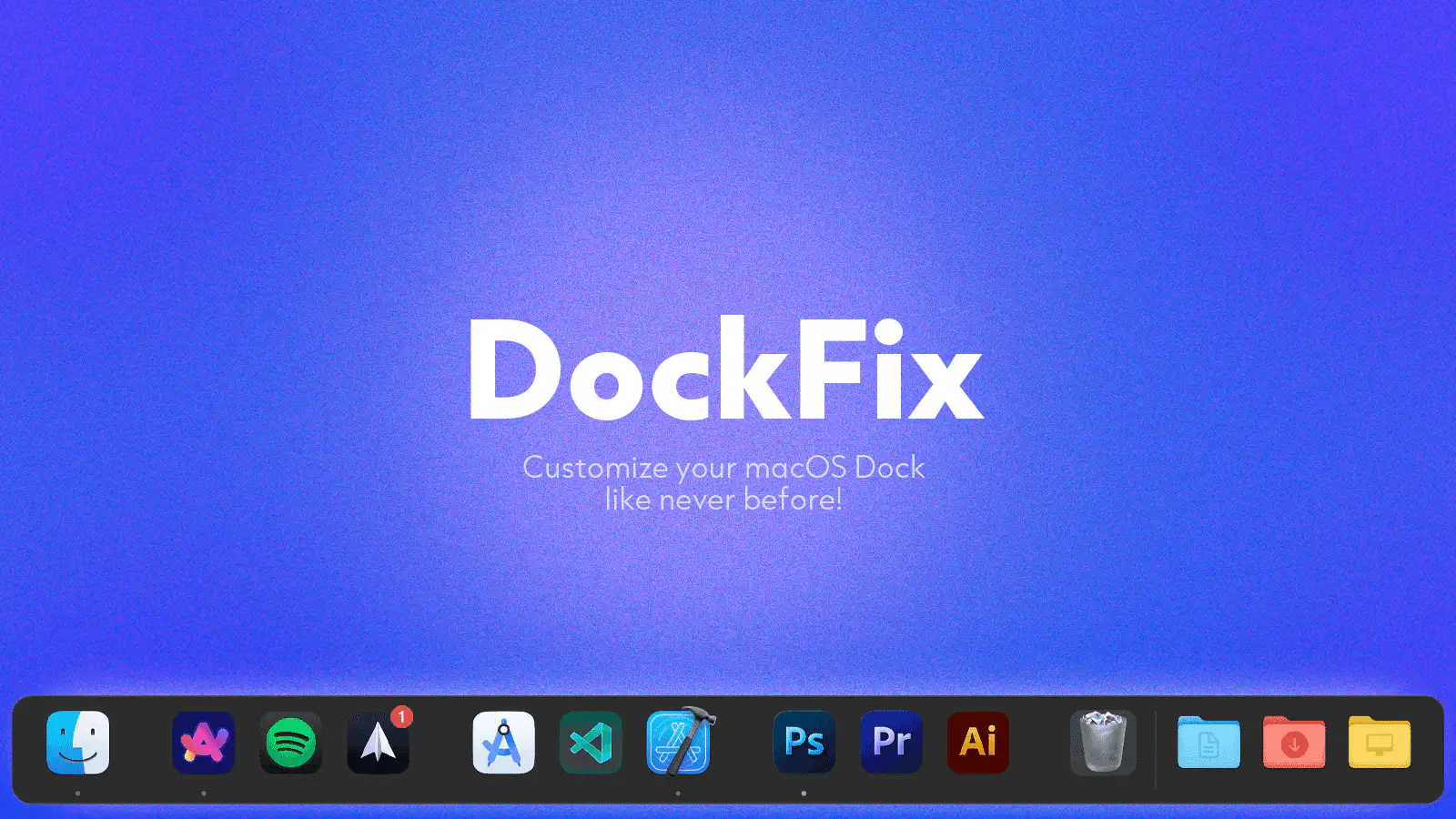
DockFix
Dock replacement
Window & Desktop Management
DockDoor
Free and open source window peeking & alt-tab for macOS.
Display & Accessibility
MonitorControl
Control external display brightness and volume directly.