
doing
Keep track of what you’re doing and track what you’ve done.
A command‑line utility records short “what am I doing” notes in a plain‑text, TaskPaper‑formatted file. Users can add entries with commands such as `doing now <note>` or `doing later <note>`, retrieve the most recent items with `doing last` or `doing recent`, and view everything logged for the current day via `doing today`. The tool supports multiple sections or categories, tags, and flexible output formatting, including grouped totals and average time calculations.
The program offers more than thirty subcommands for status tracking, time recording, and result analysis, and it can be integrated with macOS launchers like LaunchBar or Alfred through simple JSON‑compatible output. Users can also invoke custom show commands, add notes in parentheses, and employ flags for filtered or formatted reports.
Designed for developers and anyone who wants a lightweight way to capture and review work activity from the terminal, the software is stable, CLI‑available, and extensible via plugins or custom commands.
Reviews
Loading reviews…
Similar apps
Time Tracking & Focus
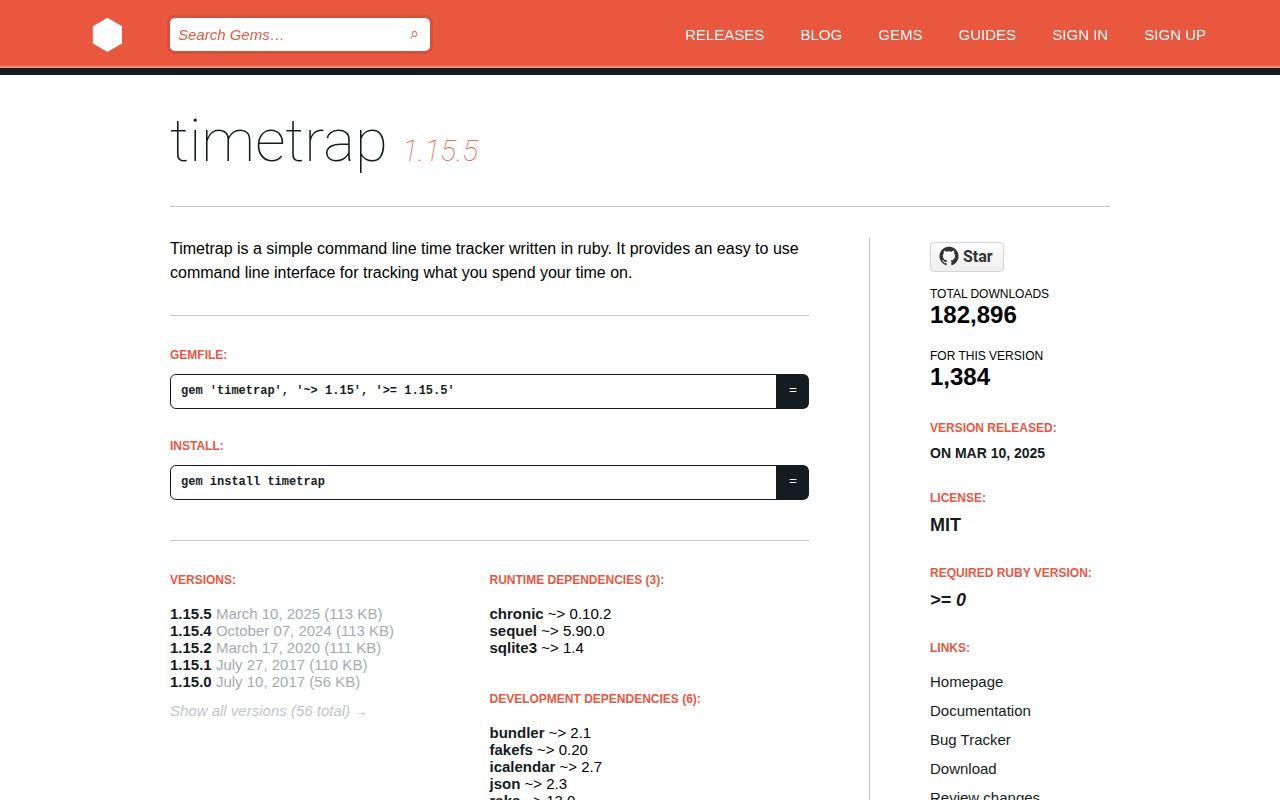
Timetrap
Simple timetracker.
Time Tracking & Focus
Tock
Powerful time tracking tool.
Time Tracking & Focus
Bartib
Easy to use time tracking tool.
AI Coding Agents
Doing
Voice and visual context for AI builders. No subscription.
Time Tracking & Focus
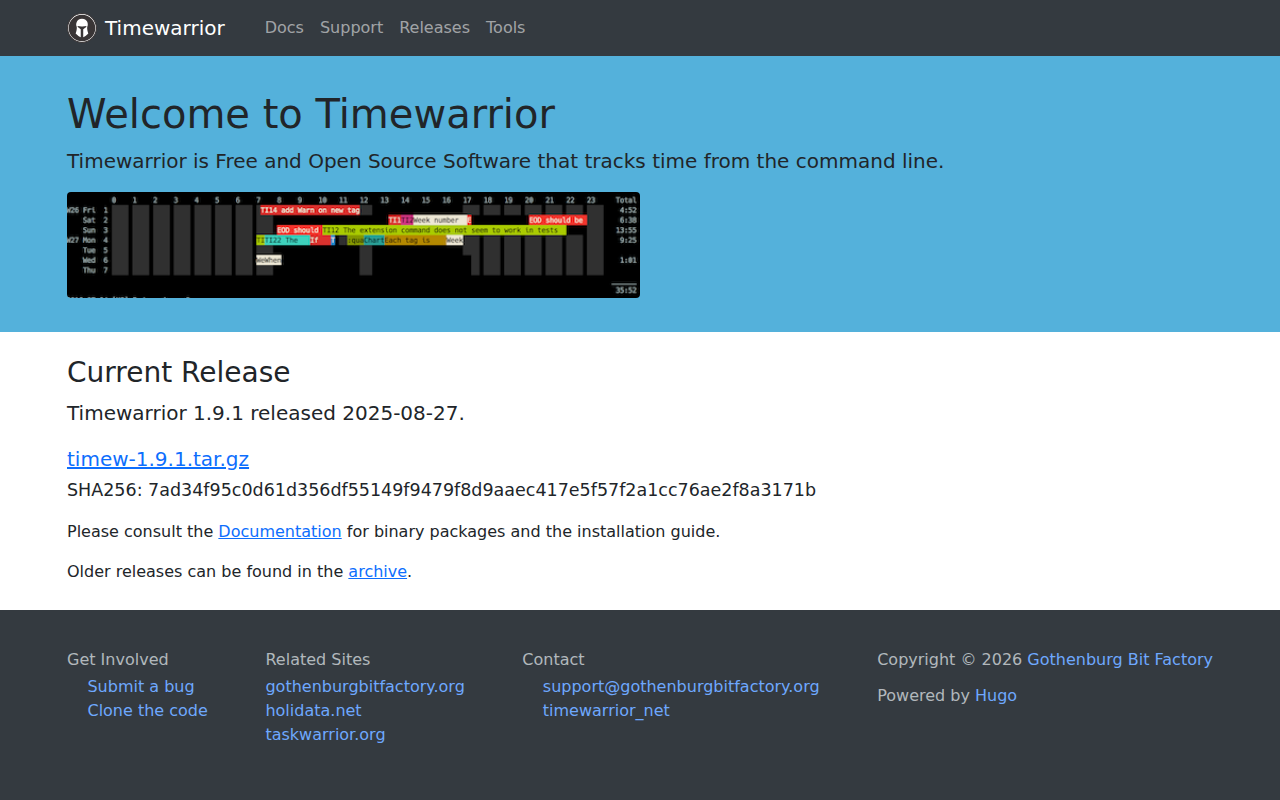
Timewarrior
Utility with simple stopwatch, calendar-based backfill and flexible reporting.
Time Tracking & Focus
Watson
Generate reports for clients and manage your time.