
Ears
Instant audio switcher
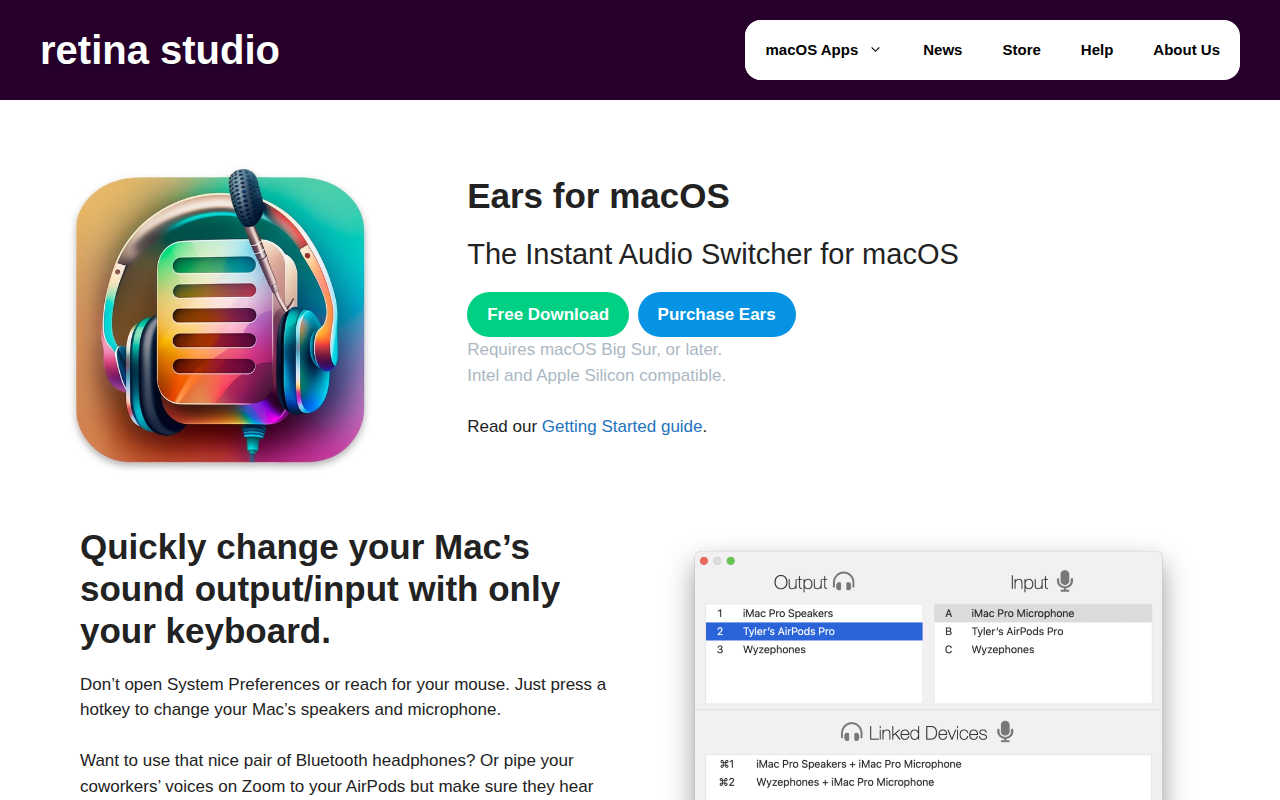
Ears provides a keyboard‑driven way to switch audio input and output devices on macOS without opening System Preferences or using the mouse. By assigning a hotkey, users can summon a small interface and select speakers, headphones, AirPods, or microphones with arrow keys or shortcut keys, enabling rapid changes between multiple audio peripherals.
The tool includes an Instamute feature that offers a global hotkey to mute or unmute the microphone across any application, with three modes: simple toggle, push‑to‑talk, and push‑to‑mute. Visual feedback appears in the menu bar, indicating mute status.
Designed for macOS Big Sur and later on both Intel and Apple Silicon, Ears targets users who frequently move between different audio setups—such as music listening, video calls, or virtual meetings—and prefer a fast, mouse‑free workflow. It focuses on a single purpose, delivering swift device selection and microphone control.
Reviews
Loading reviews…
Similar apps

Clipboard, Input & Automation
BeMyEars
Live captioning tool with on-device transcription and multilingual support. ![Freeware][Freeware Icon]

Audio Routing & Effects
eqMac
System-wide audio equaliser

Audio Routing & Effects
Sound Control
Per-app audio controls

Audio Routing & Effects
Audio Hijack
Record any application's audio, including VoIP calls from Skype, web streams from Safari, and much more.

Audio Routing & Effects
Airfoil
Sends audio from computer to outputs

Clipboard, Input & Automation
Unclack
Mutes your keyboard while you type