
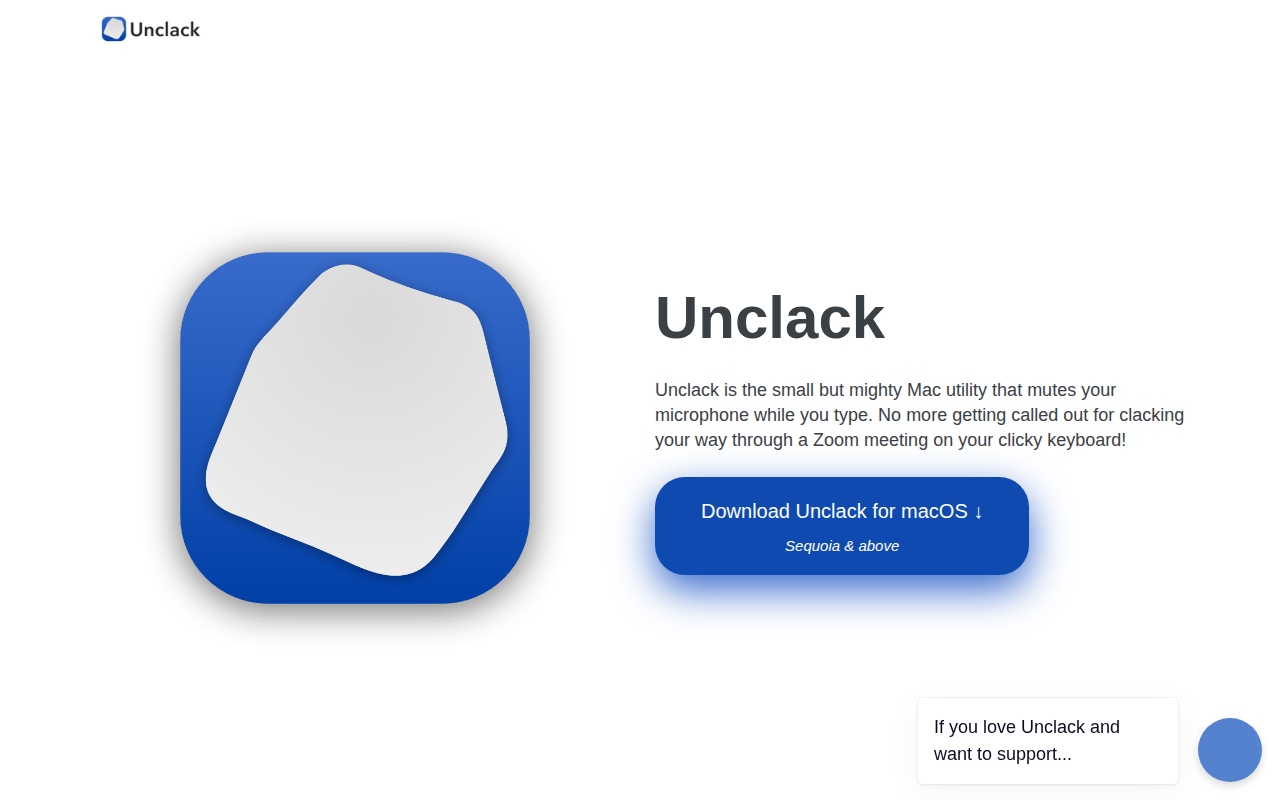
Unclack
Mutes your keyboard while you type
Unclack is a macOS utility that automatically mutes the system microphone while the user is typing, and restores the audio when typing stops. It operates in the background and works with any application that uses the default microphone, such as Zoom, Skype, Webex, and Discord, without requiring manual interaction. The program uses macOS system controls to mute input from the default mic, and a menu‑bar icon indicates when the mute is active.
The tool includes a pause function that lets the user temporarily disable the auto‑mute, allowing simultaneous speaking and typing when needed, for example during pair‑programming. Users can also customize the menu‑bar icon and mute indicator by selecting from three provided designs or disabling the indicator entirely.
Unclack is targeted at macOS users who want to avoid keyboard noise being transmitted during voice calls or recordings. It is a stable, core‑macOS application that runs unobtrusively in the menu bar, providing hands‑free control of microphone muting based on typing activity.
Reviews
Loading reviews…
Similar apps
Clipboard, Input & Automation
Typeless
AI voice dictation that turns speech into polished text

Video & Voice
Utterly
Remove background noise during your calls in any audio or video conferencing app
Clipboard, Input & Automation
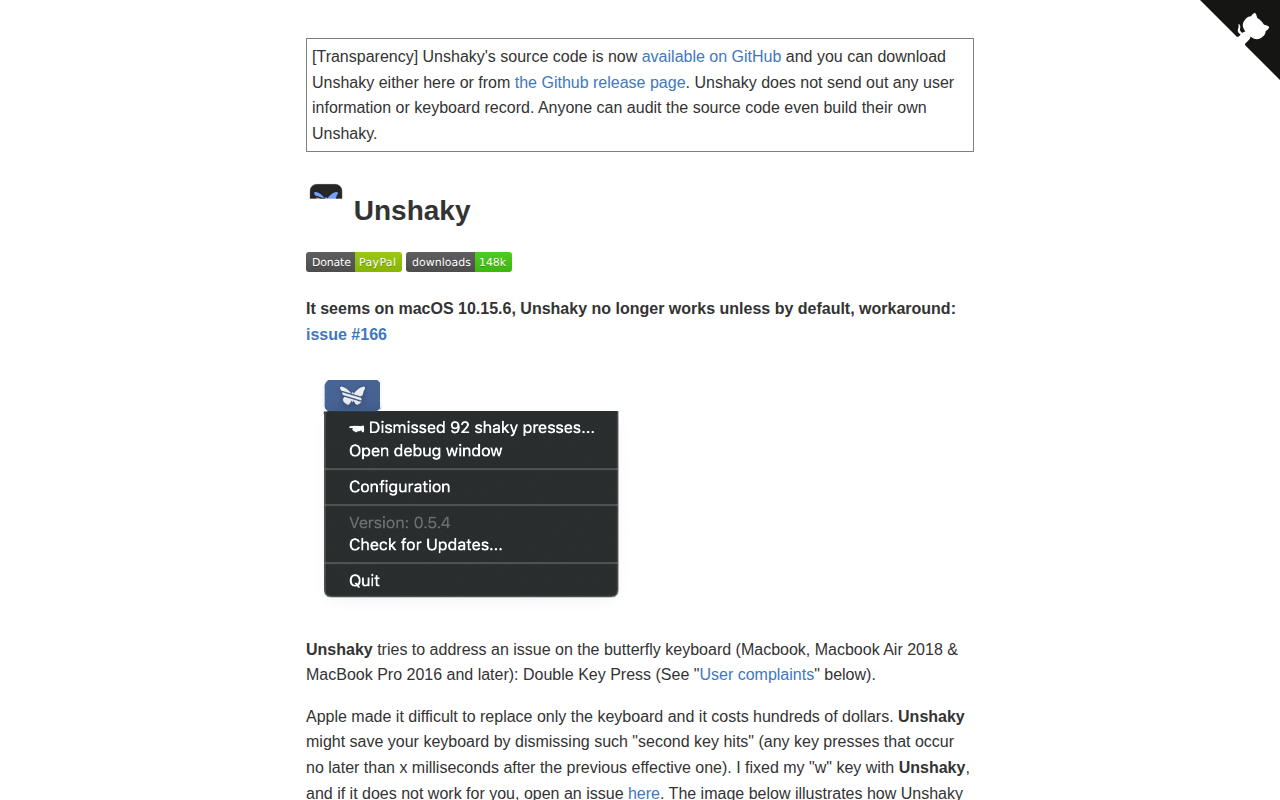
Unshaky
Software fix for double key presses on Apple's butterfly keyboard
Clipboard, Input & Automation
OpenDictation
Open-source dictation utility with local and cloud speech-to-text.
Clipboard, Input & Automation
PawseKeys
Shield your keyboard from kids and pets

System Monitoring & Maintenance
Mic Drop
Quickly mute your microphone with a global shortcut or menu bar control