
Enjoyable
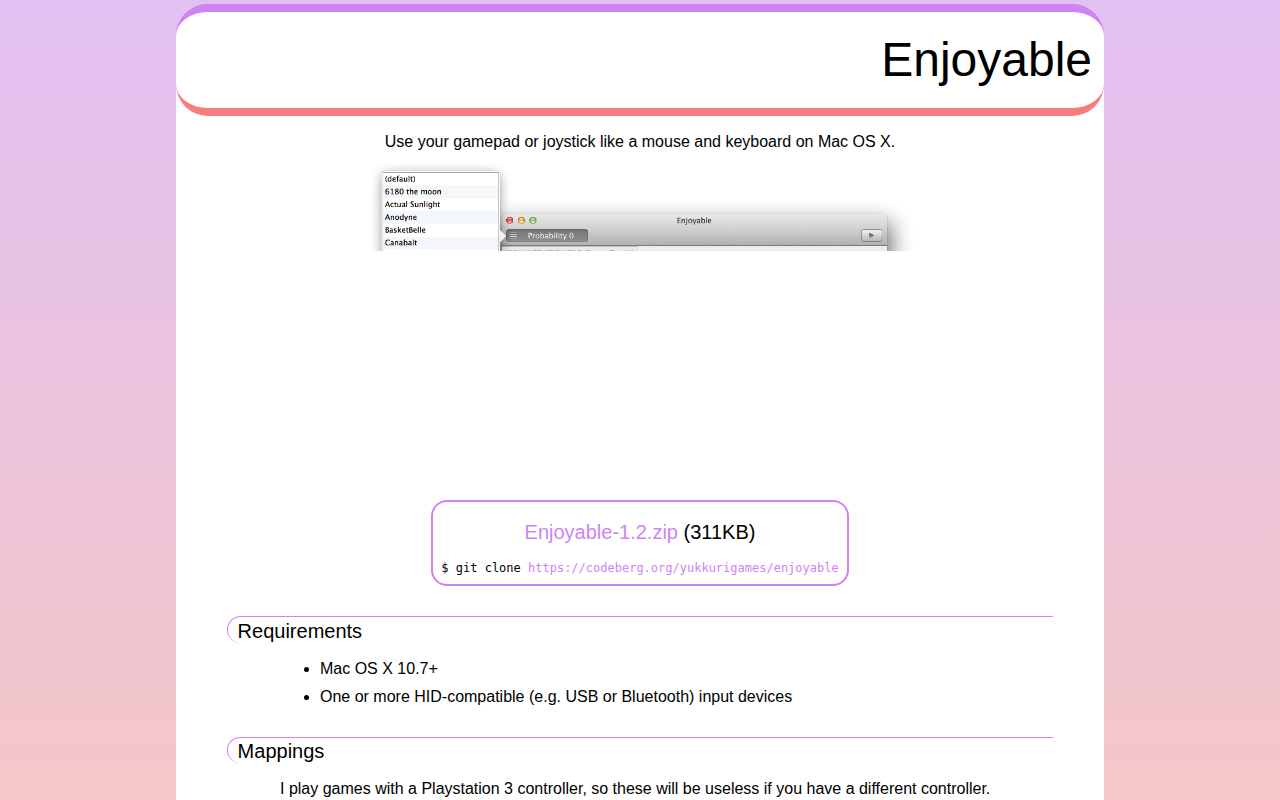
Use your gamepad or joystick like a mouse and keyboard
Enjoyable lets macOS users treat any HID‑compatible gamepad or joystick as a mouse and keyboard. After installing the program, users can map controller buttons, axes and hat switches to standard keyboard keys or mouse movements, enabling the device to control desktop applications, games or other software that expects keyboard or mouse input. The software runs on macOS 10.7 or later and supports USB or Bluetooth controllers.
The project ships with a collection of pre‑made mapping files for several popular games, such as “Anodyne” and “Super Hexagon.” Users can import these mappings by double‑clicking the files in Finder or via the Open command inside Enjoyable, and they can also create or edit their own configurations to suit different controllers or workflows.
Enjoyable is free software released under a permissive license. It is based on the earlier Enjoy codebase and has been maintained by its authors since 2009, offering a stable, open‑source solution for repurposing gamepads on macOS.
Reviews
Loading reviews…
Similar apps
Clipboard, Input & Automation
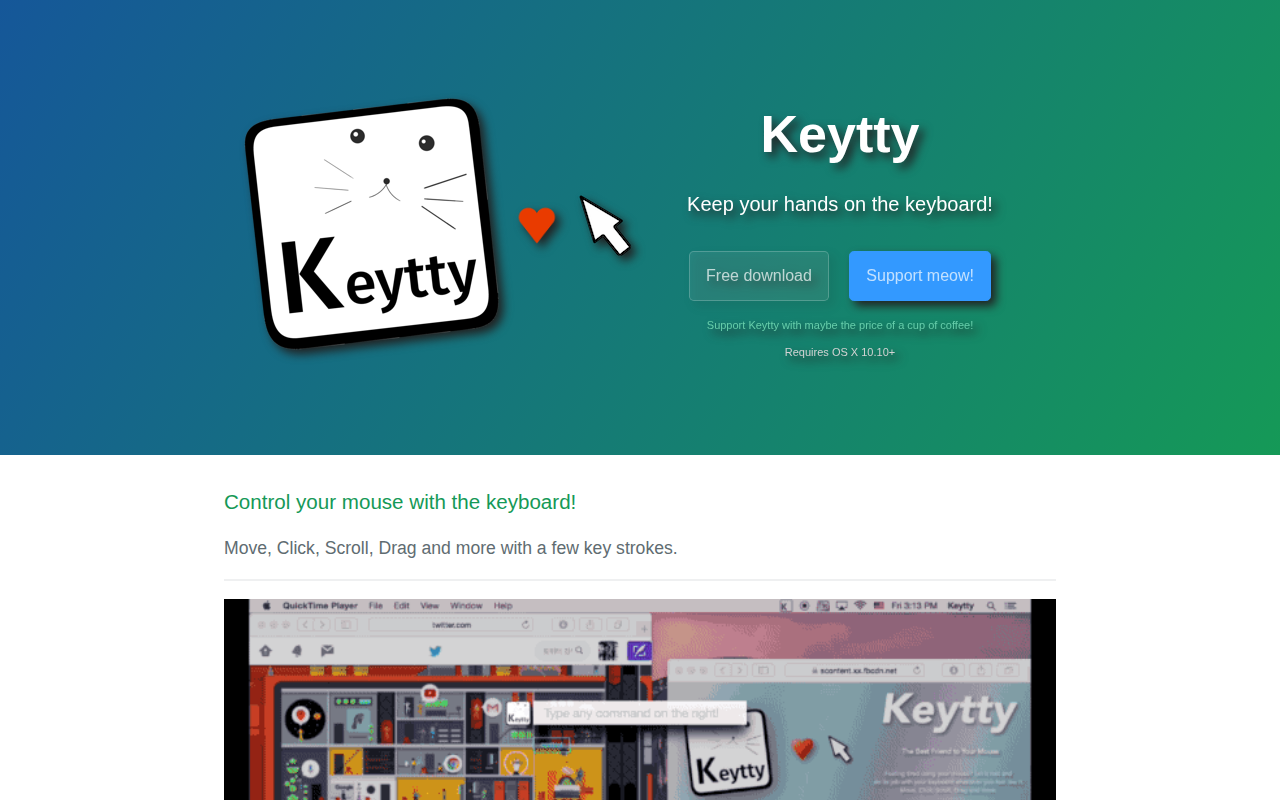
Keytty
App to keep your hands on the keyboard. Move, click, scroll, drag and more with a few strokes.

Clipboard, Input & Automation
Mouseless
Mouse control with the keyboard
Clipboard, Input & Automation
SensibleSideButtons
Make mouse side buttons work for back and forward in more apps.
Clipboard, Input & Automation
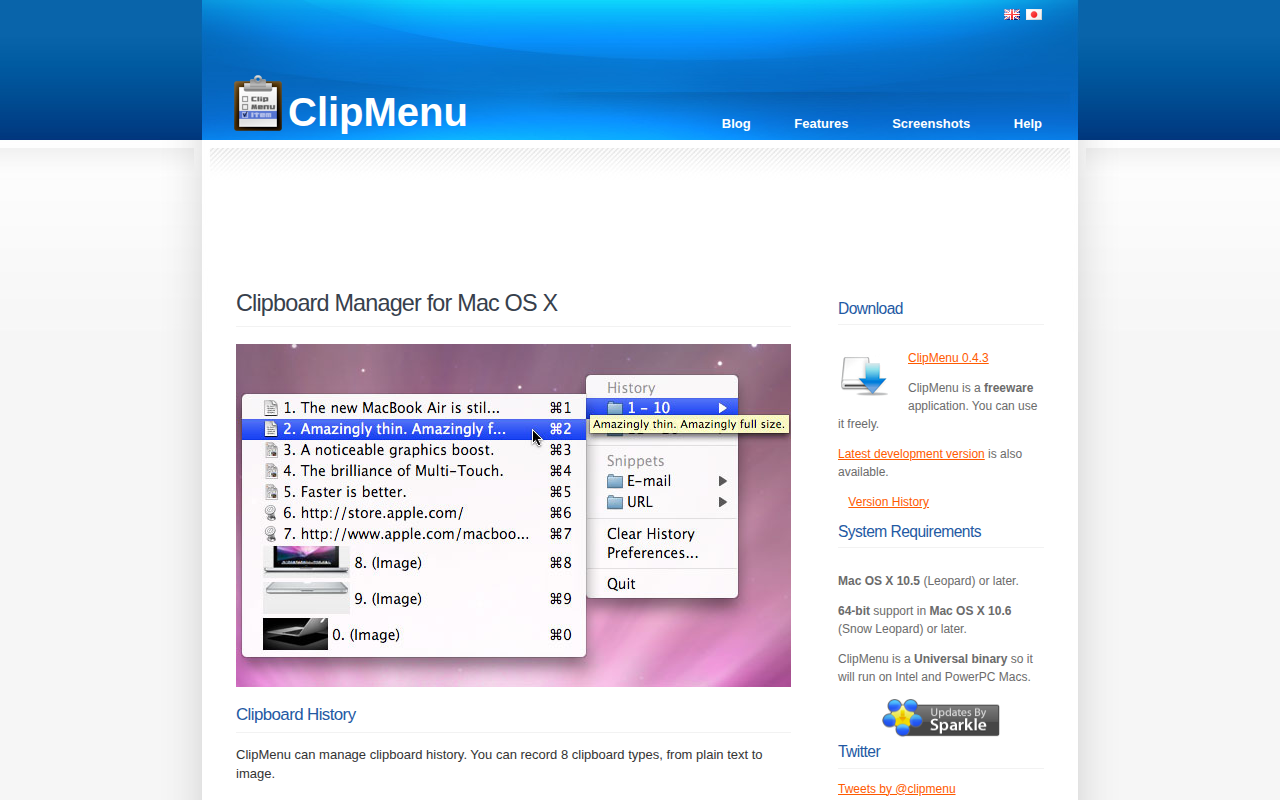
ClipMenu
Clipboard manager for Mac OS X.
Clipboard, Input & Automation
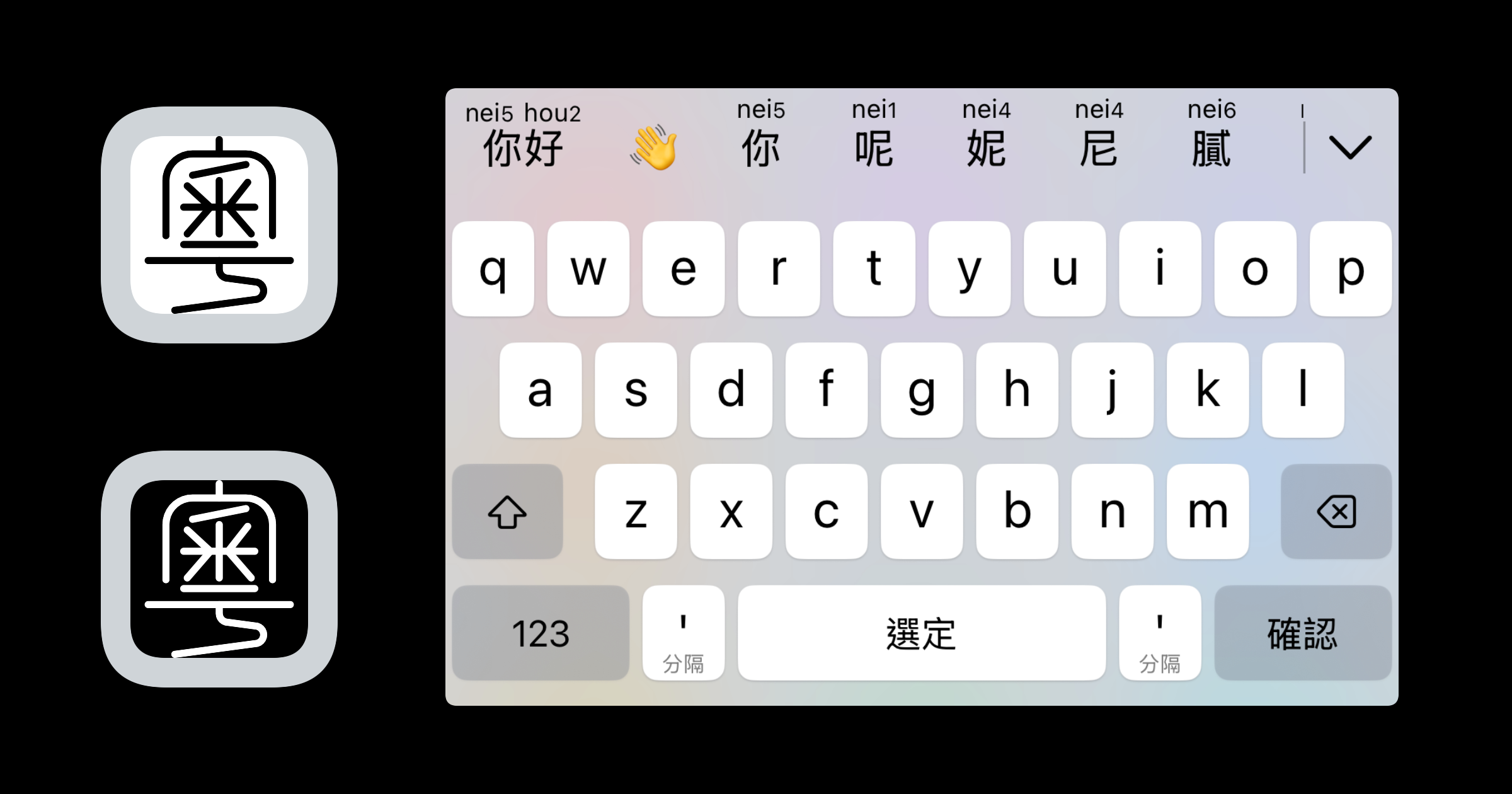
Jyutping
Cantonese Jyutping Input Method
Clipboard, Input & Automation
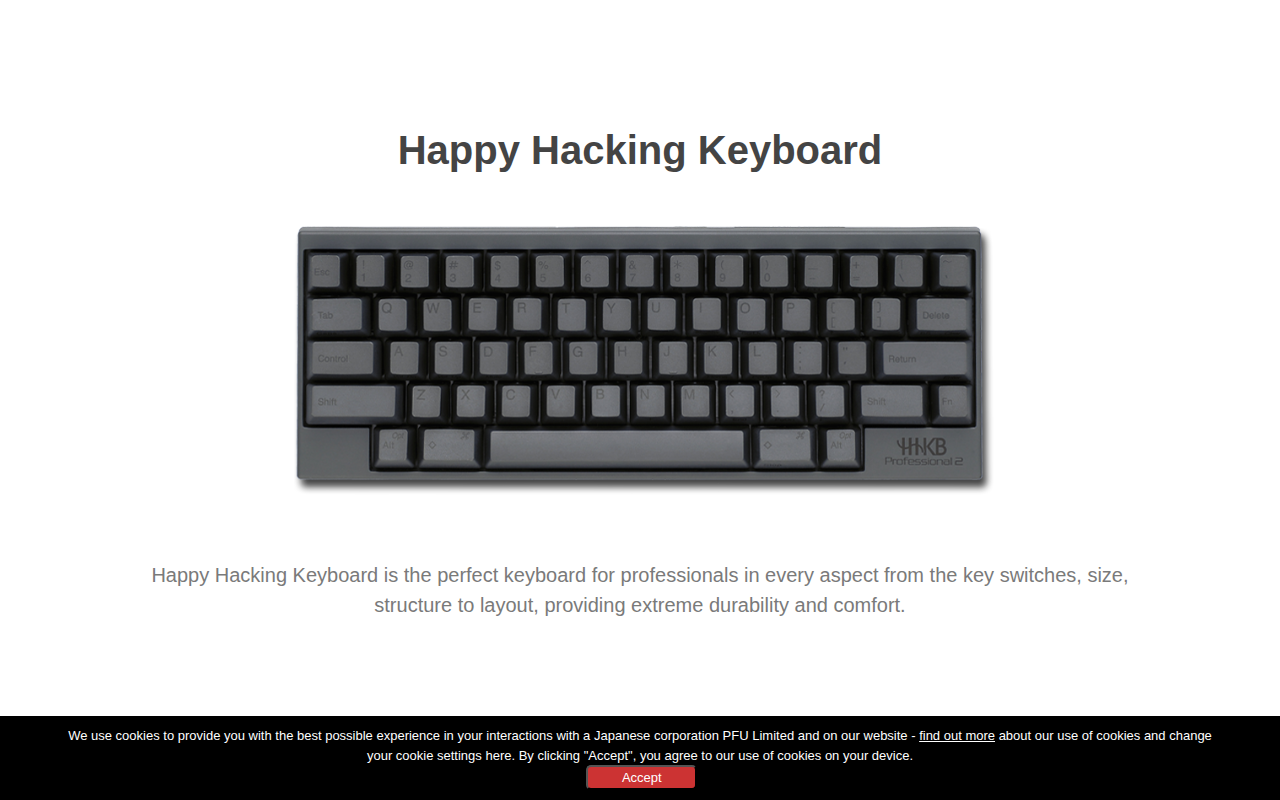
Happy Hacking Keyboard Keymap Tool
Allows keymap customization on HHKB HYBRID Type-S and HYBRID models