
Filterbloom
AR filters for your video clips
The application lets users apply a large library of augmented‑reality face filters to existing video files on their desktop. After dragging a video (MP4, MOV, WebM) into the app, a side‑by‑side preview shows the original alongside the selected filter in real time, and the result can be exported as an MP4 with audio preserved. The workflow consists of three steps—upload, filter, export—so creators can quickly generate filtered clips without leaving their editing timeline.
It targets video creators who need fast, offline processing of AR effects, offering over three hundred lenses that include beauty enhancements, artistic styles, V‑tube avatars, and green‑screen overlays. The software runs natively on macOS (including Apple Silicon) and Windows 10+, requiring no browser plugins or external services, and keeps all media on the user’s device for privacy.
A free tier provides a rotating subset of filters with a watermark on export, while a paid subscription unlocks the full collection and removes watermarks, allowing unlimited use of the AR lenses in exported videos.
Reviews
Loading reviews…
Similar apps

Video Editing
Filmora
Filmora is a video editing application for creating and editing videos with effects and transitions.

Photo & Video Management
VCam
Webcam background tool
Screenshot & Screen Recording
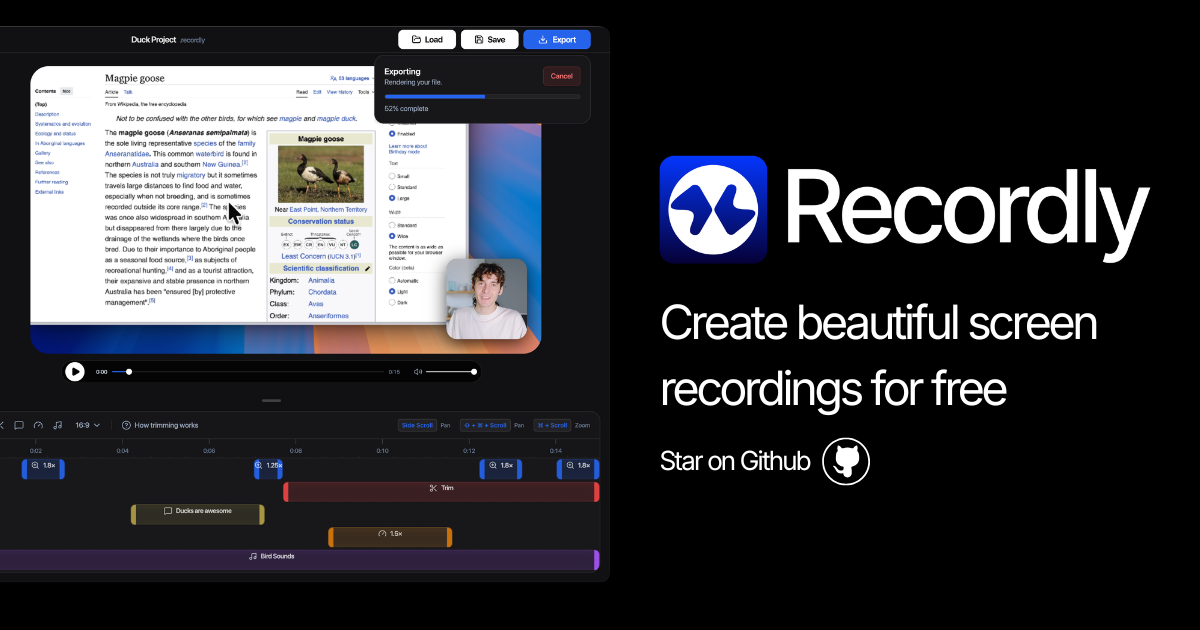
Recordly
Open-source screen recorder and editor for polished demos, tutorials, and product videos.
File Management & Transfer
Bloom
File manager

Video Editing
Vidlink
Make any video clickable. Free.
Video Editing
PhotoStructure
All your family's photos and videos automatically organized into a fun and beautiful website. Runs via Docker, NodeJS, or native desktop…