
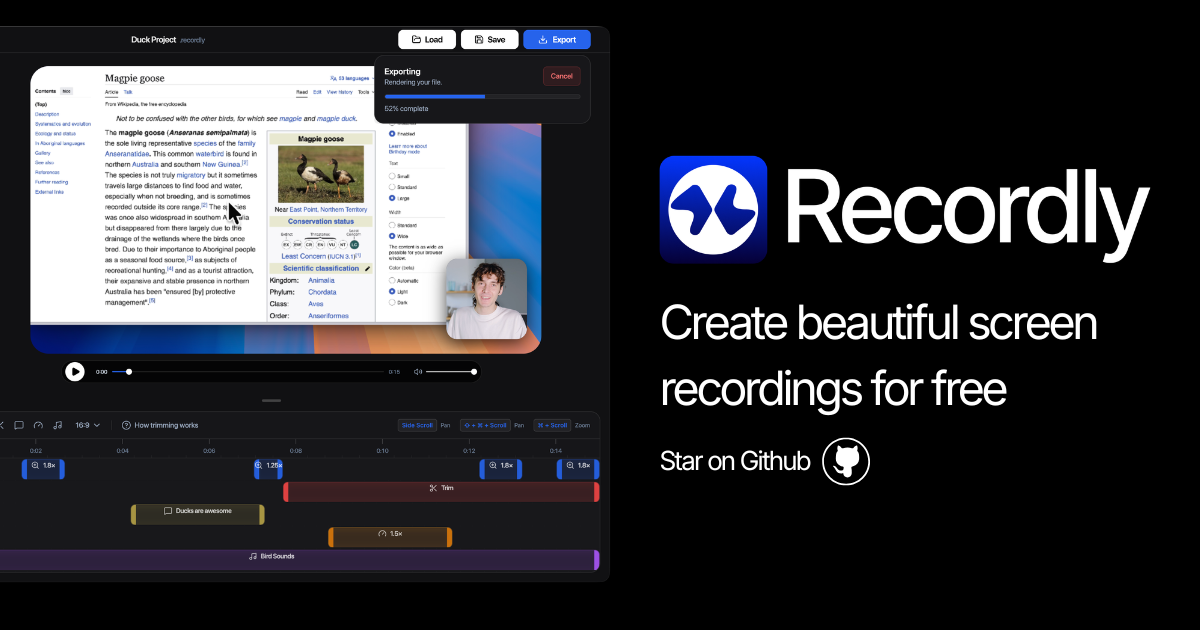
Recordly
Open-source screen recorder and editor for polished demos, tutorials, and product videos.
Recordly captures screen activity on macOS, Windows, and Linux, adding animated cursor effects, auto‑zoom, and customizable backgrounds directly during recording. It also supports a dynamic webcam bubble that expands or contracts to keep the presenter in focus, and it can capture both microphone and system audio with sample‑accurate synchronization.
After recording, users can edit the footage through a drag‑and‑drop timeline that lets them adjust speed, add annotations, layer external audio or webcam clips, and loop cursor paths for smooth GIFs or looping videos. Projects are saved in a native format that preserves all layout and media choices, and the final output can be exported as MP4 or GIF with selectable quality settings.
The application is fully open‑source and free, without paywalls or usage limits, and it is positioned as a community‑driven alternative for creating product demos, tutorials, and other instructional videos.
Reviews
Loading reviews…
Similar apps
Screenshot & Screen Recording
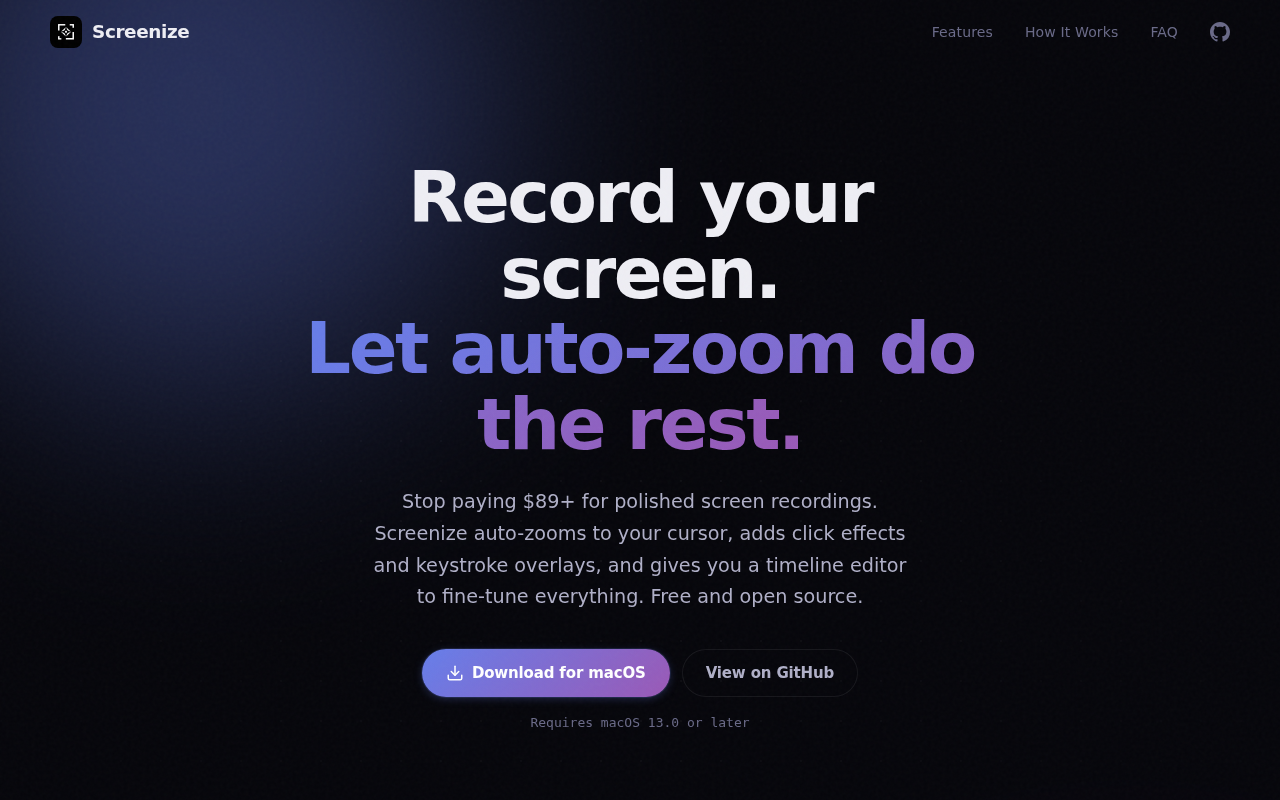
Screenize
Open-source screen recorder with auto-zoom, cursor effects, and timeline editing.
Screenshot & Screen Recording
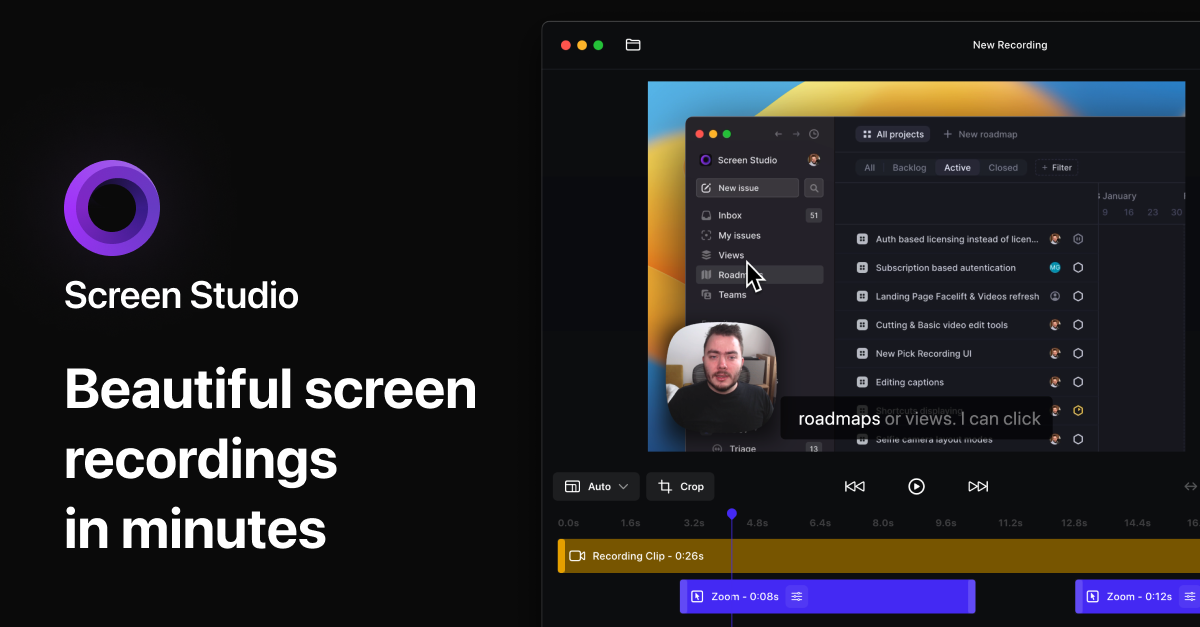
Screen Studio
Screen recorder and editor
Screenshot & Screen Recording
BetterCapture
Free and open source screen recorder with professional encoding support.
Screenshot & Screen Recording
Screen Studio
Screen recorder for polished videos with automatic motion effects.
Screenshot & Screen Recording
Reframed
Screen recorder with a built-in editor.
Photo & Video Management
Kap
Open-source screen-recorder built with web technology.