
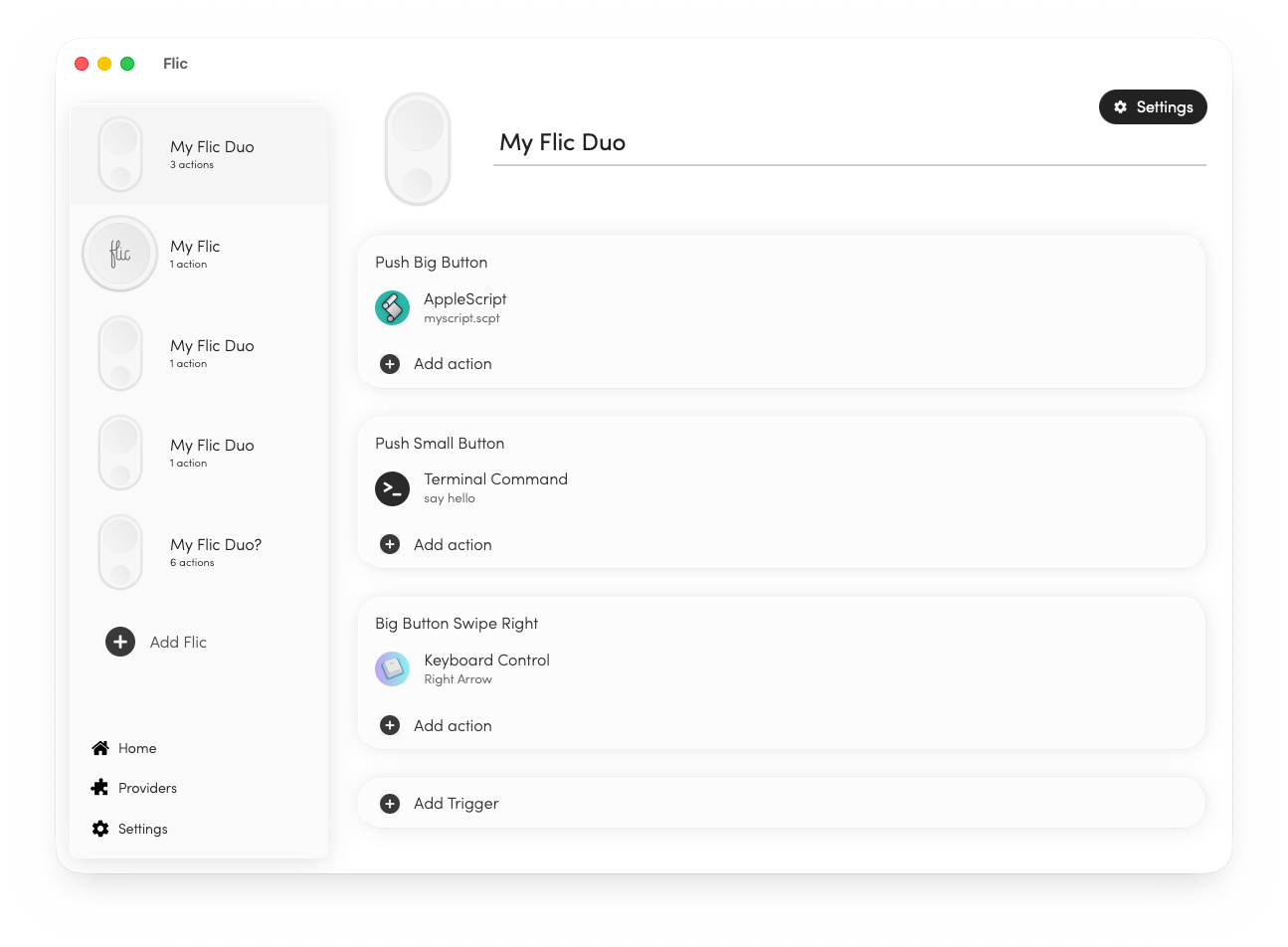
Flic
Driver for the Flic bluetooth button
The macOS driver lets a Flic Bluetooth button act as a physical trigger for a wide range of actions on a Mac. When the button is pressed, the driver can launch scripts, run terminal commands, execute AppleScript, send MQTT or HTTP requests, and emulate keyboard shortcuts or mouse clicks. This enables users to automate workflows, control presentations, or interact with other software without using the keyboard or mouse.
It is aimed at individuals who want a simple, hardware‑based way to initiate recurring tasks on macOS, such as developers, presenters, or anyone who benefits from quick, tactile control of scripts and commands. The driver works with both Intel and Apple‑Silicon Macs and integrates with the broader Flic ecosystem, which includes additional hardware and cloud services.
What distinguishes this driver is its ability to map a single button press to diverse command types—ranging from local shell scripts to network requests—providing a flexible bridge between physical input and software automation on the Mac platform.
Reviews
Loading reviews…
Similar apps

Clipboard, Input & Automation
Flirc
IR USB receiver configurator
Clipboard, Input & Automation
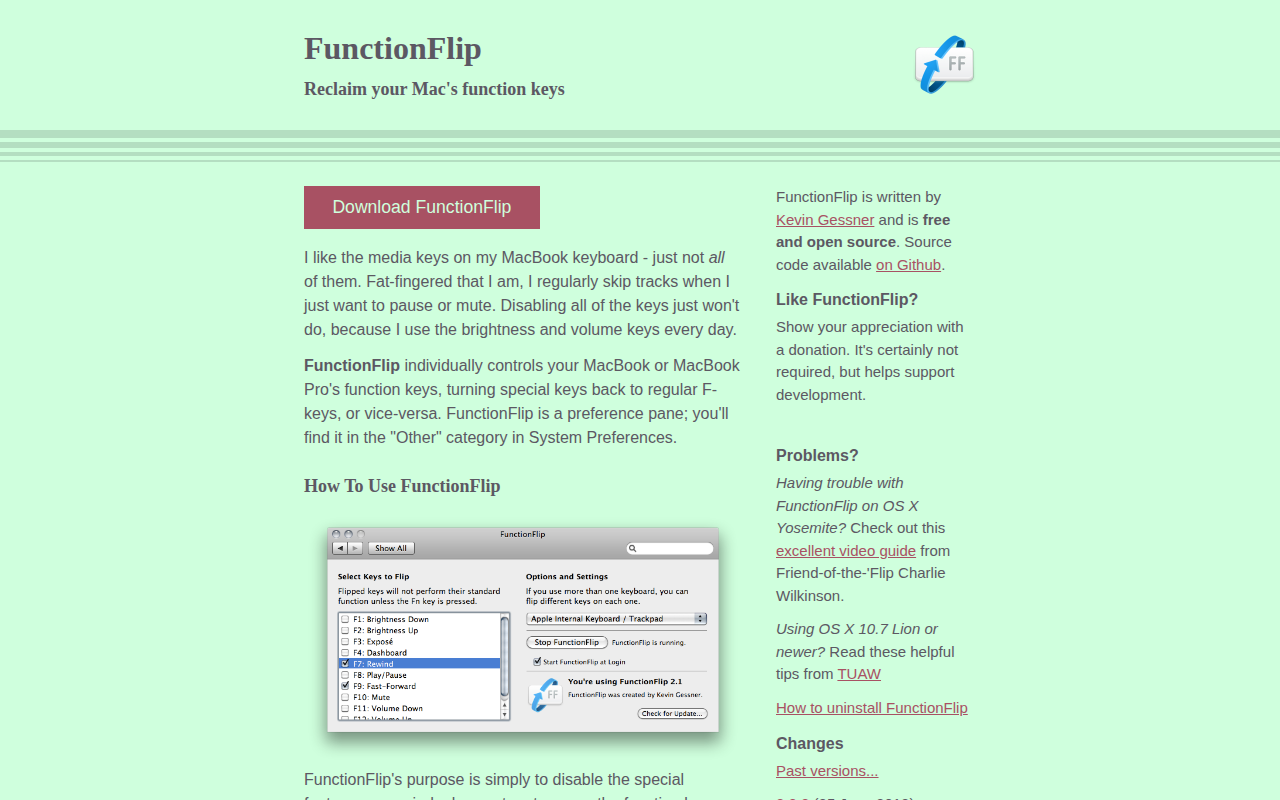
FunctionFlip
Function key control

Task & Project Management
PowerClick
The missing 'New File' right-click menu for Mac.
Task & Project Management
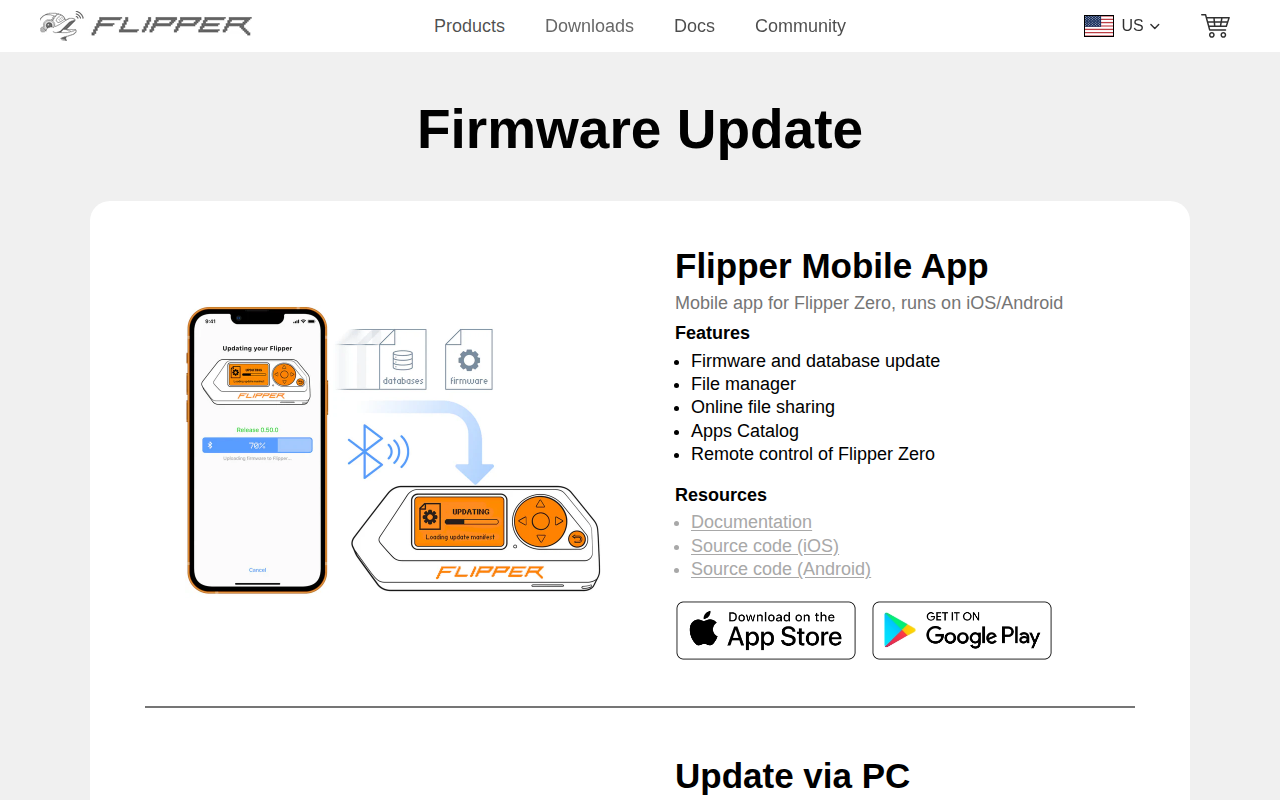
qFlipper
Companion app for Flipper Zero devices
Clipboard, Input & Automation
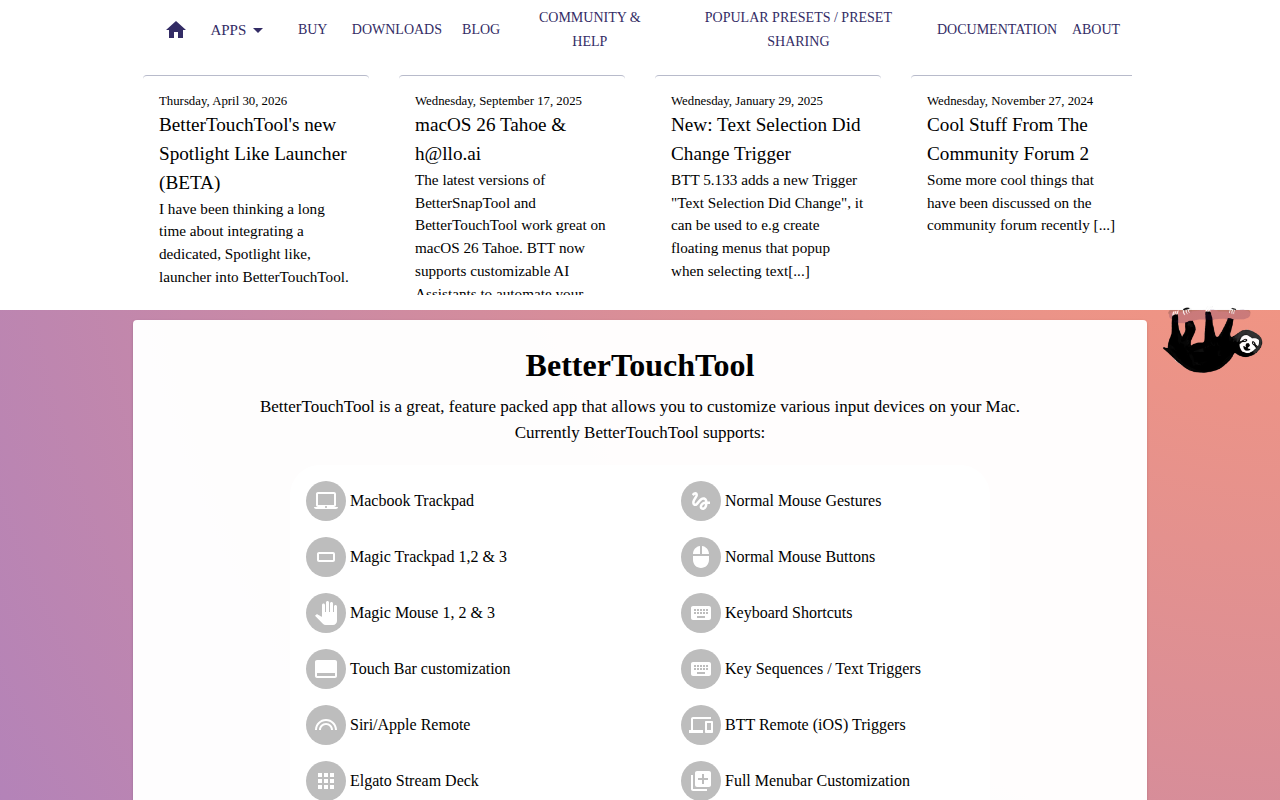
BetterTouchTool
Customize gestures, shortcuts, and input actions across trackpads, mice, and keyboards.
Clipboard, Input & Automation
GalaxyBudsClient
Unofficial manager for the Buds, Buds+, Buds Live and Buds Pro