
FunctionFlip
Function key control
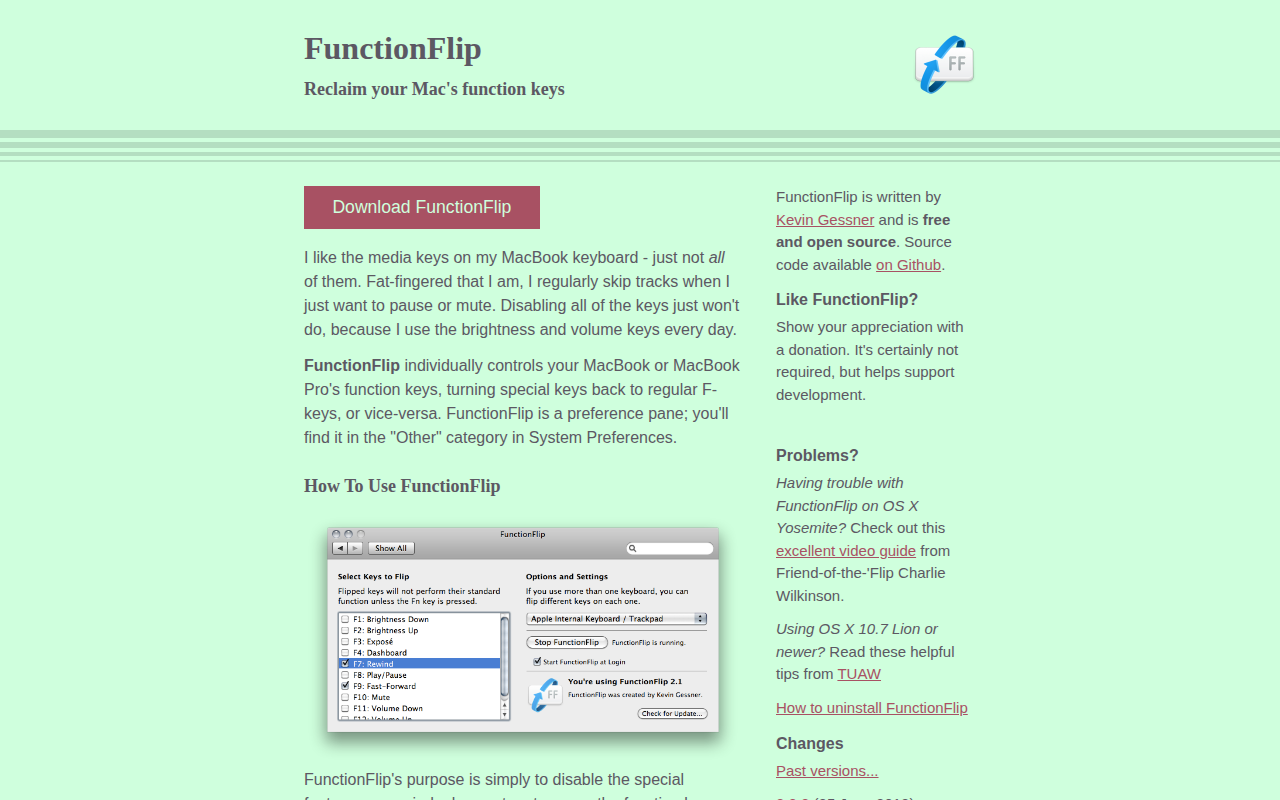
FunctionFlip is a macOS System Preferences pane that lets users toggle individual function keys between their default special‑media actions (such as play, rewind, brightness, and volume) and standard F‑key behavior. By “flipping” selected keys, the special function is disabled while the key retains its original label, and the standard F‑key function can be accessed by holding the fn key. This granular control lets users keep useful keys like brightness and volume active while reclaiming media keys for other shortcuts.
The tool works with all MacBook and MacBook Pro models, as well as most Apple‑branded external keyboards, iBooks, and PowerBooks. Third‑party keyboards are generally unsupported. Users who need custom shortcuts for the reclaimed keys can pair FunctionFlip with utilities such as Keyboard Maestro.
FunctionFlip is free, open‑source software maintained by Kevin Gessner, with source code hosted on GitHub. It has been updated over many years to support newer macOS releases, additional keyboard layouts, and features like Launchpad and Bluetooth fixes, while requiring the “Enable access for assistive devices” setting to be active.
Reviews
Loading reviews…
Similar apps
Clipboard, Input & Automation
Fluor
Change the behavior of the fn keys depending on the active application
Clipboard, Input & Automation
FnKeyboard
Quick access to function keys from the menu bar.
Clipboard, Input & Automation
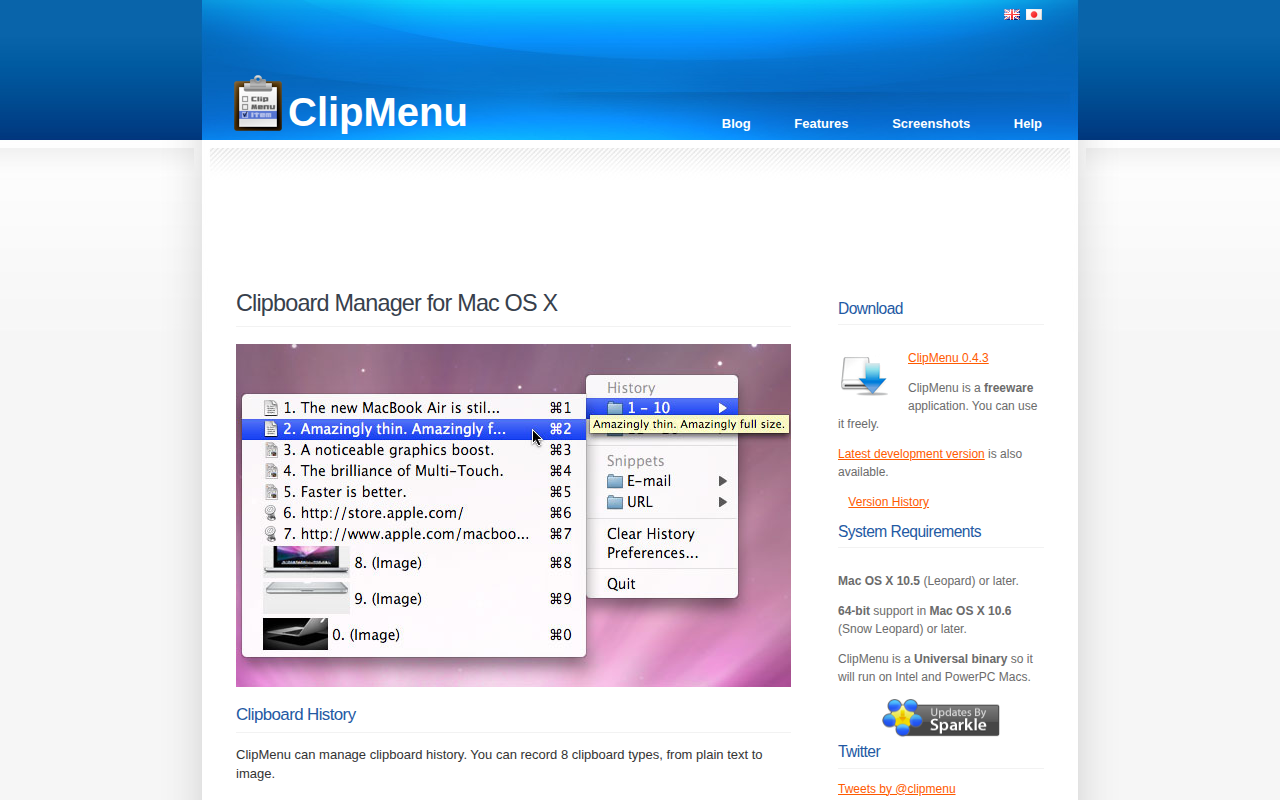
ClipMenu
Clipboard manager for Mac OS X.
Clipboard, Input & Automation
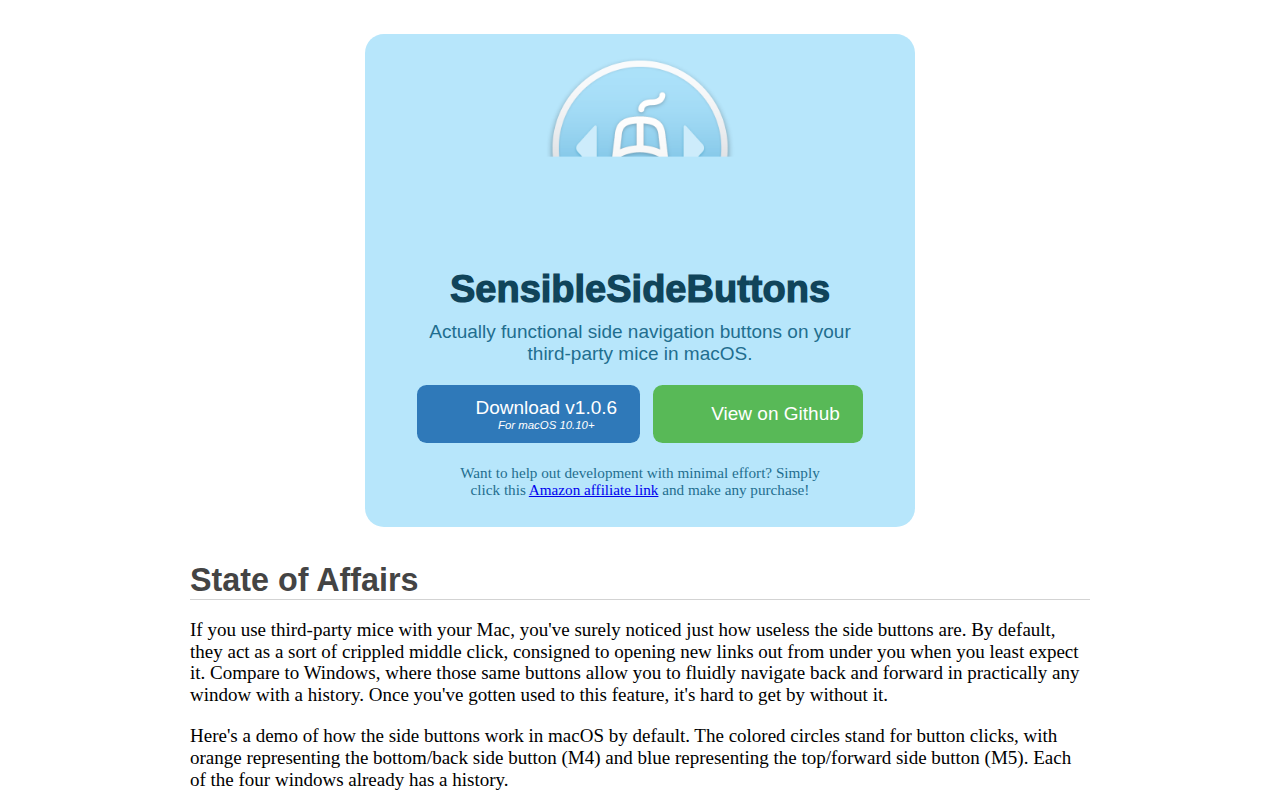
SensibleSideButtons
Make mouse side buttons work for back and forward in more apps.

Clipboard, Input & Automation
Karabiner
Powerful and stable keyboard customizer for OS X.

Clipboard, Input & Automation
Karabiner Elements
Keyboard customiser