
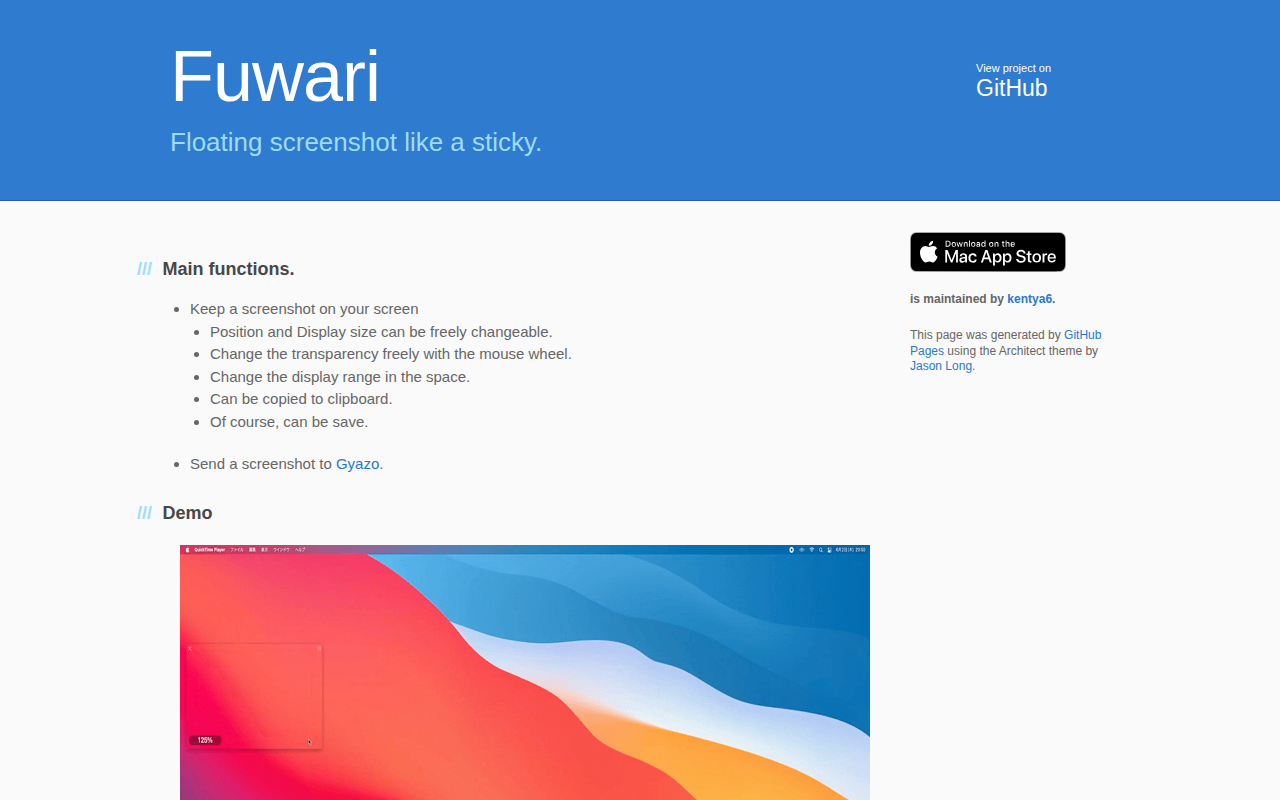
Fuwari
Floating screenshot like a sticky
Fuwari lets macOS users keep a screenshot visible on the desktop as a movable, resizable overlay. The image can be positioned anywhere, resized freely, and its opacity adjusted with the mouse wheel, allowing the user to control how much of the underlying screen remains visible. The overlay can be limited to a specific region of the screen, copied to the clipboard, saved locally, or sent directly to Gyazo.
The tool is designed for workflows that benefit from a persistent reference image, such as comparing design elements, annotating while working, or keeping instructions in view. It operates as a lightweight utility that runs in the background and integrates with standard macOS window management.
Fuwari is released as a stable macOS‑only application, with source and documentation hosted on GitHub. Support is provided through the developer’s contact handle, and a basic terms and privacy policy are available on the project page.
Reviews
Loading reviews…
Similar apps

Screenshot & Screen Recording
Nota Gyazo GIF
Screenshot and screen recording tool
Screenshot & Screen Recording
Katana
Open-source screenshot utility
Screenshot & Screen Recording
Xnip
Handy Screenshot App.
Screenshot & Screen Recording
Flameshot
Screenshot software with built-in annotation tools
Screenshot & Screen Recording
PixPin
Screenshot tool
Note-Taking & PKM
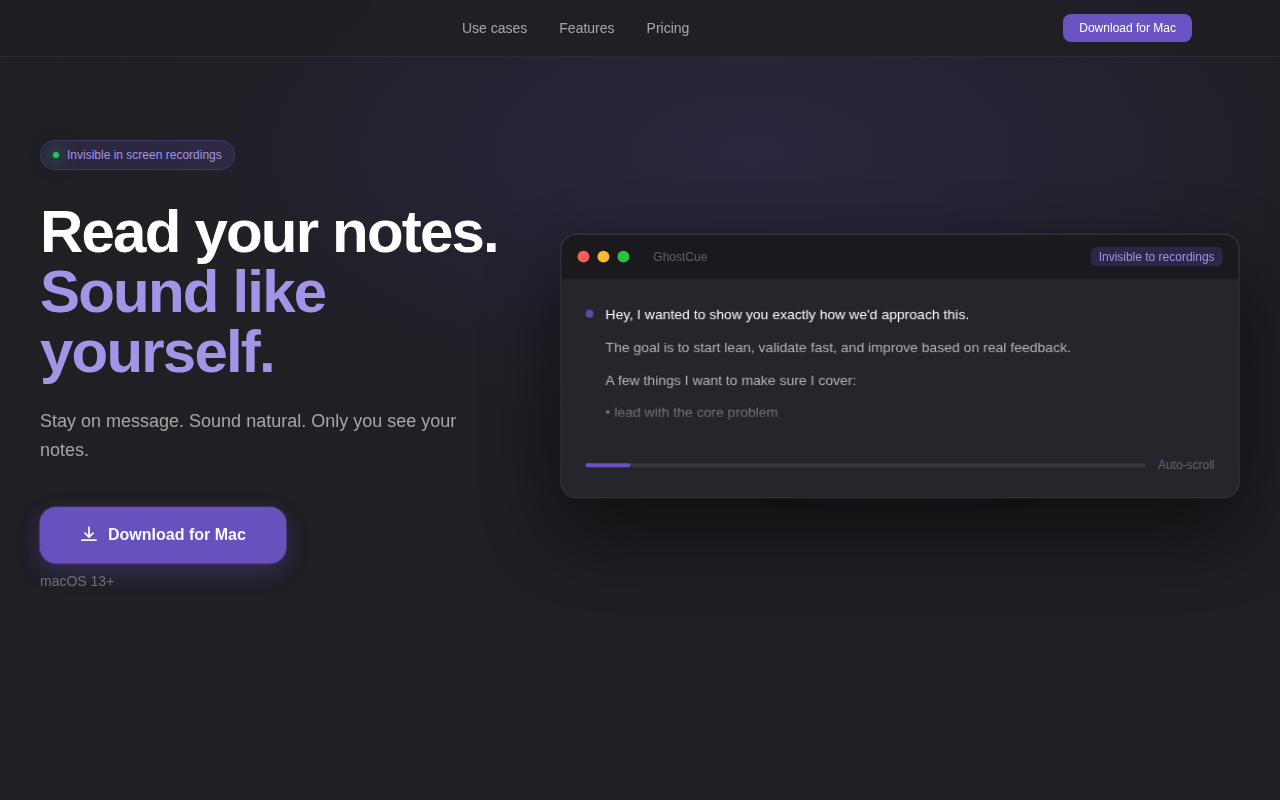
GhostCue - Invisible Notes App for Mac
Floating notes only you see. Invisible to every recording.