
PixPin
Screenshot tool
PixPin combines screenshot capture, screen recording, long‑page stitching, OCR text extraction, and on‑screen annotation in a single desktop tool. Users can quickly grab a window, a custom region, or the full display, then add notes, highlights, or pixelation to emphasize or hide details. The application also supports recording video or GIF clips with optional mouse‑click and keystroke overlays, and it can merge scrolling content into a continuous image.
The software is positioned for designers, developers, product managers, customer support staff, writers, researchers, educators, and trainers who need visual references and documentation within their workflow. It allows images, extracted text, colors, or files to be “pinned” to the screen as persistent notes, facilitating instant reference without leaving the active application. OCR functionality lets users select text directly from screenshots and copy it for further use.
Available for Windows and macOS, PixPin is offered as a free, stable product without registration requirements. Its integrated feature set aims to streamline desktop‑based tasks such as UI feedback, tutorial creation, bug reporting, and research citation by keeping capture, editing, and annotation in one place.
Reviews
Loading reviews…
Similar apps
Screenshot & Screen Recording
Xnip
Handy Screenshot App.
Screenshot & Screen Recording
Xnapper
Screenshot tool
Screenshot & Screen Recording
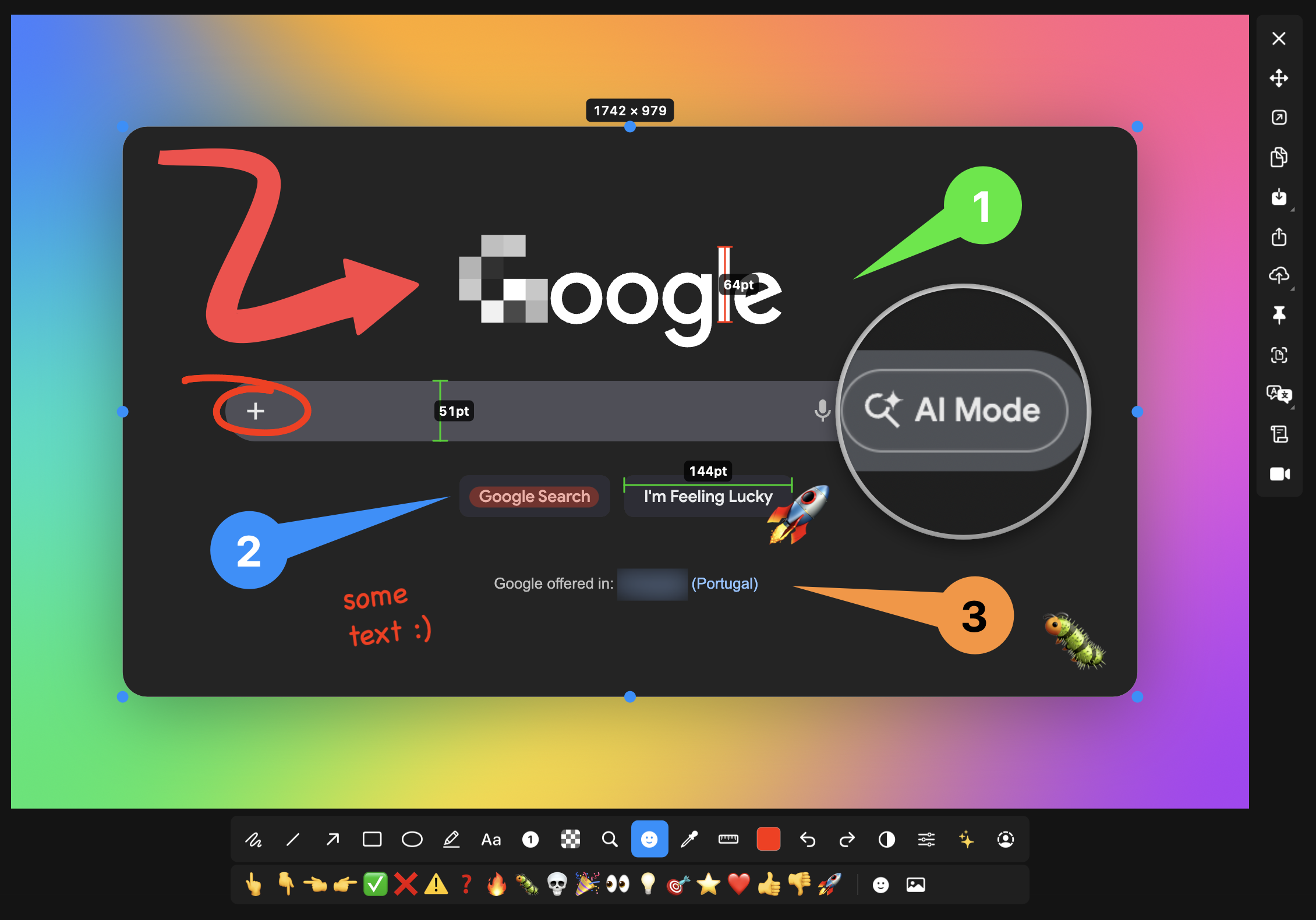
macshot
Screenshot and annotation tool with screen recording, scrolling capture, and OCR.
Screenshot & Screen Recording
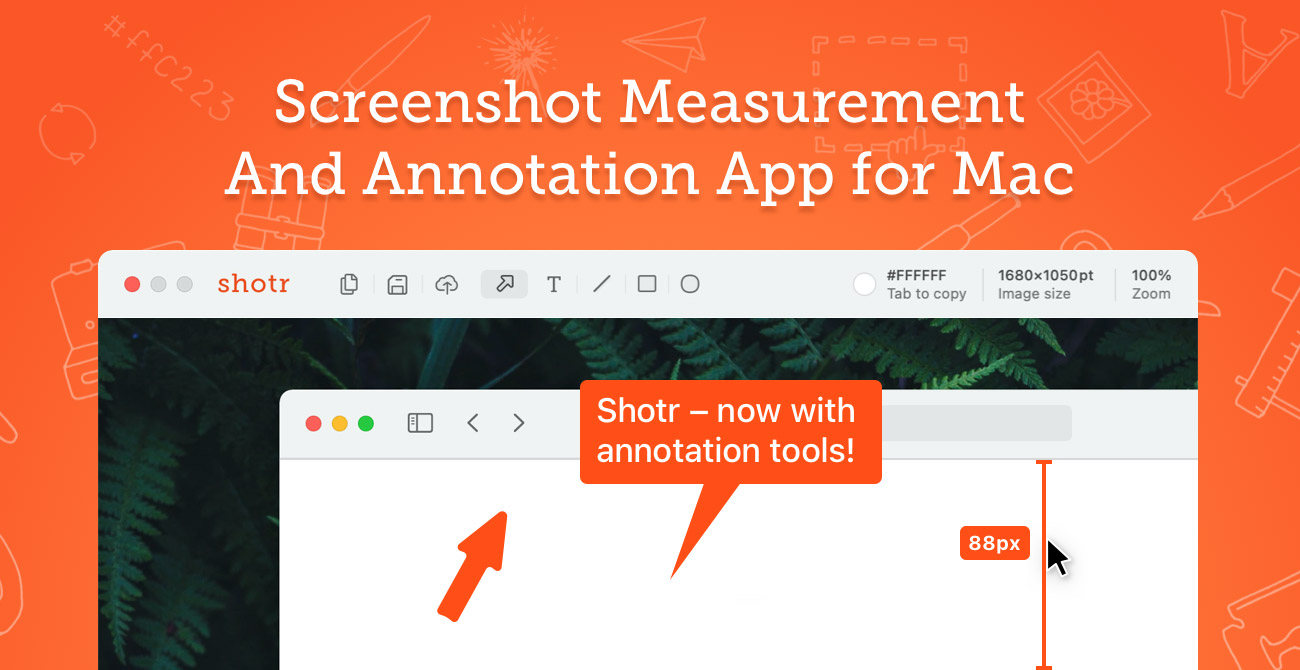
Shottr
Screen capture application with features like Scrolling capture, OCR and markup.
Screenshot & Screen Recording
ksnip
Screenshot and annotation tool
Screenshot & Screen Recording
Capso
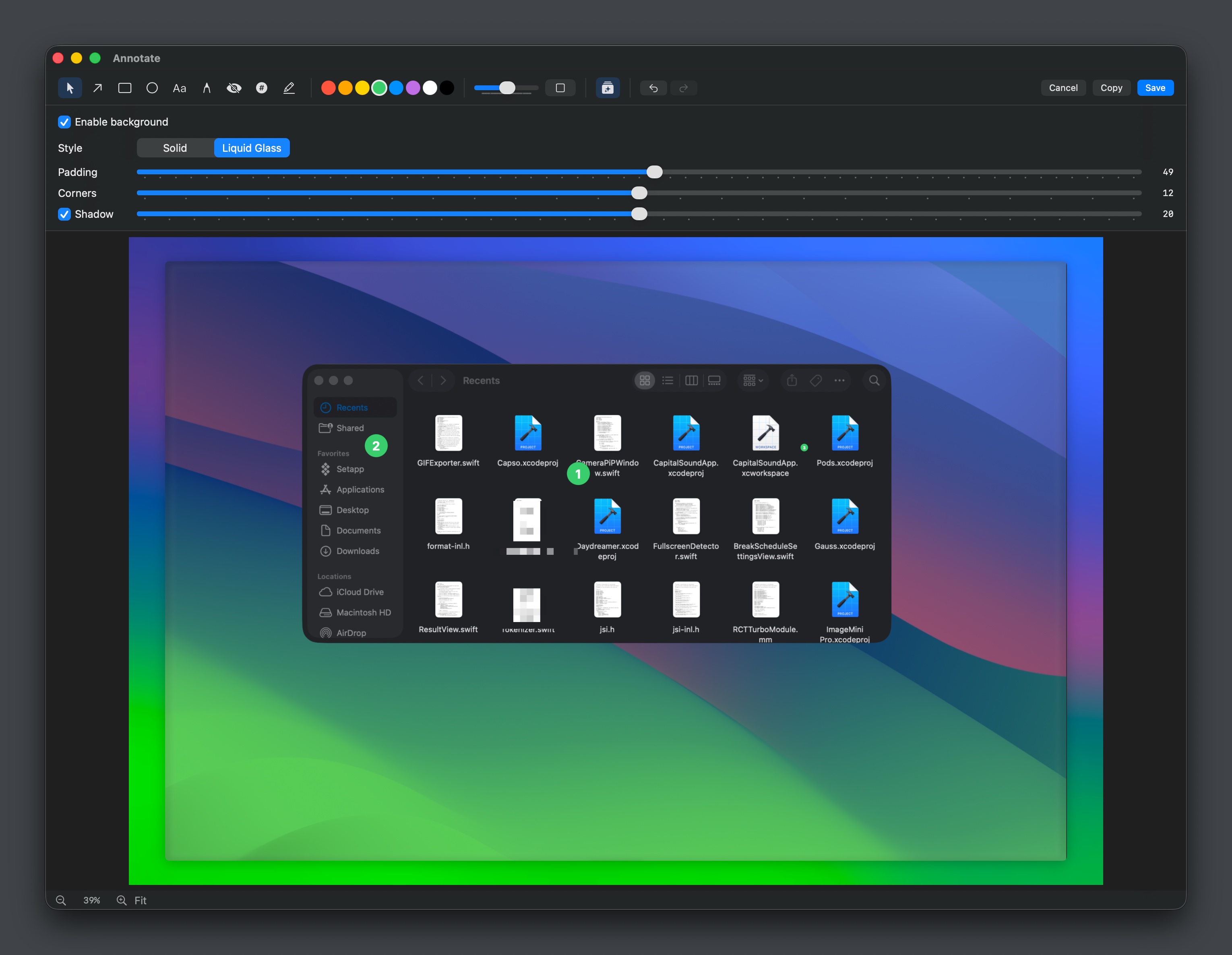
Open-source screenshot and screen recording tool with annotations, OCR, and webcam overlays.