
Go2Shell
Opens a terminal window to the current directory in Finder
The utility adds a Finder toolbar button that opens a new terminal session directly in the folder displayed in the Finder window. After installing the extension, users select their preferred terminal application—such as Terminal.app, iTerm2, or xterm—and then click the Go2Shell icon to launch a shell with the current directory set accordingly. The tool provides native‑looking icons for each supported version of Finder, ranging from macOS 10.6 through 10.10, and supports Retina displays.
Designed for developers who frequently work in the command line, it streamlines the workflow of moving between the graphical file browser and a terminal. The installation process integrates the button into the Finder toolbar, making the feature accessible with a single click. The application is stable, macOS‑only, and has been distributed by ZipZapMac since 2010.
Reviews
Loading reviews…
Similar apps
Terminals & CLI
cd to
Finder Toolbar app to open the current directory in the Terminal
Terminals & CLI
cd_to
Finder Toolbar app to open the current directory in the Terminal
Terminals & CLI
FinderGo
Open terminal quickly from Finder.
Terminals & CLI
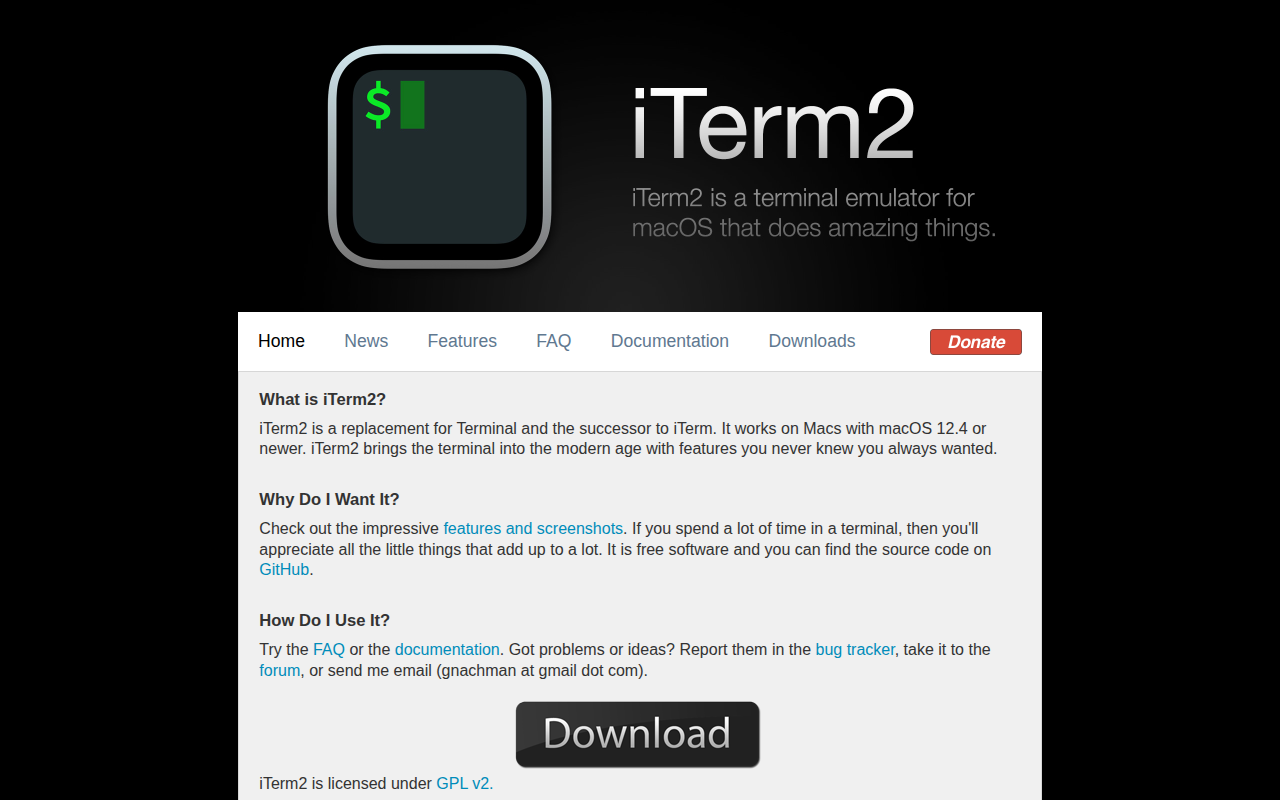
iTerm2
iTerm2 is an amazing terminal emulator for OS X.
Terminals & CLI
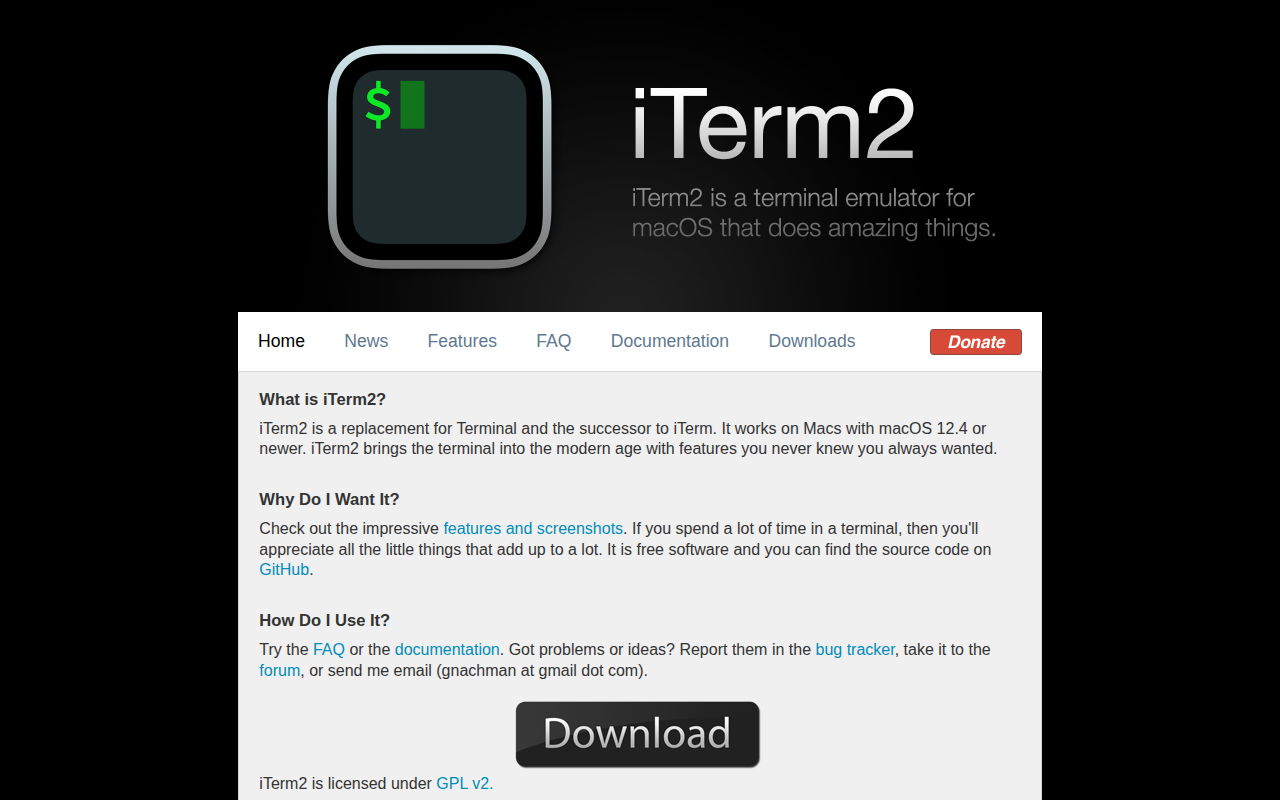
iTerm2
Terminal emulator as alternative to Apple's Terminal app

Terminals & CLI
fig
Reimagine your terminal