
Helm
Minimalistic timer.
A terminal‑based user interface provides a minimalist Pomodoro‑style timer focused on protecting concentration. Users can start, pause, reset, and navigate between timer steps entirely with keyboard shortcuts, allowing quick control without leaving the command line. The tool supports several predefined workflows—such as the classic 25‑minute work and 5‑minute break cycle, a structured interview practice mode, and a fully customizable workflow that users can define to suit their own timing needs.
Each workflow can be edited to adjust durations, order of steps, and sound notifications. Alerts may be toggled and can use either the terminal bell or the default macOS system sound, with preferences saved in a JSON file in the user’s home directory. The interface displays the current timer, progress, and allows switching between workflows on the fly.
The application is distributed as a single executable, installable via Homebrew, a provided script, or by building from source. It is released under the MIT license and is considered stable for regular use.
Reviews
Loading reviews…
Similar apps
Time Tracking & Focus
TomatoBar
World's neatest Pomodoro timer for macOS menu bar.
Time Tracking & Focus
Tock
Powerful time tracking tool.
Time Tracking & Focus
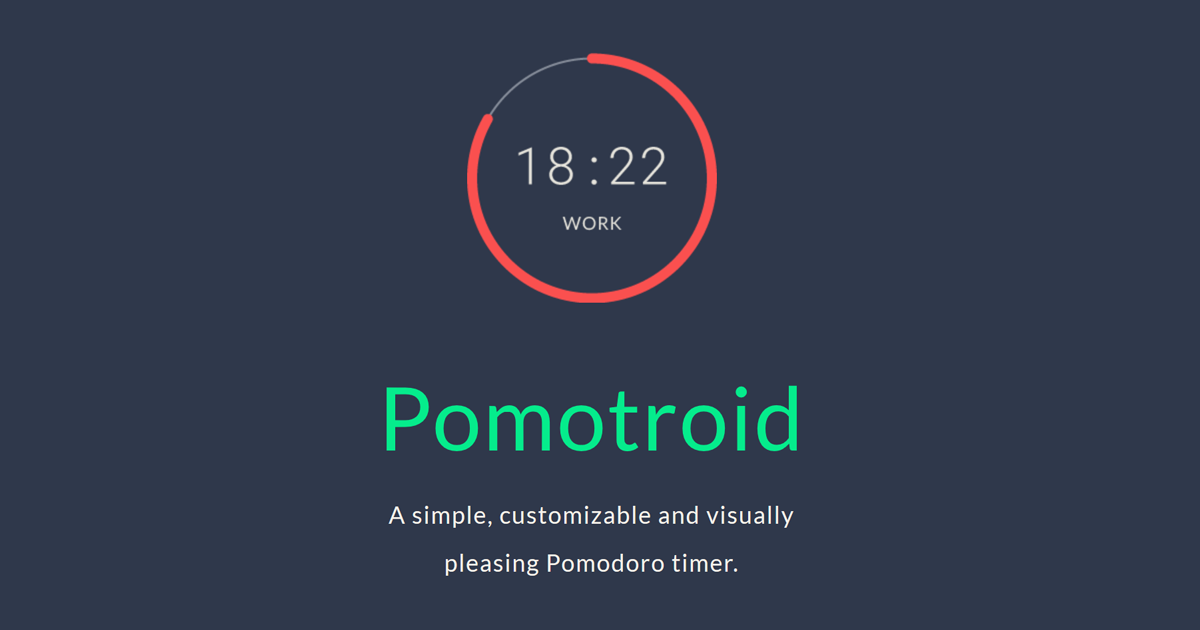
Pomotroid
Timer application
Time Tracking & Focus
Timer
Timer application
Clipboard, Input & Automation
ClipFlow
Free clipboard history manager with terminal-style navigation.
Clipboard, Input & Automation
clippy
Clipboard tool for interacting with GUI applications.