
HiDock
Set custom Dock settings for when on different displays
HiDock lets macOS users define separate Dock configurations that automatically apply when they switch between different display setups. The app detects which monitor arrangement is active and adjusts properties such as Dock size, visibility, and position according to the user‑defined profile. This is useful for people who work with a large external screen and want a larger, always‑visible Dock, but prefer a smaller, hidden Dock on the laptop’s built‑in display.
The software is a native macOS utility requiring macOS Monterey or later and is distributed as a free download. It does not enable multiple simultaneous Dock instances across monitors; it only changes the Dock settings for the currently active display configuration. The developer provides the app without built‑in payment mechanisms, offering optional donations or a separate app for supporters.
HiDock is positioned for users who need a straightforward way to customize their Dock behavior based on the monitor they are using, without altering the underlying macOS Dock functionality.
Reviews
Loading reviews…
Similar apps
Window & Desktop Management
DockAnchor
Lock the macOS Dock to a single screen in a multi-monitor setup.
Window & Desktop Management
DockFix
Dock replacement
Window & Desktop Management
DockFlow
Manage Dock presets and switch between them instantly
Window & Desktop Management
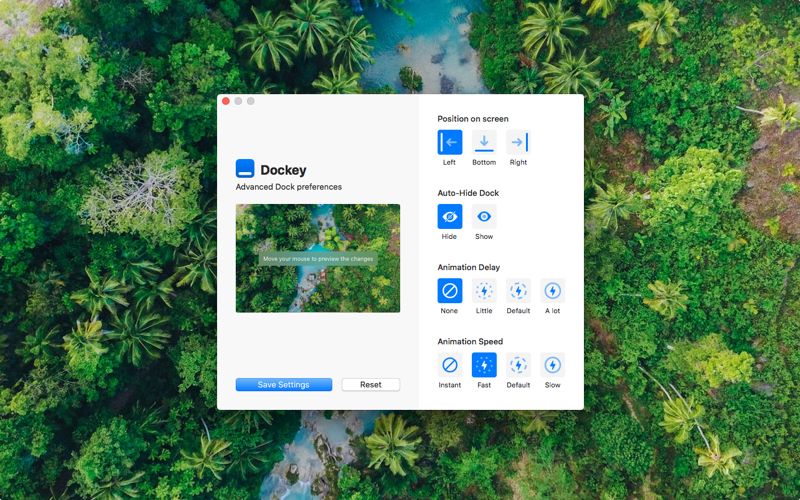
dockey
Advanced Dock preferences
Window & Desktop Management
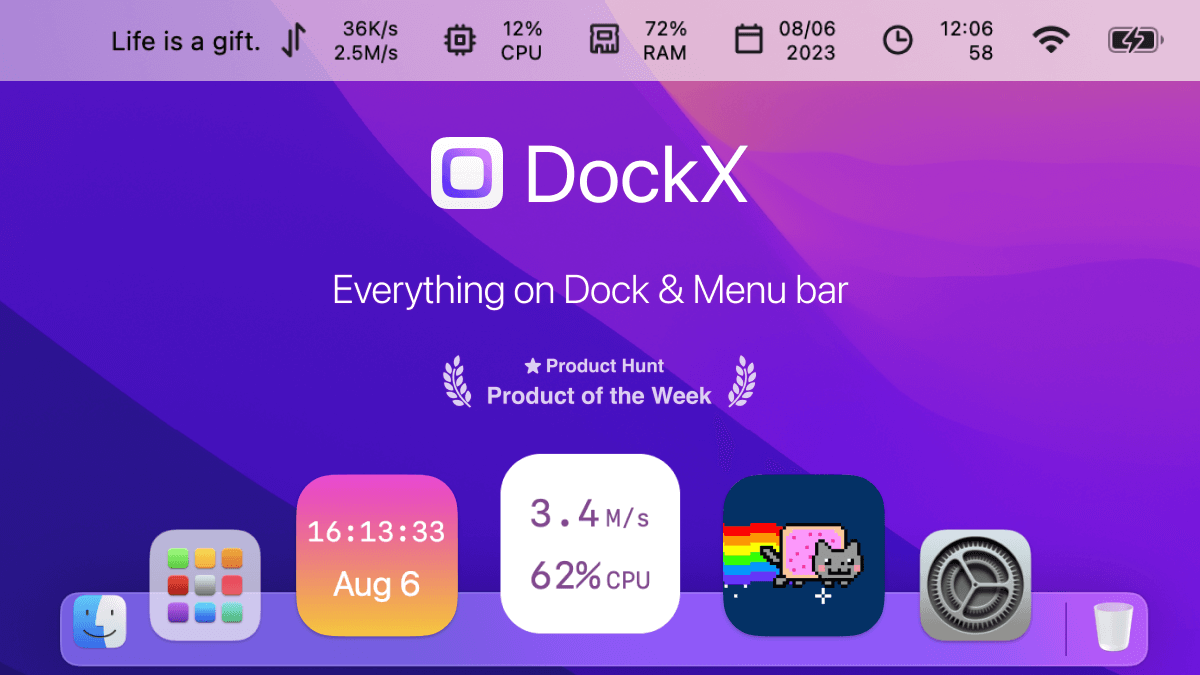
DockX
Display content in the dock and menu bar
Window & Desktop Management
IntelliDock
Hides the Dock, Automatically.