
Hot
Menu bar application that displays the CPU speed limit due to thermal issues
Hot is a macOS menu‑bar utility that reports the current CPU speed limit imposed by thermal conditions. On Intel‑based Macs it shows the CPU temperature, the throttling speed limit, the scheduler limit, and the number of active cores, with the text turning orange when the speed limit drops below 60 %. On Apple Silicon Macs it displays the CPU temperature together with the system’s thermal pressure, and the text is colored orange when pressure is non‑nominal; a sensor graph view is also available.
The application updates its display in real time, giving users immediate visual feedback on how heat is affecting processor performance. It is packaged for macOS, released under the MIT License, and maintained in a public repository with continuous‑integration status badges.
Target users are macOS owners who want a lightweight way to monitor thermal throttling and related metrics without opening separate system‑monitor tools. The distinction between Intel and Apple Silicon implementations reflects the differing data each platform provides.
Reviews
Loading reviews…
Similar apps
Clipboard, Input & Automation
ShowMeYourHotKeys
Show applications menu items hotkeys
System Monitoring & Maintenance
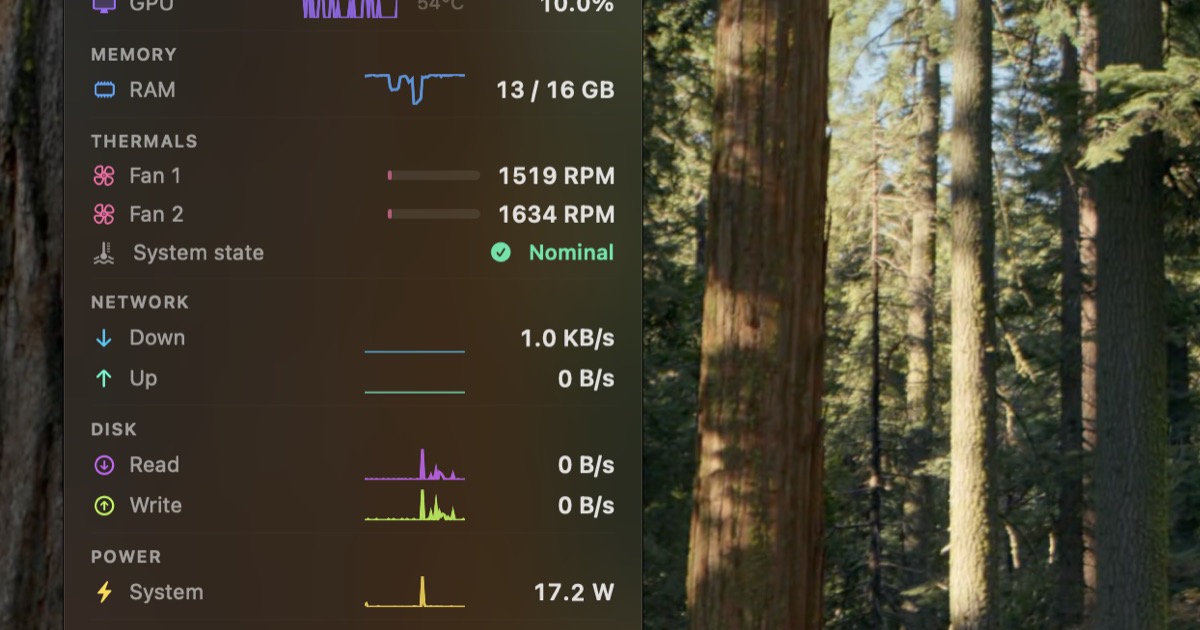
StatusStats
Mac Metrics In Your Menu Bar
System Monitoring & Maintenance
Diagnostics
Diagnostic (crash) reports viewer
System Monitoring & Maintenance
Console
Replacement for console application
System Monitoring & Maintenance
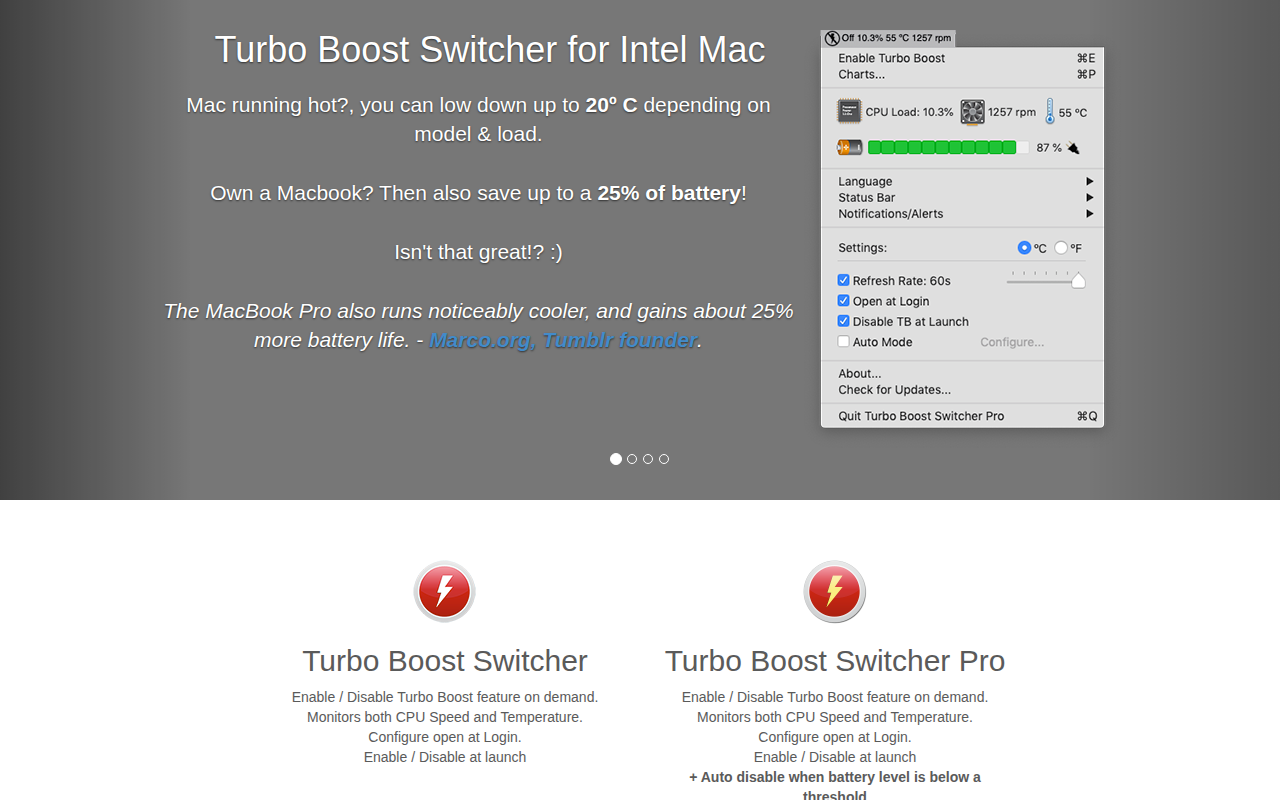
Turbo Boost Switcher
Enable and disable the Intel CPU Turbo Boost feature
Weather & Outdoors
DatWeatherDoe
Menu bar weather app