
StatusStats
Mac Metrics In Your Menu Bar
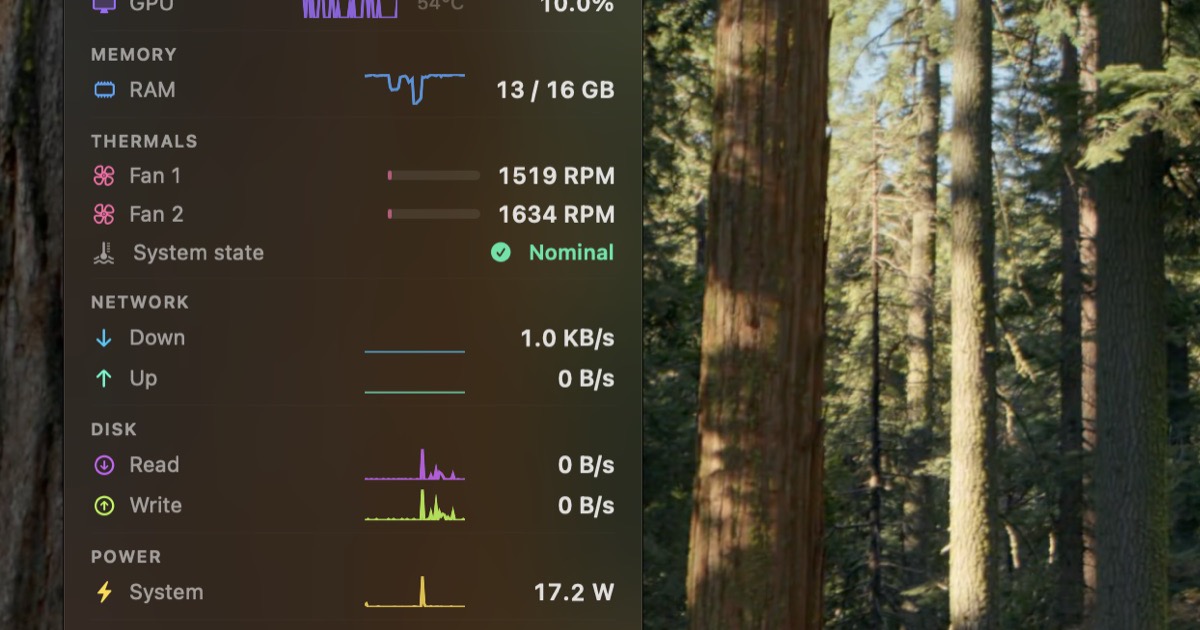
StatusStats places a compact system‑monitor widget in the macOS menu bar, continuously displaying key hardware metrics such as CPU and GPU utilization, temperature, memory usage, fan speeds, network throughput, power draw, storage capacity, and battery health. The interface shows real‑time sparkline histories for CPU and GPU, a pressure indicator for RAM, live upload/download speeds, disk I/O rates, and detailed battery information including charge level, health, cycle count, and temperature.
The tool is intended for developers and power users who need constant visibility into their Mac’s performance without opening separate applications. It runs on both Apple Silicon and Intel Macs and requires macOS Ventura or later. A 14‑day free trial is available, after which a one‑time purchase of $3 unlocks full functionality.
Reviews
Loading reviews…
Similar apps
System Monitoring & Maintenance
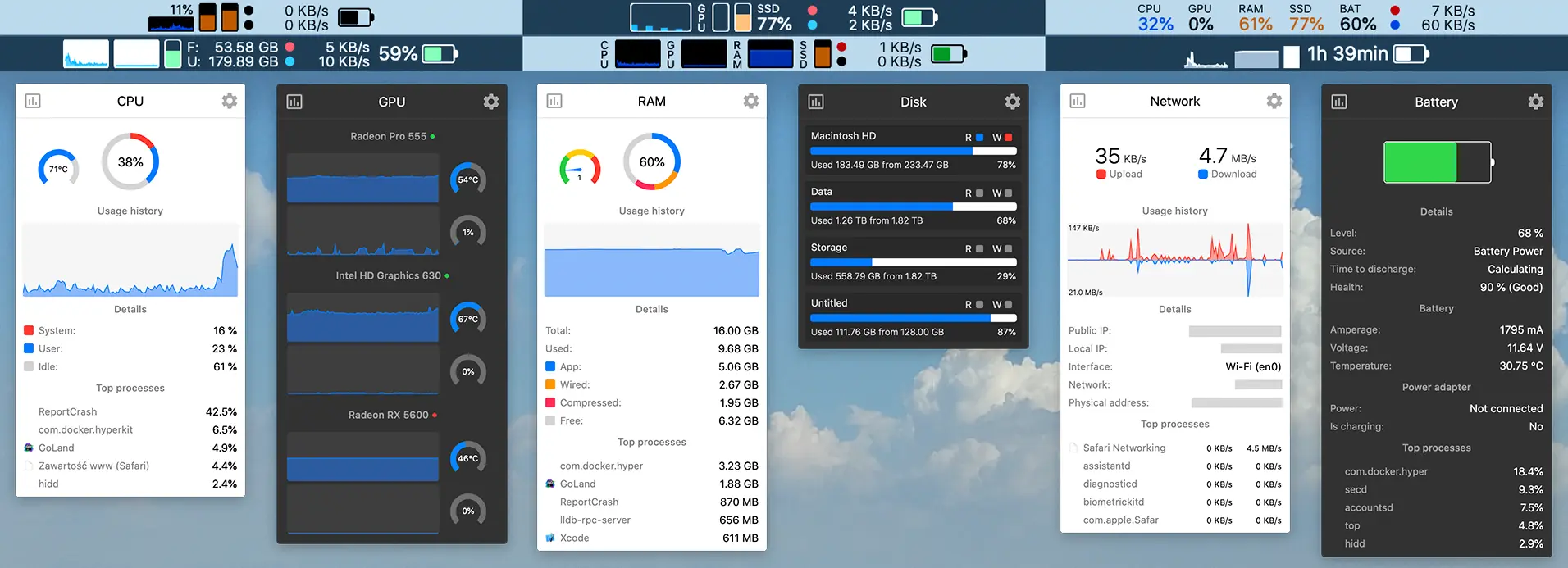
stats
free Mac system monitor for the menubar.
System Monitoring & Maintenance
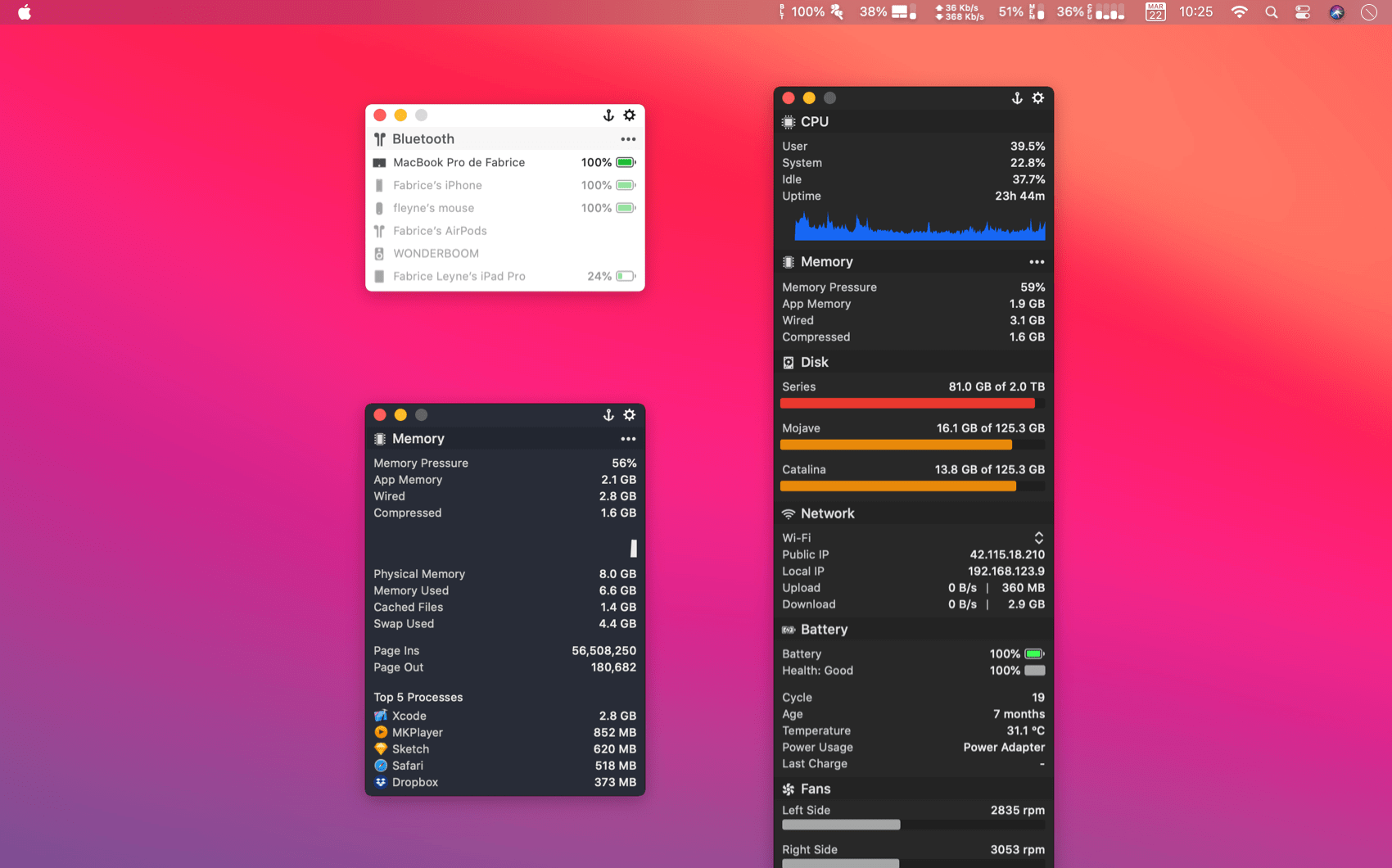
MenuBar Stats
System monitor with temperature & fans plugins
System Monitoring & Maintenance
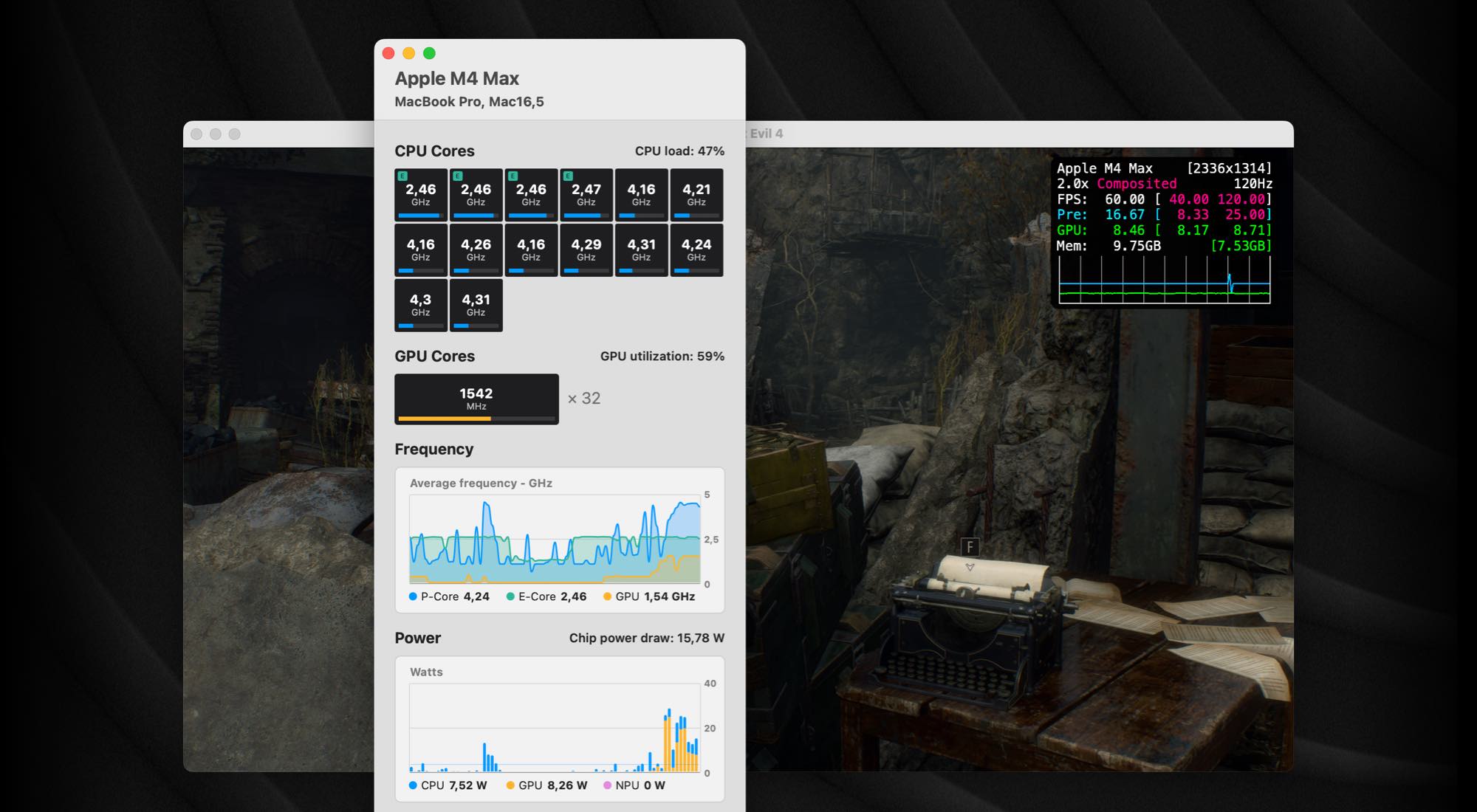
iStatistica Core
System monitoring for Apple Silicon

System Monitoring & Maintenance
iStat Menus
Advanced system monitor for menubar.
System Monitoring & Maintenance
KeyStats
Menu bar tracker for daily keystrokes, clicks, movement, and scrolling.
System Monitoring & Maintenance
Net Bar for MacOS
A minimal powerful and native system monitor for MacOS