
HTTrack
Useful tool for downloading a whole website and offline browsing. ![Freeware][Freeware Icon]
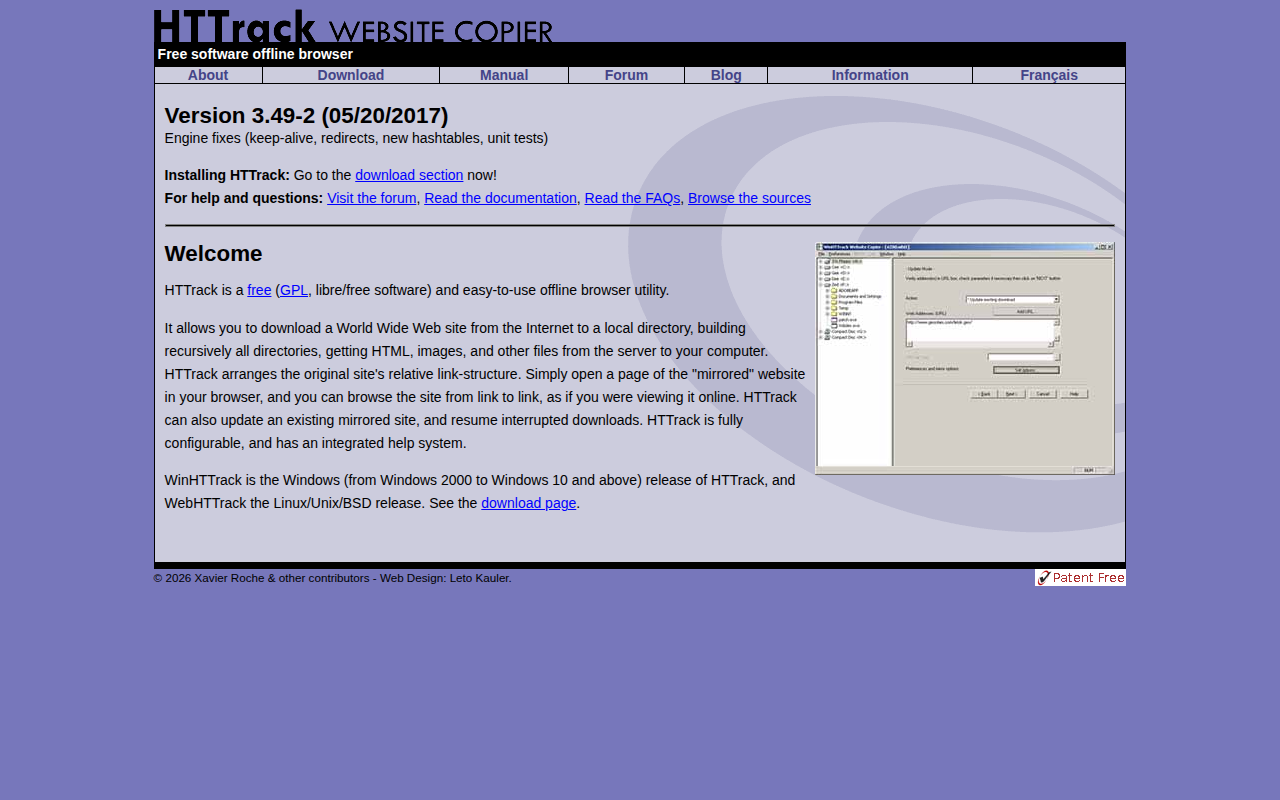
HTTrack is a free, GPL‑licensed utility that creates a local copy of a website for offline browsing. It recursively downloads HTML pages, images, and other files, preserving the original directory hierarchy and relative link structure so that the mirrored site can be navigated in a regular browser just as if it were online.
The tool supports both initial mirroring and incremental updates, allowing users to resume interrupted downloads or refresh an existing copy with new content. Configuration options let users control which file types are retrieved, set depth limits, and adjust network behavior such as keep‑alive and redirects.
HTTrack is available in two main variants: WinHTTrack for Windows systems ranging from Windows 2000 to Windows 10 and newer, and WebHTTrack for Linux, Unix, and BSD platforms. Documentation, forums, and FAQs are provided to assist users in setting up and troubleshooting the software.
Reviews
Loading reviews…
Similar apps

Network & Connectivity
JDownloader
Open-source download manager for links, files, and hosted content. ![Freeware][Freeware Icon] ![Open-Source Software][OSS Icon]

Network & Connectivity
Free Download Manager
A powerful, easy-to-use, and completely free download accelerator and manager. ![Freeware][Freeware Icon]

API & Network Testing
Integrity
Free website link checker for Mac. ![Freeware][Freeware Icon]
Network & Connectivity
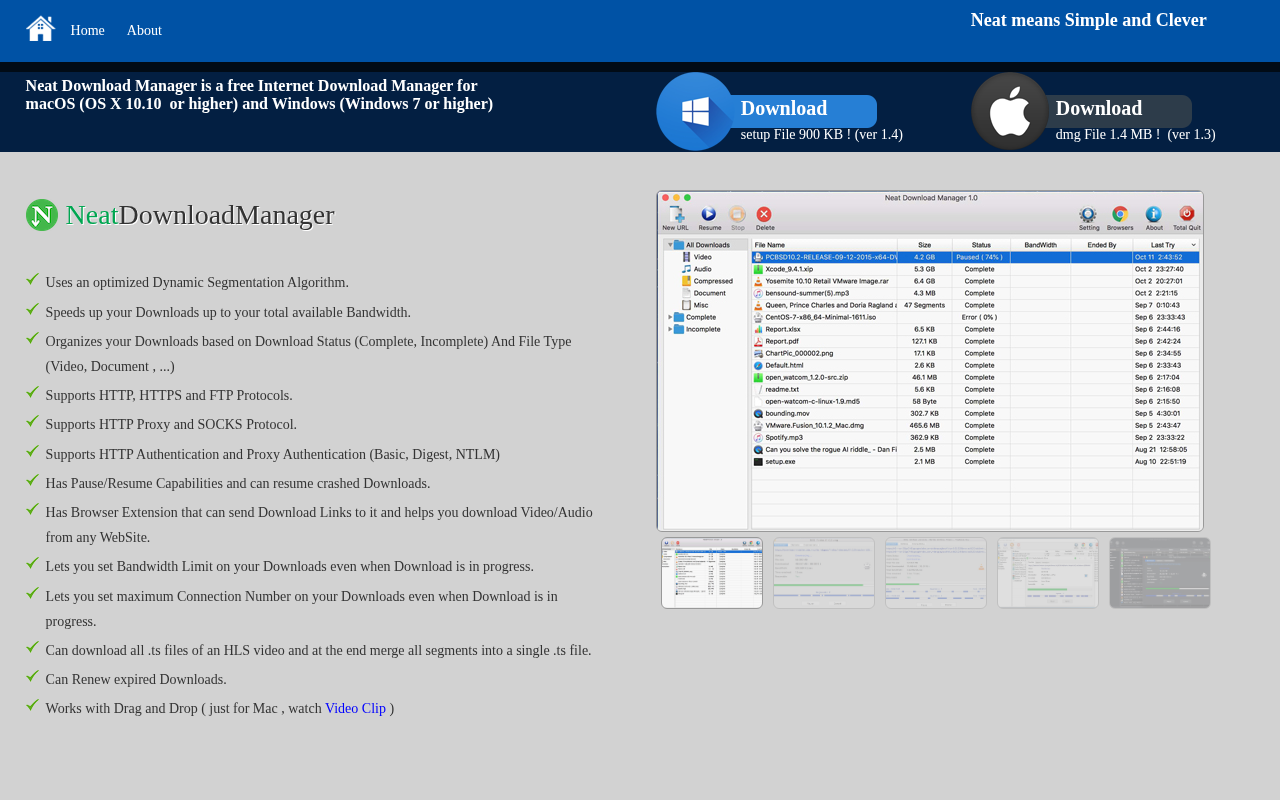
Neat Download Manager
Lightweight download manager with an optimized transfer engine. ![Freeware][Freeware Icon]

Network & Connectivity
Yandex
The quick and secure browser from Yandex for computers. ![Freeware][Freeware Icon]

Network & Connectivity
Firefox
A free and open-source web browser developed by Mozilla.