
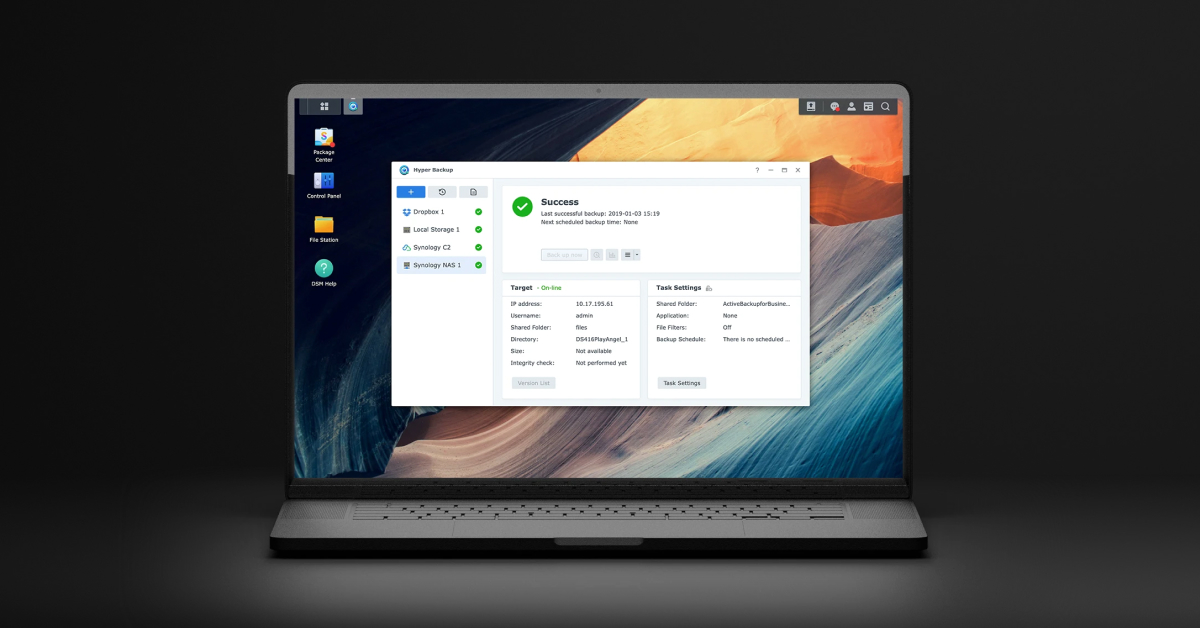
HyperBackupExplorer
Backup data from a Synology NAS
HyperBackup Explorer is a desktop client that lets users browse and retrieve backup archives created by Synology’s Hyper Backup. It runs on macOS and can connect to both local NAS volumes and remote C2 Storage destinations, presenting the contents of backup sets in a familiar file‑browser interface. Users can download individual files or folders, inspect backup metadata, and restore data without needing the NAS itself.
The tool is aimed at administrators and end‑users who need to access Synology backup data from a computer rather than through the NAS web UI. It supports the same backup formats generated by Hyper Backup, including full‑system, folder‑level, and package backups, and works with the encryption, compression, and deduplication options applied at backup time.
What sets HyperBackup Explorer apart is its cross‑platform capability to read both local and cloud‑hosted Hyper Backup vaults, its integration with Synology’s C2 Storage portal, and the ability to pause, resume, and verify integrity of backup files directly from the desktop client. This provides a convenient, centralized way to recover data without requiring direct access to the NAS hardware.
Reviews
Loading reviews…
Similar apps
File Management & Transfer
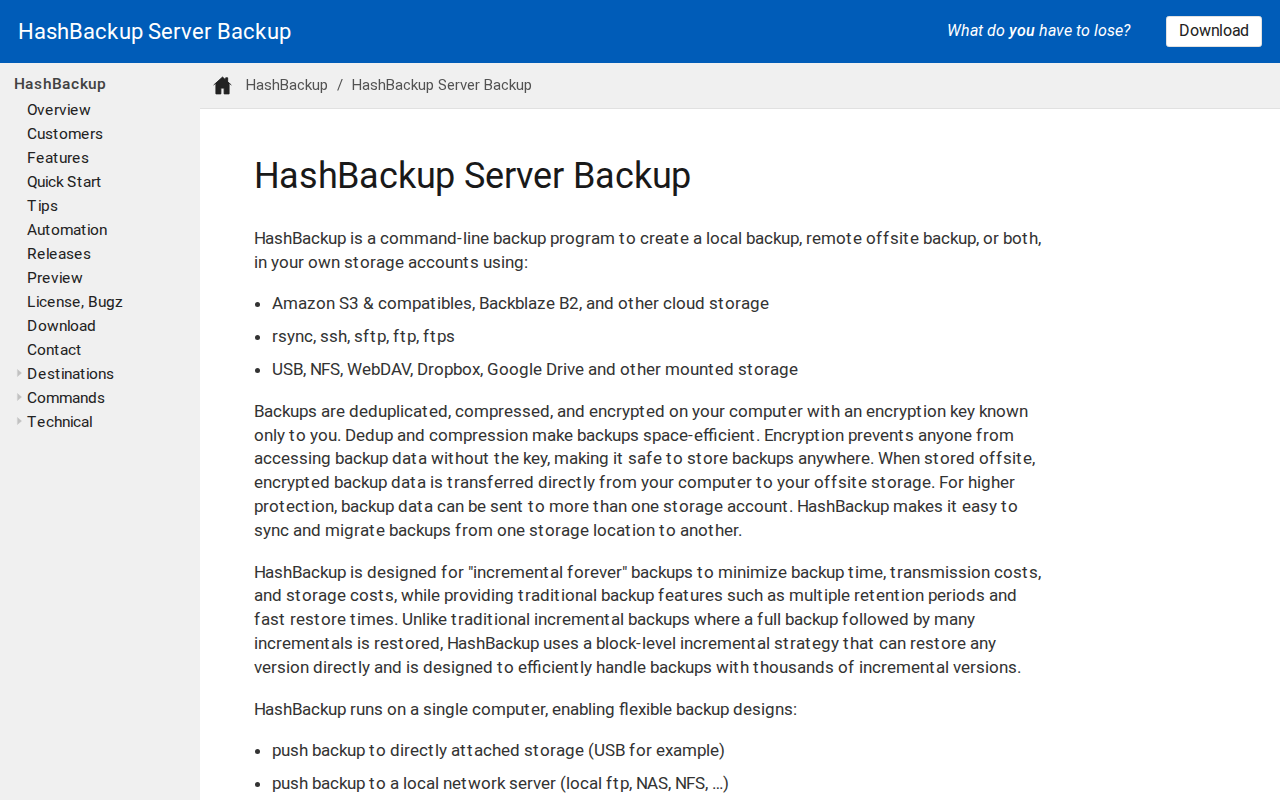
HashBackup
Command-line backup program

File Management & Transfer
KopiaUI
Backup/restore tool
File Management & Transfer
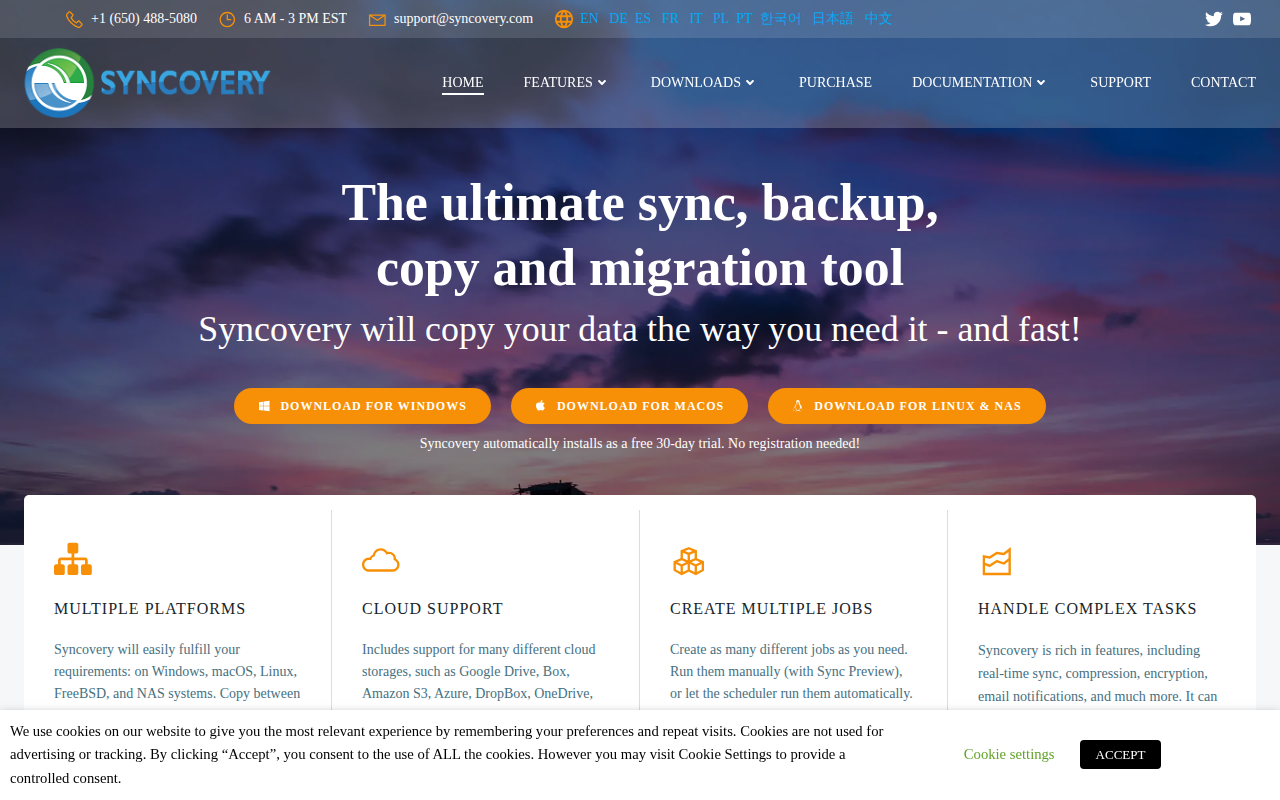
Syncovery
File synchronisation and backup software

File Management & Transfer
Duplicacy Command Line Version
Cloud backup tool
File Management & Transfer
CERNBox Client
Cloud storage for CERN users
File Management & Transfer
Duplicati
Store securely encrypted backups in the cloud