

iCMD
Global fuzzy menu search with Vim-style navigation.
iCMD provides a system‑wide command palette that lets users locate and execute applications, files, and system actions from a single searchable interface. It indexes available entries and applies fuzzy matching, so typing only a partial or approximate string surfaces the intended target. Navigation within the results list follows Vim conventions, allowing movement with keys such as j/k for line‑wise selection and Enter to confirm, which enables rapid, keyboard‑only operation without mouse interaction.
The utility is aimed at users who prefer keyboard‑centric workflows—developers, administrators, and power users who need to launch or switch between tools quickly across the desktop environment. By integrating fuzzy search with familiar Vim navigation, iCMD reduces the time spent locating commands and supports a seamless, efficient command‑execution experience.
Its distinguishing feature is the combination of a global, fuzzy‑matching menu with Vim‑style key bindings, offering a lightweight alternative to graphical launchers while preserving the speed and precision expected by users comfortable with modal editing shortcuts.
Reviews
Loading reviews…
Similar apps
Clipboard, Input & Automation
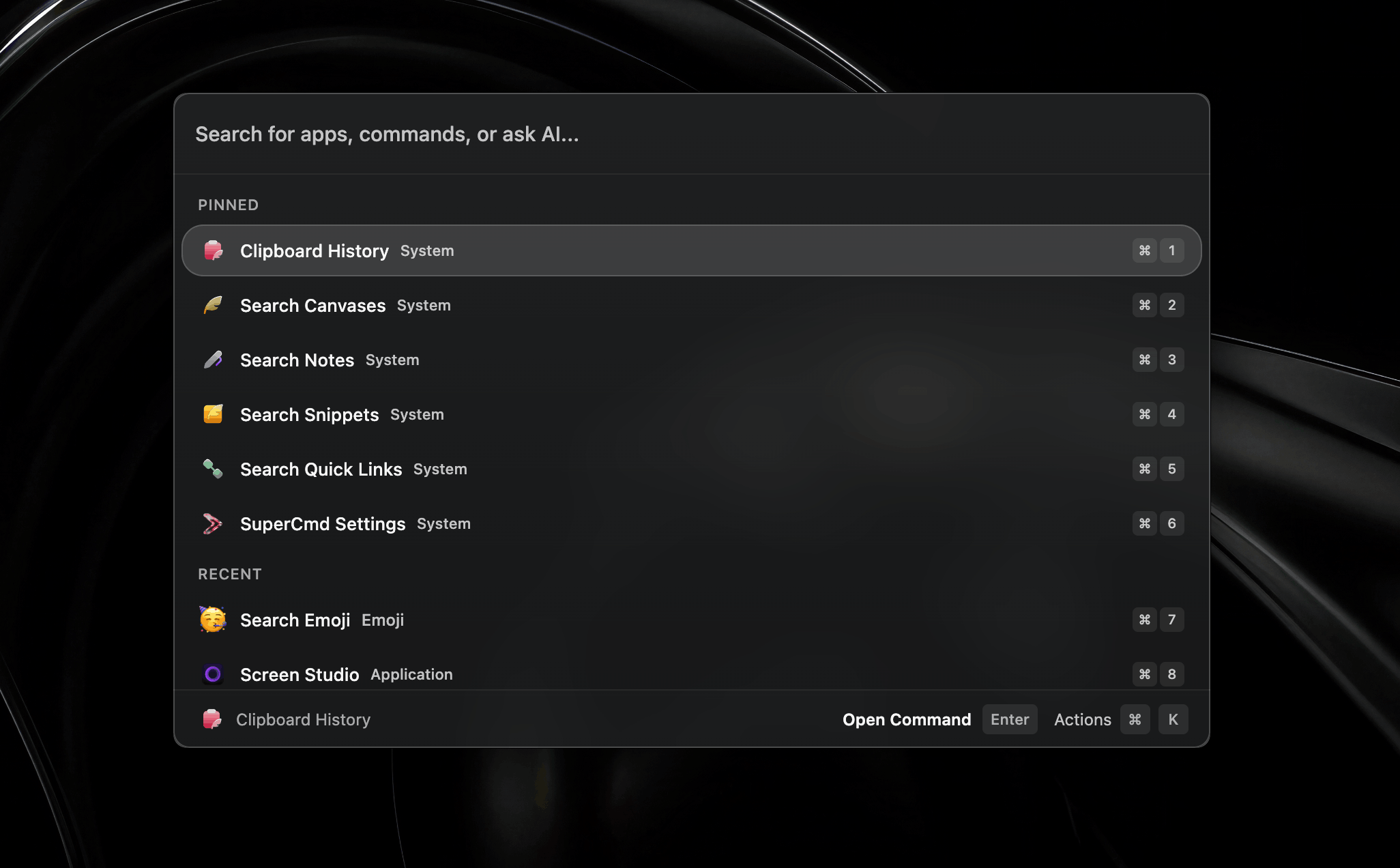
SuperCmd
Open source alternative to Raycast Pro

AI Coding Agents
cmd
AI assistant for development in Xcode
AI Agents & Automation
Browser Deputy
Command palette in any application

Clipboard, Input & Automation
Raycast
A macOS launcher and command palette for launching apps, running scripts, and automating tasks.
Window & Desktop Management
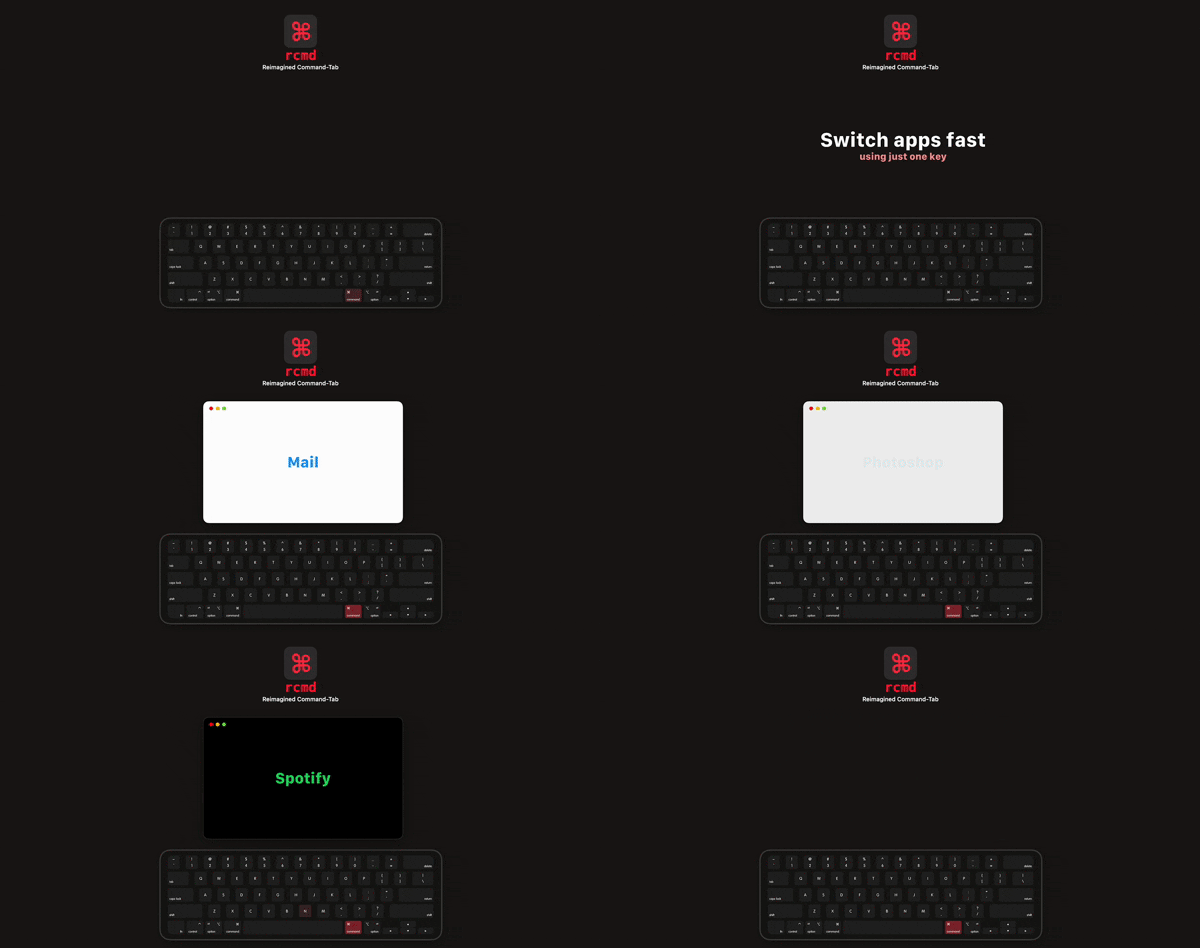
rcmd
Use the <kbd>⌘ Right Command</kbd> key to switch applications based on their name.
Clipboard, Input & Automation
ClipFlow
Free clipboard history manager with terminal-style navigation.