
Install Disk Creator
Utility to create bootable system install discs
It provides a graphical workflow for turning a USB drive into a bootable macOS installer without using the Terminal. Users connect a 16 GB or larger USB device, launch the app, choose an existing installer or download a fresh copy directly from Apple’s servers, and let the program format, copy, bless and verify the drive. The process supports both Intel and Apple‑silicon Macs and warns before erasing any media.
The tool is aimed at technicians, lab administrators, schools, refurbishers and other power users who need a reliable, repeatable installer for many machines. It automates the steps that are normally performed manually, reducing the chance of errors and speeding up deployments.
What distinguishes it is the integrated download of official macOS installers, automatic verification of the target drive, and a fully point‑and‑click interface that works on macOS without background daemons or additional scripting. The application is free, stable, and has been used in large‑scale provisioning environments since 2013.
Reviews
Loading reviews…
Similar apps
File Management & Transfer
macUSB
Tool to create bootable USB installers
File Management & Transfer
macUSB
A bootable macOS / OS X installer creator for Apple Silicon Macs.
File Management & Transfer
AutoDMG
App for creating deployable system images from a system installer
File Management & Transfer
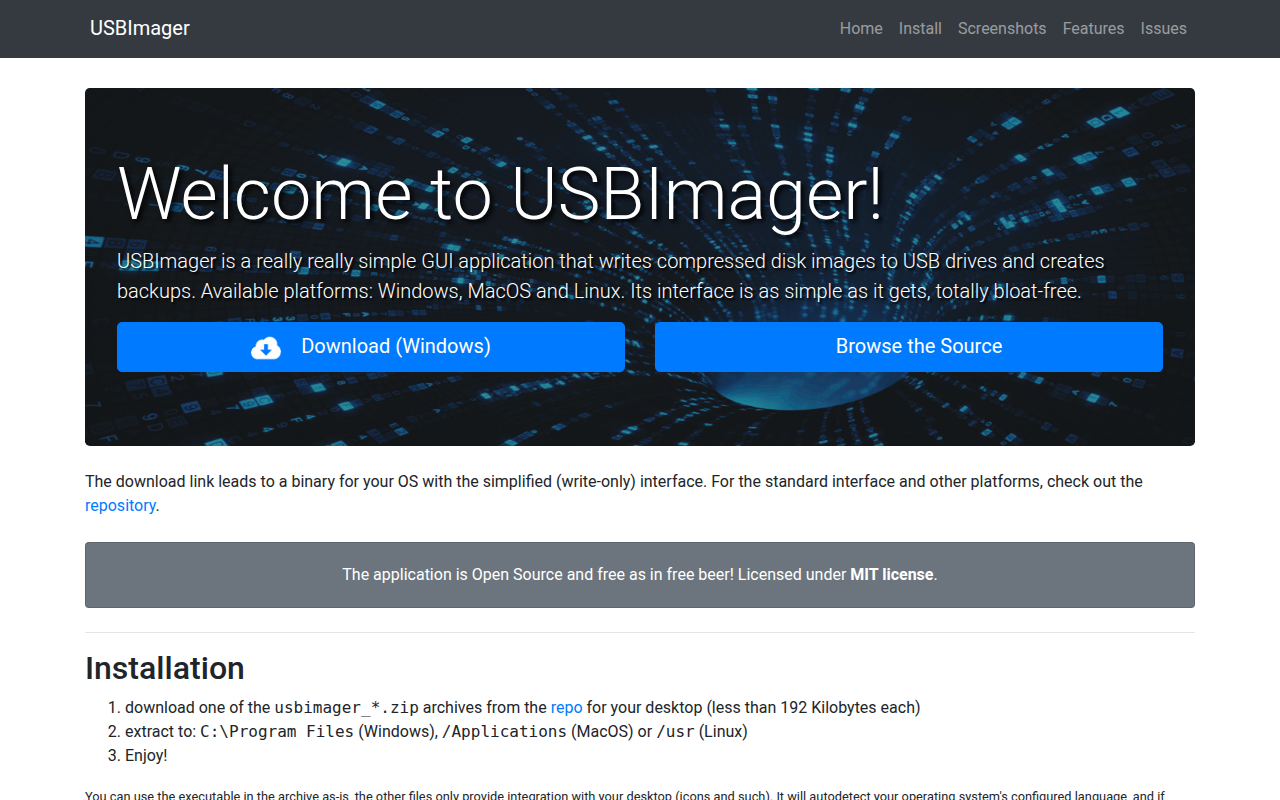
USBImager
Very minimal GUI app that can write/read to disk images and USB drives
File Management & Transfer
DropDMG
Create DMGs and other archives
File Management & Transfer
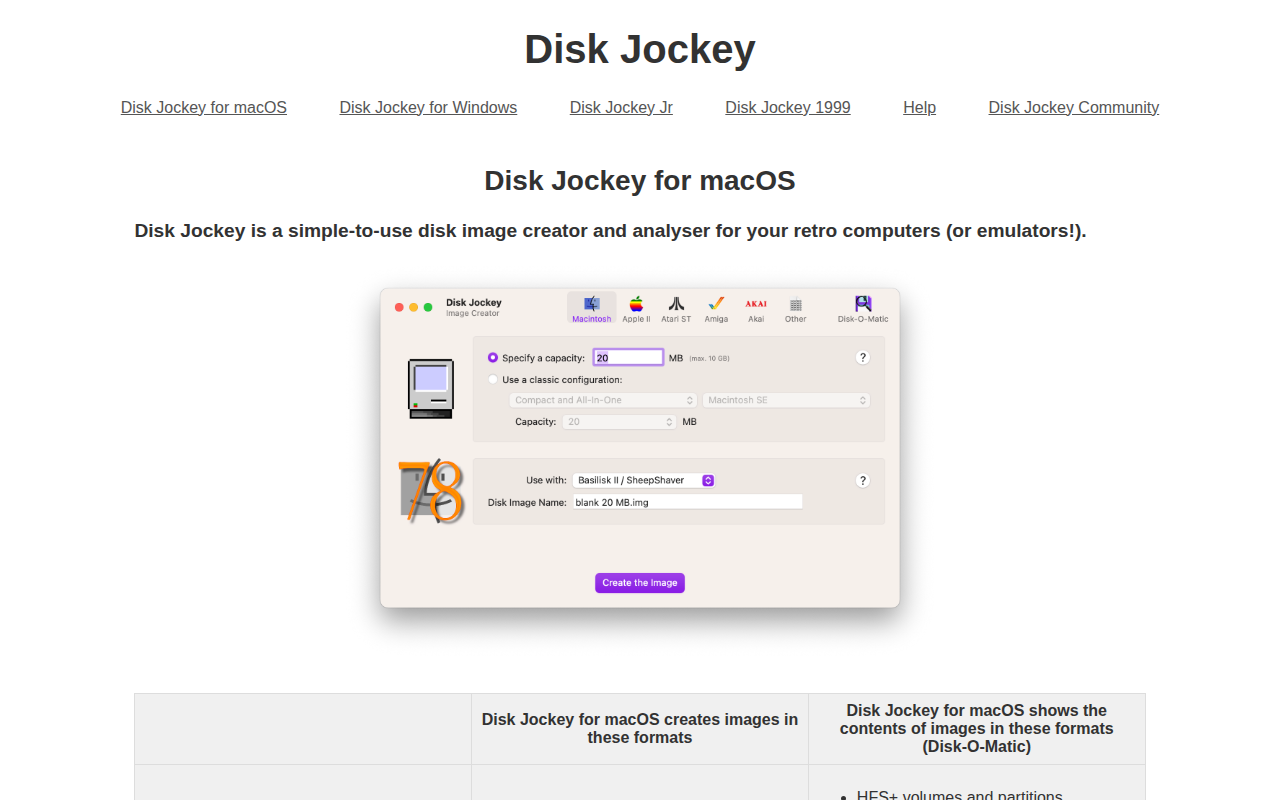
Disk Jockey
Disk image creator and analyser for retro computers or emulators