
Interact Scratchpad
Menu bar utility to create contacts from snippets of text
A menu‑bar utility for macOS that streamlines turning any block of text into a contact entry. Users paste or type snippets such as email signatures, and the app scans the content for recognizable fields—names, phone numbers, email addresses, postal addresses, and similar data—highlighting what it finds. When the automatic detection misses information, the user can apply manual tags to label additional values.
The identified or can be turned into a new contact in the default macOS contacts account, merged into an existing entry, previewed, or shared. A configurable global hotkey opens the scratchpad window, and the tagging system supports both typed tags and a dropdown selection for quick annotation.
The tool works directly with the system’s contact accounts, requires macOS 15.6 (Sequoia) or later, and is offered as a free, stable utility without in‑app purchases. It is aimed at anyone who frequently copies contact details from text and wants to avoid manual entry into the Contacts app.
Reviews
Loading reviews…
Similar apps
Markdown Editors
Drafts
A capture-first text editor where text starts, with deep automation and dispatch actions.
Clipboard, Input & Automation
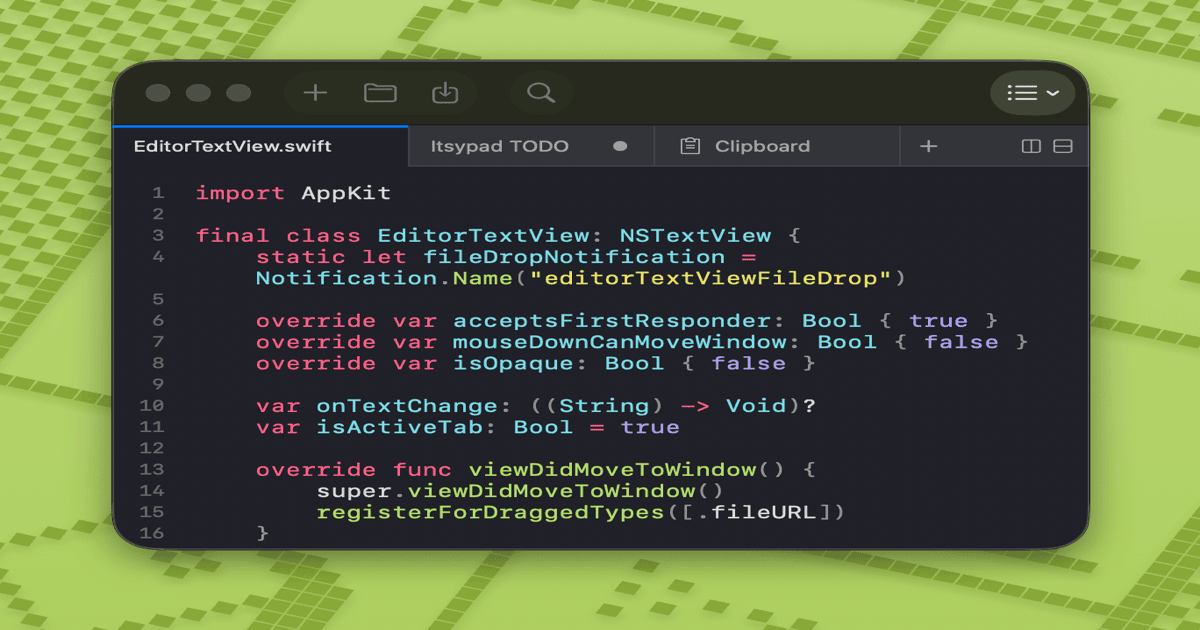
Itsypad
A tiny, fast scratchpad and clipboard manager for macOS.

Clipboard, Input & Automation
Unclutter
Desktop storage area for notes, files and pasteboard clips
Clipboard, Input & Automation
TextGrabber2
Menu bar app that detects text from copied images
Note-Taking & PKM
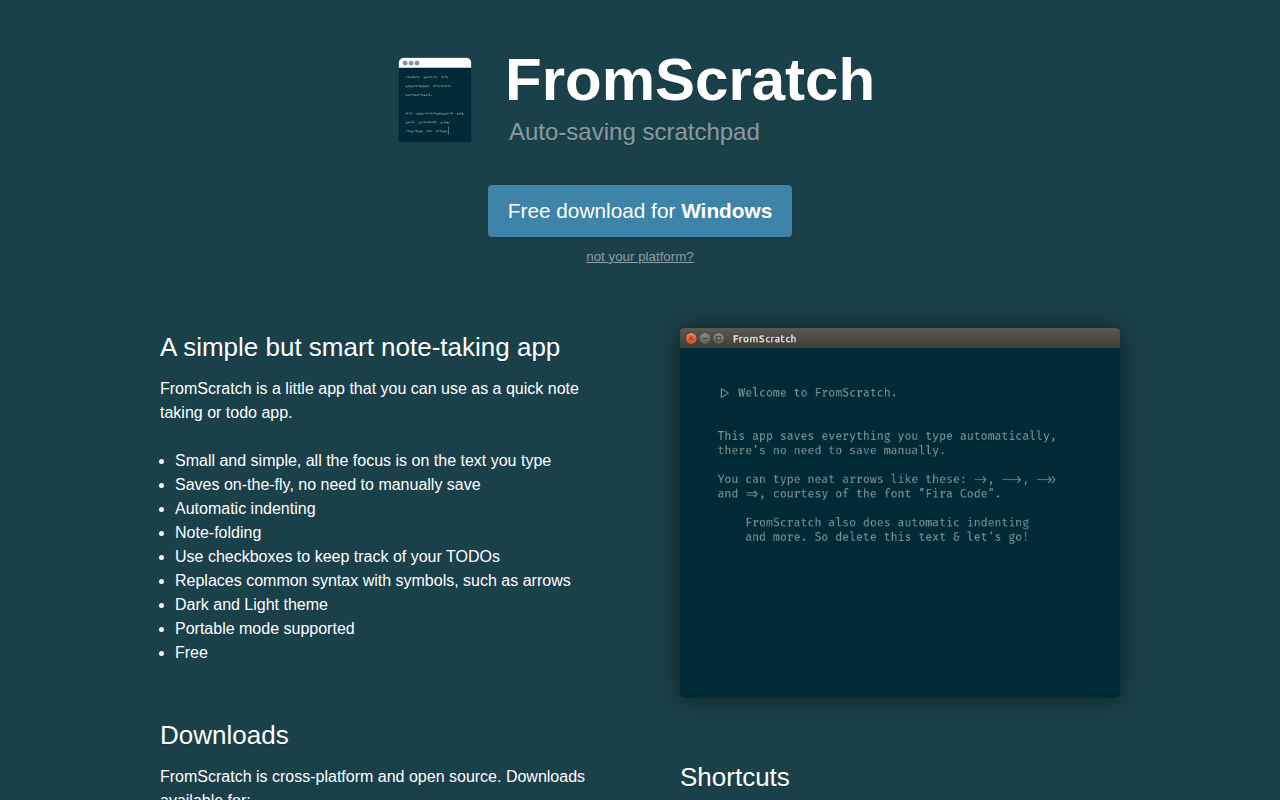
FromScratch
Autosaving Scratchpad. A simple but smart note-taking app

CRM, Sales & Leads
BusyContacts
Contact manager focusing on efficiency