
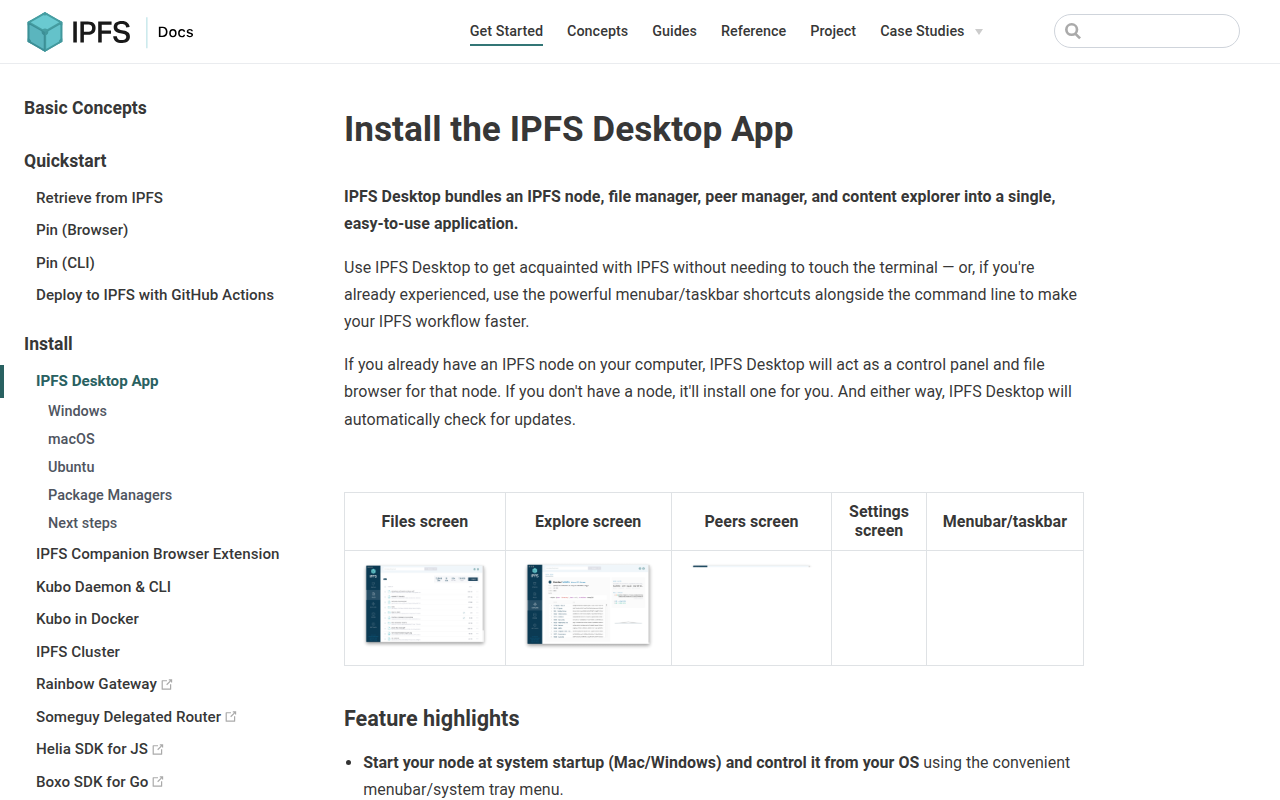
IPFS Desktop
Menu bar application for the IPFS peer-to-peer network
It runs a full IPFS node locally and presents its functionality through a desktop interface that lives in the OS menubar or taskbar. The app bundles a file manager for importing and organizing files, a peer map that visualizes connected nodes worldwide, and an explorer that displays the Merkle‑forest structure of stored content. Users can start the node automatically at system boot, access shortcuts for common IPFS actions, and open IPFS links directly from the operating system.
The tool targets both newcomers who want a graphical way to experiment with the InterPlanetary File System and experienced users who prefer quick UI actions alongside command‑line workflows. It supports macOS, Windows, and Linux (via AppImage) with built‑in automatic updates and a settings panel for configuring the underlying Kubo repository.
Distinctive aspects include the integrated peer visualization, OS‑wide handling of IPFS URIs, and a unified interface that combines node control, file import, and content exploration without requiring terminal commands.
Reviews
Loading reviews…
Similar apps

Network & Connectivity
LBRY Desktop
Official client for LBRY, a decentralised file-sharing and payment network
Network & Connectivity
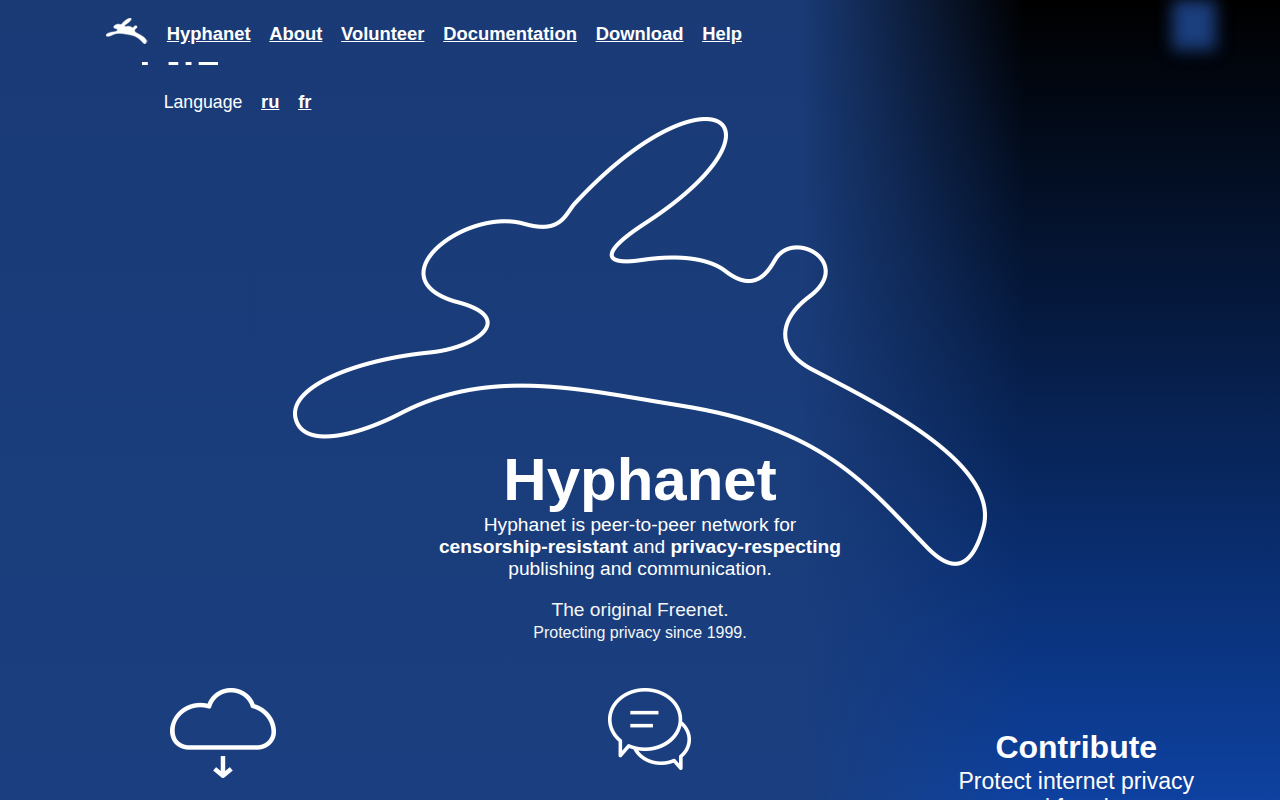
Freenet
Menu bar application to control Freenet
Network & Connectivity
Intiface Central
Frontend application for the Buttplug sex toy control library
Network & Connectivity
Electorrent
Desktop remote torrenting application
File Management & Transfer
Flying Carpet
File transfer over ad-hoc wifi
Network & Connectivity
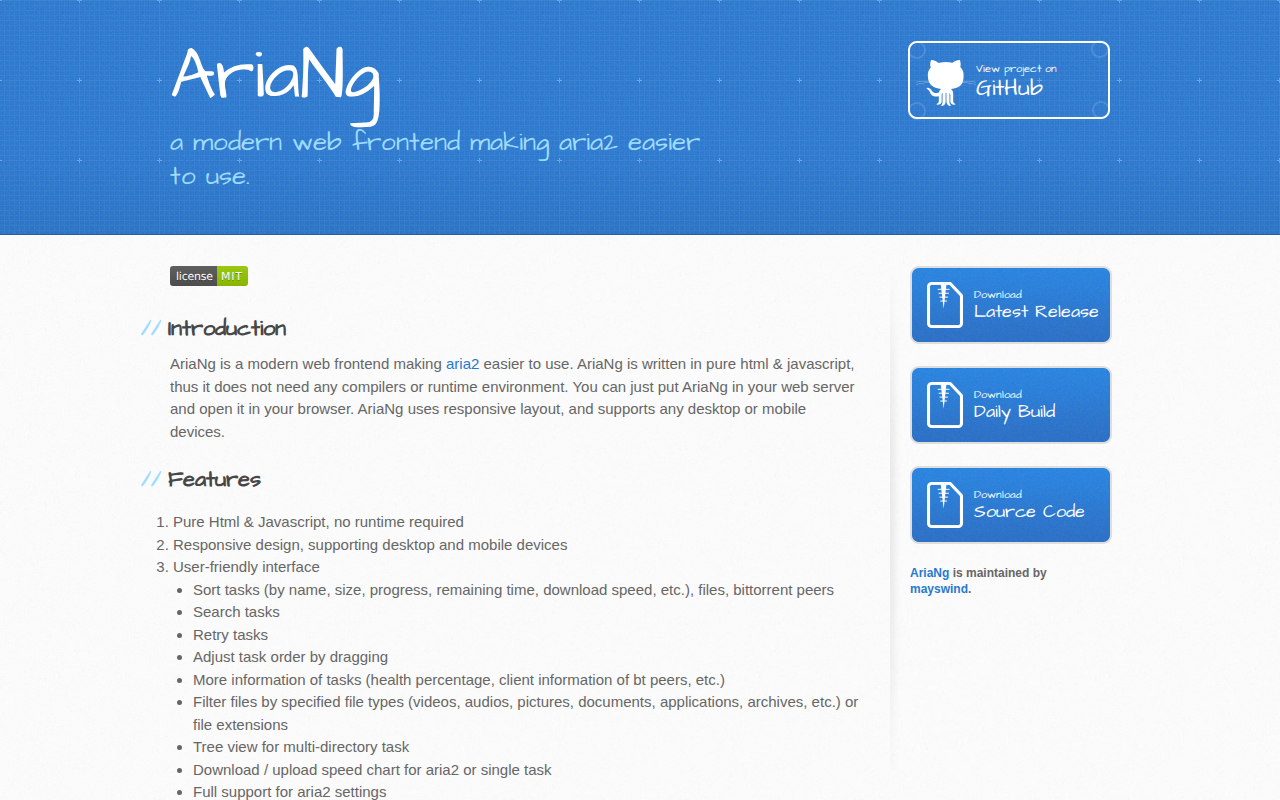
AriaNg Native
Better aria2 desktop frontend than AriaNg