
ipynb-quicklook
Quick Look plugin for Jupyter/IPython notebooks
The plugin provides a macOS Quick Look generator that renders Jupyter and IPython notebook files directly in the Finder preview pane. When a *.ipynb* file is selected and the space bar is pressed, the generator uses nbviewer.js to produce an on‑the‑fly HTML rendering of the notebook’s contents, allowing users to inspect code, markdown, and outputs without opening the notebook in an editor.
Installation requires downloading the compiled `ipynb-quicklook.qlgenerator` bundle, removing Apple’s quarantine attribute on recent macOS versions, and placing the bundle in the system‑wide `/Library/QuickLook` directory. After resetting the Quick Look server with `qlmanage -r`, the preview becomes available for any notebook file on the machine.
The project is distributed under the MIT license, is considered stable, and has been superseded by the native Jupyter Notebook Viewer macOS app, which is the recommended method for installing the Quick Look functionality.
Reviews
Loading reviews…
Similar apps
Code Editors & IDEs
Jupyter Notebook Viewer
Utility to render Jupyter notebooks
Code Editors & IDEs
Jupyter Notebook Quick Look
Quick Look plugin for Jupyter notebooks
Task & Project Management
qlplayground
Quick Look plugin for Swift files
File Management & Transfer
Glance
Utility to provide quick look previews for files that aren't natively supported
Code Editors & IDEs
INLOOPX QLPlayground
Quick Look generator for Xcode Playgrounds
Task & Project Management
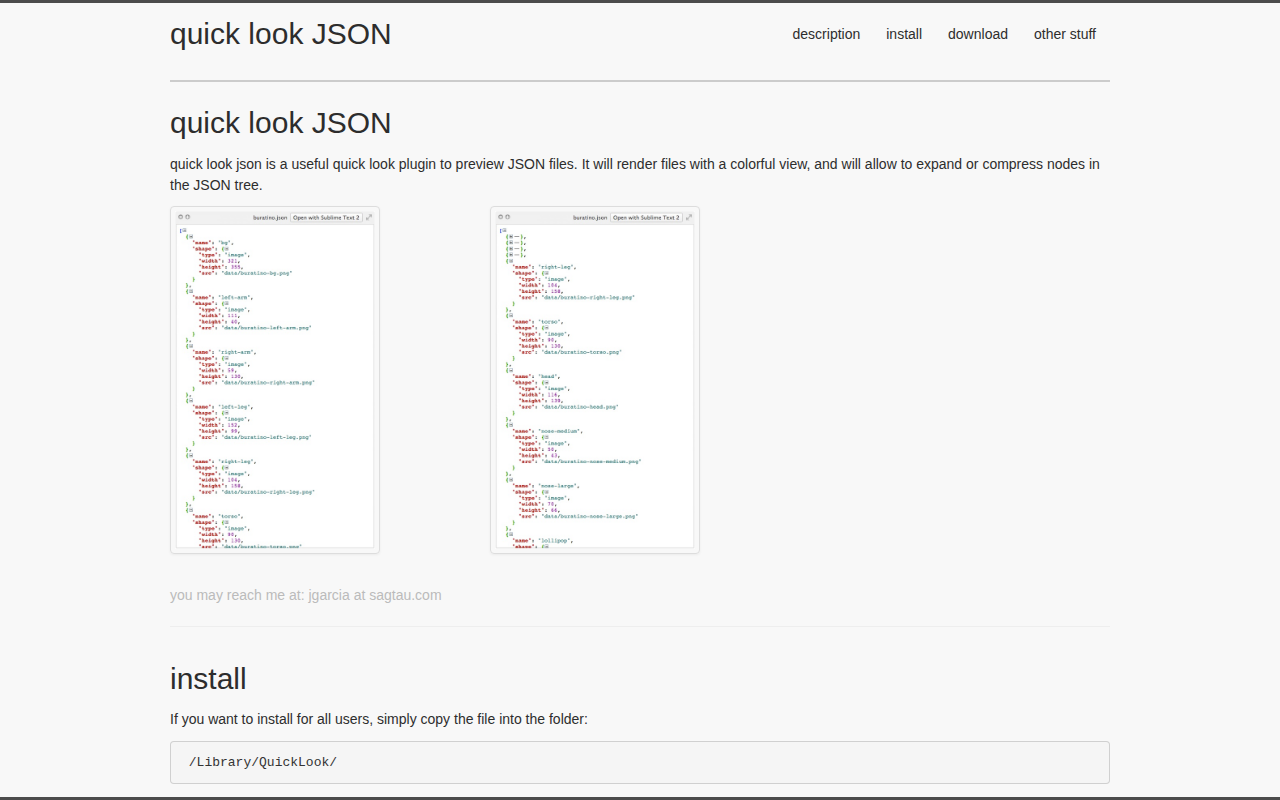
quick look JSON
Quick Look plugin for JSON files