
Jettison
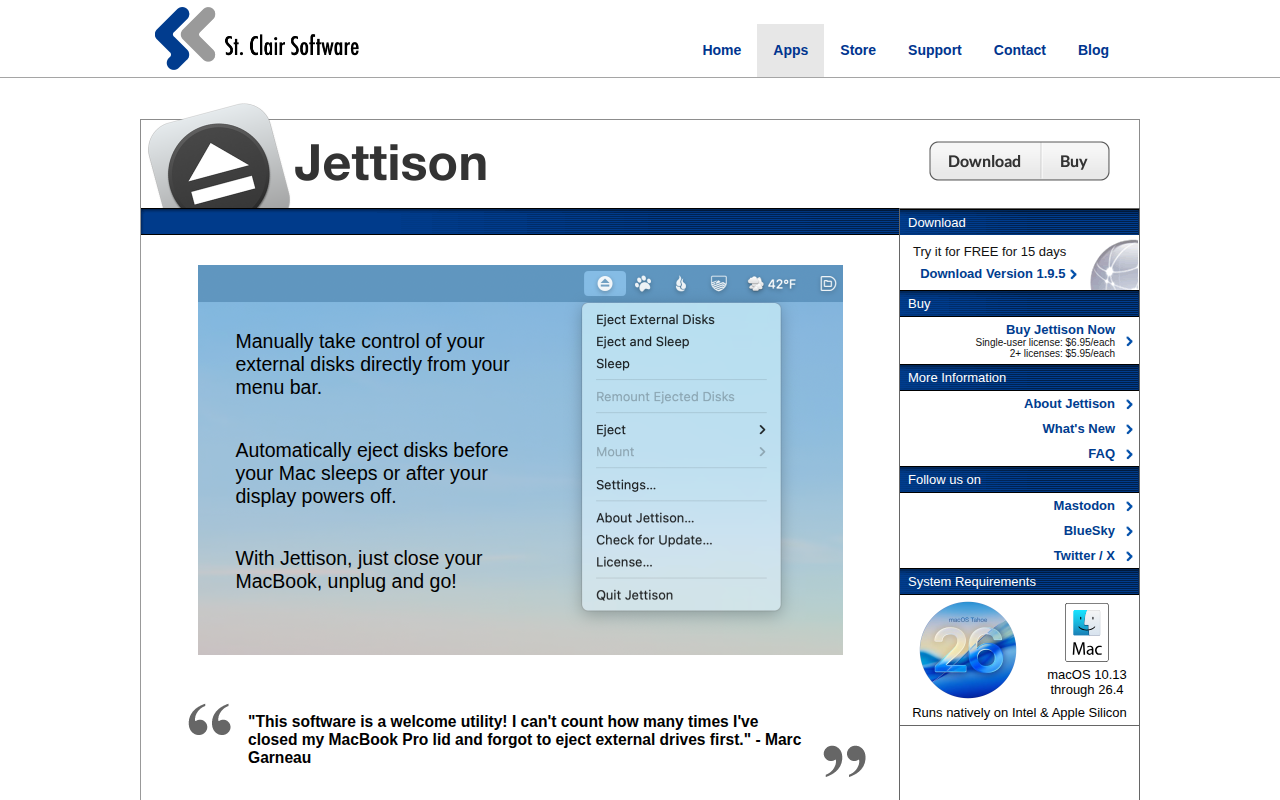
Automatically ejects external drives
Jettison runs in the macOS menu bar and monitors the system’s sleep and display‑power events. When the Mac is about to sleep or the display turns off, it automatically ejects any connected external disks, and when the machine wakes it remounts any drives that remain attached. Users can configure which disk types are handled and set per‑drive include or exclude rules, allowing fine‑grained control over the ejection process.
The utility also offers manual controls: a single click can eject all external drives, or individual drives can be ejected or mounted as needed. This helps prevent data loss caused by macOS caching writes to external media and users forget to eject before unplugging.
Jettison works on any Mac model running macOS 10.13 through 26.4, supporting both Intel and Apple Silicon hardware. It is provided as a stable, core‑macOS application with a 15‑day free trial for evaluation.
Reviews
Loading reviews…
Similar apps

File Management & Transfer
MountMate
Menubar app to easily manage external drives
File Management & Transfer
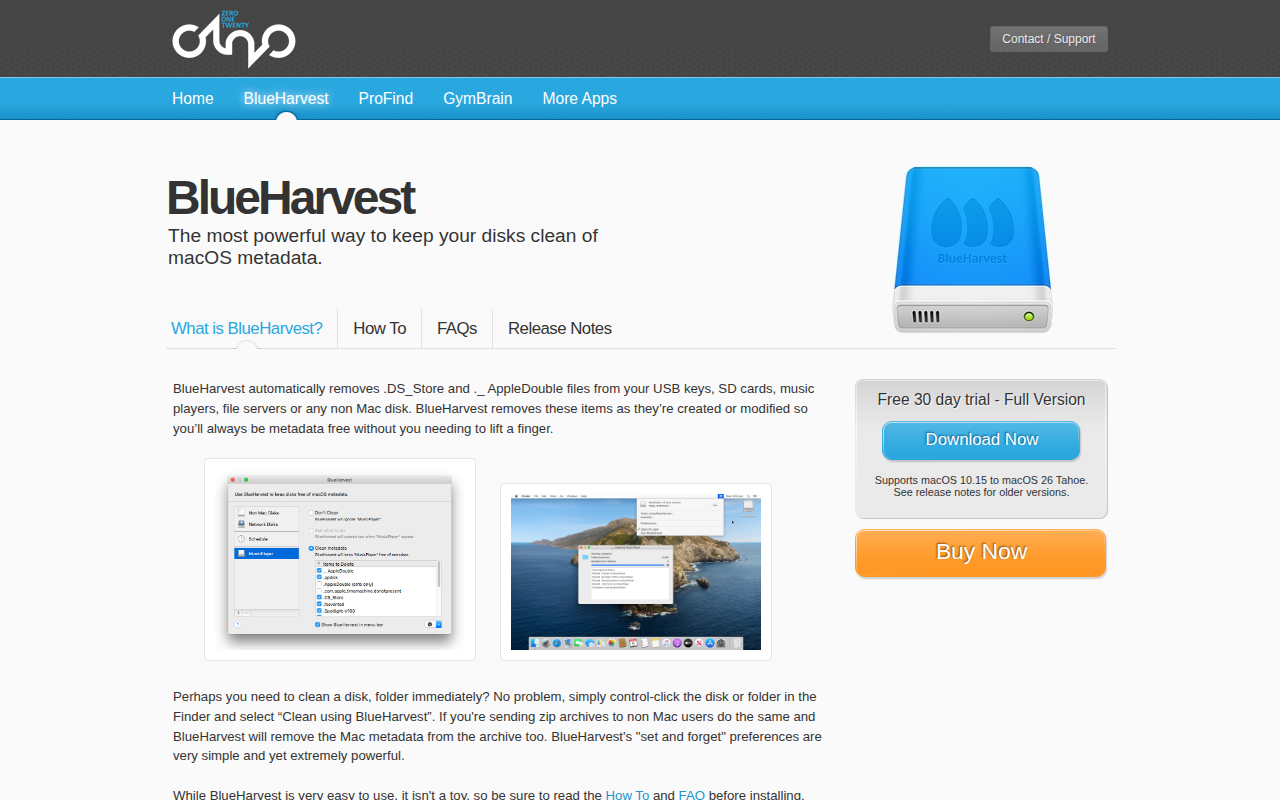
BlueHarvest
Remove metadata files from external drives
System Monitoring & Maintenance
JetDrive Toolbox
Helper for Transcend SSDs and expansion cards
File Management & Transfer
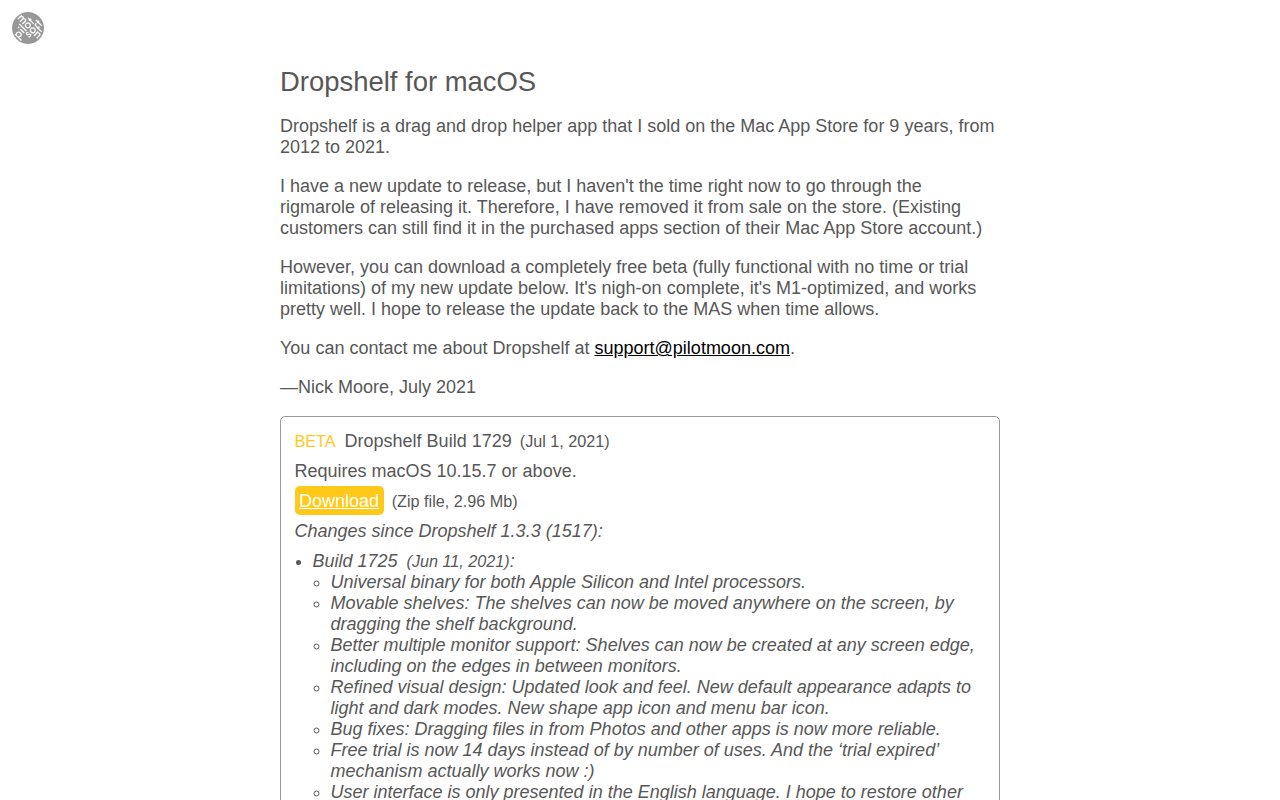
Dropshelf
A drag and drop helper app for macOS. ![Freeware][Freeware Icon]
System Monitoring & Maintenance
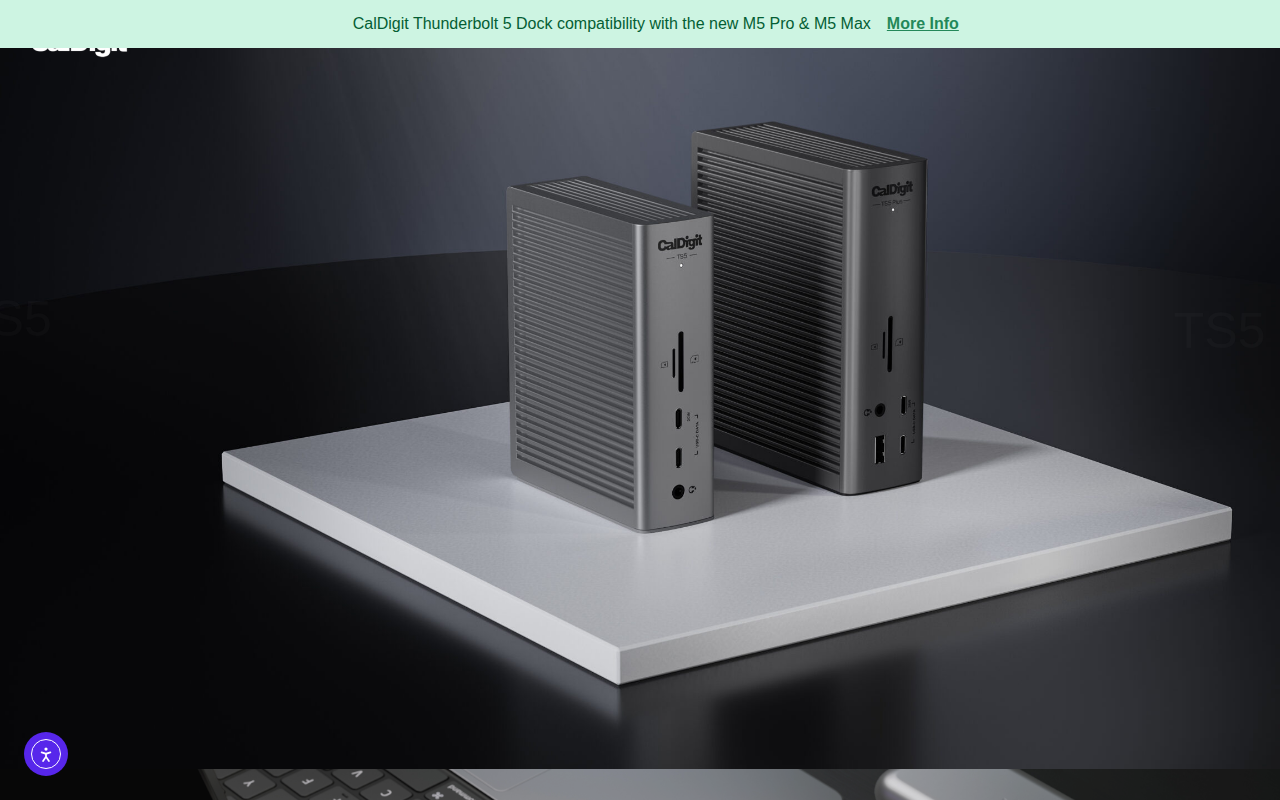
CalDigit Thunderbolt Docking Station Utility
Utility to disconnect all drives connected to a Caldigit dock
System Monitoring & Maintenance
Jiggler
Keep your computer awake