

Kando
Pie menu
Kando provides a radial “pie” menu that lets users launch applications, run keyboard macros, open files and perform other actions with a single gesture. It works with mouse, stylus, touch, or game‑controller input, turning the whole screen into a large click target so that precise aiming is unnecessary. The menu can be nested, themed, and assigned custom icons, and it can change depending on the active window or application, allowing context‑specific shortcuts.
The software is built for macOS and is also available on Windows and Linux, offering a consistent interface across platforms. It emphasizes speed and accuracy by minimizing the distance between a user’s intention and the executed command, and it includes features such as keyboard‑based item selection and an inter‑process communication API for third‑party extensions. All data remains locally, with no telemetry or cloud services.
Kando is open source, free to use, and maintained with regular updates. Its community‑driven development adds customizable themes, sound sets, and achievement tracking, catering to power users who want a flexible, efficient way to interact with their computer.
Reviews
Loading reviews…
Similar apps
Clipboard, Input & Automation
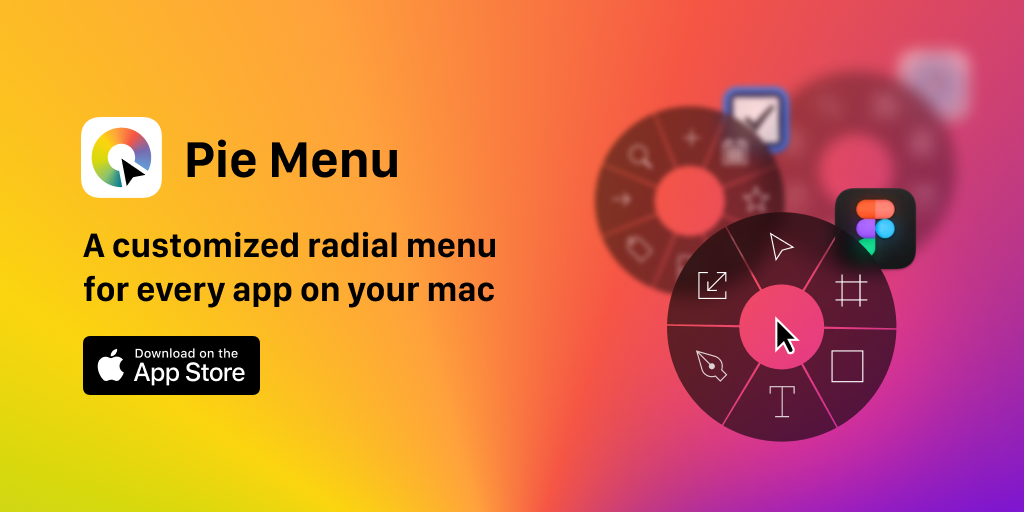
Pie Menu
Control your tools with a radial menu customized for your active app.

Window & Desktop Management
Launchy
An app launcher and switcher that utilizes a radial menu.
Window & Desktop Management
Loop
Window management made elegant. [Freeware][Freeware Icon]

Task & Project Management
Radial
Everything at your cursor in a single gesture
Clipboard, Input & Automation
Paletro
Command palette in any application
Window & Desktop Management
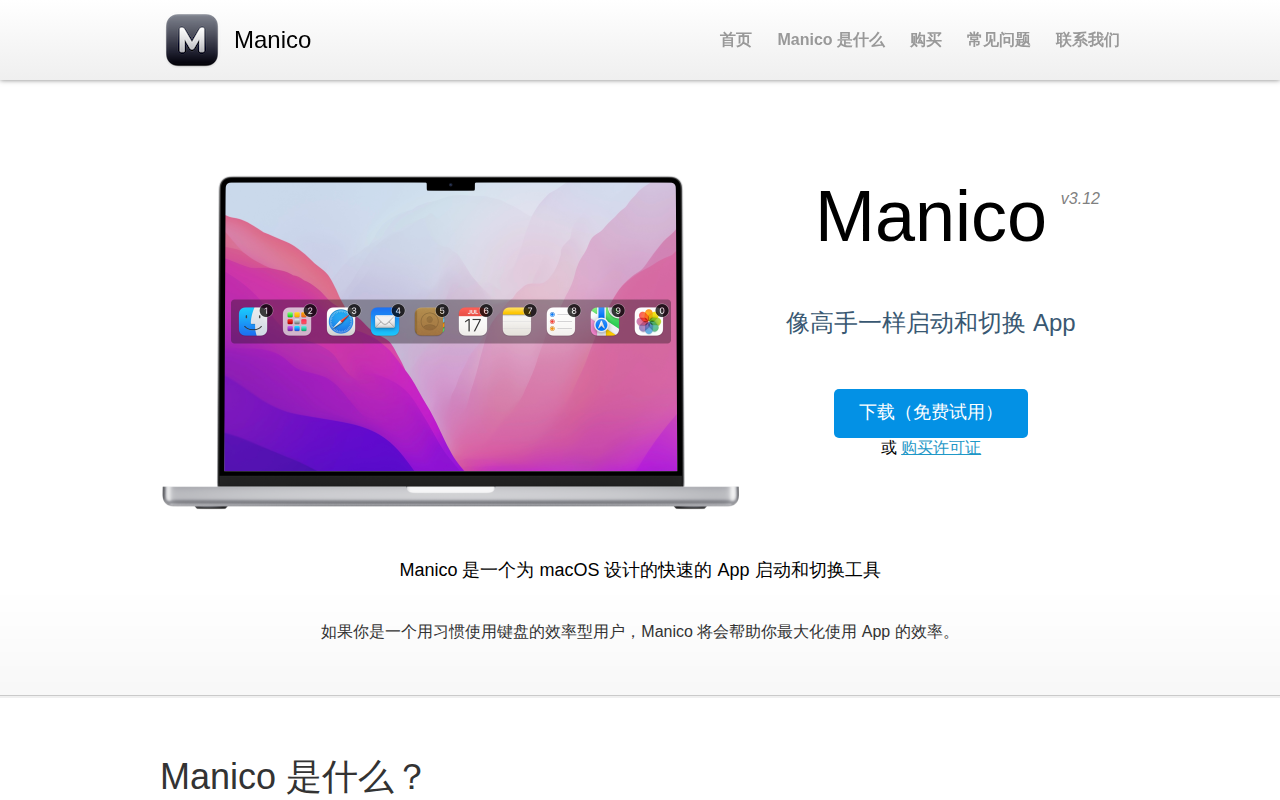
Manico
App launcher and switcher