

Radial
Everything at your cursor in a single gesture
Radial provides a radial (pie) menu for macOS that lets users launch shortcuts, scripts, text snippets, and other actions with a single cursor‑based gesture. Users can assemble macros from sixteen basic building blocks, chaining them into multi‑step workflows such as opening specific apps, arranging windows, renaming files, or toggling system settings. The tool emphasizes quick access to repetitive tasks, allowing actions like inserting code snippets, compressing images, or opening a Terminal at the current Finder location without leaving the current context.
The software targets macOS power users who want to streamline daily routines, developers who need fast code insertion, and anyone who prefers mouse‑driven interaction over keyboard shortcuts. It includes ready‑made presets for common scenarios—morning workspace setup, batch file renaming, quick email replies, and media control—while also offering an editor for creating custom macros and sharing them with others.
Radial’s distinctiveness lies in its gesture‑centric design that places the menu at the cursor, eliminating the need to remember key combinations or switch applications. By exposing a wide range of macOS actions through a single, configurable pie menu, it enables users to combine disparate functions into concise, repeatable gestures.
Reviews
Loading reviews…
Similar apps
Clipboard, Input & Automation
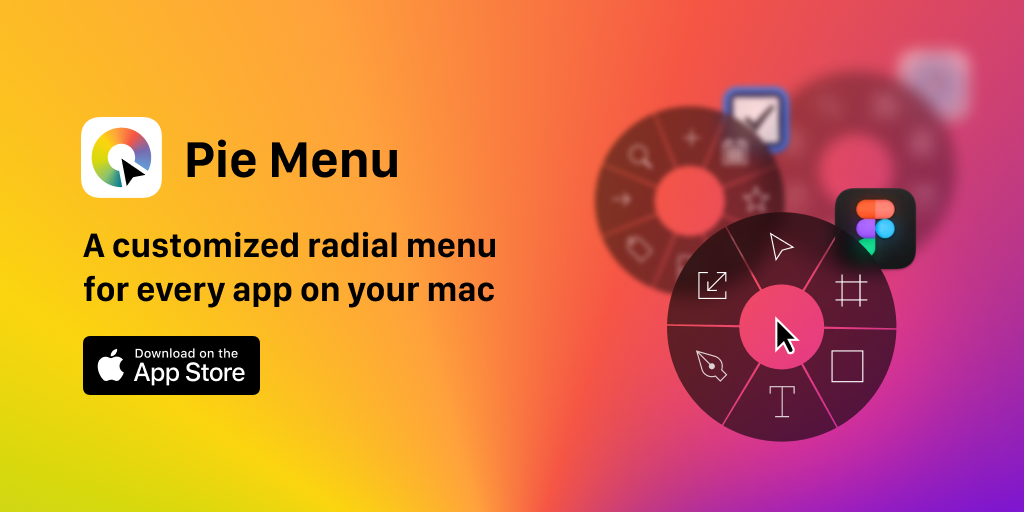
Pie Menu
Control your tools with a radial menu customized for your active app.

Window & Desktop Management
Kando
Pie menu

Window & Desktop Management
Launchy
An app launcher and switcher that utilizes a radial menu.
Clipboard, Input & Automation
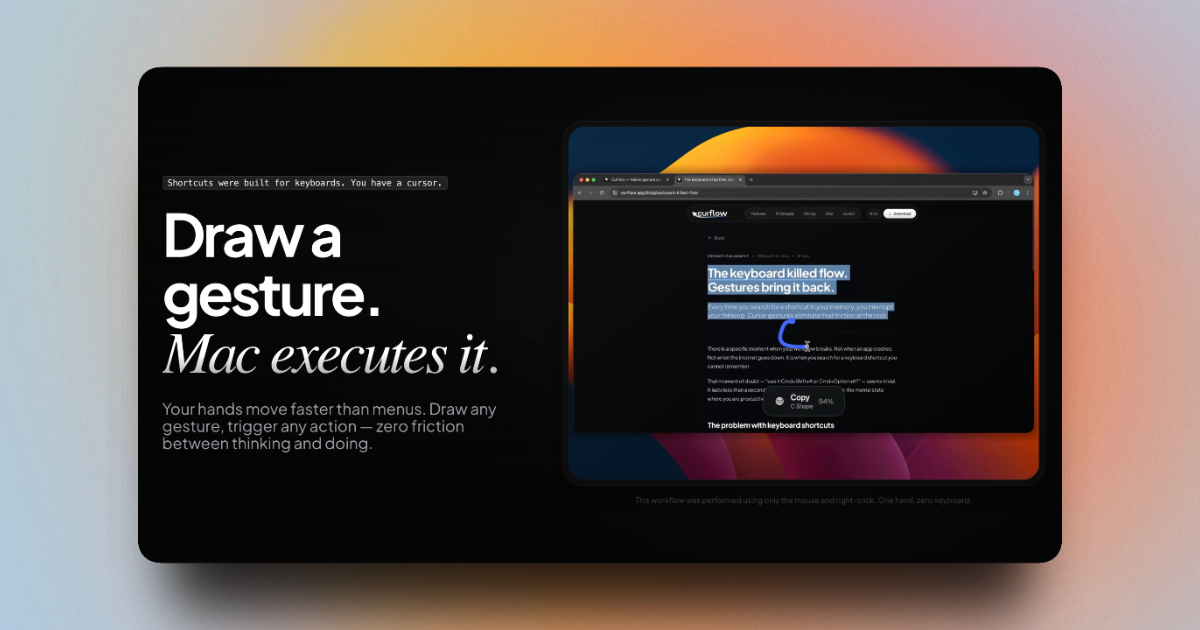
Curflow
Draw a gesture for your Mac to execute

Clipboard, Input & Automation
Raycast
A macOS launcher and command palette for launching apps, running scripts, and automating tasks.

Clipboard, Input & Automation
Rustcast
Workflow launcher for modes, quick app access, file search, clipboard history, and more.