
Rclone Browser
GUI for rclone
Rclone Browser provides a graphical interface to the rclone command‑line tool, letting users explore and manage any rclone remote—including encrypted ones—through a hierarchical file view that shows names, sizes and modification dates. It reads the existing rclone.conf file, so no separate configuration is needed, and can work with custom or relative paths in portable mode. Multiple repositories can be opened in separate tabs, and all rclone operations run asynchronously to keep the UI responsive while the file hierarchy is lazily cached for quick navigation.
The application supports common file actions such as upload, download, folder creation, renaming, deletion, and bulk size calculation, with drag‑and‑drop uploading and background job processing. Media files can be streamed to external players, and public‑link sharing or Google Drive “shared‑with‑me” options are available via context menus. Users may mount and unmount remote folders on macOS, Linux and Windows (the latter requiring WinFsp and macOS requiring FUSE), and the program can minimize to the system tray with completion notifications.
Targeted at users who already employ rclone for cloud storage synchronization, Rclone Browser adds a cross‑platform, Qt‑based GUI that simplifies remote management without altering existing rclone configurations. It runs on macOS, GNU/Linux, BSD families and Windows, offering dark‑mode theming and task saving for repeated operations.
Reviews
Loading reviews…
Similar apps
File Management & Transfer
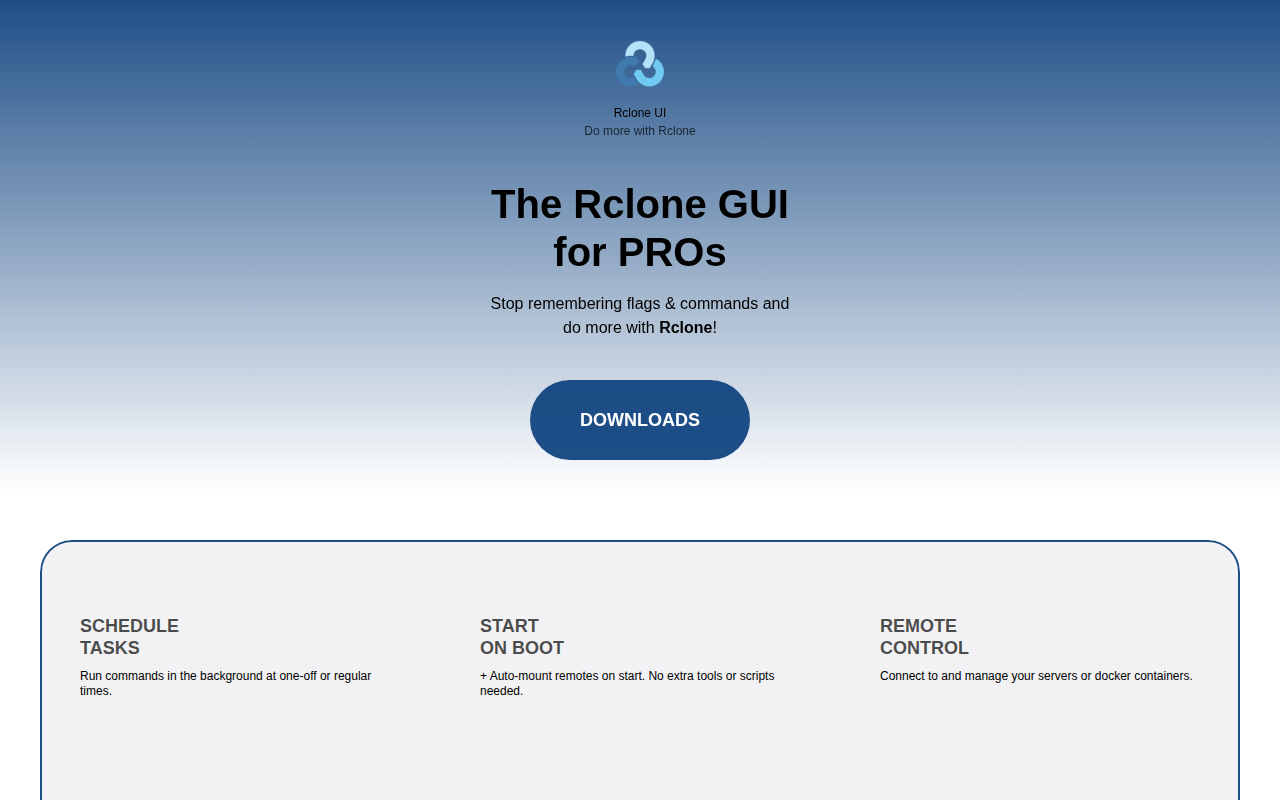
Rclone UI
GUI for Rclone
File Management & Transfer
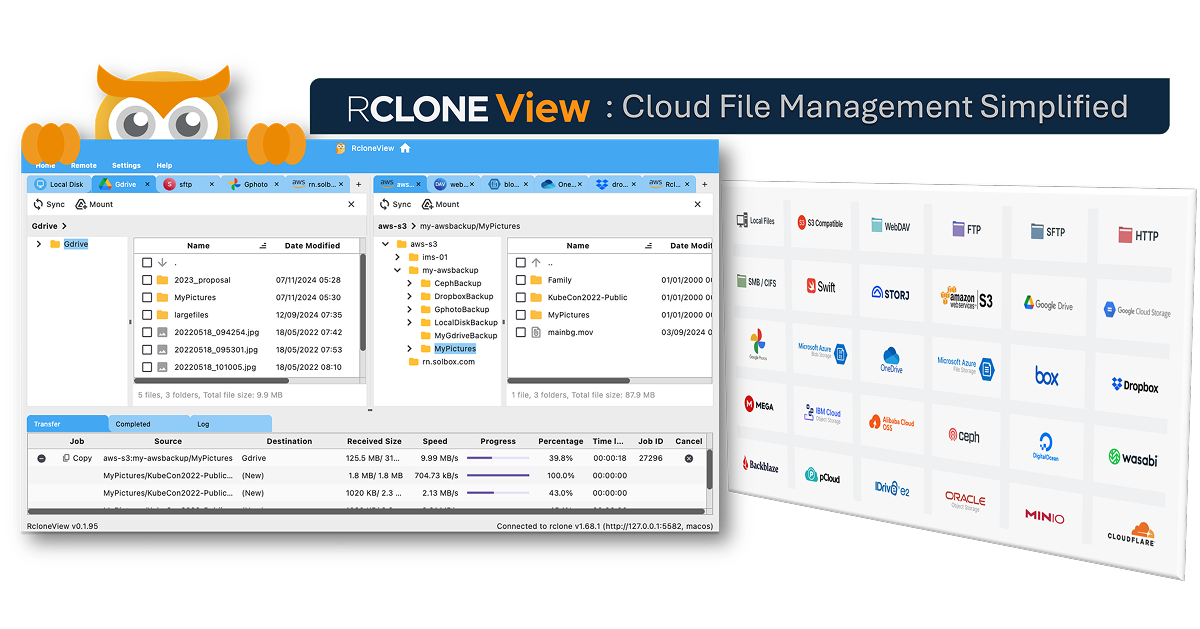
RcloneView
GUI for rclone
File Management & Transfer
Rclone UI
The GUI for Rclone & S3.

File Management & Transfer
rclone
Sync files with various cloud providers.
File Management & Transfer
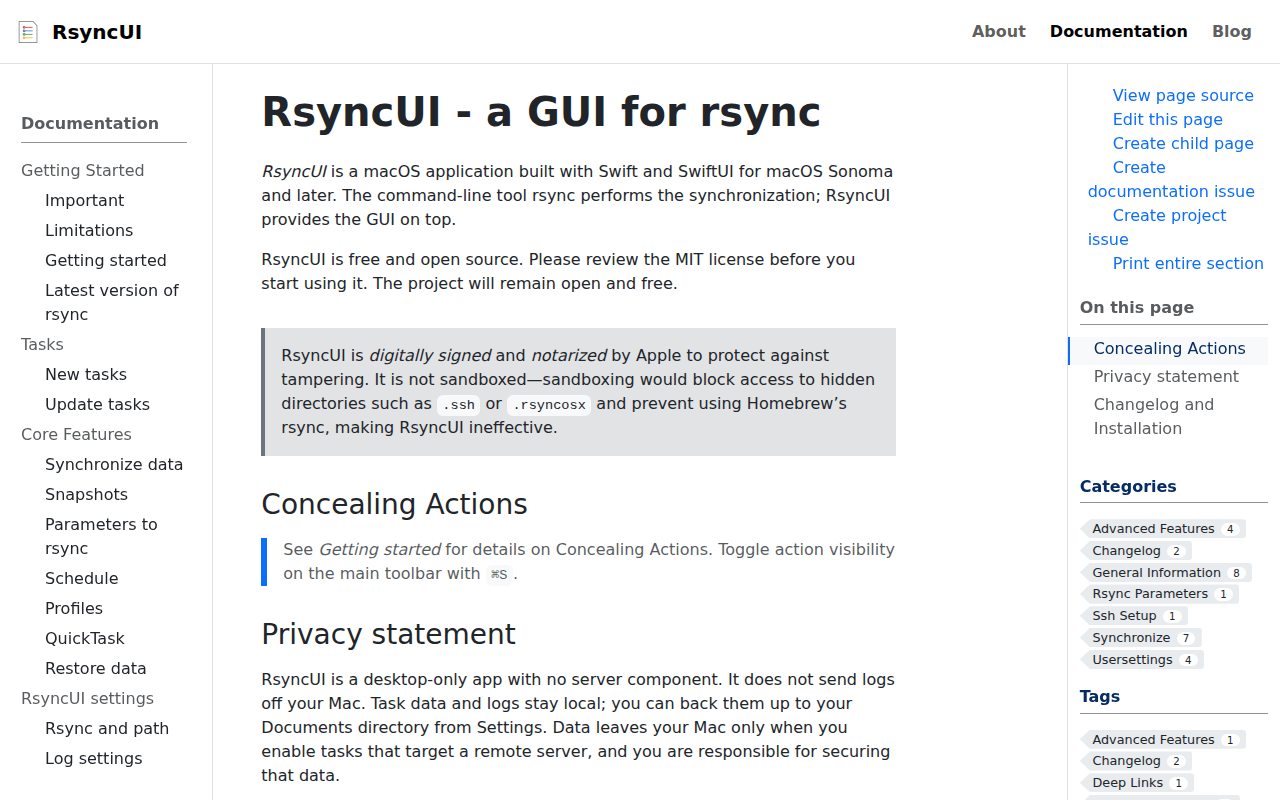
RsyncUI
GUI for rsync

File Management & Transfer
RsyncOSX
GUI for rsync