

RsyncOSX
GUI for rsync
RsyncOSX provides a graphical interface for the rsync command‑line utility, allowing macOS users to configure and run file synchronization tasks without using a terminal. The application targets macOS Big Sur and newer versions, offering a native Cocoa‑based window where source and destination paths, options, and schedules can be selected through point‑and‑click controls. It is distributed as a signed and notarized macOS bundle, available for download directly or via Homebrew cask.
The tool is intended for individuals who need reliable backup or mirroring of files and directories on macOS but prefer a visual workflow over manual rsync syntax. It supports typical rsync features such as incremental copying, exclusion patterns, and dry‑run previews, all presented in a simplified UI that abstracts the underlying command line.
RsyncOSX is a stable release but the repository is archived and no longer maintained; users on macOS Sonoma or later are directed to the successor project RsyncUI. The software remains usable under its existing license and can be installed through Homebrew or manual download.
Reviews
Loading reviews…
Similar apps
File Management & Transfer
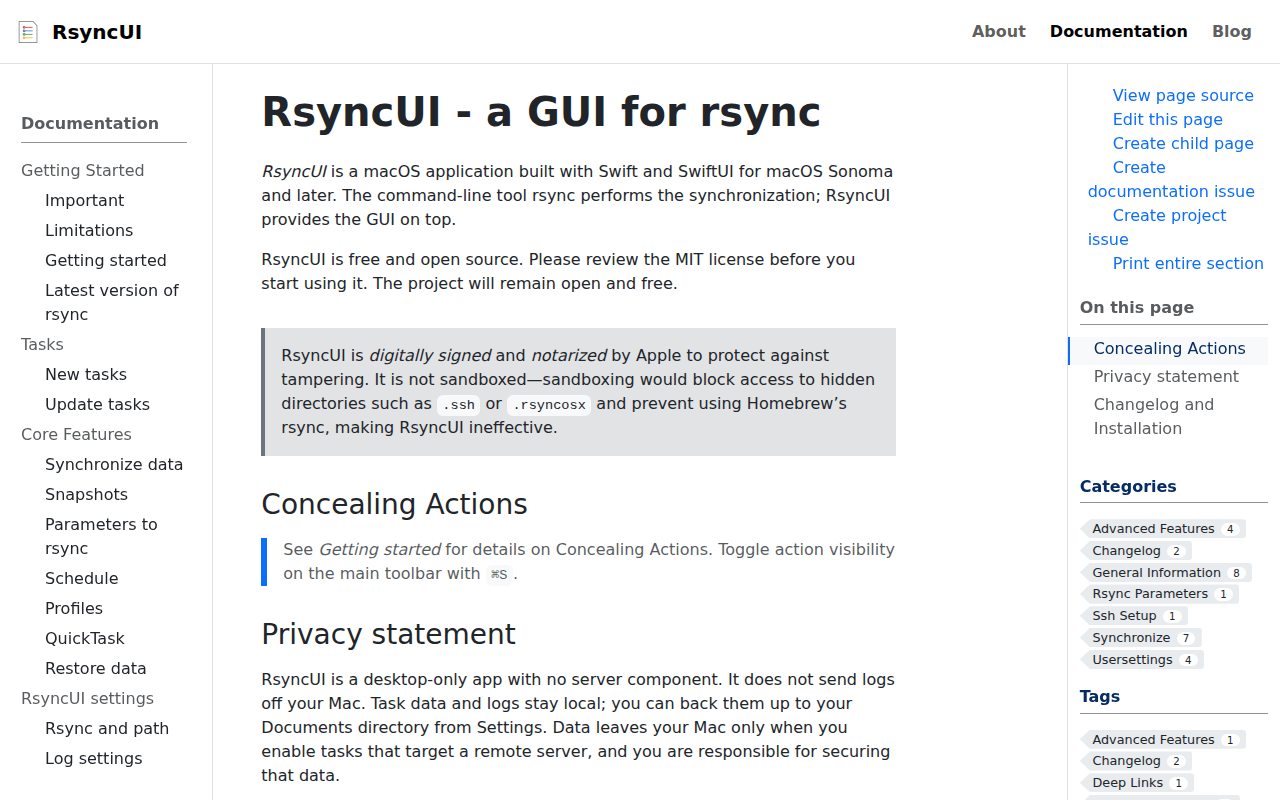
RsyncUI
GUI for rsync

File Management & Transfer
Rclone UI
GUI for Rclone
File Management & Transfer
Rclone Browser
GUI for rclone
File Management & Transfer
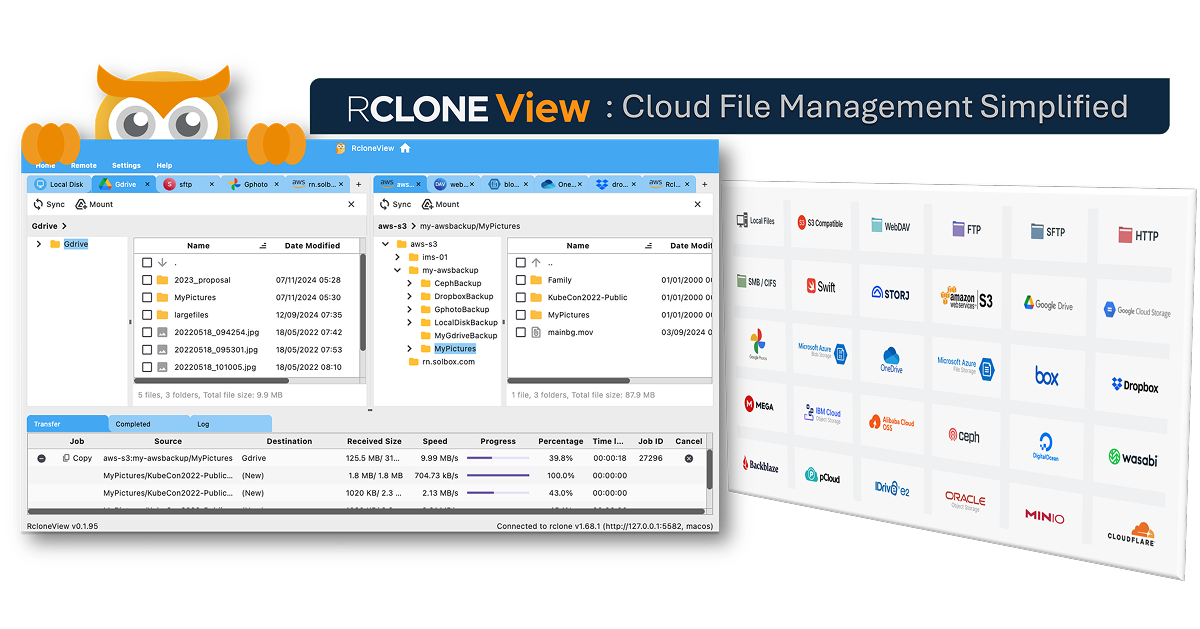
RcloneView
GUI for rclone
File Management & Transfer
BBackupp
iOS device backup software
File Management & Transfer
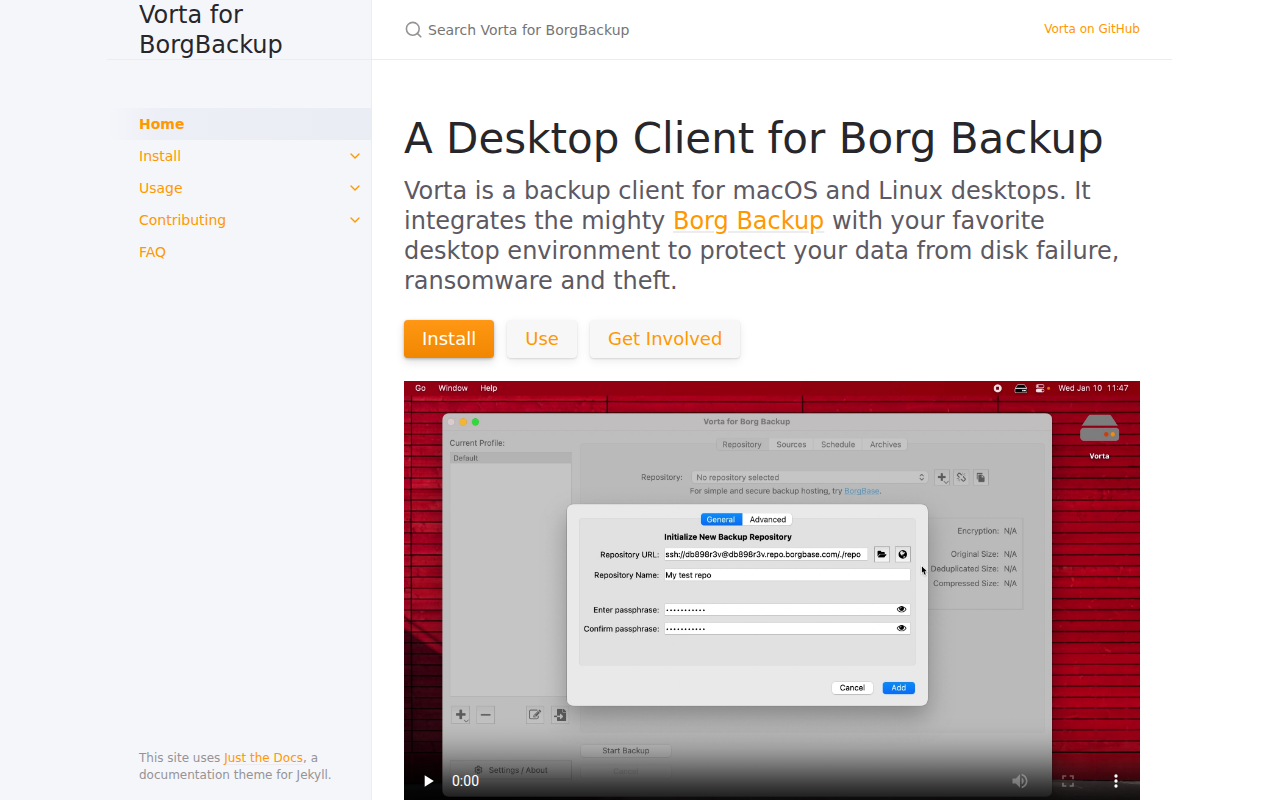
Vorta
Desktop Backup Client for Borg