
ksnip
Screenshot and annotation tool
Ksnip is a Qt‑based screenshot utility that runs on Linux, Windows and macOS. It can capture a user‑drawn rectangular region, the last used region, the monitor under the cursor, a full screen, the active window, or the window beneath the cursor, with optional inclusion of the mouse pointer. Captures may be delayed, saved locally, printed, or uploaded directly to services such as imgur, FTP servers, or custom scripts.
After a screenshot is taken, ksnip offers a range of annotation tools including pens, markers, shapes, text, stickers, cropping, blurring, pixelation, and effects like grayscale or drop shadow. Users can also add watermarks, manage multiple images in tabs, and invoke OCR through a plugin.
The program supports global hotkeys (on Windows and X11), command‑line operation with filename wildcards, and user‑defined actions for post‑processing. It can run as a single instance, pin images above other windows, and provides extensive configuration options.
Reviews
Loading reviews…
Similar apps
Screenshot & Screen Recording
Flameshot
Powerful yet simple to use screenshot software. ![Open-Source Software][OSS Icon] ![Freeware][Freeware Icon]
Screenshot & Screen Recording
Xnip
Handy Screenshot App.
Screenshot & Screen Recording
Flameshot
Screenshot software with built-in annotation tools
Screenshot & Screen Recording
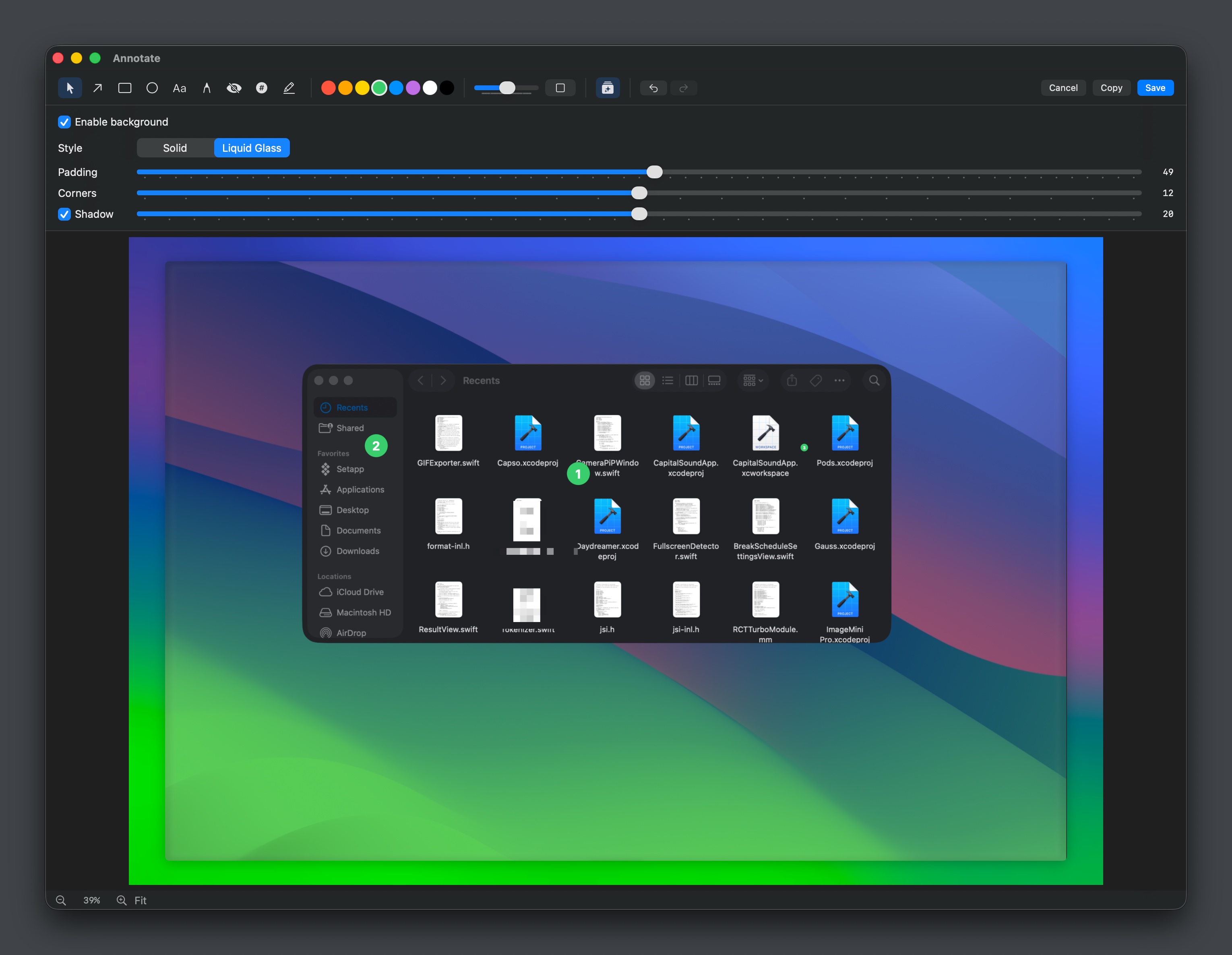
Capso
Open-source screenshot and screen recording tool with annotations, OCR, and webcam overlays.
Screenshot & Screen Recording
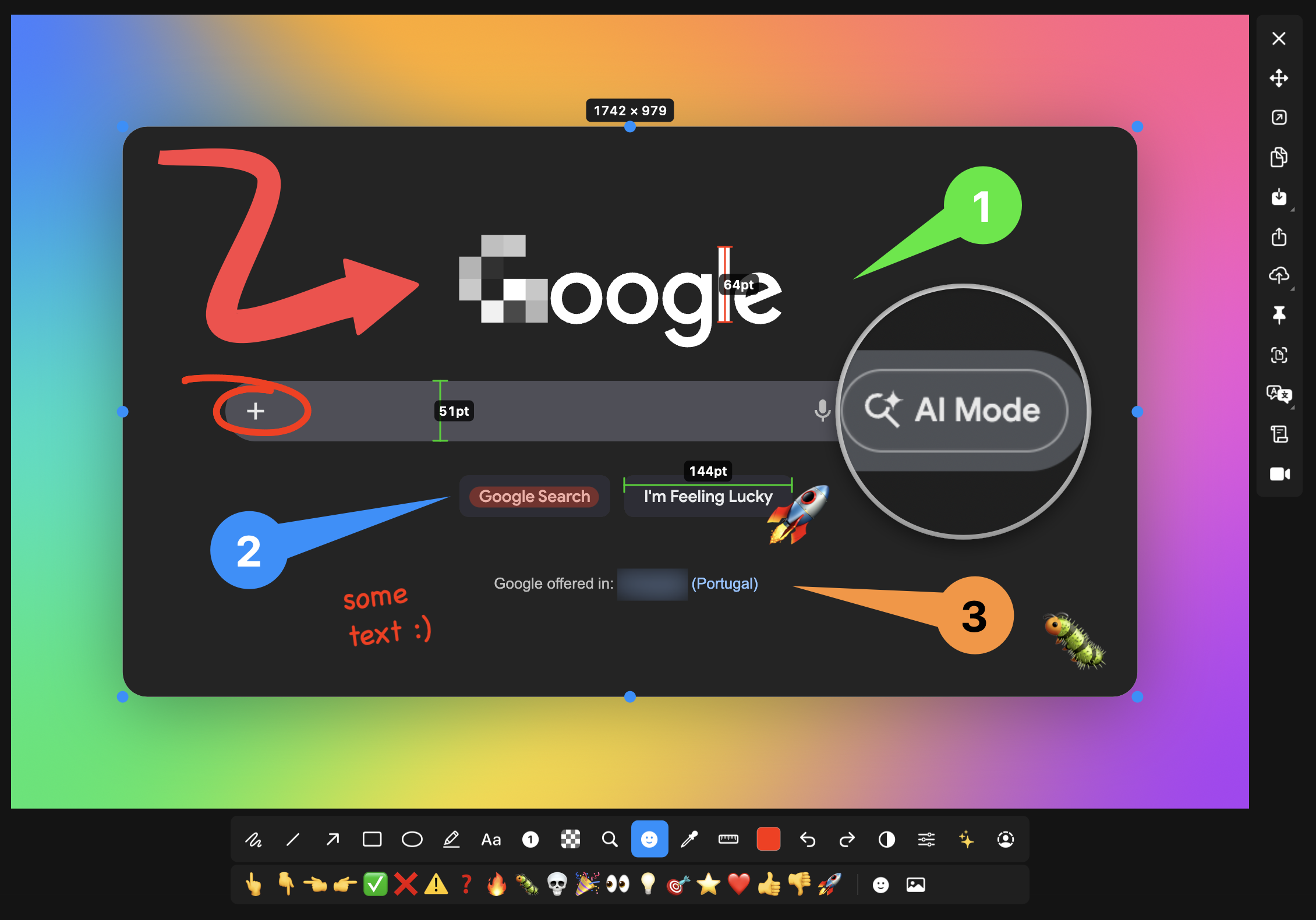
macshot
Screenshot and annotation tool with screen recording, scrolling capture, and OCR.
Screenshot & Screen Recording
Katana
Open-source screenshot utility