
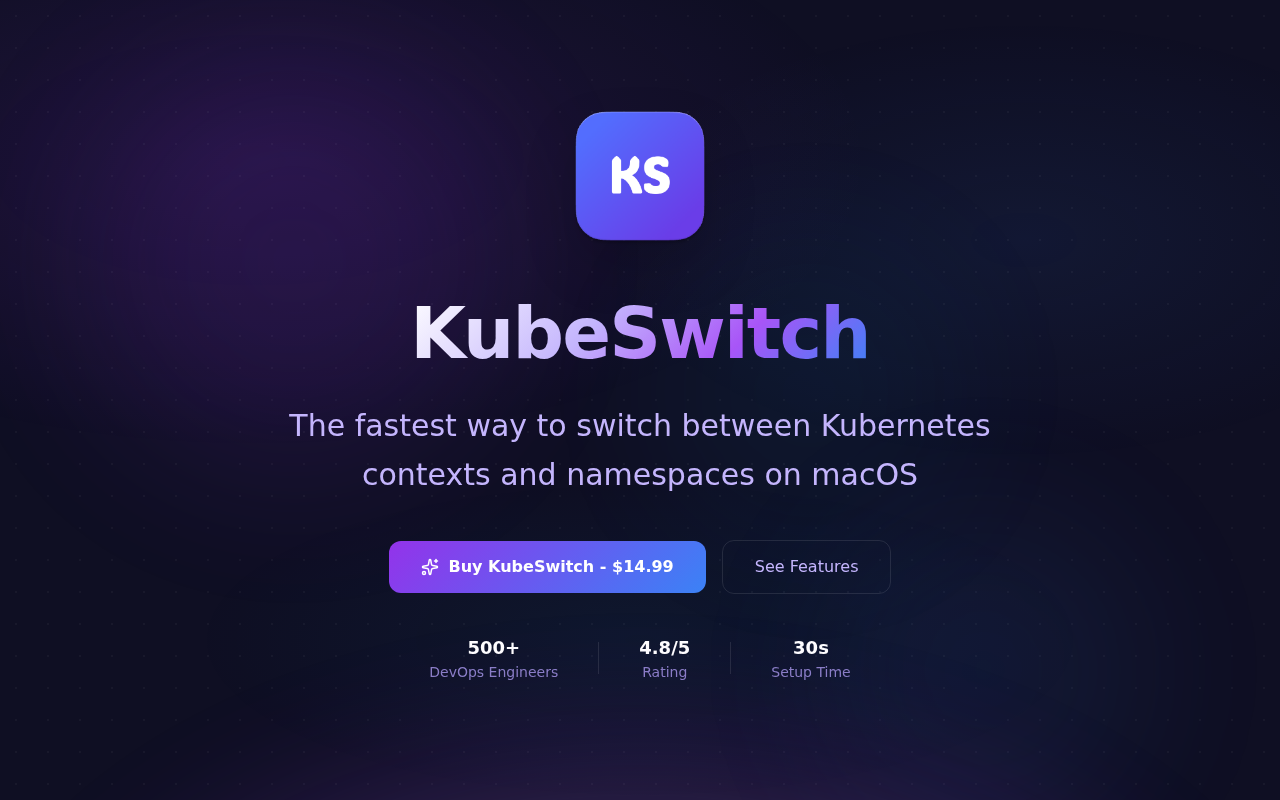
KubeSwitch
The fastest way to switch between Kubernetes contexts and namespaces on macOS. ![Freeware][Freeware Icon]
KubeSwitch provides a native macOS menu‑bar interface for rapidly changing Kubernetes contexts and namespaces. It monitors one or more kubeconfig files, merges them automatically, and updates in real time, allowing users to select the desired environment without opening a terminal or navigating menus. A global hotkey opens a QuickSwitch panel where fuzzy‑search filtering works across all detected contexts and namespaces, delivering instant switching.
The tool is designed for macOS, supporting both Apple Silicon and Intel processors, and operates entirely locally with no telemetry or data transmission. It works with any Kubernetes cluster that kubectl can access, including managed services such as AWS EKS, Google GKE, Azure AKS, and OpenShift. By residing in the menu bar, it continuously displays the current context for quick reference.
KubeSwitch targets developers and DevOps engineers who need a lightweight, privacy‑first method to manage multiple Kubernetes configurations on macOS. It offers a one‑time purchase model with lifetime updates, eliminating recurring fees.
Reviews
Loading reviews…
Similar apps
DevOps & Infrastructure
KubeContext
Menu bar app for managing Kubernetes contexts
DevOps & Infrastructure
Kubernetic
Kubernetes desktop client
DevOps & Infrastructure
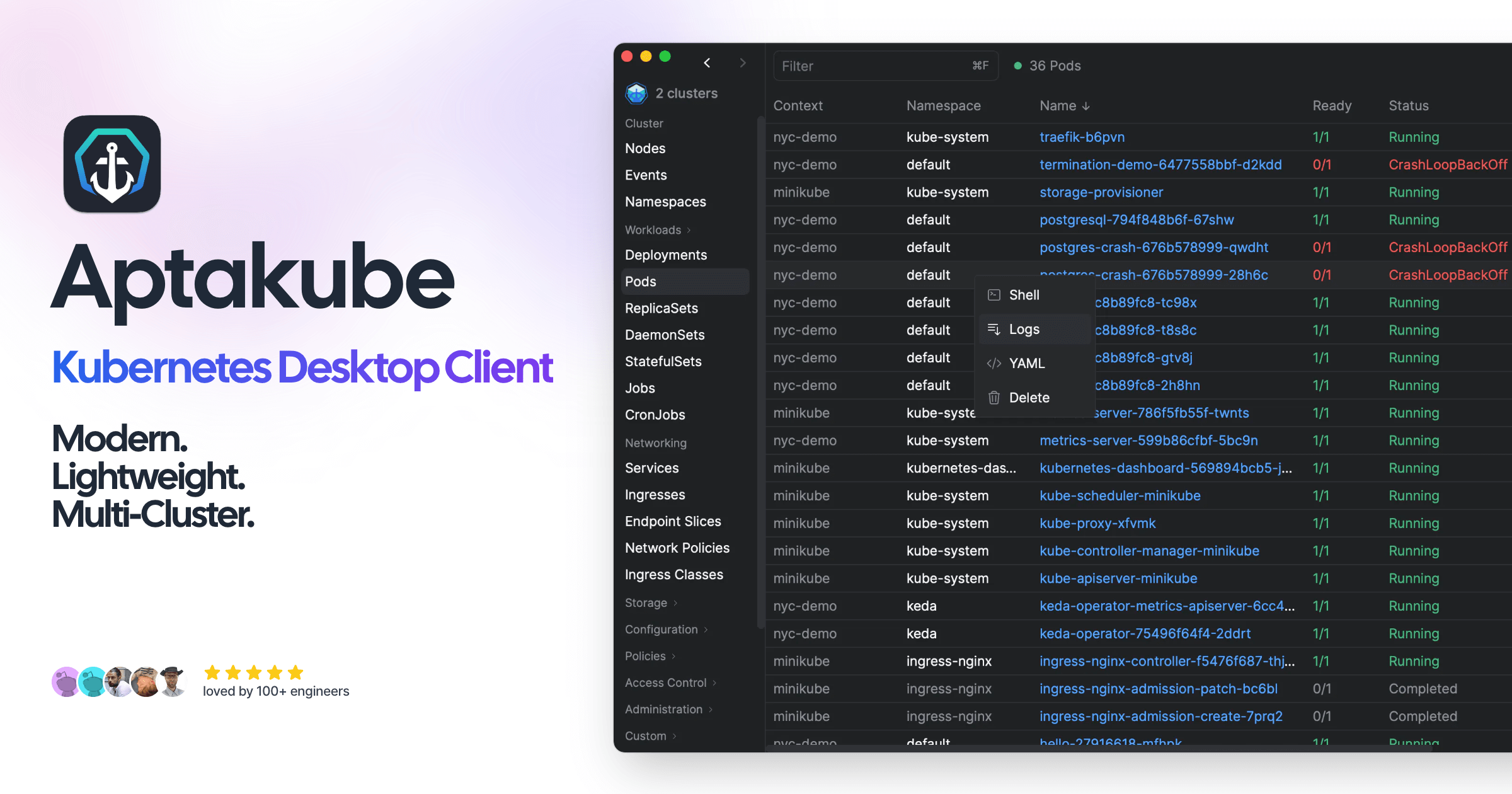
Aptakube
Kubernetes desktop client

DevOps & Infrastructure
OrbStack
Fast, light, and simple way to run Docker containers and Linux machines on macOS. ![Freeware][Freeware Icon]
DevOps & Infrastructure
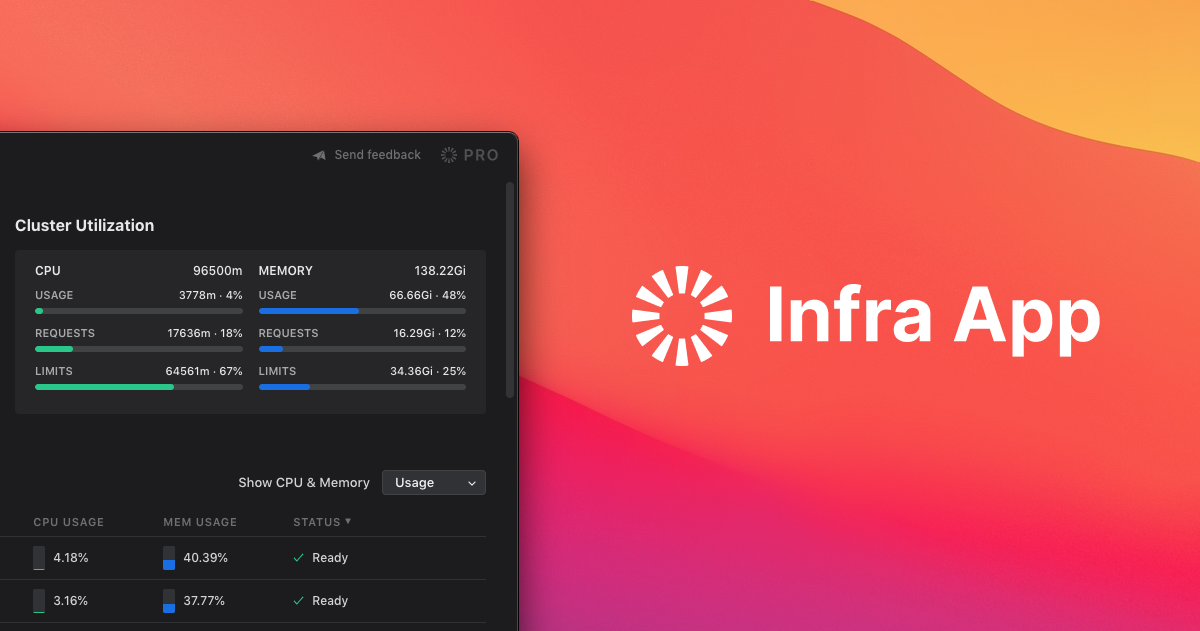
infra
Kubernetes desktop client
DevOps & Infrastructure
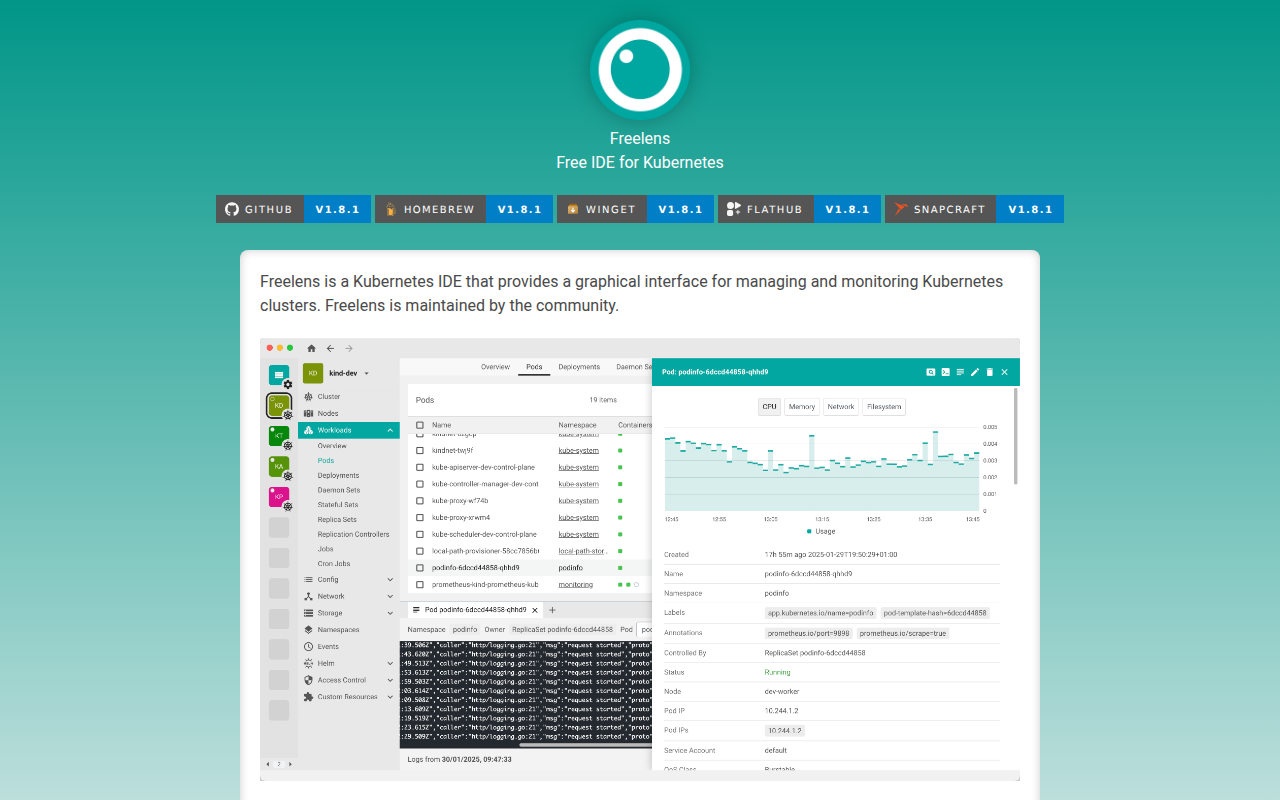
Freelens
Kubernetes IDE